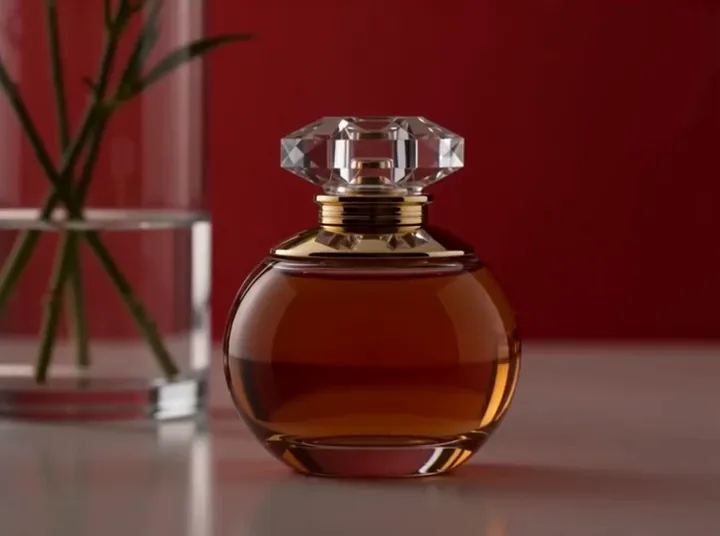
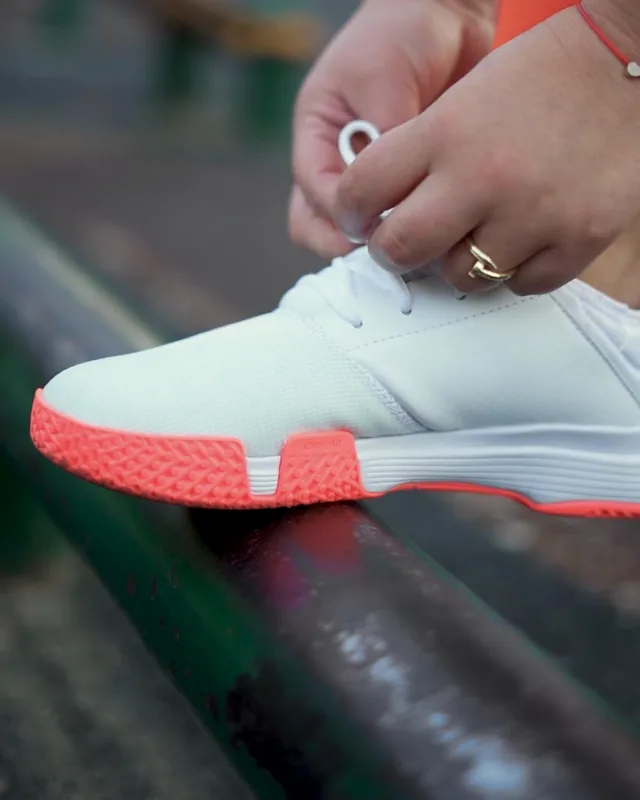
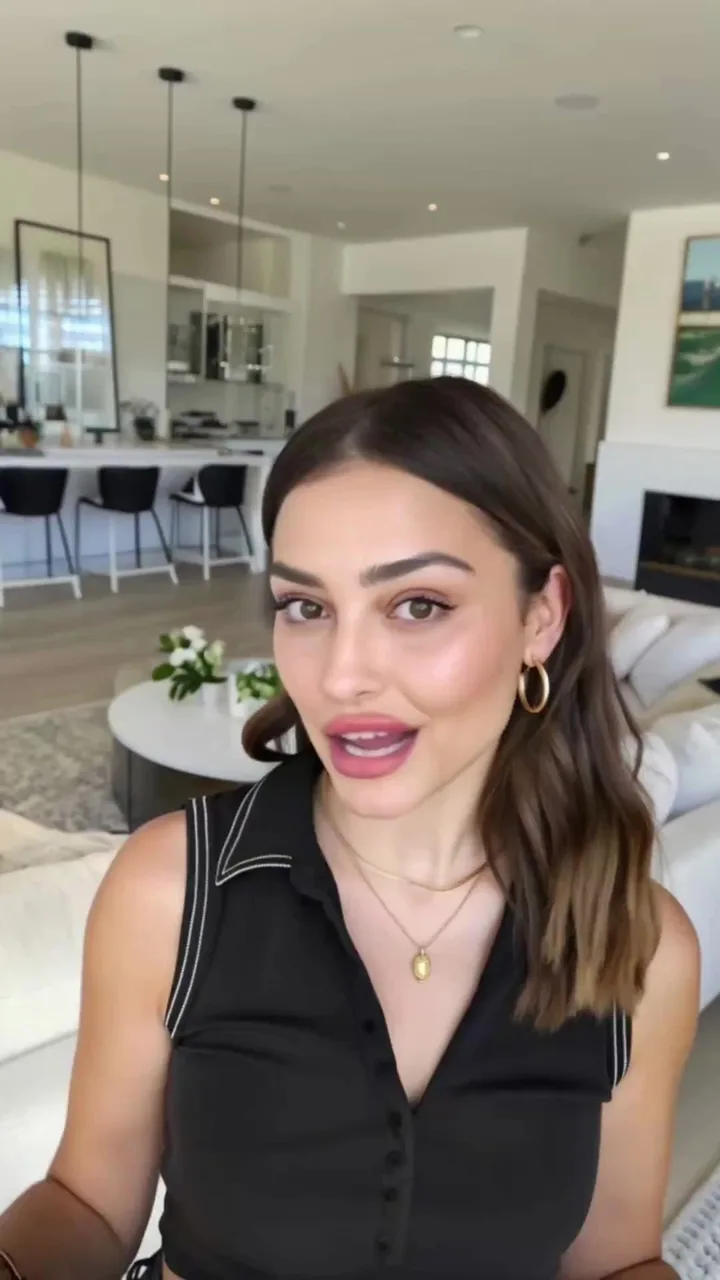
How to make video ad hooks with AI: three openers from one sentence
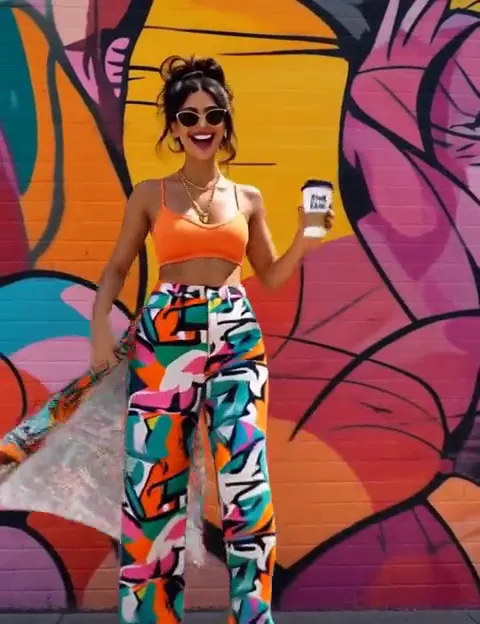
What a hook is, why to test three before writing the rest, which opening tactics to try, and how to key the shot for your own app or background.
Short answer: describe the product in one sentence in Instant Hook. It writes and renders three vertical five-second openers, each on its own angle, so you can compare the first seconds of the ad before you write the rest of it.
What is a video ad hook?
The hook is the first seconds of a video ad, the part that decides whether someone keeps watching. Everything after it only plays for the people it held, which makes it the cheapest part of an ad to test and the most expensive part to get wrong.
Why test three hooks before the full script?
A hook is chosen by comparison. One opener is a guess; three is a shortlist. Making only the opening seconds keeps each test small, so you can try several angles on the same product and put the full script, the creator and the edit behind the one that works.
Which opening tactics can you try?
Instant Hook has forty ways to open. Leave the hook type on Mixed and each of the three openers takes its own tactic, such as a question, a POV or a before and after. Or hold one tactic across all three and compare how it is executed. The first run tells you which kind of opening lands; the second tells you which version of it does.
How to make video ad hooks with AI, step by step
- Open Instant Hook and describe the product in a line: what it is and who it is for.
- Add a reference image if the product has to look exactly like your product. It is optional; the idea alone is enough to generate.
- Pick the hook type, Mixed or one tactic, and the length and ratio. Five seconds and 9:16 are the defaults; you can go up to fifteen seconds and pick 3:4, 1:1, 4:3, 16:9 or 21:9.
- Press Generate. Each hook is its own run, billed per second of output, and the badge on the button prices the whole press first.
Can you put your own app or background in the shot?
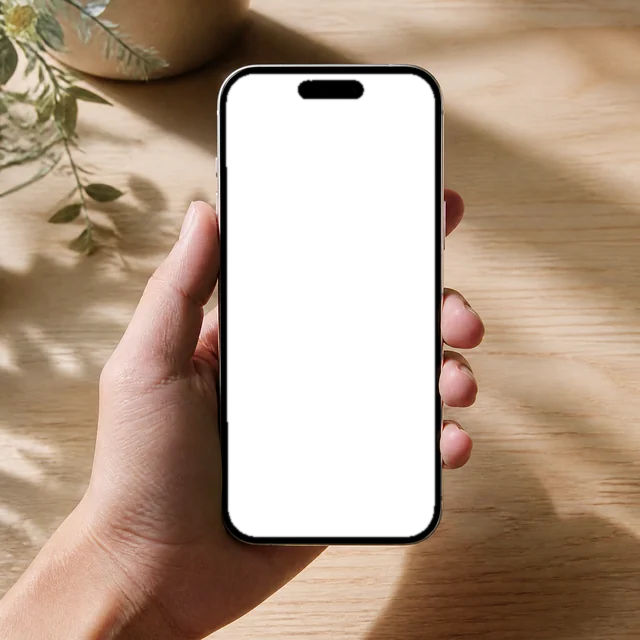
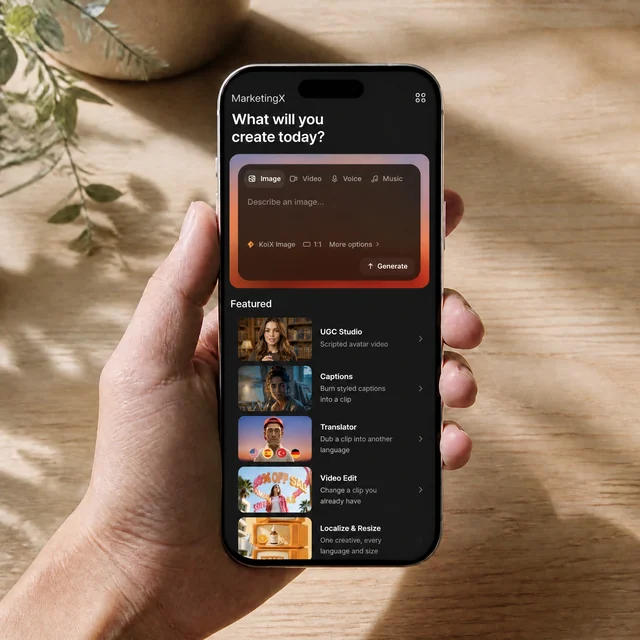
Yes. Ask for a keyable screen, a keyable background, or both. The device screen comes back as a flat keyable rectangle and everything behind the creator as a seamless keyable wall, so you can drop your real app onto the phone or move the creator anywhere in the edit.
What do you do with the hook that wins?
Build the ad behind it. UGC Studio turns the full script into a lip-synced creator video, and the guide to UGC video ads walks through it. Video Extend carries a clip on past its last frame, and Caption adds subtitles for feeds that start muted.
Questions people ask
Which model makes the hooks?
MiniMax H3 Max, which makes five to fifteen seconds at up to 1080p.
Do I need a reference image?
No. A reference keeps your product looking like your product, but the idea alone is enough to generate.
How long can a hook be?
Five seconds by default, up to fifteen.
How is it billed?
Each hook is its own run, billed per second of output. The price of the whole press shows on the button before you generate.
Make your first three hooks in Instant Hook.