16:99:16
Vertical from landscape
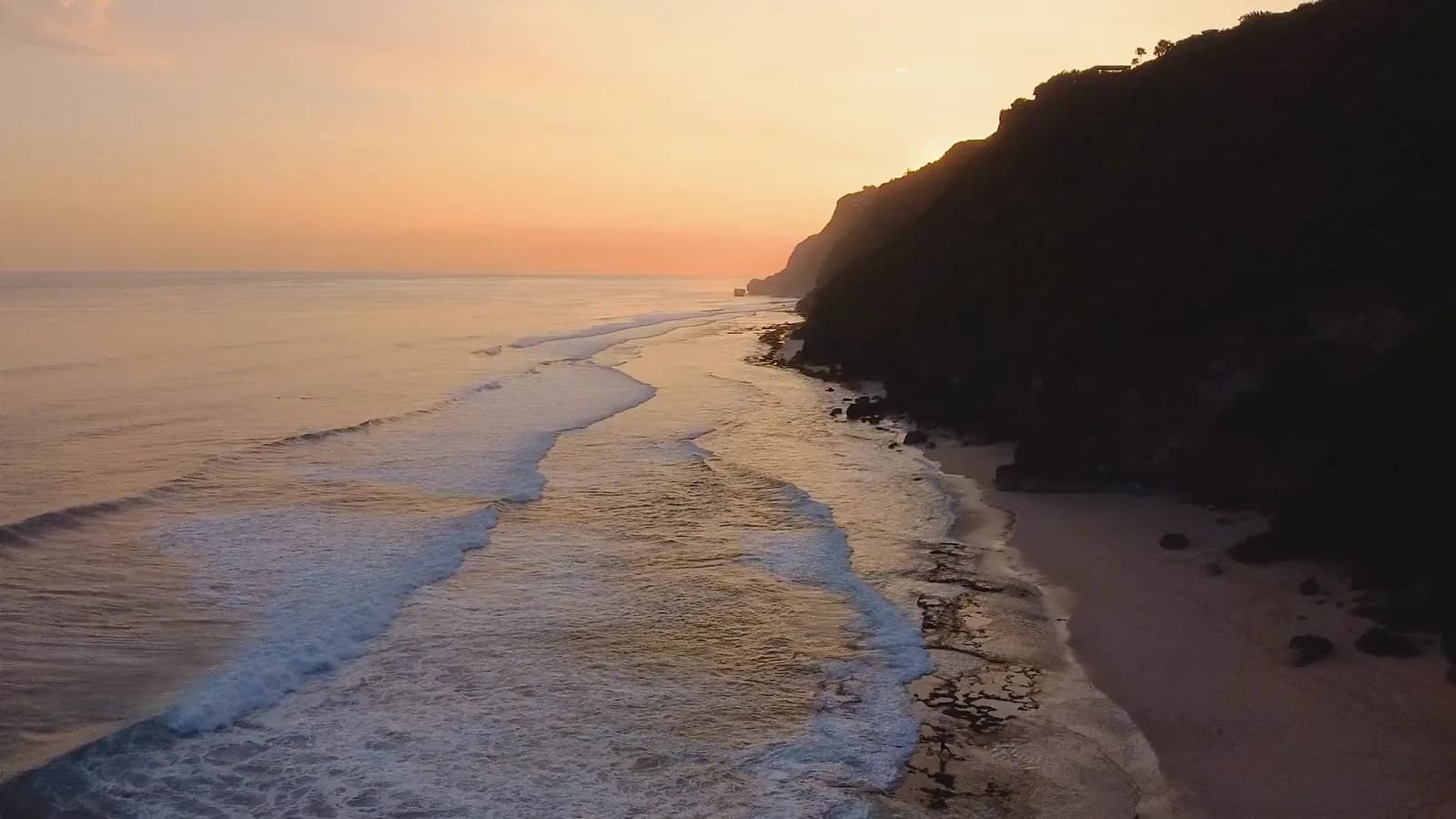
A 16:9 master becomes a 9:16 Story without a second shoot.
Turn a landscape ad into a Story, a feed post and a portrait placement. Reframe recomposes the shot for the new shape instead of stretching it.
Free to start. No credit card.
Pick the ratio and see what the recut keeps before you press Generate.
A 16:9 master becomes a 9:16 Story without a second shoot.
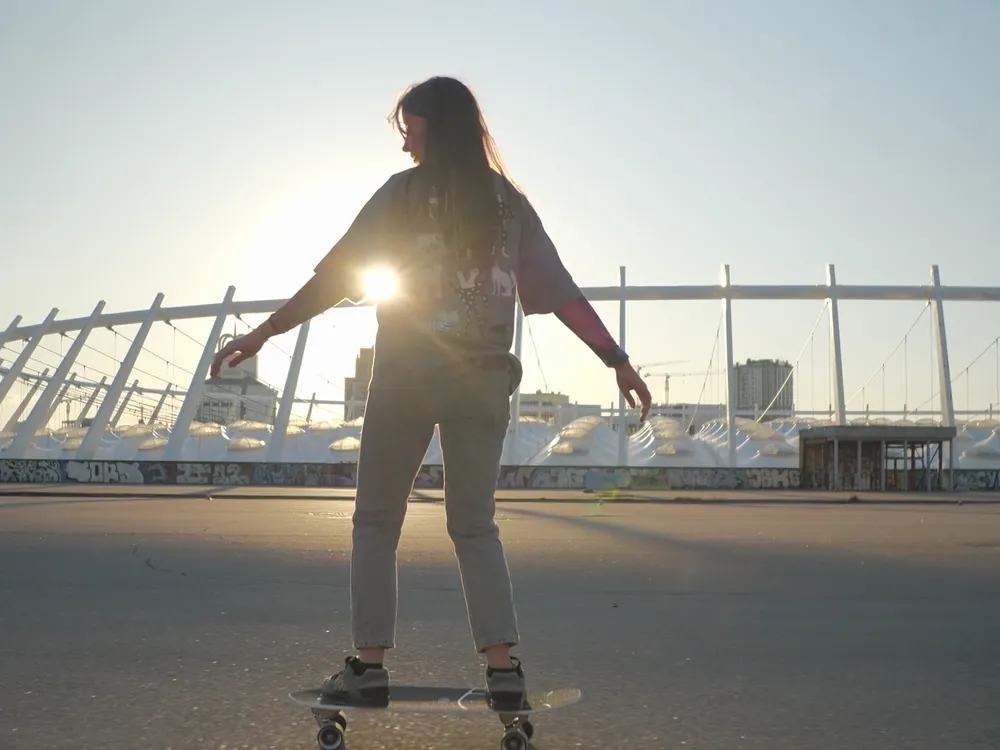
The dock draws the new ratio on your clip, so the strips it gives up are visible up front.
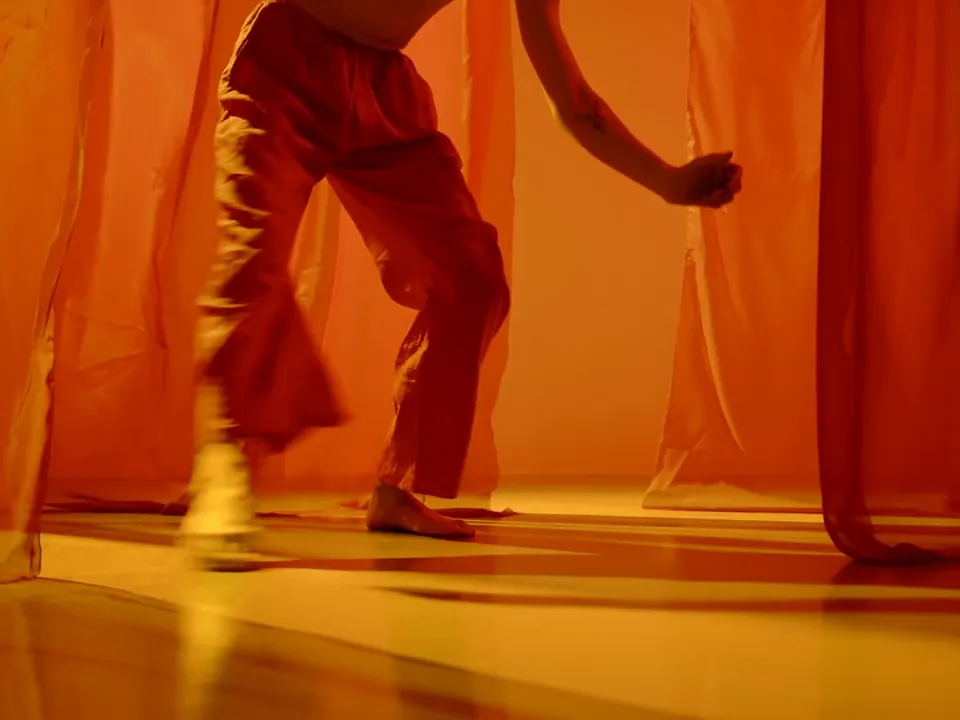
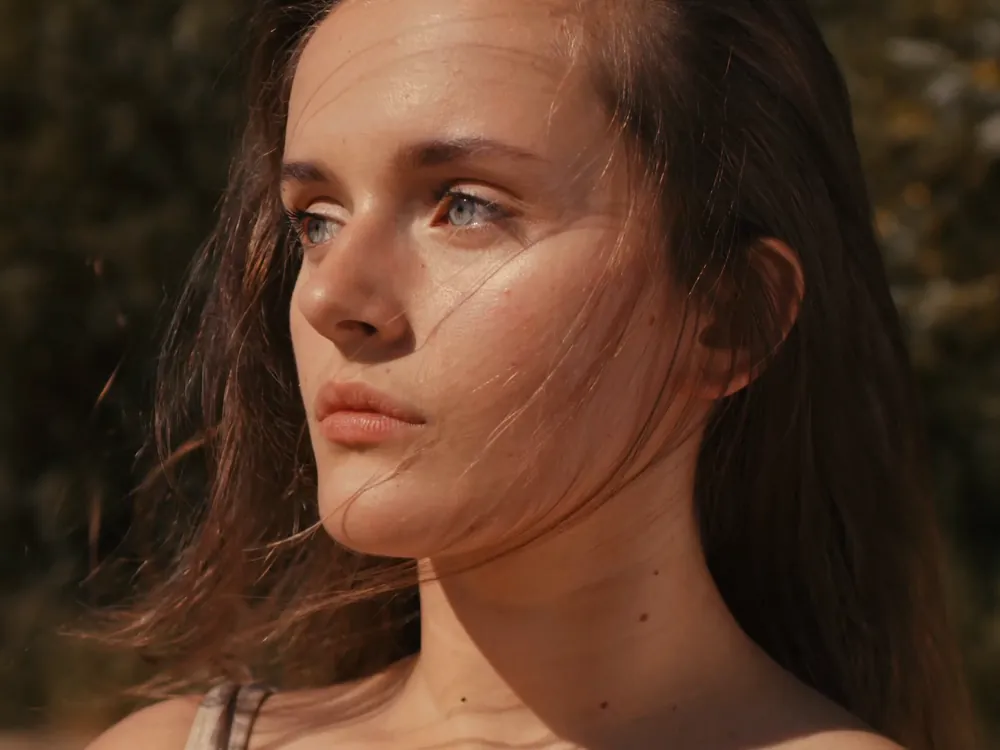
The subject keeps its proportions; the shot is rebuilt for the new shape.
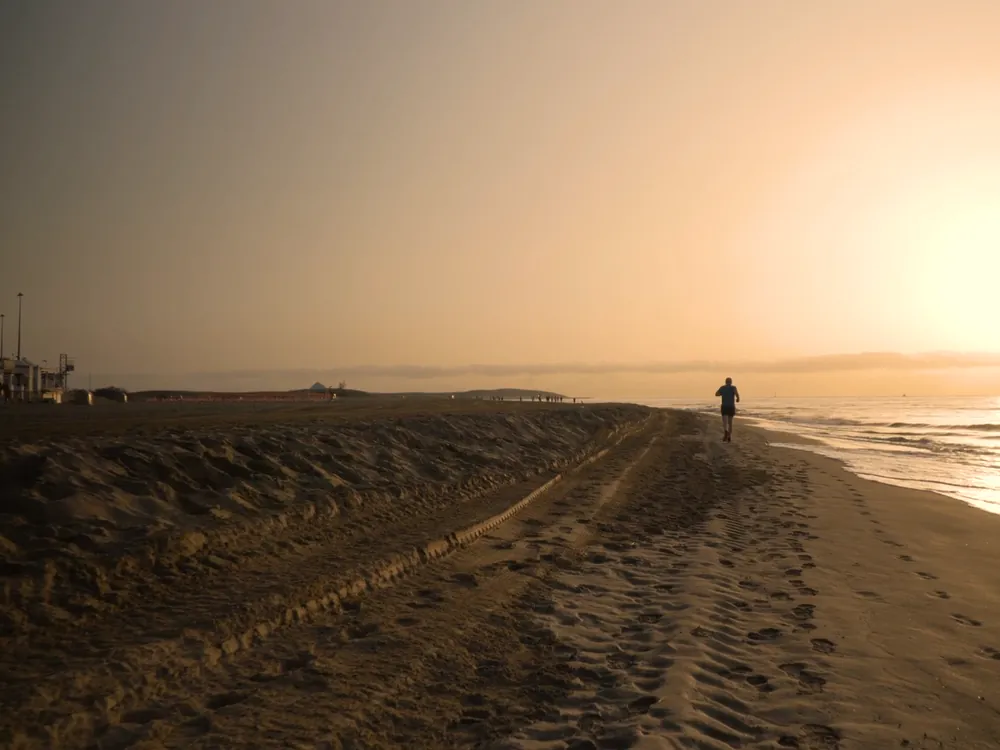
Shoot or generate once in landscape, then recut the same clip for Stories, Reels, the feed and portrait slots.
Reframe a videoPick an aspect ratio and the largest centred frame of that shape is drawn on the source. Everything outside it is veiled, so the result holds no surprises.
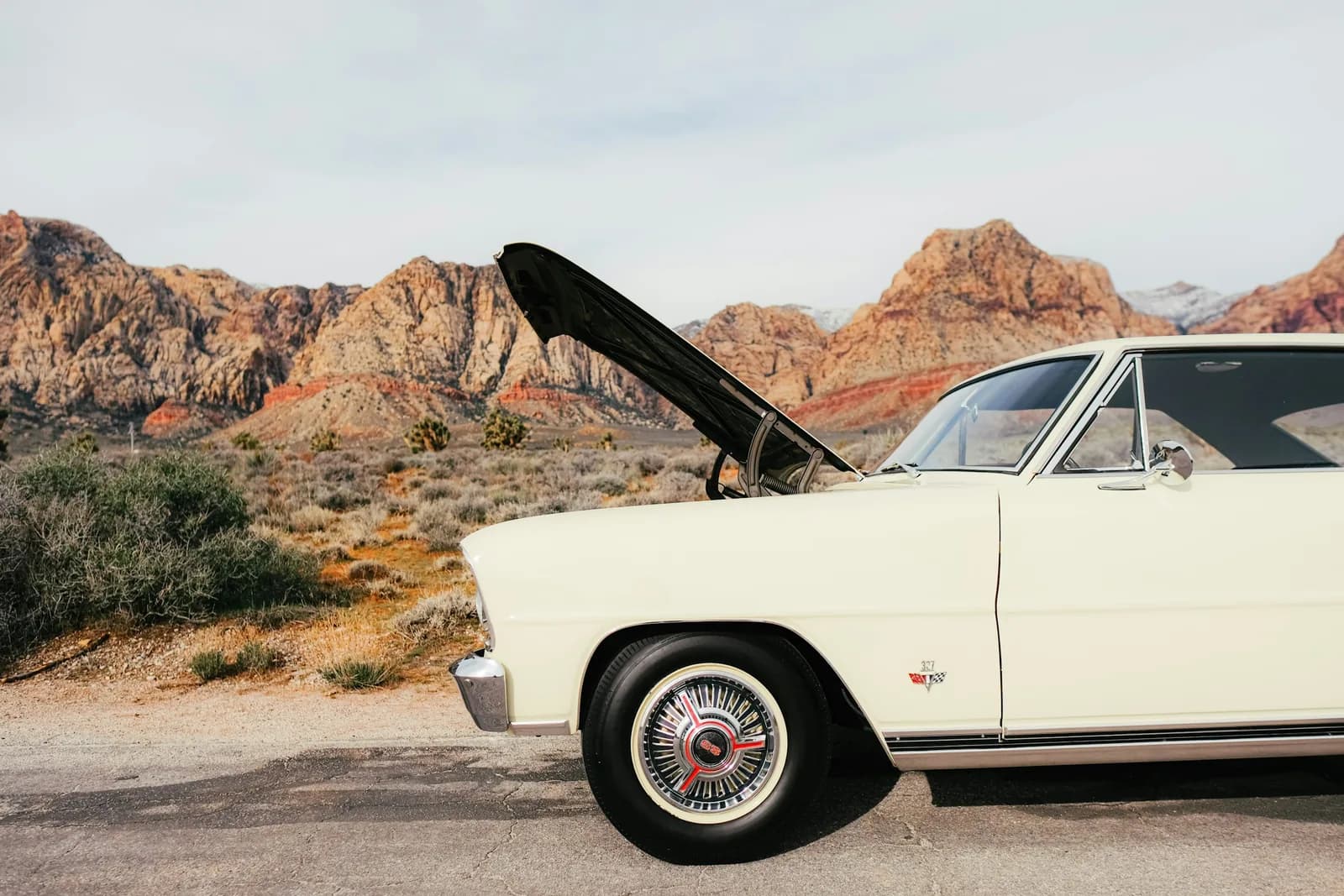
Reframe a videoMost placements are taller than the camera that shot them. Reframe the clip for the feed it is going to, and keep the action in the middle of it.
Make it verticalThree steps in Video Studio.
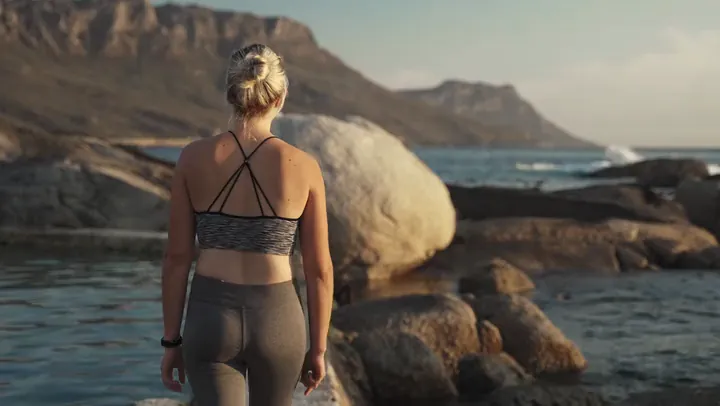
One landscape master, recut for every placement. Pick the ratio, see the frame drawn on your clip, and generate the Story, the square and the portrait cut.