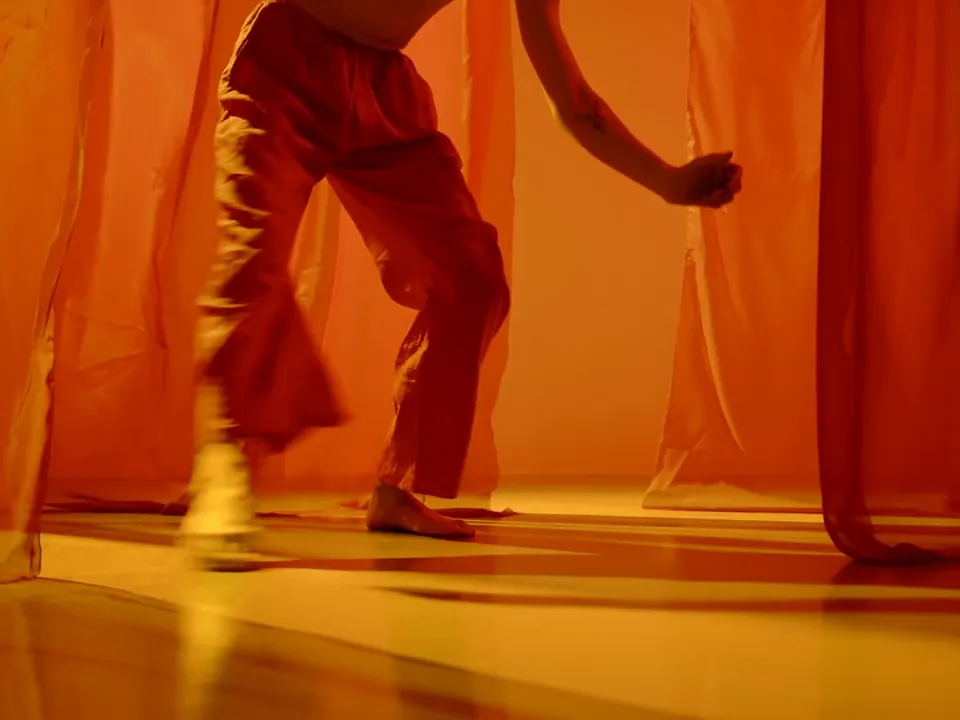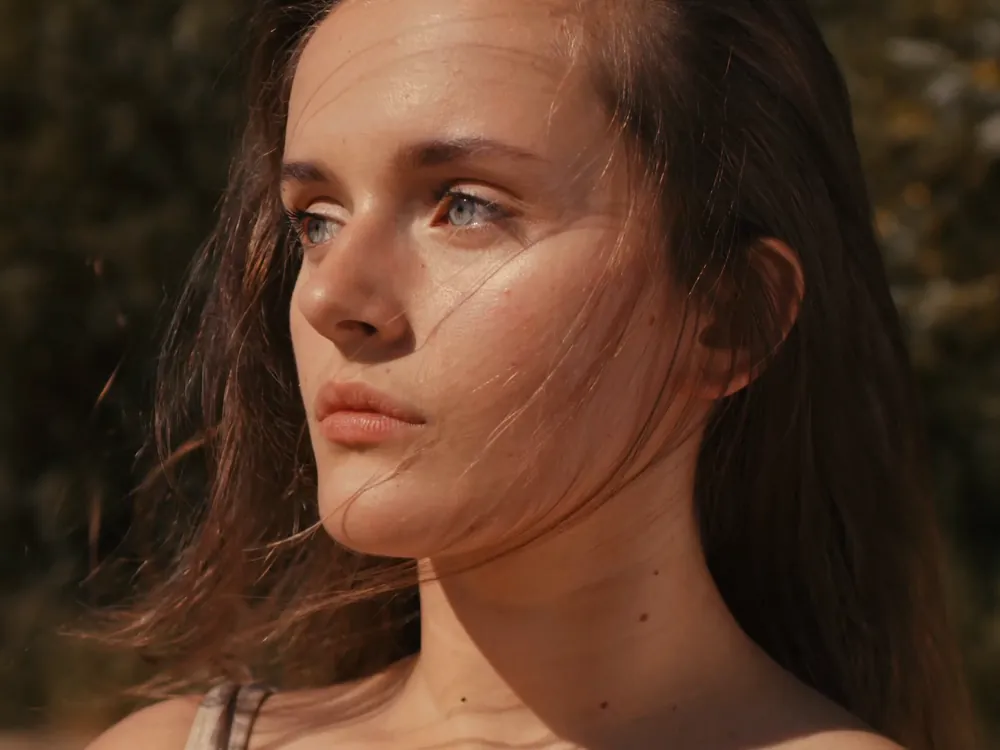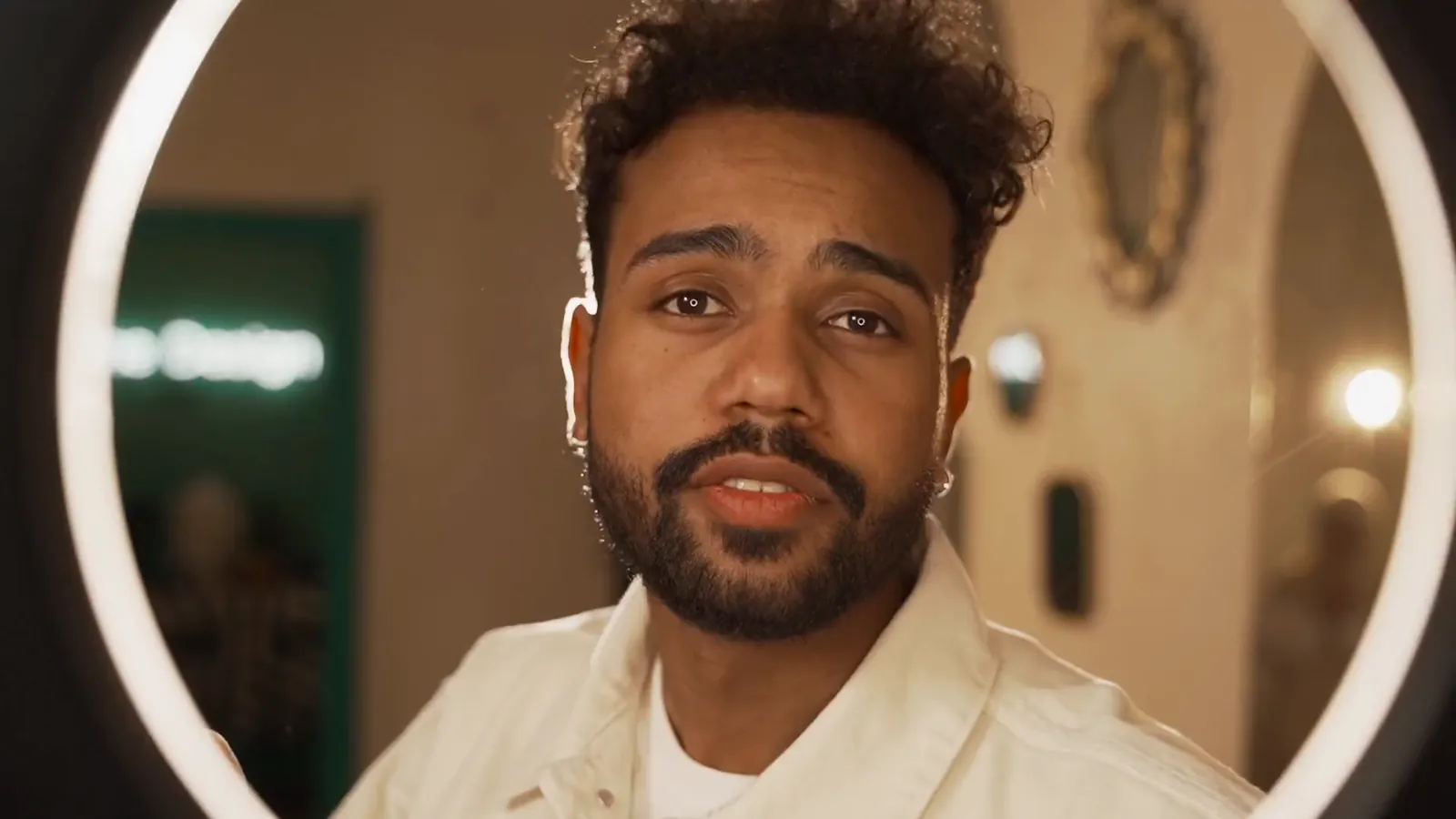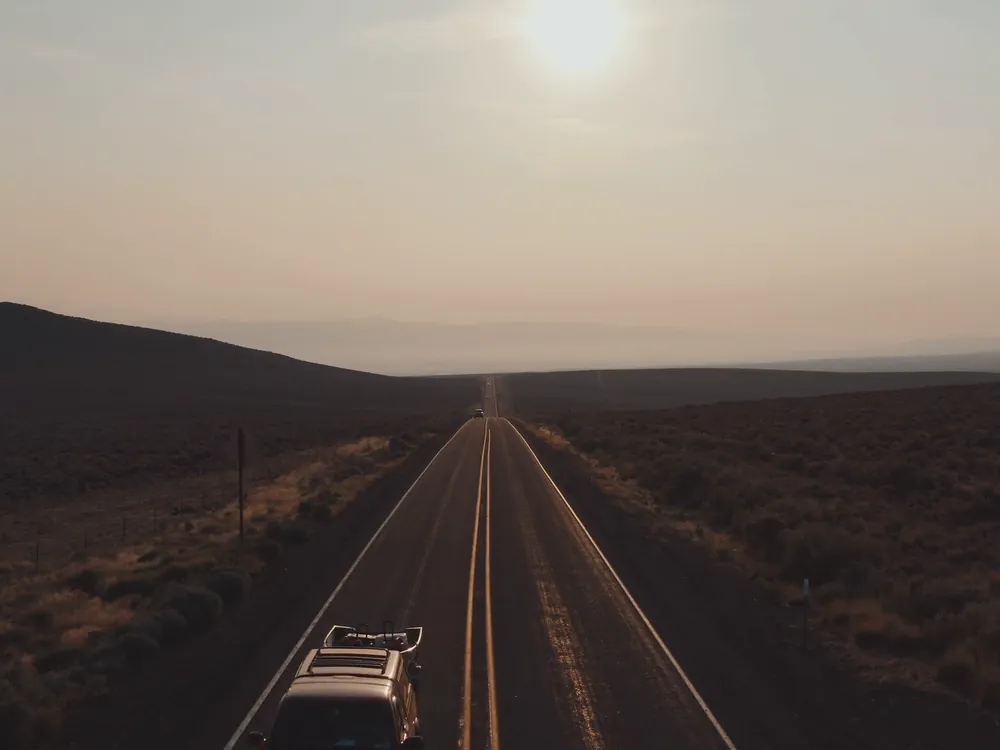
Picks up on the last frame
The new seconds start from where your clip ends, not from a fresh generation.
Upload a clip that ends a beat too soon and say what happens next. Video Extend carries it on past the last frame, in the same light, lens and motion.
Free to start. No credit card.
The extension picks up where the clip stops, so the join does not read as a cut.
The new seconds start from where your clip ends, not from a fresh generation.

Colour, grain and the camera’s move carry over from the source.
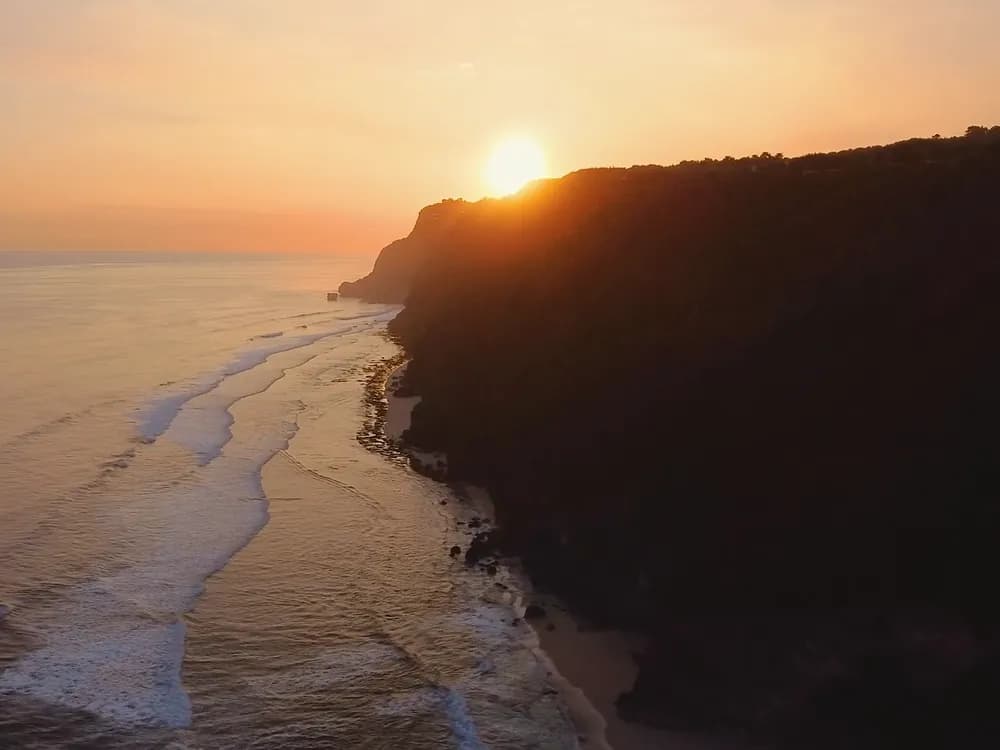
Stretch a five-second generation to the length a slot needs.
Many generated clips stop at five seconds, right where the story starts. Extend them to fit a Reel, a pre-roll or a product walk-through.
Extend a videoOn models that take a prompt, say what the next seconds should hold: she turns, the camera rises, the light drops.
Image references steer it further.
Extend a videoA take that was cut short keeps its pace in the edit. The subject, the street and the sun stay where they were.
Extend a clipThree steps in Video Studio.
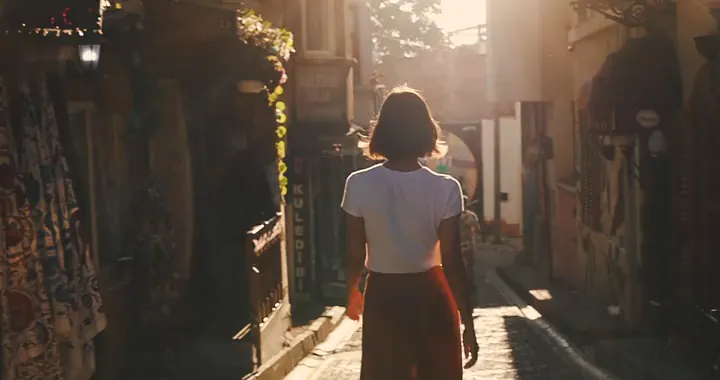
More of the shot you already have. One clip in, a longer take out, carried on past its last frame in the same light and motion.