480p768p1080p
768p by default
Draft at 480p, keep the 768p default, or finish at 1080p.
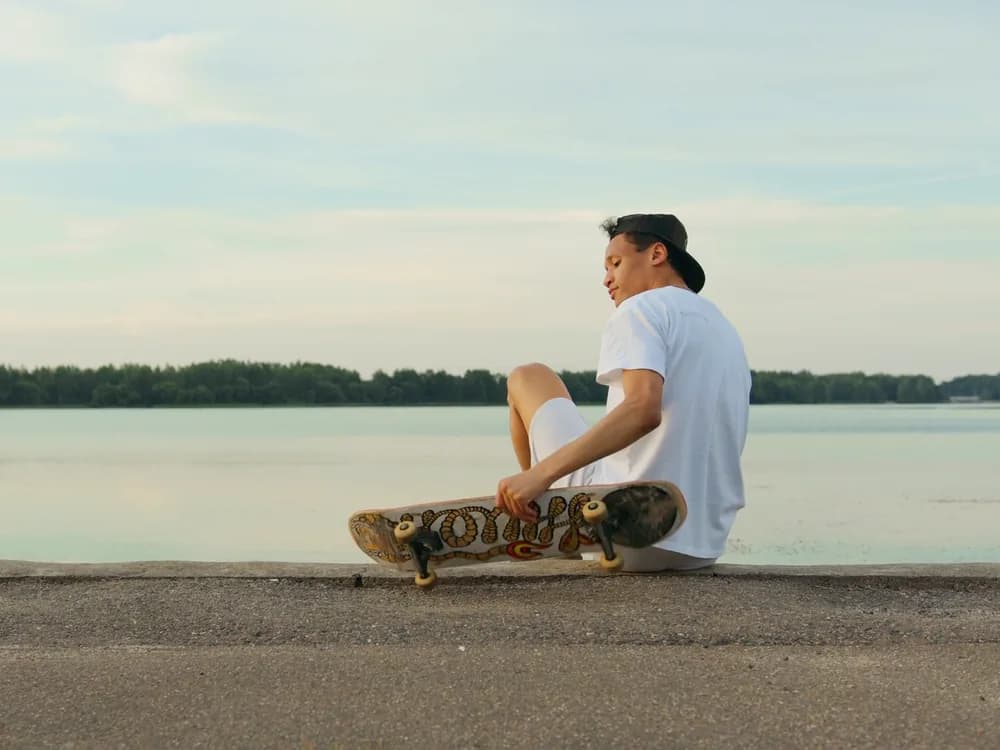
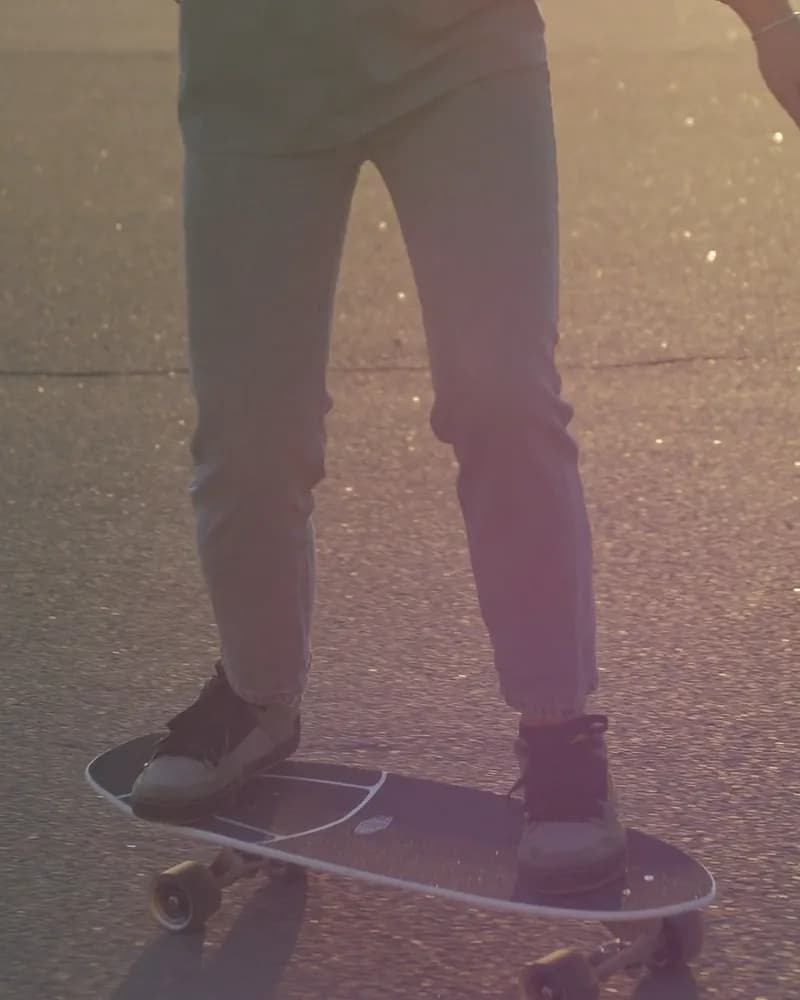
A skater rolls toward the low sun on an empty road at dusk, arms out, apartment towers in silhouette.A skater rolls toward the low sun on an empty road at dusk, arms out, apartment towers in silhouette.
MiniMax’s video model, in your workspace. Write the shot, set a start and an end frame or hand it references, and get five to fifteen seconds at up to 1080p. It is the model Instant Hook runs on.
Free to start. No credit card.
Drafts, finals and hooks from one family of models.
Draft at 480p, keep the 768p default, or finish at 1080p.
MiniMax H3 Max Turbo sits beside it in the list: text and start frames, faster, at a lower rate per second.
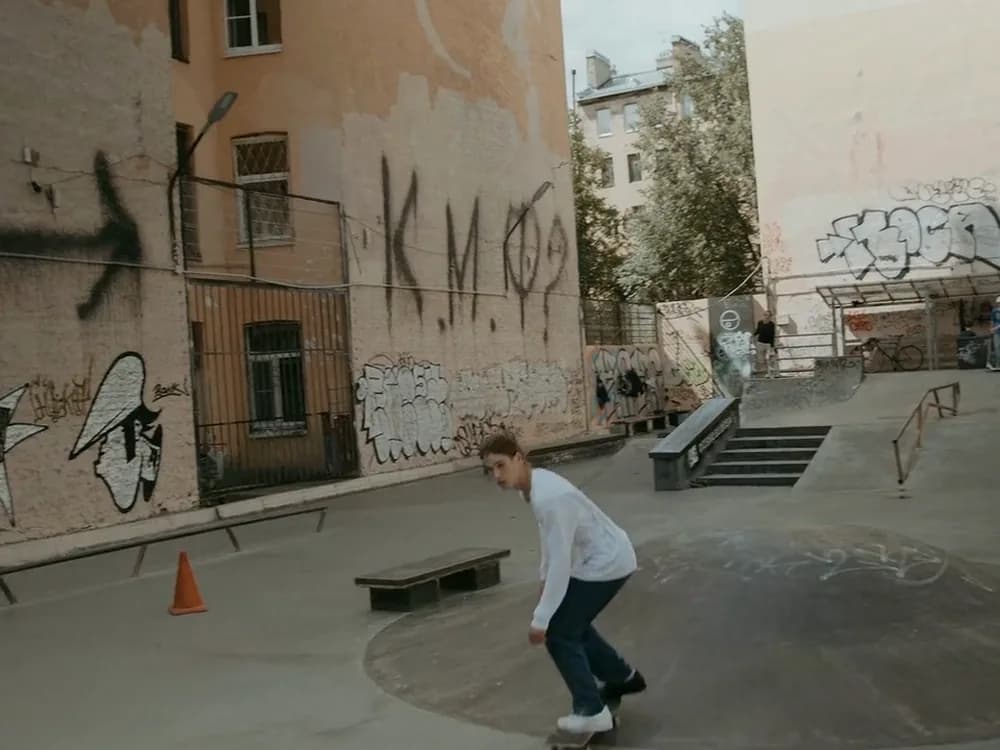
A start and an end frame, or three to nine images and up to three clips to cast the shot.
Instant Hook in UGC Studio is pinned to MiniMax H3 Max. One sentence about the product becomes three vertical openers, each rendered as its own run.
This hook was made with Instant Hook.
Generate with H3 MaxDrop an image into the Start frame and describe the move. Add an End frame and the clip lands on it.
Start from a frame
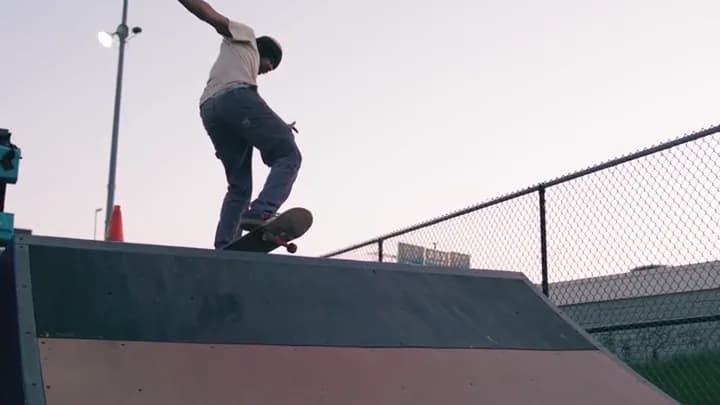
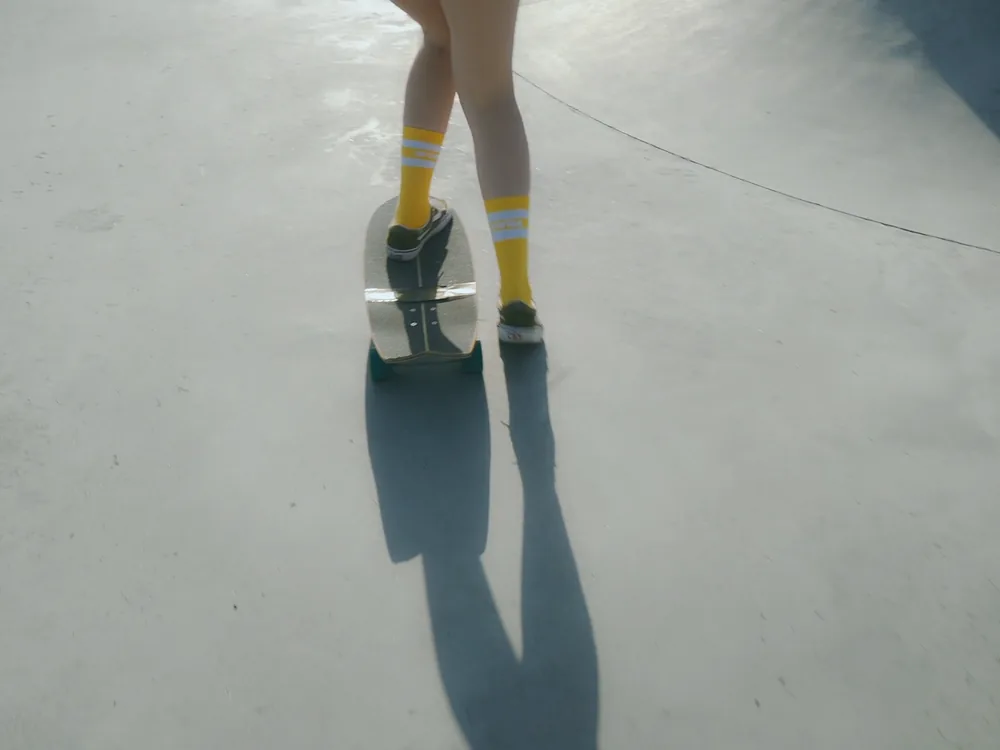
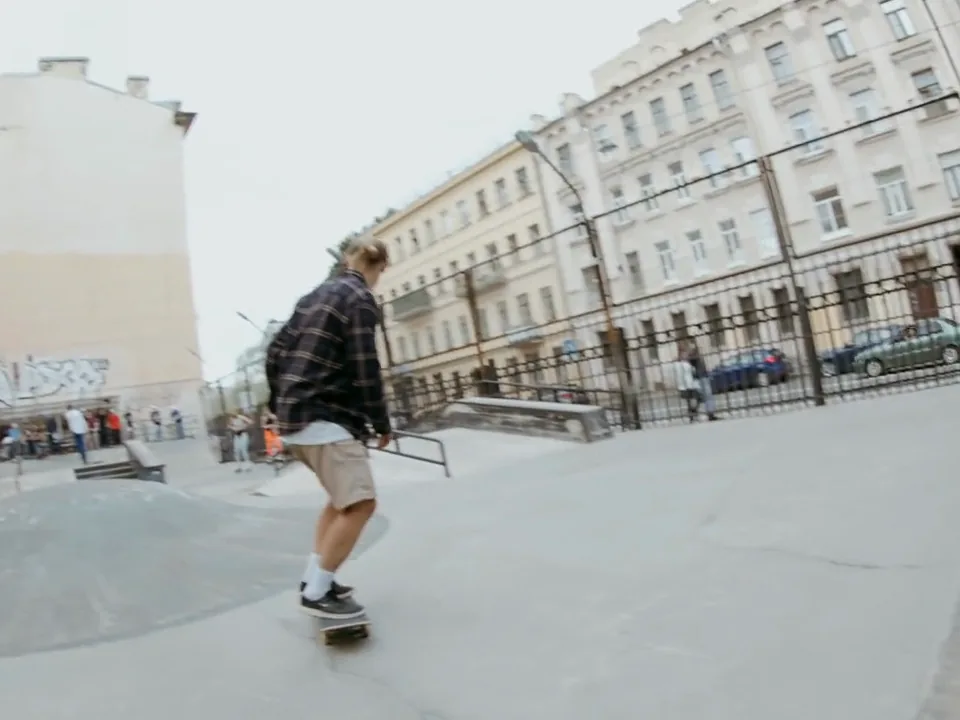
Hand it three to nine images, and up to three clips, of the rider, the board and the street. They carry through the shot.
Start from references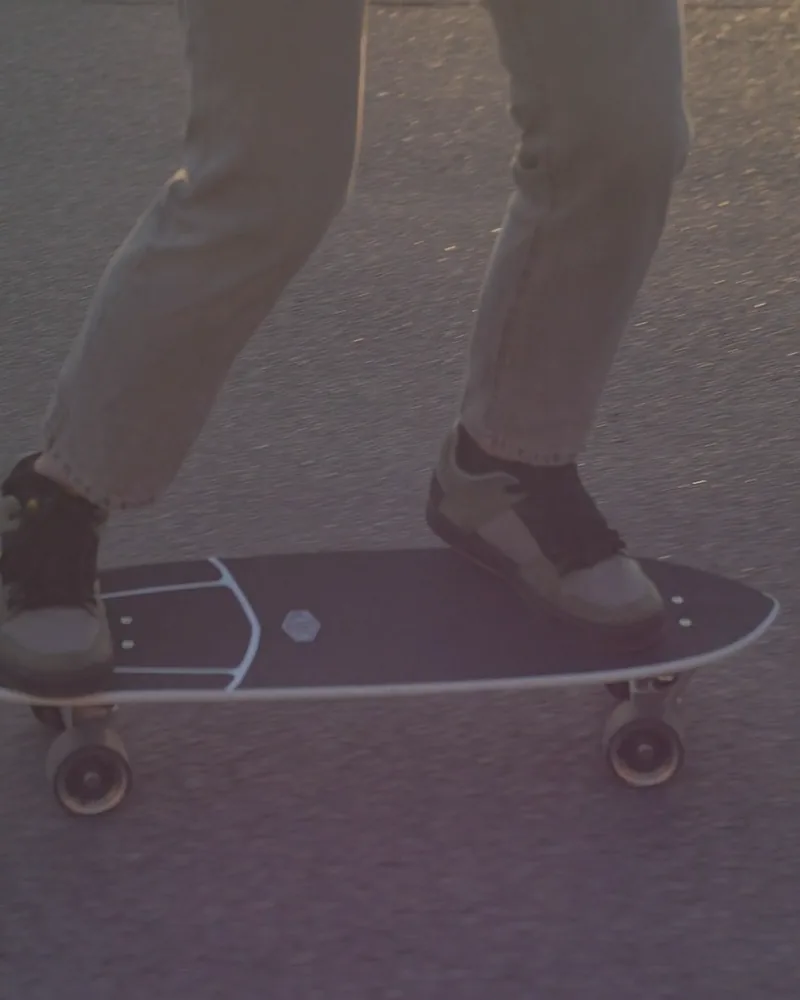
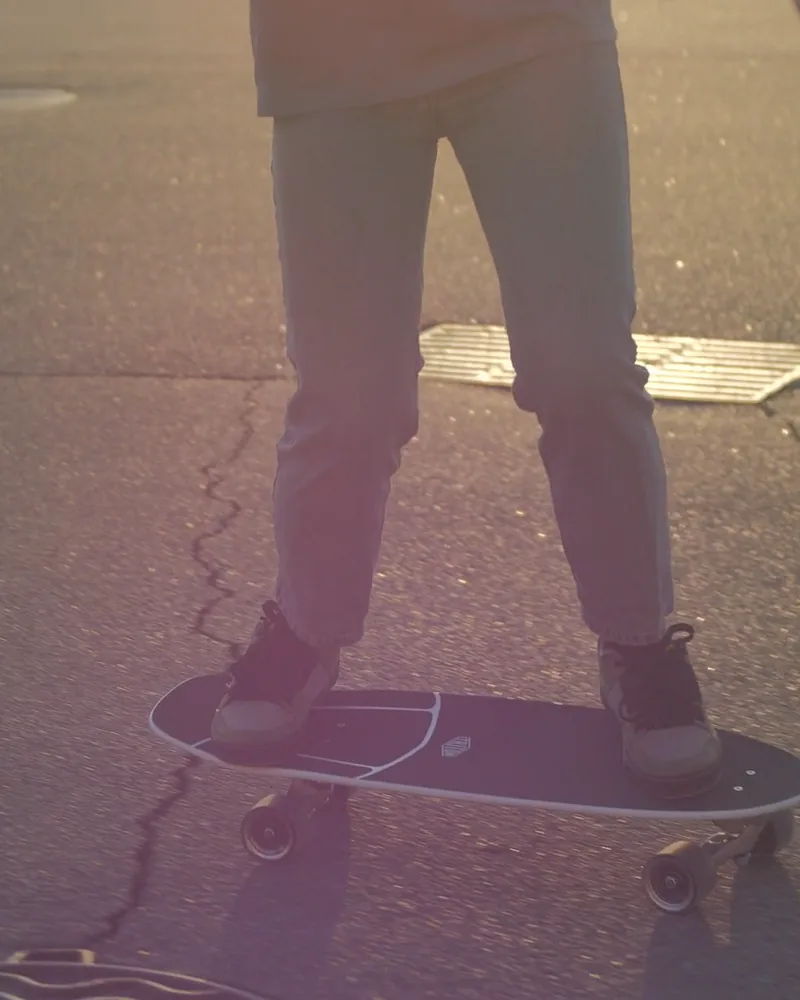
Leave the ratio on Auto or set it before you press: 21:9 for a banner, 4:3 for a post, 9:16 for Stories.
Generate with H3 MaxThree steps in Video Generate.
MiniMax’s video model for quick, directed motion: five to fifteen seconds at up to 1080p from text, frames or references, and the engine behind Instant Hook.