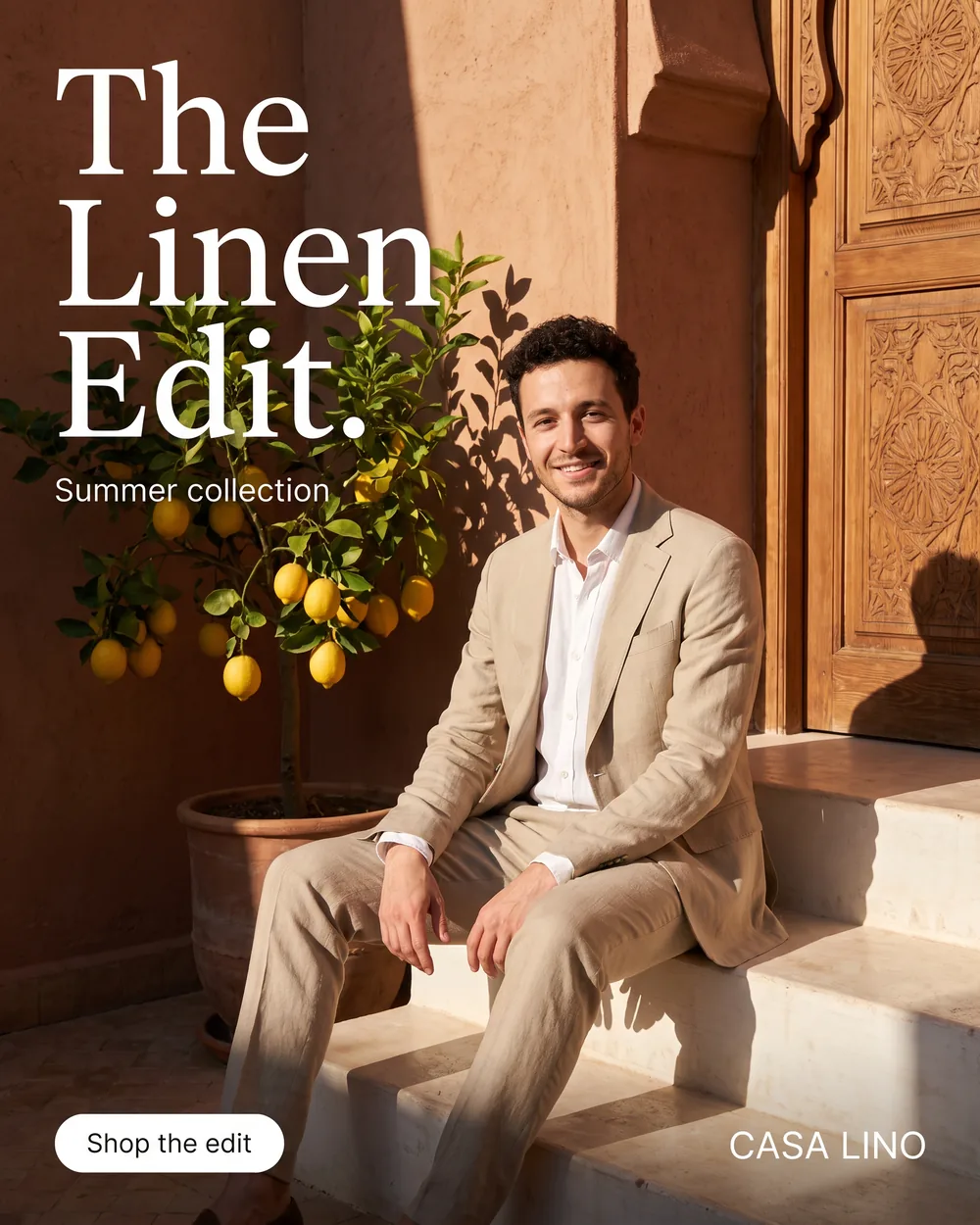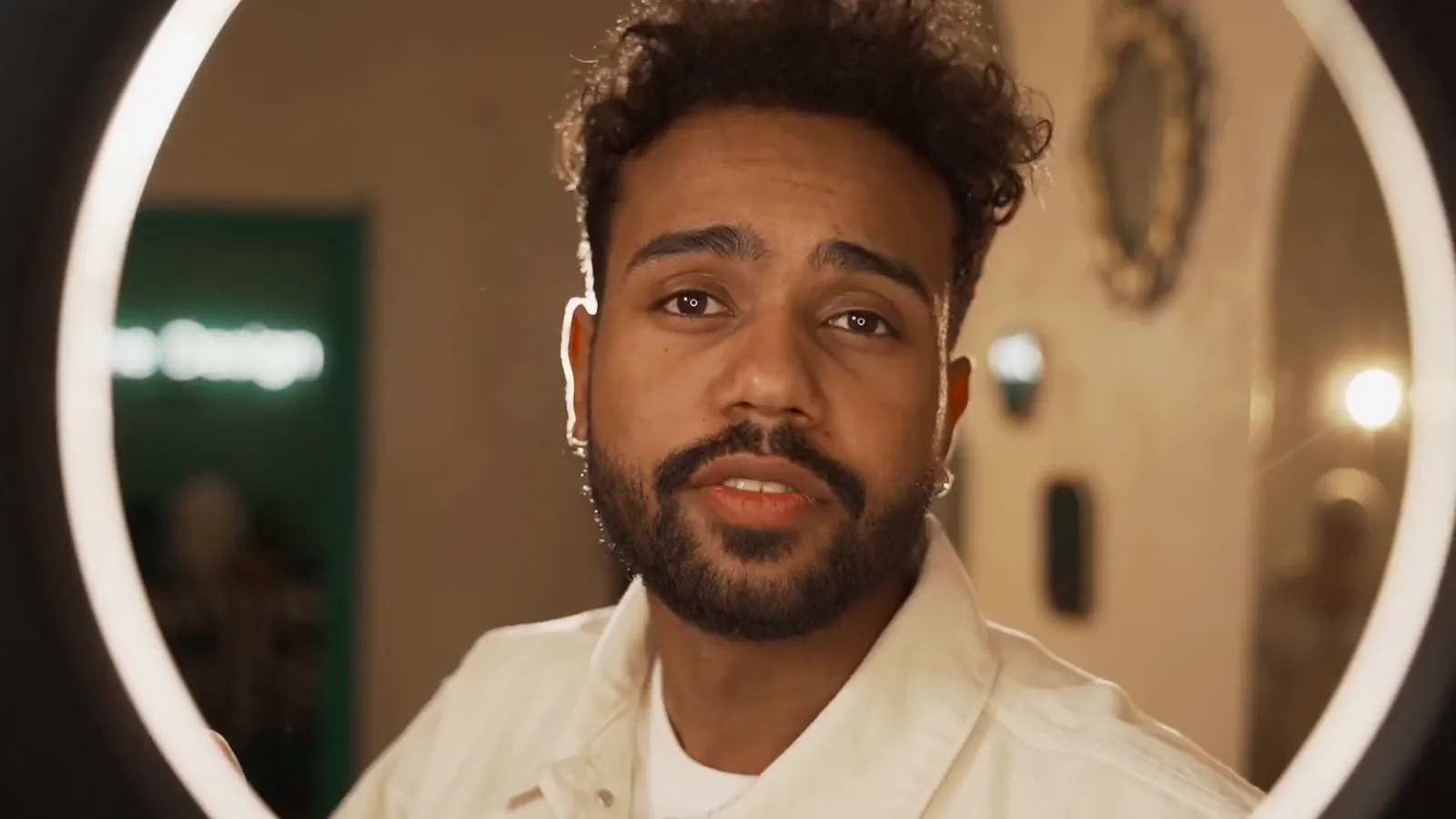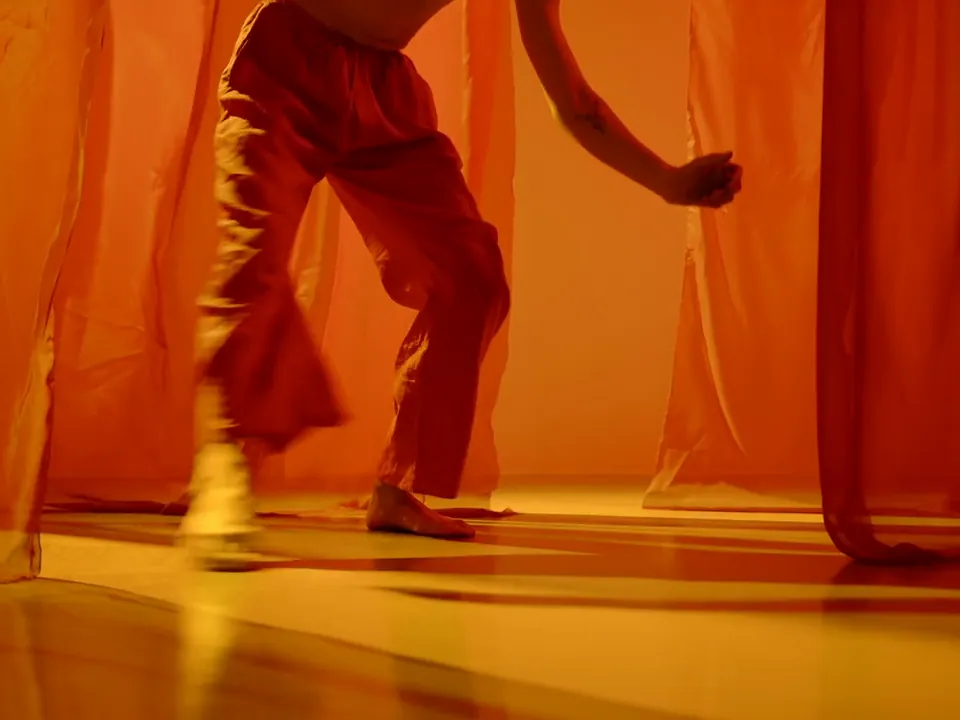
Copy translated in place
The headline, the line under it and the button are rewritten in the new language, in the same type and the same spot.
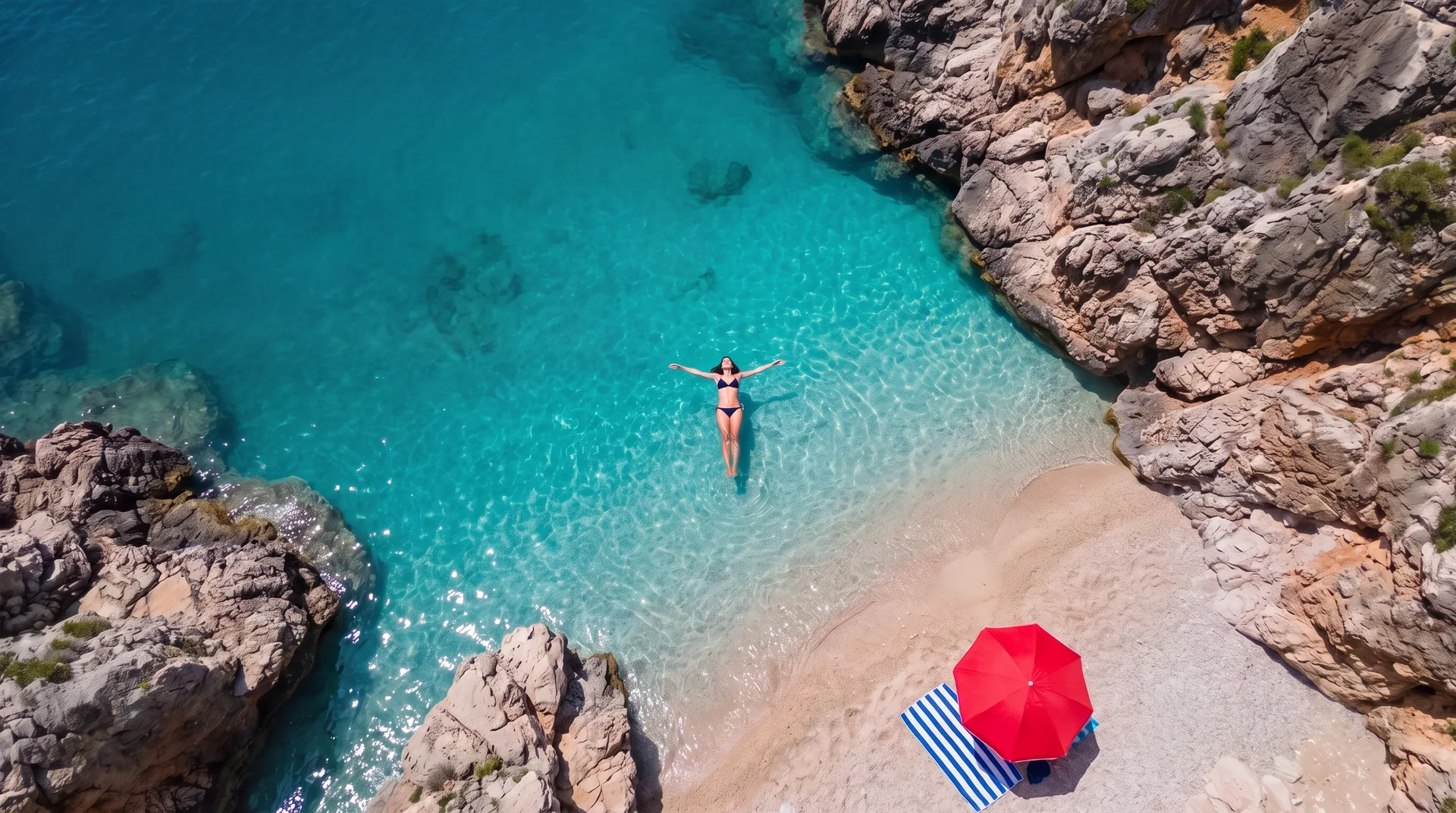
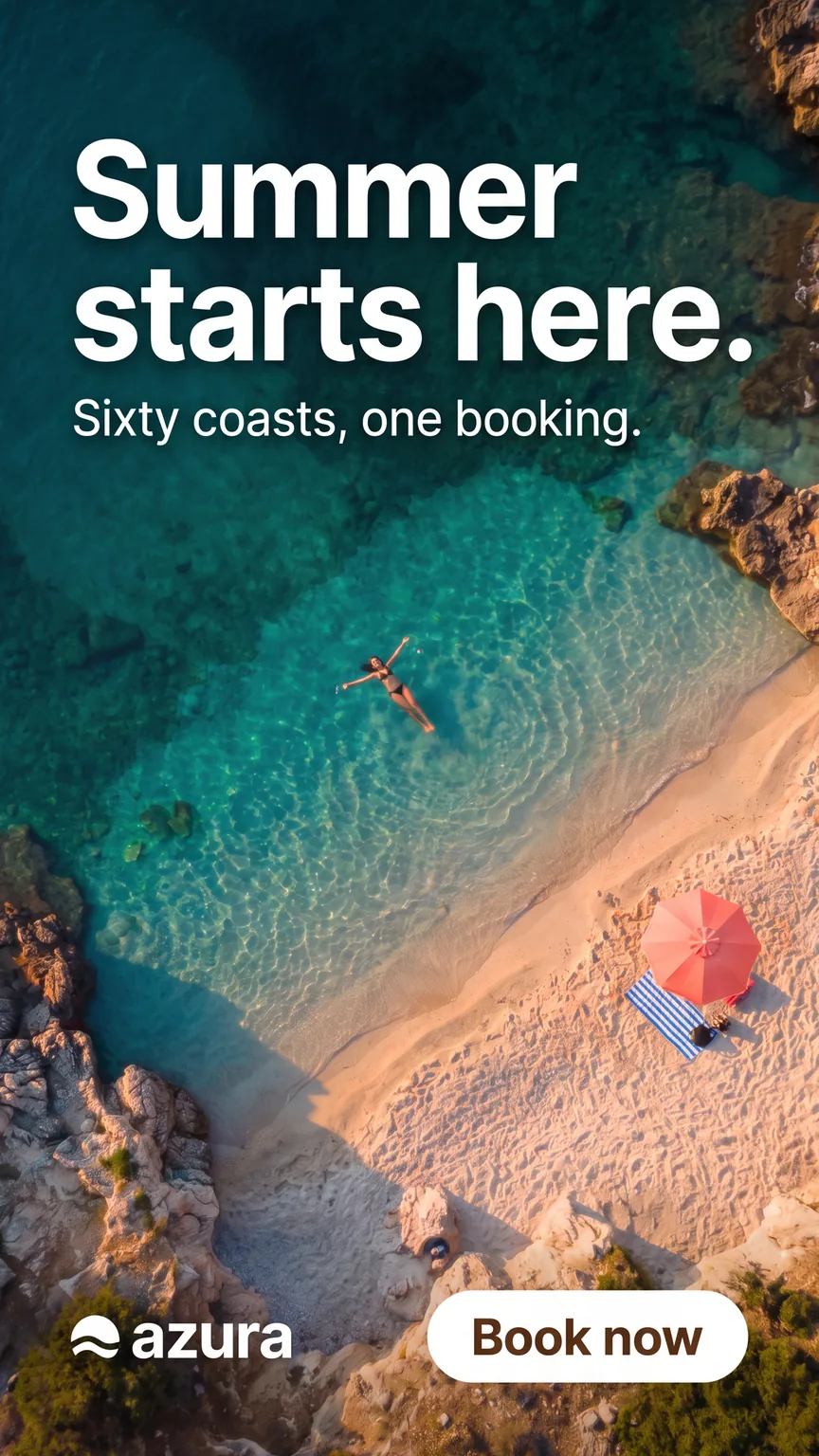
Drop in a finished ad and pick the languages and the sizes. Localize & Resize translates the copy where it sits and re-frames the picture for each placement, so Stories, feed and landscape come back in one batch.
Free to start. No credit card.
One file in. The headline, the button and the frame come back right for each language and placement.
The headline, the line under it and the button are rewritten in the new language, in the same type and the same spot.

A 4:5 feed ad becomes a 9:16 Story or a 16:9 banner. The picture is rebuilt around the copy for each shape.
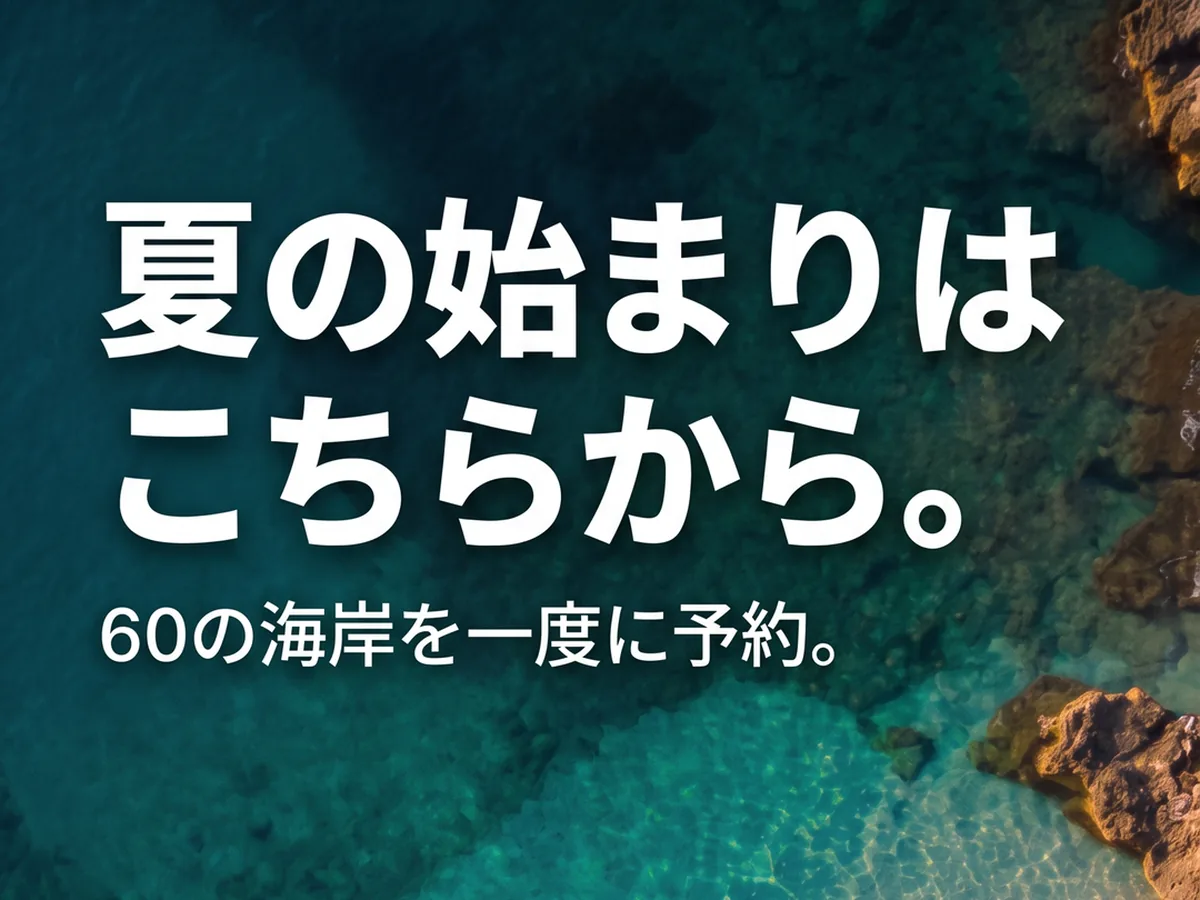
English, Spanish, German, Japanese, Arabic, Turkish and nine more, Latin script or not.
Pick the sizes the plan needs: a 9:16 Story, a 4:5 portrait, a square, a 16:9 landscape or a 3:2 wide. Auto keeps each creative at its own size.
Each file comes back at its exact export size, 1080×1920 for a Story and 1920×1080 for landscape.
Localize a creative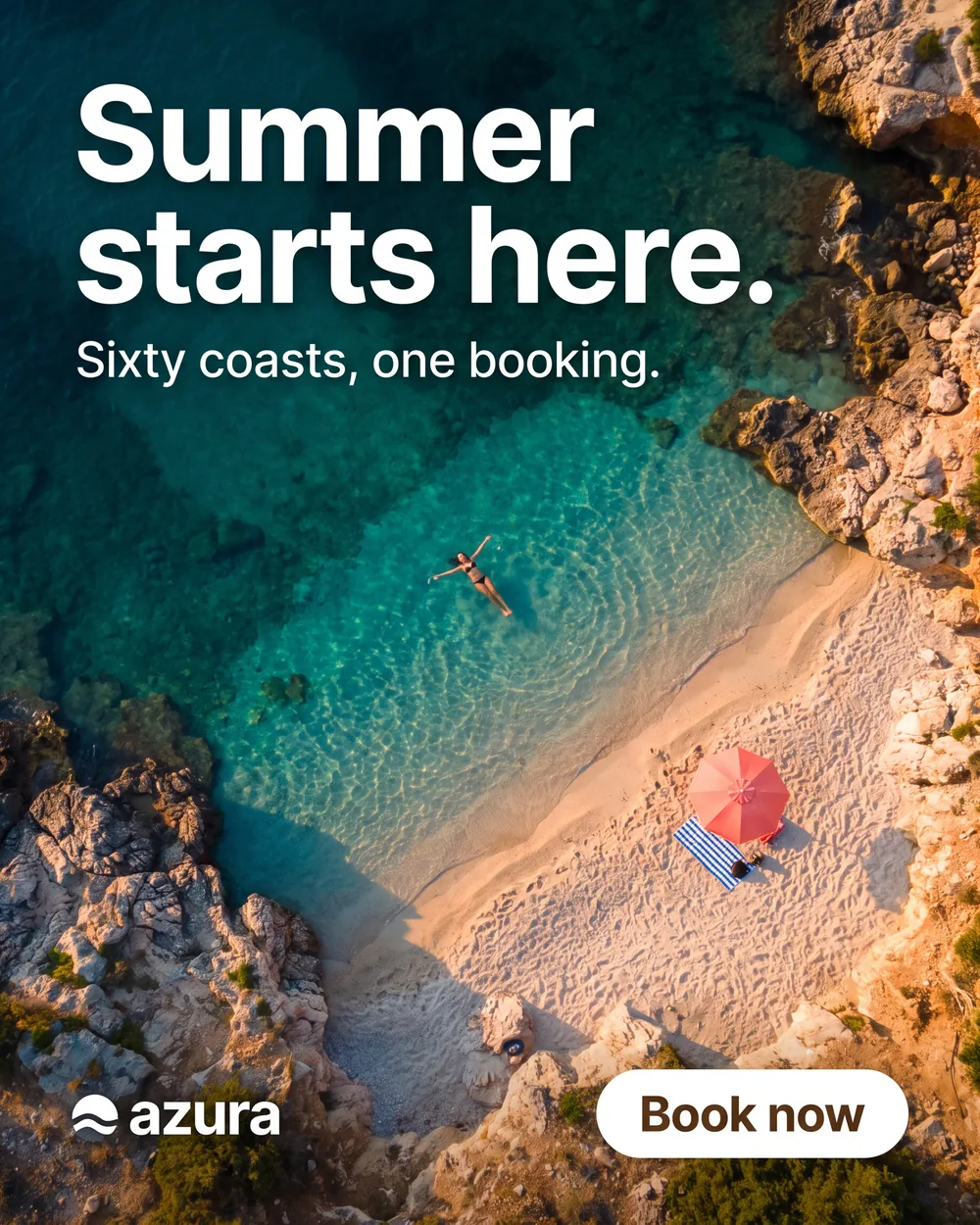
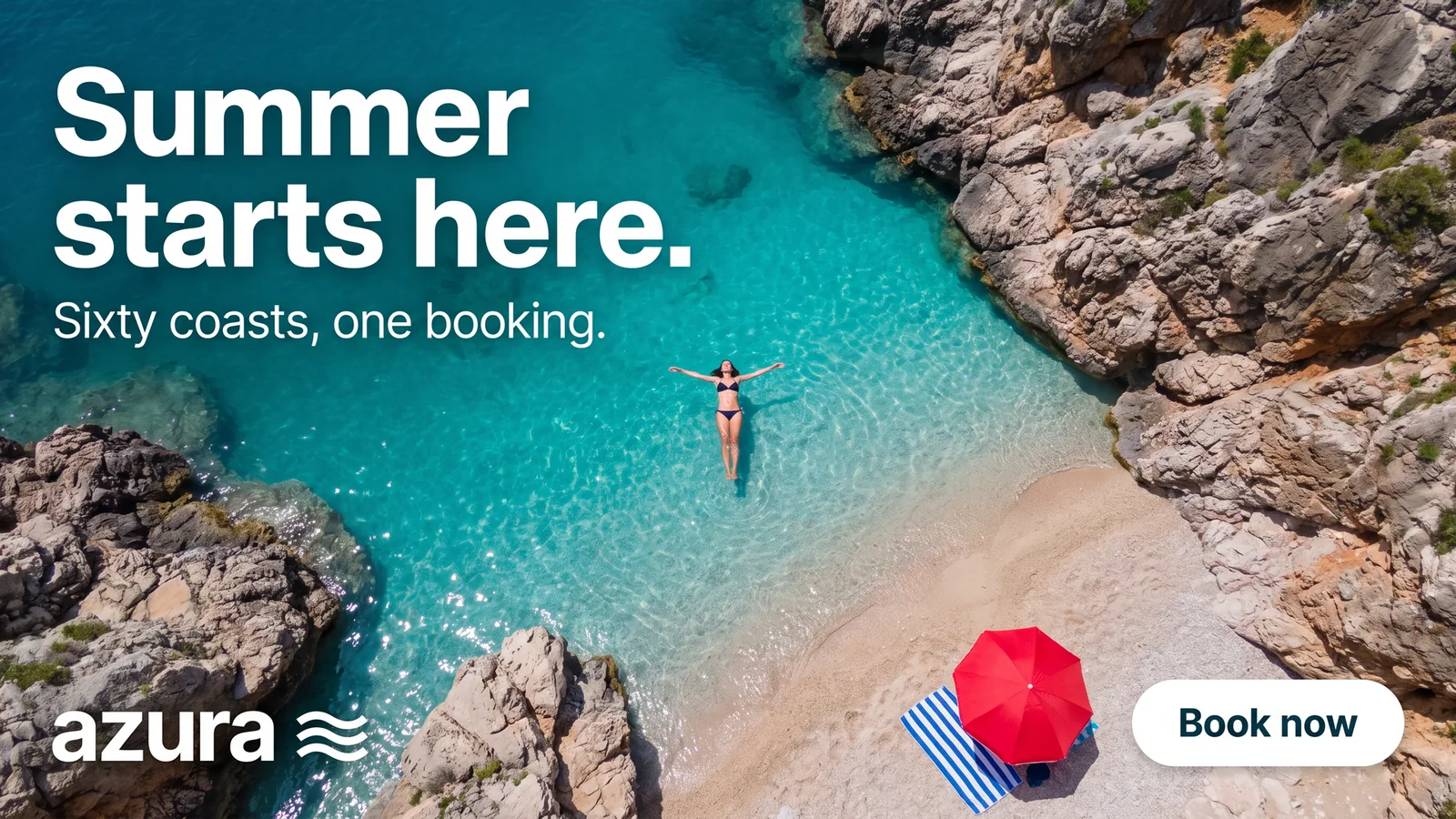
Turn on Resize only to keep the original copy and re-frame it for new placements. No translation runs, and you get one file per size.
Resize a creative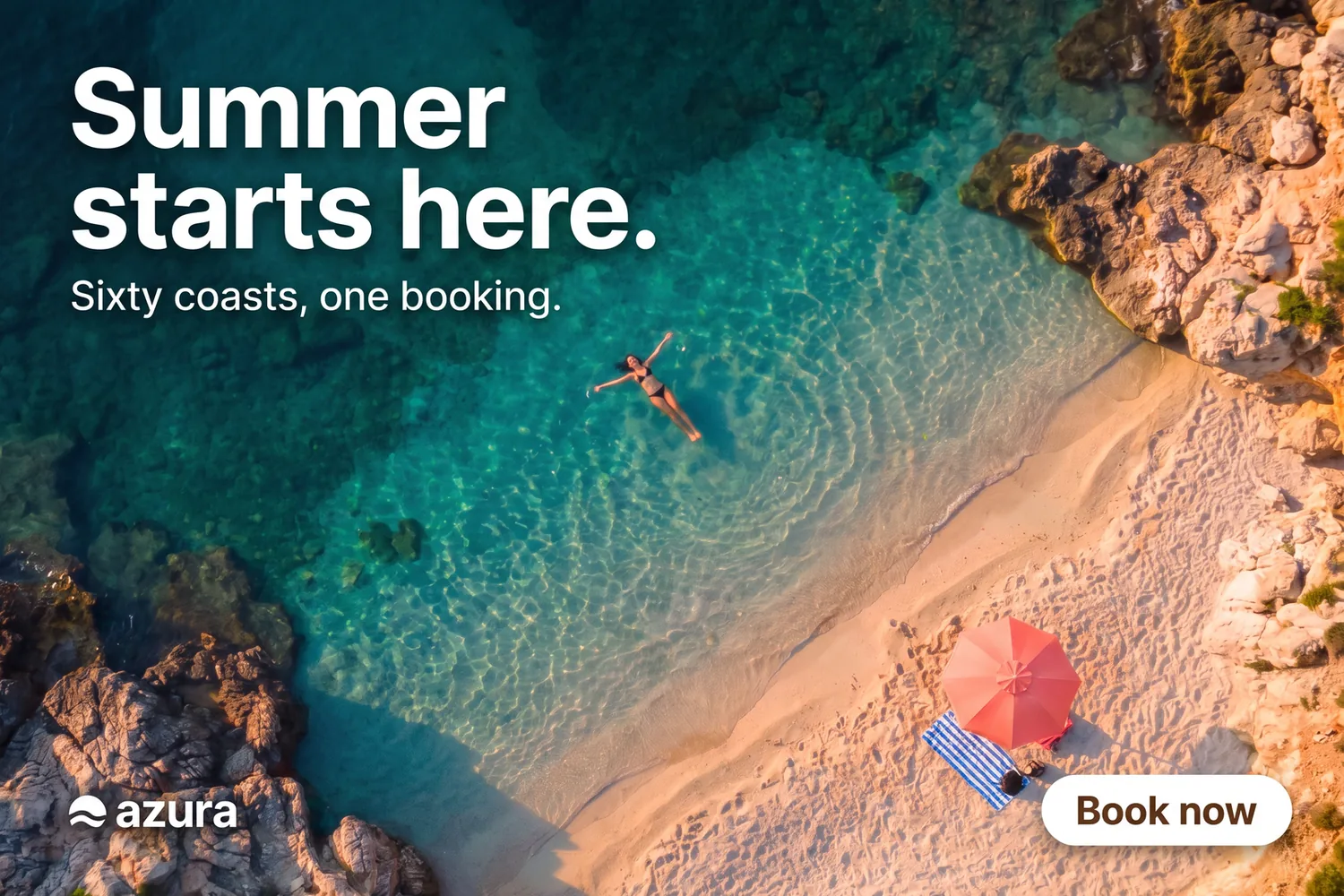
Stage up to ten creatives at once and each one runs as its own batch. Files are named by app, ID, language and size, so the export sorts itself in the ad account.
Localize a creative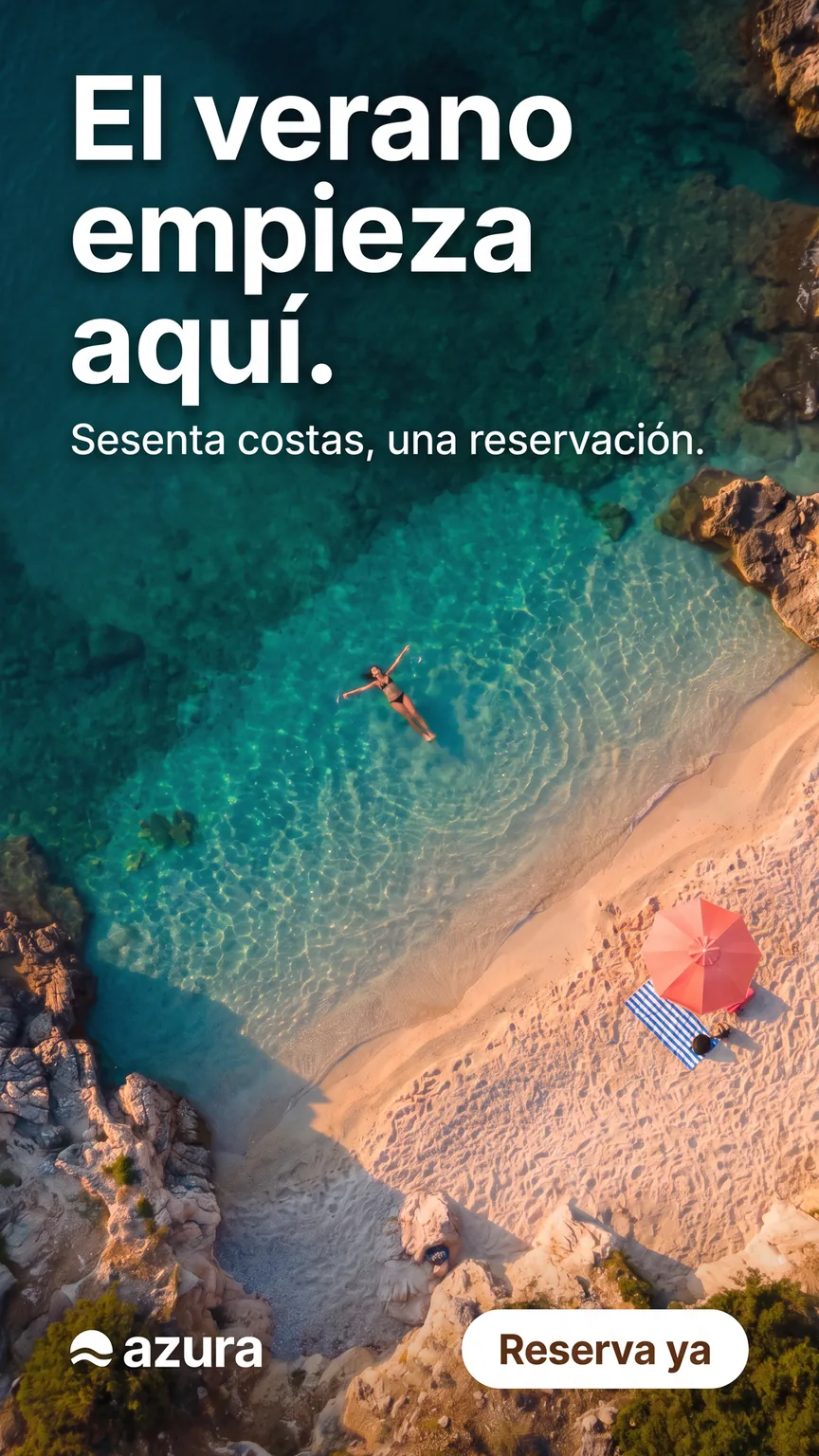
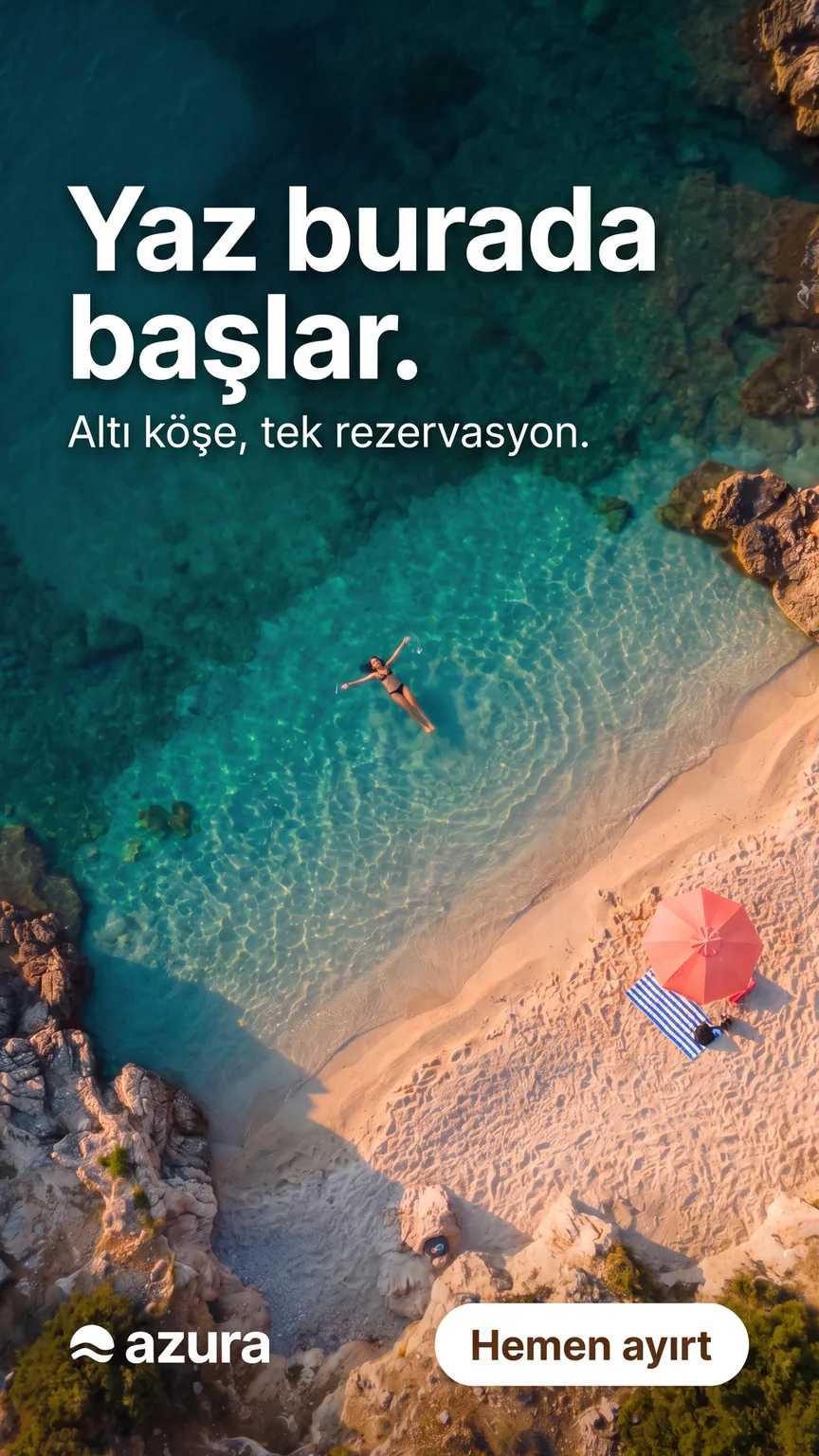
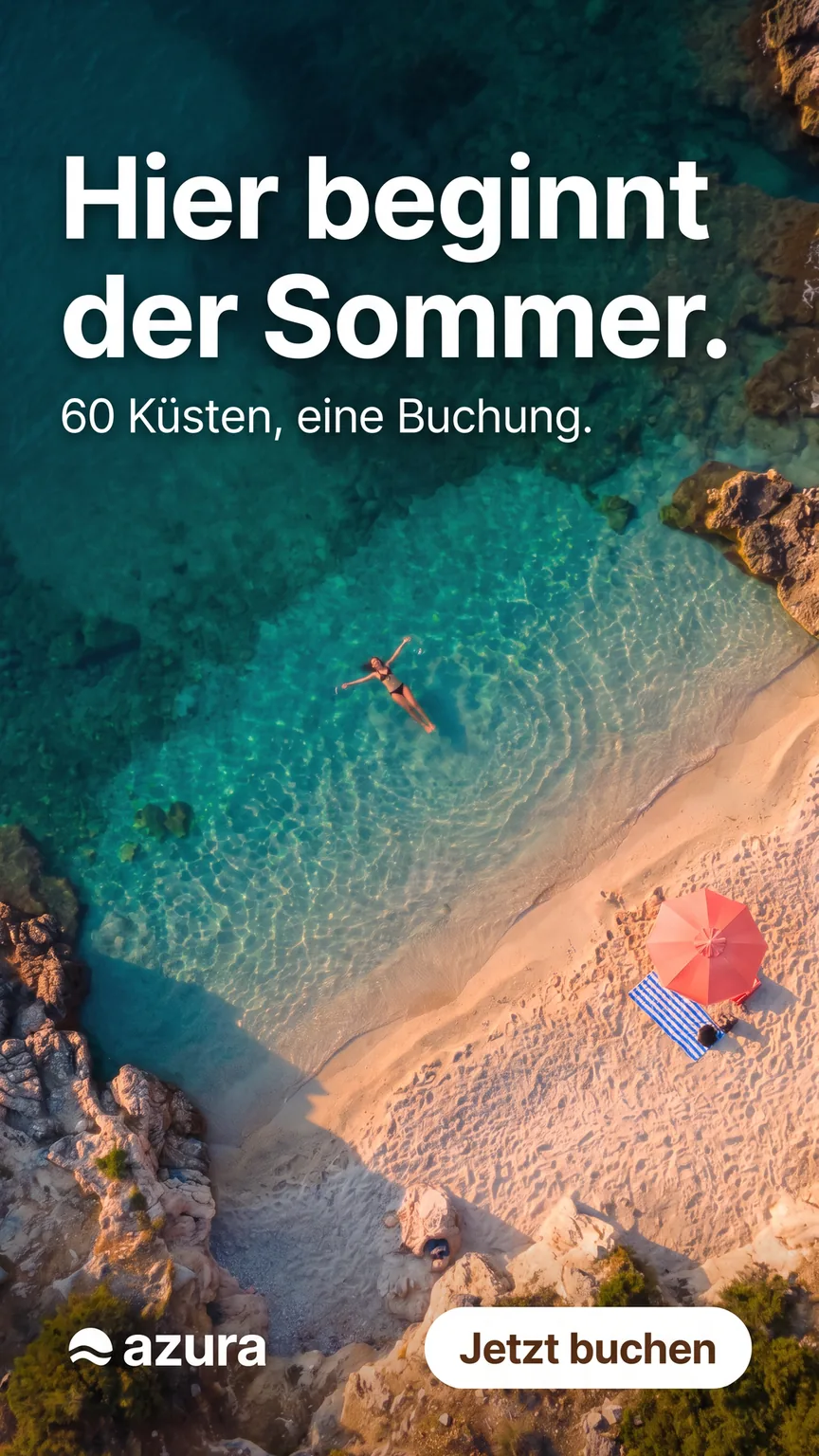
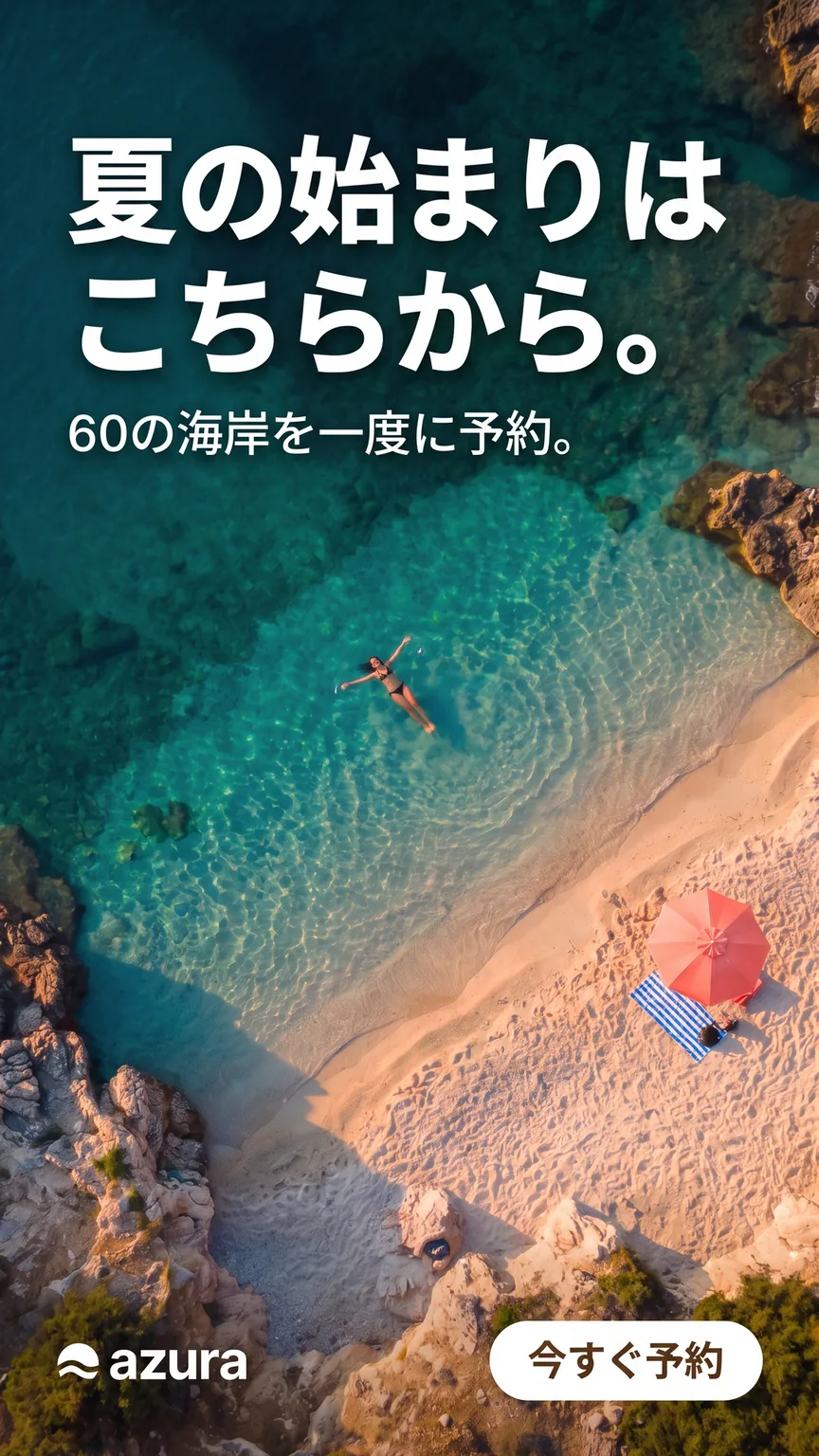
Three steps in Image Studio, from one ad to a full batch.
One finished ad in, every language and size out. The copy is translated where it sits and each placement is re-framed, so a launch in five markets is one batch, not five briefs.