Mood, instruments, tempo
Say how it should feel, what plays and how fast, in up to 2,000 characters.

Describe the mood, the instruments and the tempo, add lyrics if you want them, and get a finished track on your Music board. Three models, one prompt.
Free to start. No credit card.
Write it the way you would brief a composer; the model plays it back.
Say how it should feel, what plays and how fast, in up to 2,000 characters.
MiniMax Music v2 takes lyrics, with section tags like [Verse].
Stable Audio 2.5 makes 10, 30, 60, 120 or 190 seconds.
Stable Audio 2.5, MiniMax Music v2 and ElevenLabs Music sit in the same dock. Play a sample from each, then pick the one the track needs.
Try the modelsStable Audio 2.5
StabilityAI · 10 to 190 s
MiniMax Music v2
MiniMax · takes lyrics
ElevenLabs Music
ElevenLabs · 2,000-character prompt
Mood, instruments and tempo, in plain words. Generate waits until the track is described.
Generate a track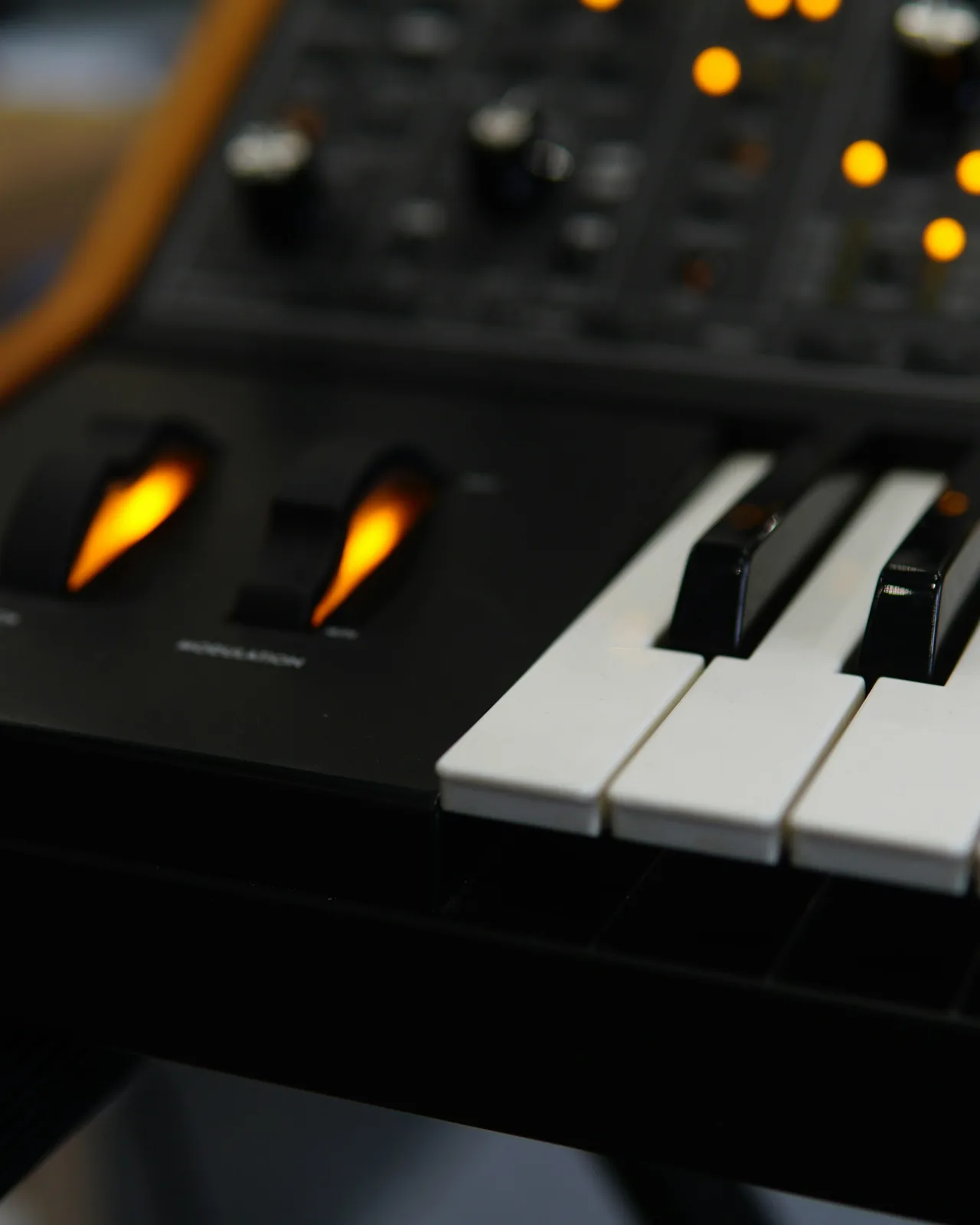
Warm synth-pop bed, bright drums, 100 BPM, hopeful, no vocals.Warm synth-pop bed, bright drums, 100 BPM, hopeful, no vocals.
Every track is filed in the Library, and the Video Editor’s Music tab takes any track from it, so a generated bed can go straight under a timeline.
Generate a trackFour steps in Music Studio.
Stable Audio 2.5
StabilityAI · 10 to 190 s
MiniMax Music v2
MiniMax · takes lyrics
ElevenLabs Music
ElevenLabs · 2,000-character prompt
Music for the ads you make: a prompt, lyrics if you want them and a length, played by Stable Audio 2.5, MiniMax Music v2 or ElevenLabs Music, and ready for the timeline.