Multi-shot
Give each shot its own prompt and length; they come back as one cut.
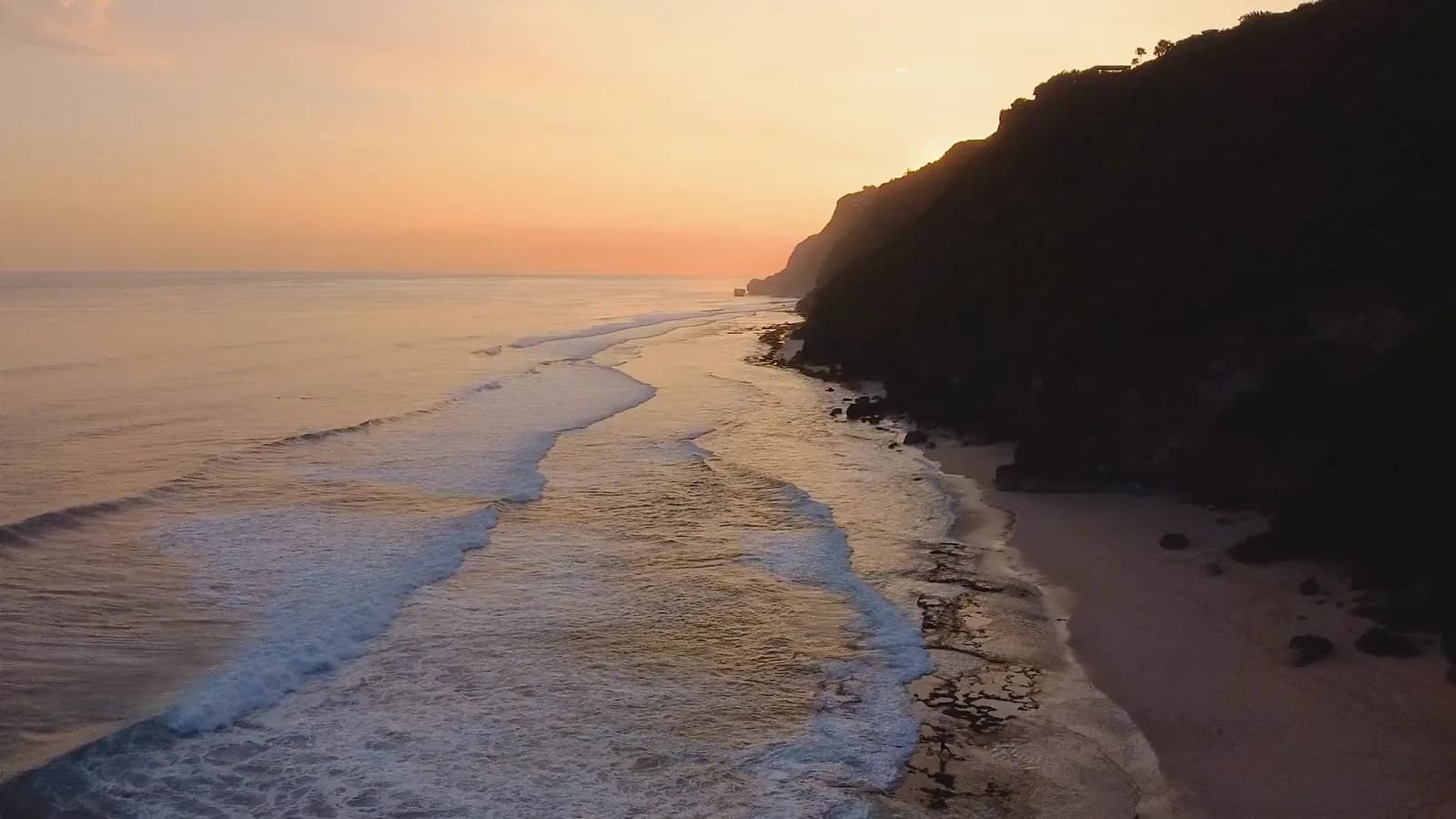
A woman with an umbrella crosses a rain-soaked street at night and stops, neon signs smeared across the wet asphalt.A woman with an umbrella crosses a rain-soaked street at night and stops, neon signs smeared across the wet asphalt.
Kuaishou’s video model, in your workspace. Write one prompt or a run of shots, start from a still if you have one, and get up to fifteen seconds at 1080p, with sound.
Free to start. No credit card.
Shots, sound and 1080p from one prompt box.
Give each shot its own prompt and length; they come back as one cut.
Or 720p for a quicker draft, three to fifteen seconds either way.
Audio is on by default, so the take comes back with its own sound.
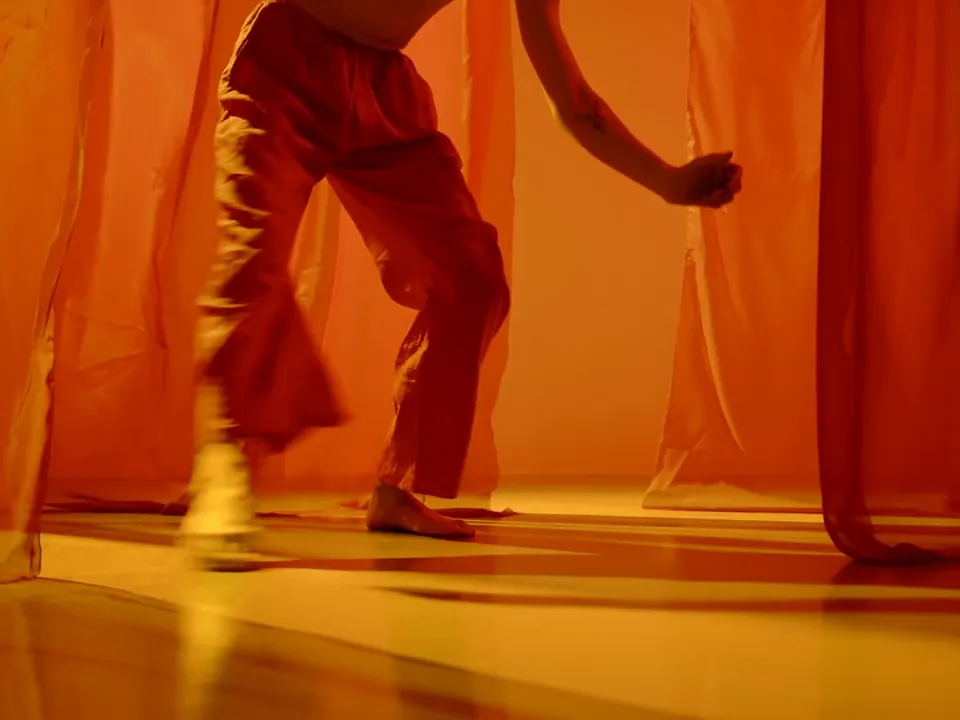
Switch on Multi-shot and the prompt box splits into numbered shots, each with its own prompt of up to 512 characters and its own length. They come back cut together as one clip, three to fifteen seconds in all.
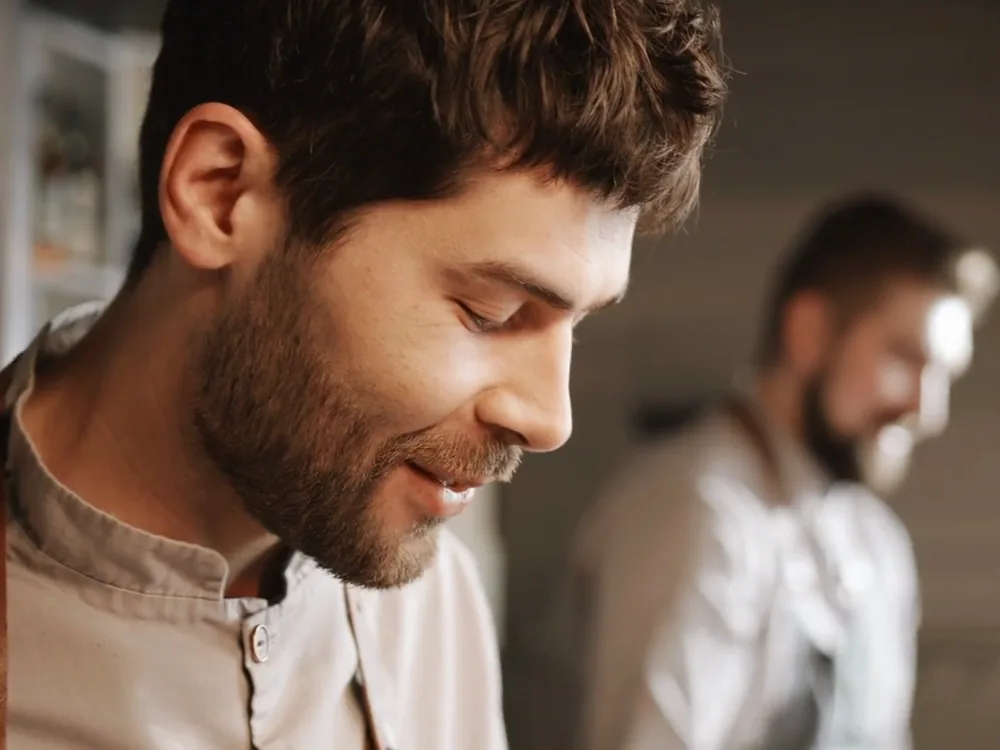
Try Multi-shotWide: a chef in a grey apron works the stove of an open kitchen, warm light.
Drop a picture into the Start frame and say what moves. Add an End frame and the clip lands on it.
This take was made with Kling 3.0 from the still on its corner.
Animate a still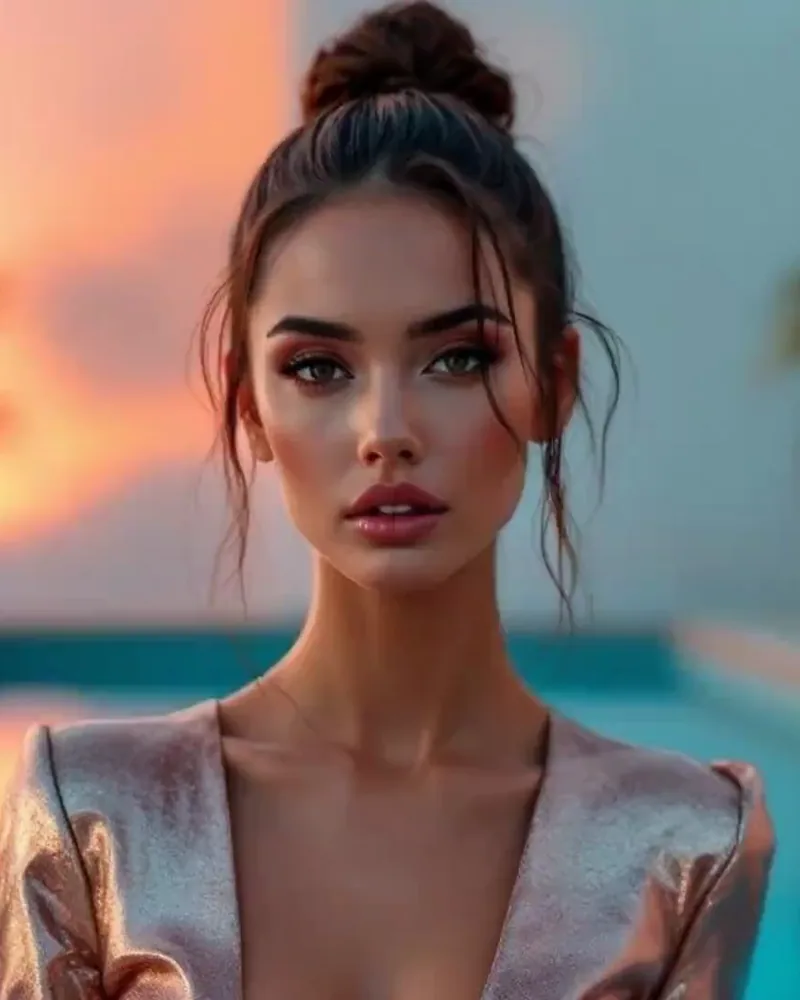
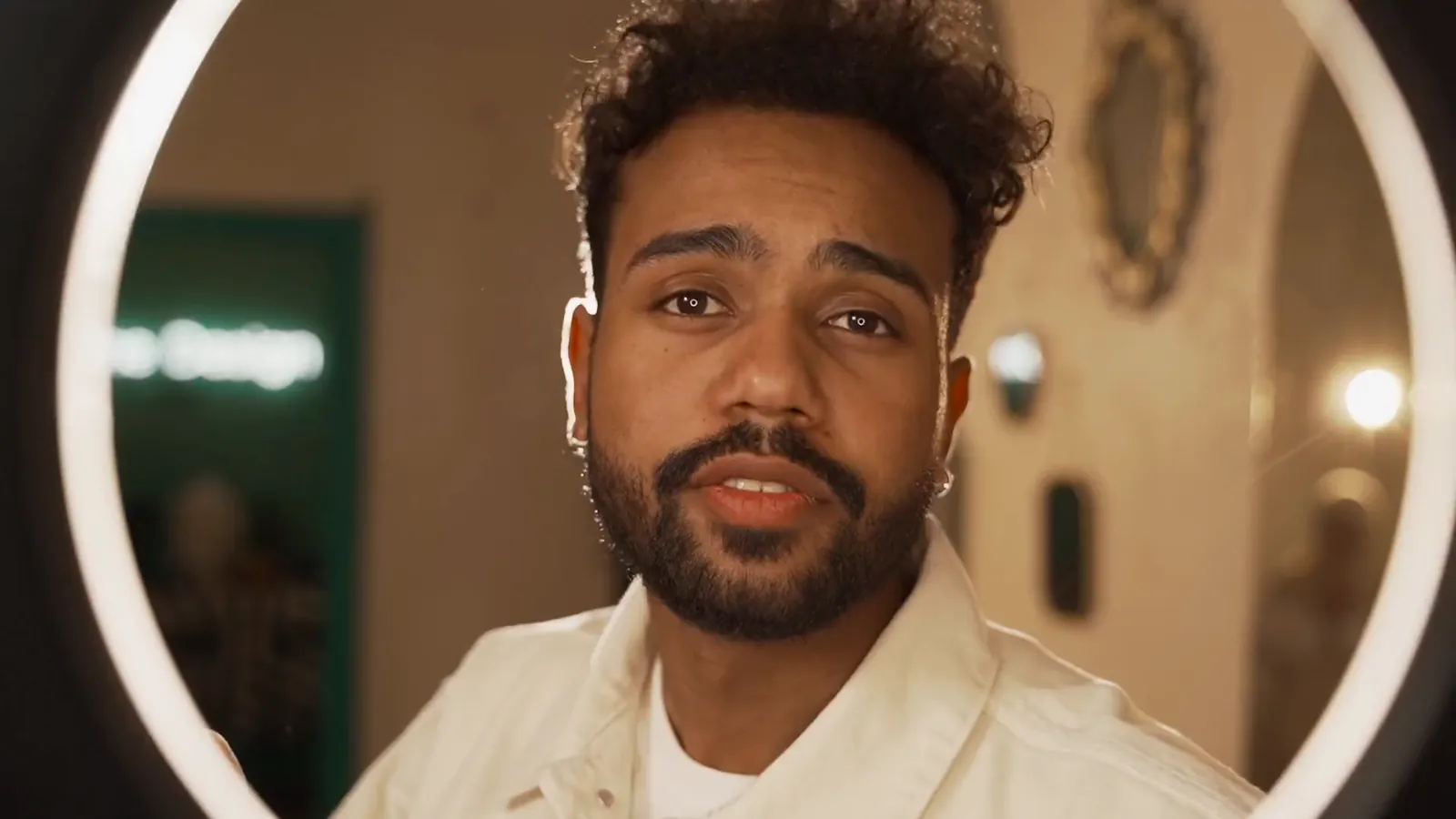
Start from the packshot, or from the creator holding it, and say what moves.
This one was made with Kling 3.0 from a still: the bottle, its label and the face hold through the move.
Generate with KlingRender in 16:9 for the site, 9:16 for Stories or 1:1 for the feed, at 720p or 1080p.
Generate with KlingThree steps in Video Generate.
Kuaishou’s video model for scenes you can direct: shot-by-shot prompts, start and end frames, 1080p and sound, on the same plan as every other model.