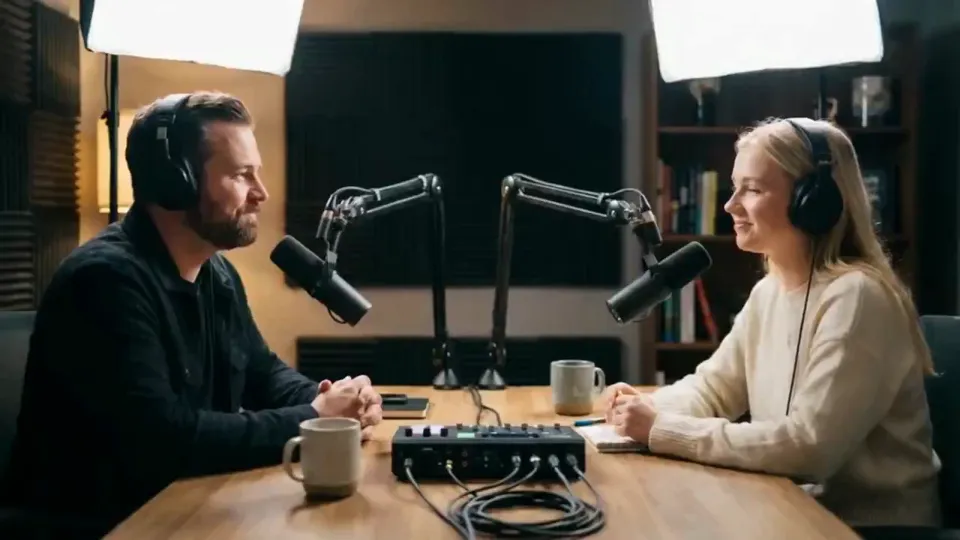
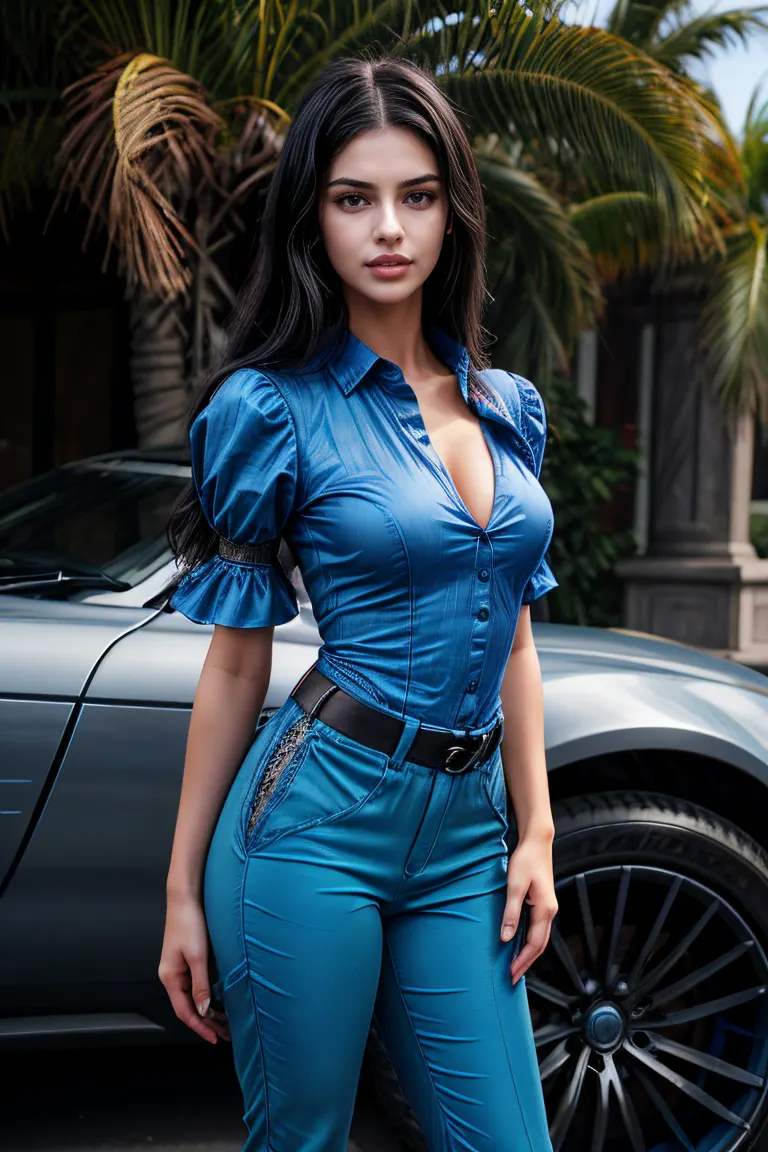
AI UGC video generator
AI UGC videos. Creators on call.
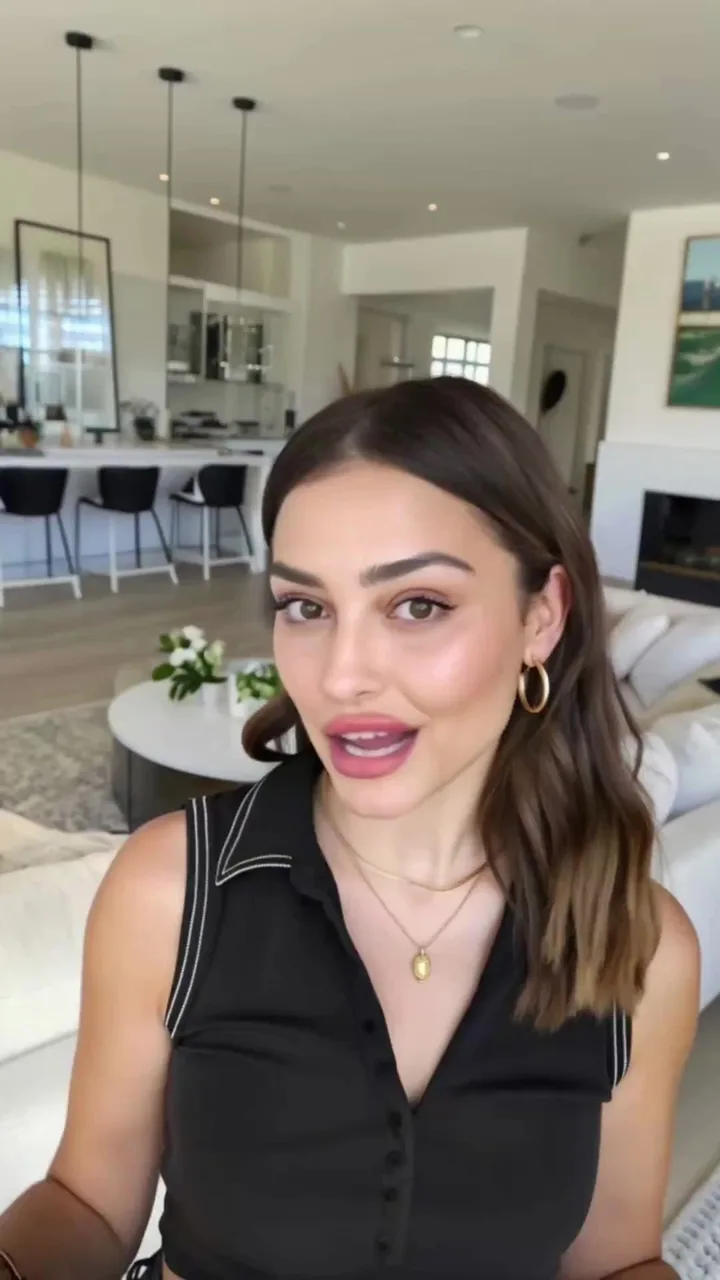
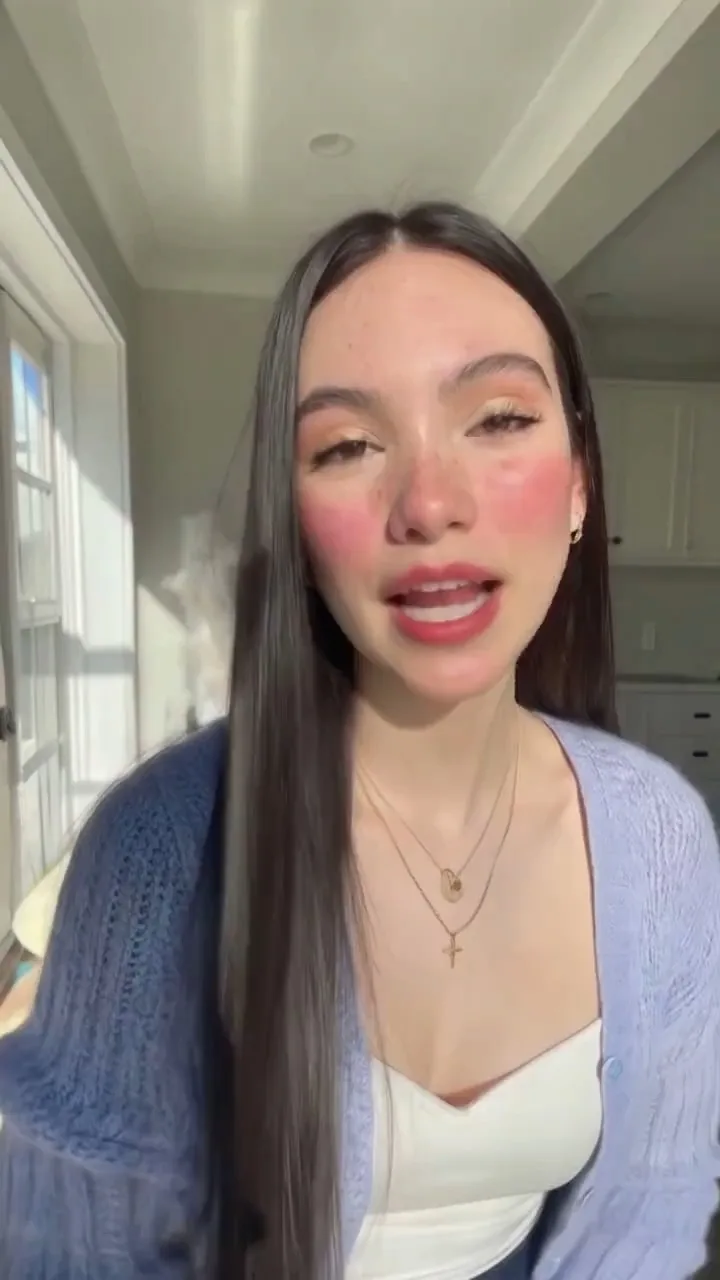

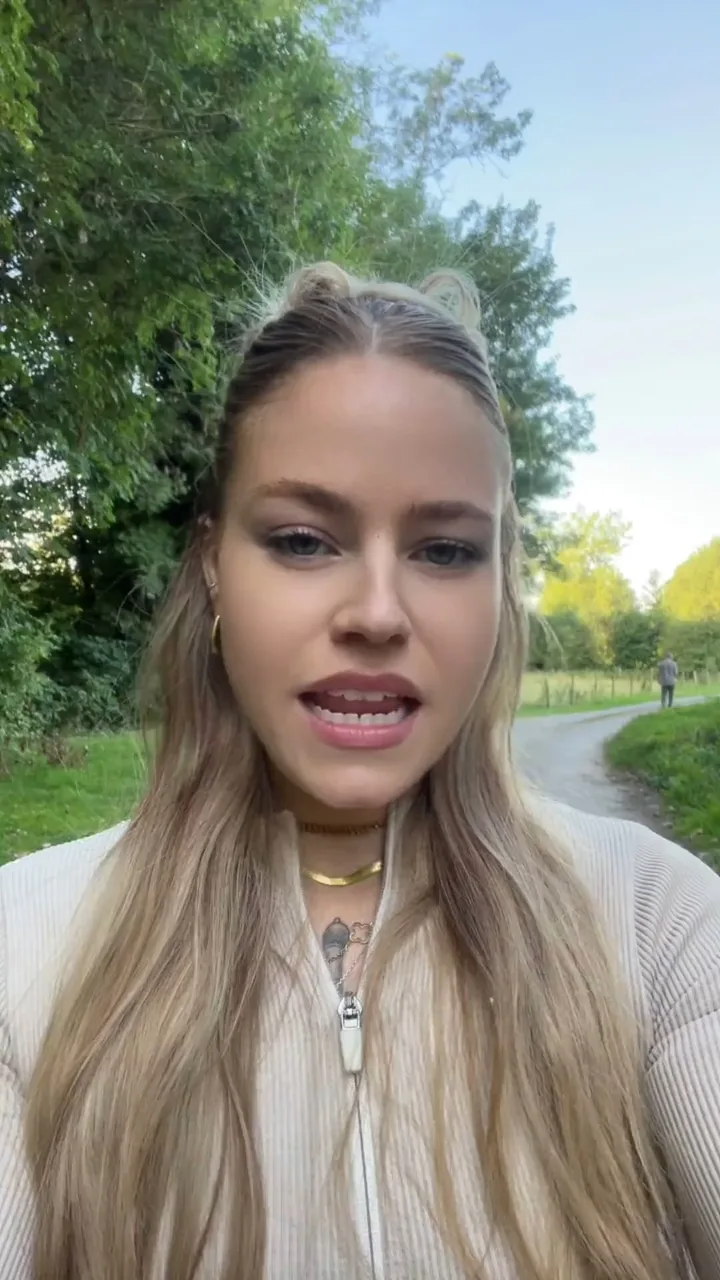
Choose a face from the character library, give it a voice, and write the lines. UGC Studio renders the take — lip-synced, vertical, and ready for the feed.
Free to start. No credit card.
One take, start to finish.
The face, the voice and the lines are rendered together. No shoot to book, no edit to sync — the creator says your script to camera, framed for the feed.
A cast on call.
Browse the character library by the scene a creator was shot in, then narrow it by who they are. Or upload your own face, or create one with AI and keep it for every take.
- Gender
- Female
- Male
- Age
- Senior
- Adult
- Young Adult
- Kid
- Scene
- Home
- Office
- Kitchen
- Gym
- Street
- Car
- Studio
- Store
- Emotion
- Calm
- Enthusiastic
- Excited
- Frustrated
- Happy
How to make UGC video ads with AI
From a face to a finished take in four steps. The dock asks for them in this order.
- 1
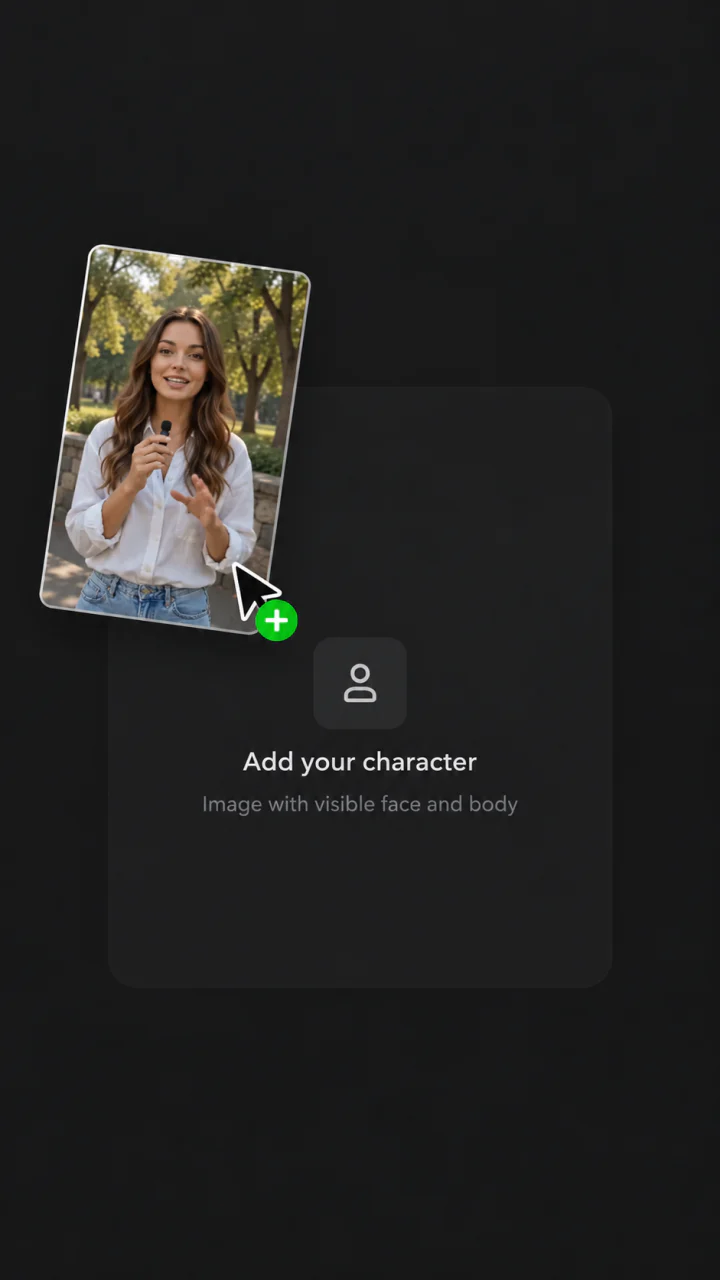
Pick a character
Choose a face from the library, or generate one
- 2
Give it a voice
Pick a voice, clone one, or upload a track
- 3ScriptWrite with AI
Write the script
Say it in a line or in a paragraph, or write it with AI
- 4
Generate
Full quality, or Fast for speed over detail
Introducing UGC Studio
Try UGC StudioCreator-style video without the shoot. A character, a voice and a script — written by you, or with AI from your product — rendered as one take.