1080p2K4K
Up to 4K
Pick the target the placement needs, from 1080p up to 4K.
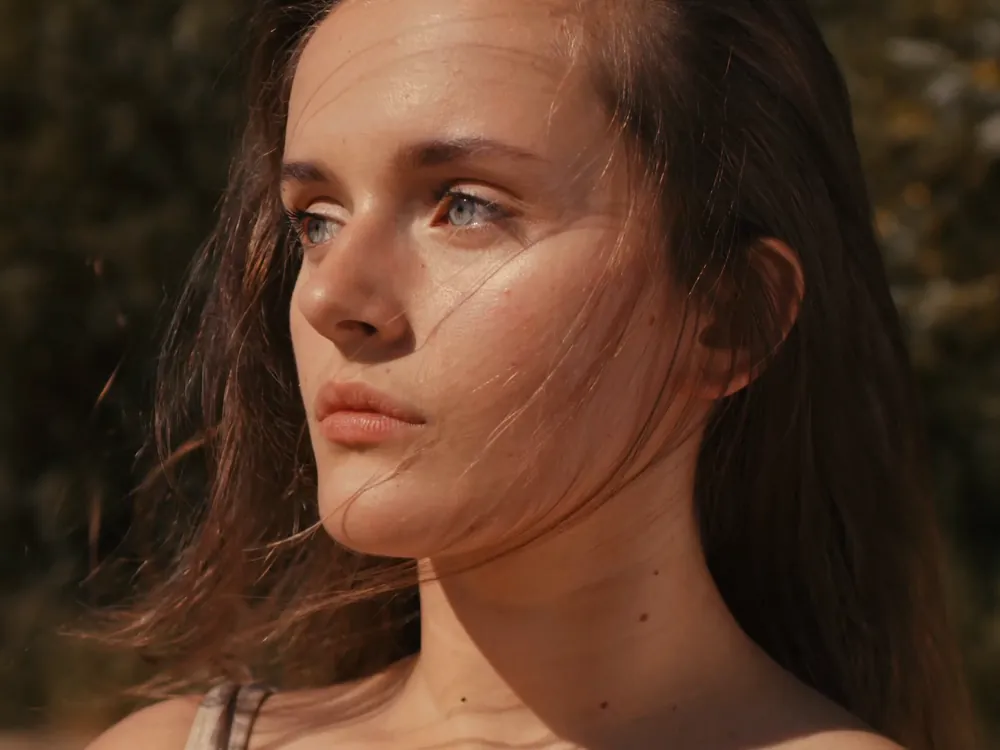
Bring soft, low-res or generated clips up to the resolution the placement needs. The motion stays smooth, and detail comes back in hair, fabric and light.
Free to start. No credit card.
Upscaling works across the whole clip, so the sharpness holds from the first frame to the last.
Pick the target the placement needs, from 1080p up to 4K.
Let the model invent finer detail, or sharpen only what is already there.

Right-click any clip and choose Upscale; it opens with the clip in place.
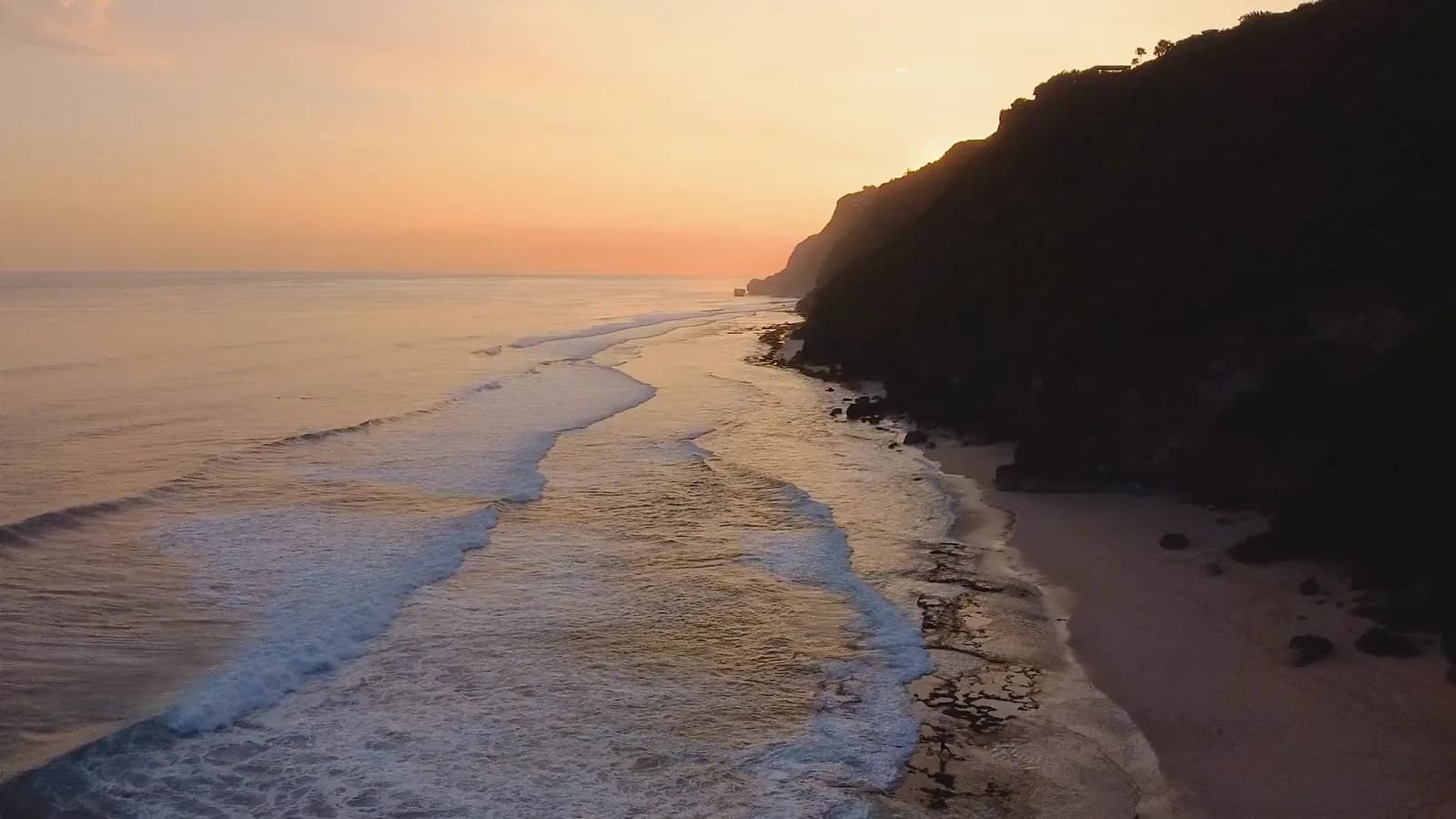
Busy scenes blur first when a clip is small. Upscaling brings back the lettering, the faces in the crowd and the lights behind them.
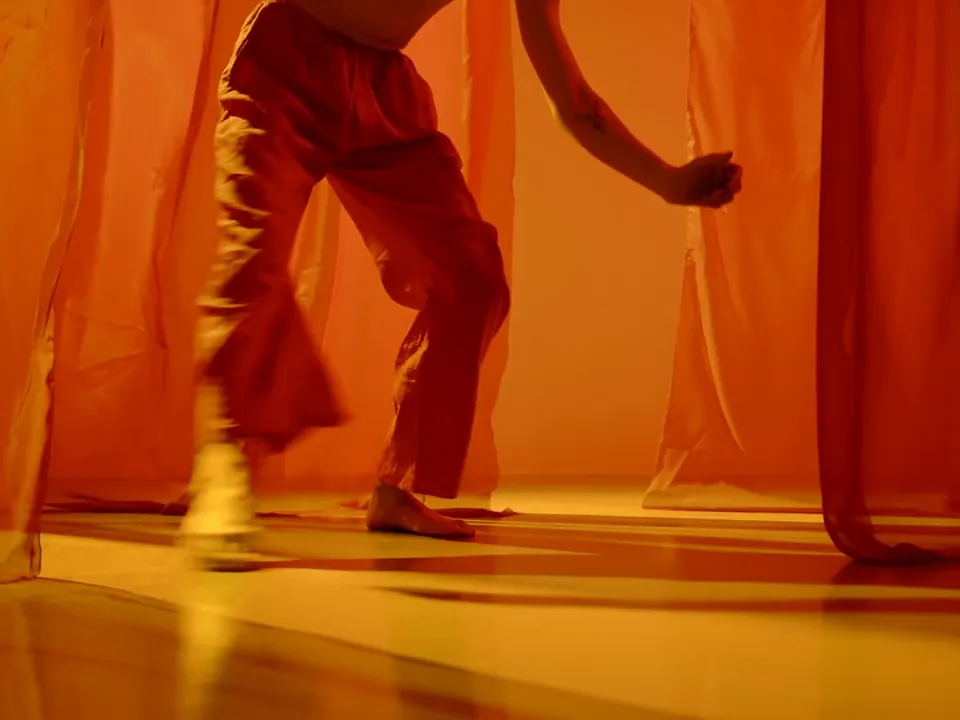
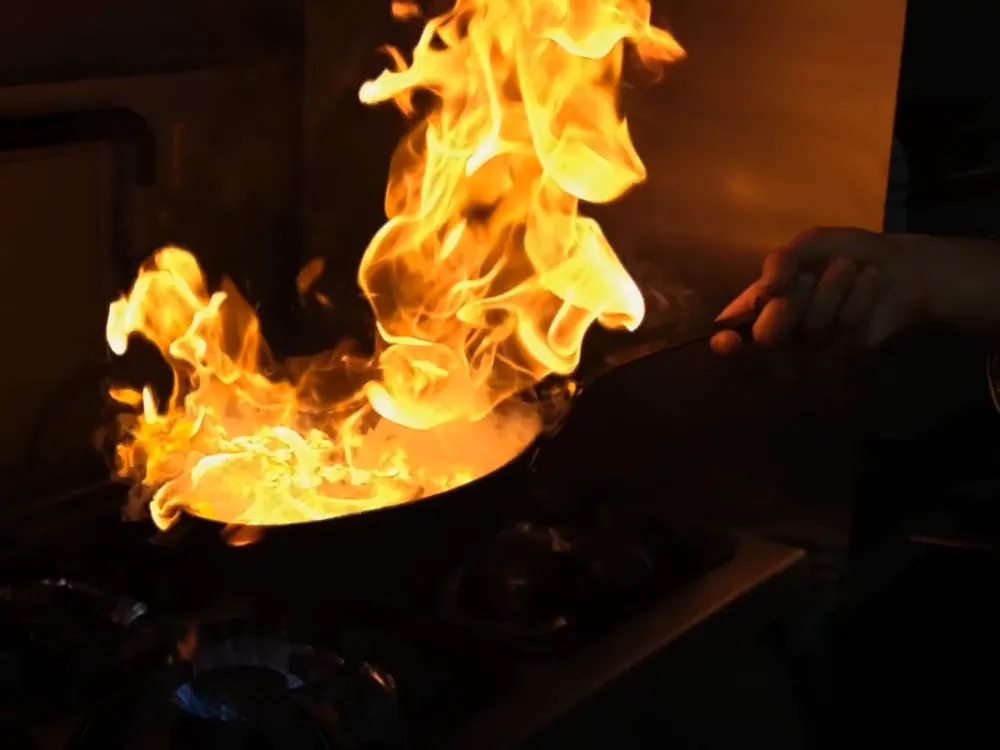
Upscale a videoFire, steam and fabric are the hardest things to keep sharp while they move. The upscaler rebuilds them frame by frame, so the motion stays clean.
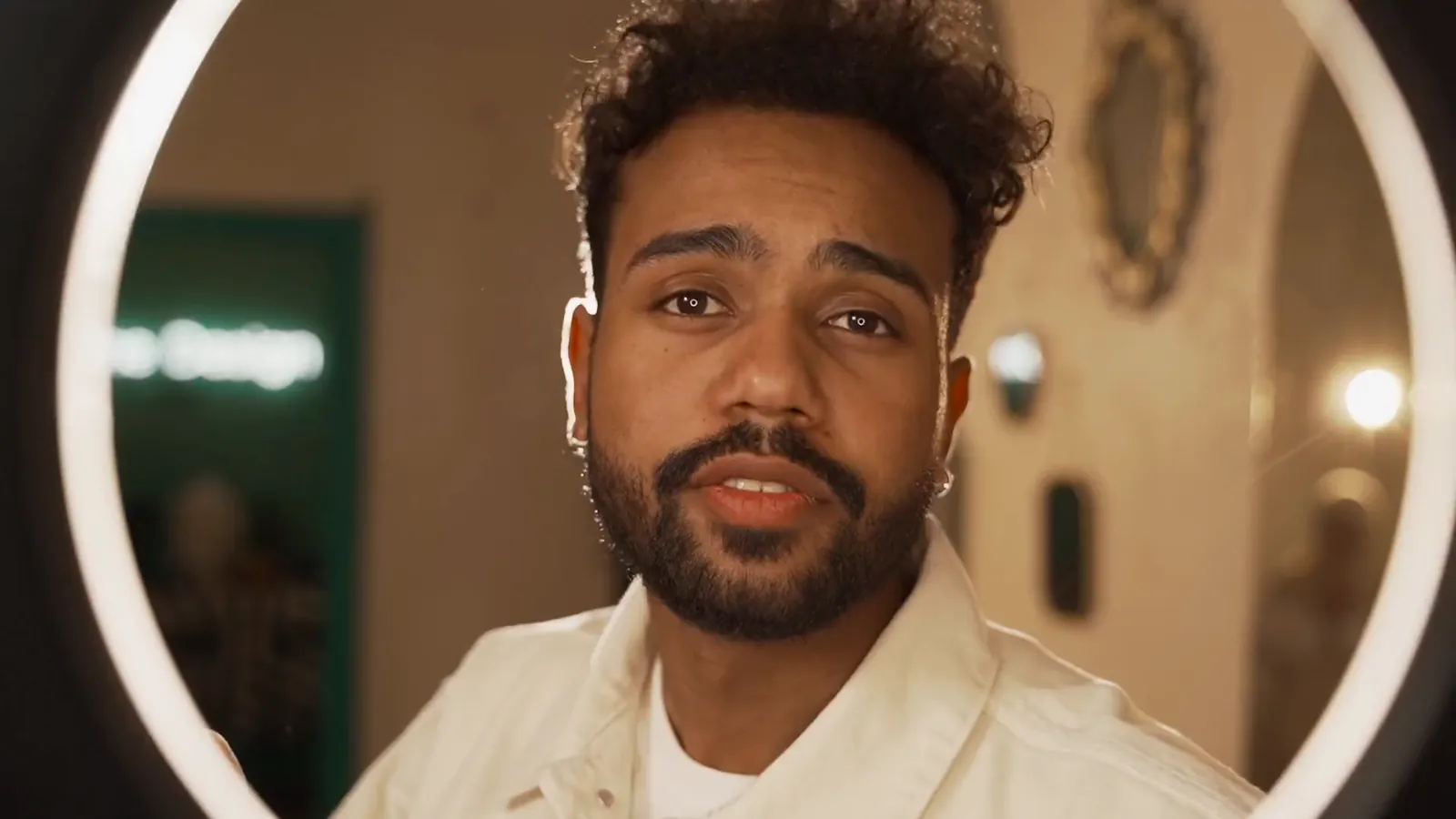
Upscale a videoArchive clips and early exports can run again on a big screen. Choose Creative to invent finer detail, or keep it faithful to the source.
Restore a clipThe upscaler lives in Video Edit. Three steps from a soft clip to a sharp one.

Sharper clips from the ones you already have. Pick the target resolution and how much new detail to add, and the upscaled take lands beside the original.