AI two-speaker video generator
AI talking video. Two voices, one take.
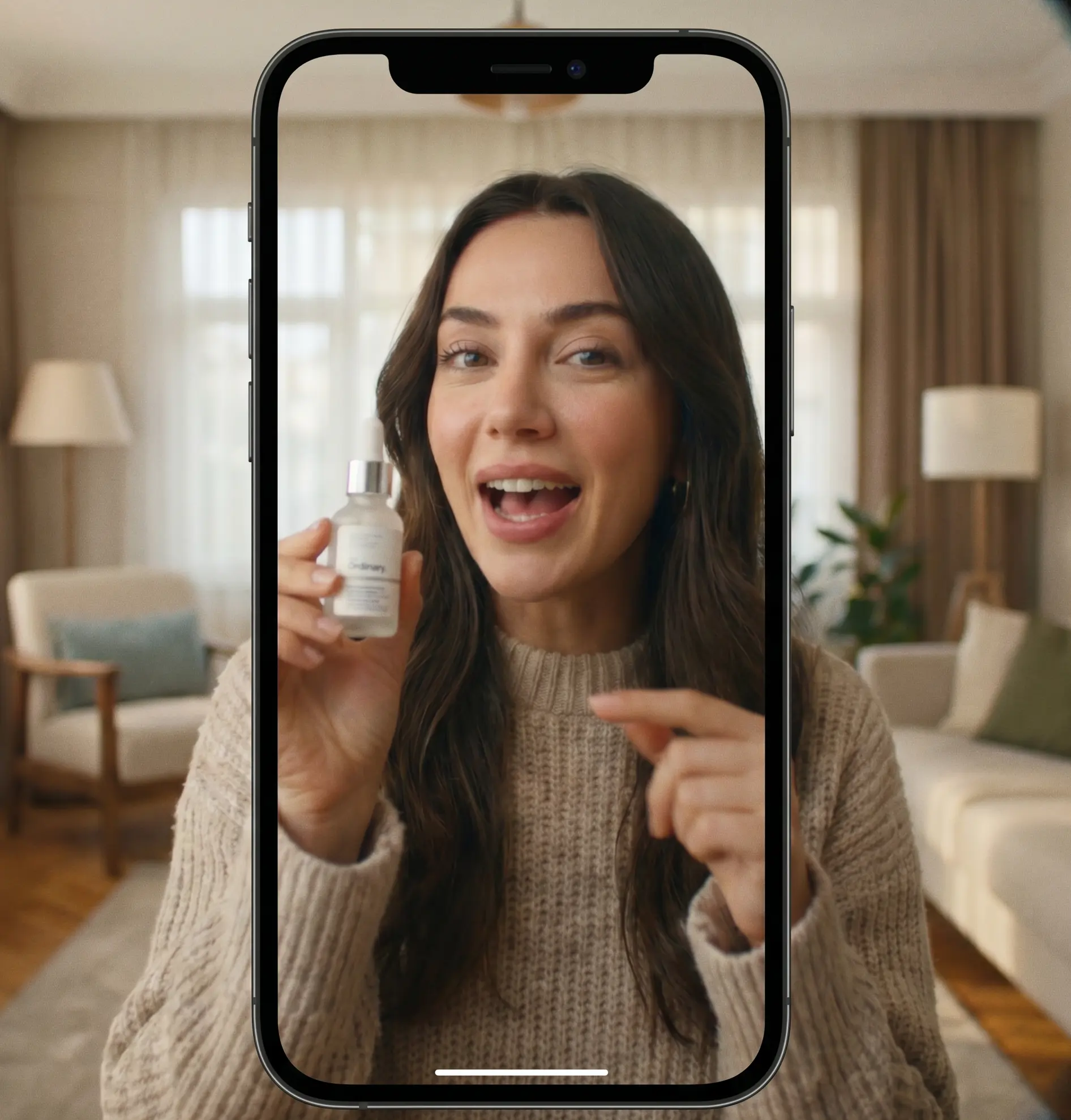
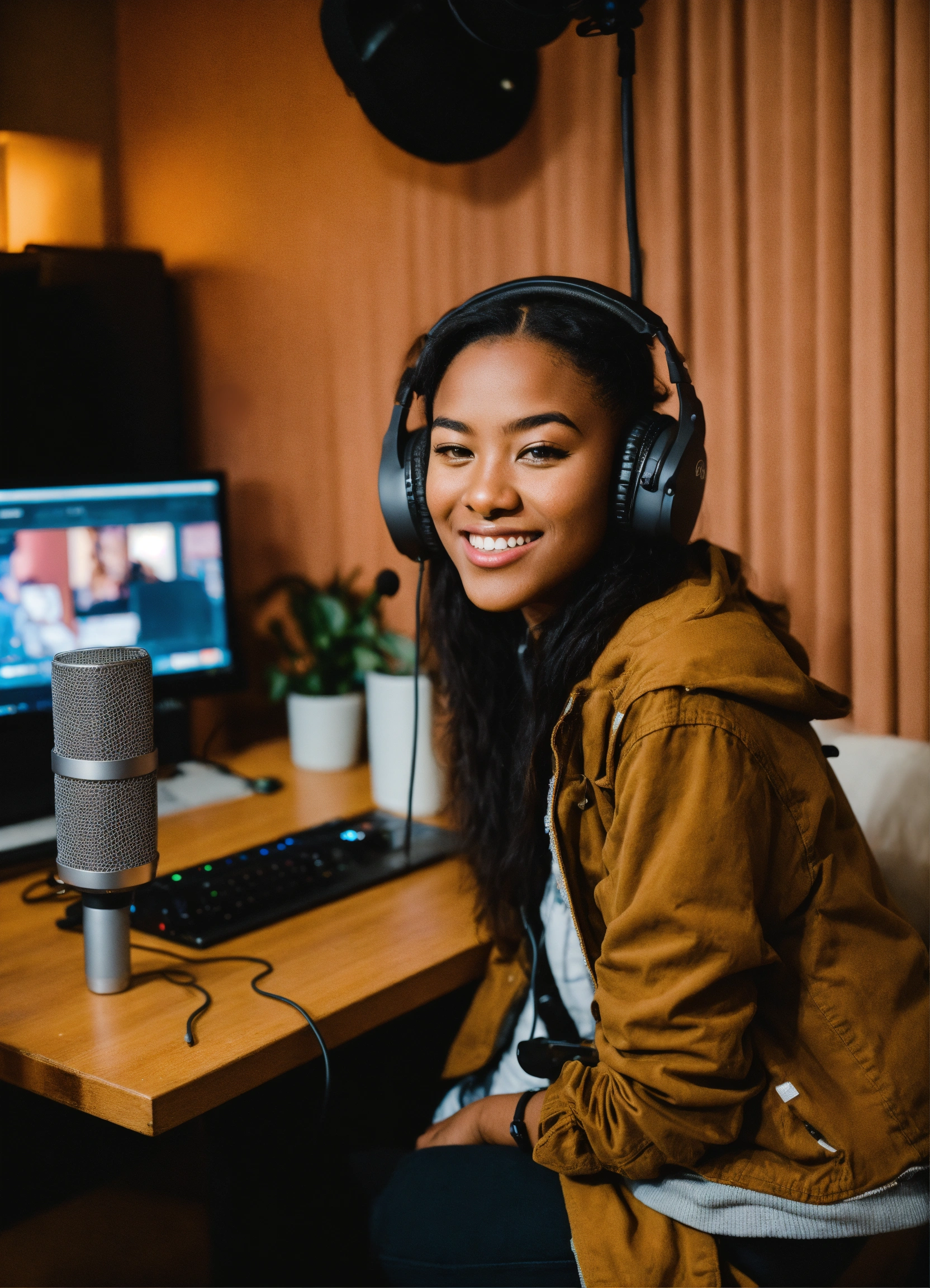
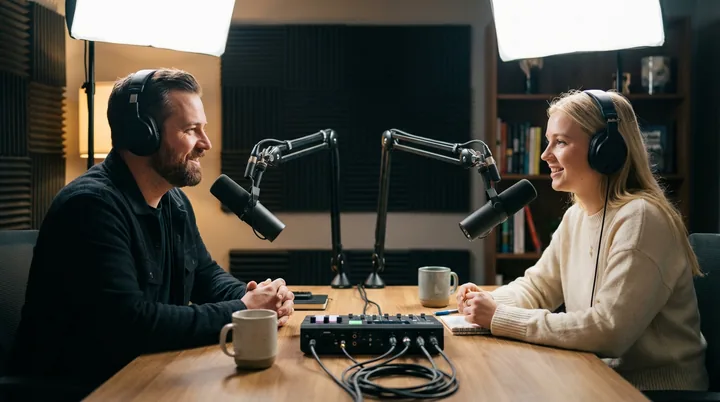
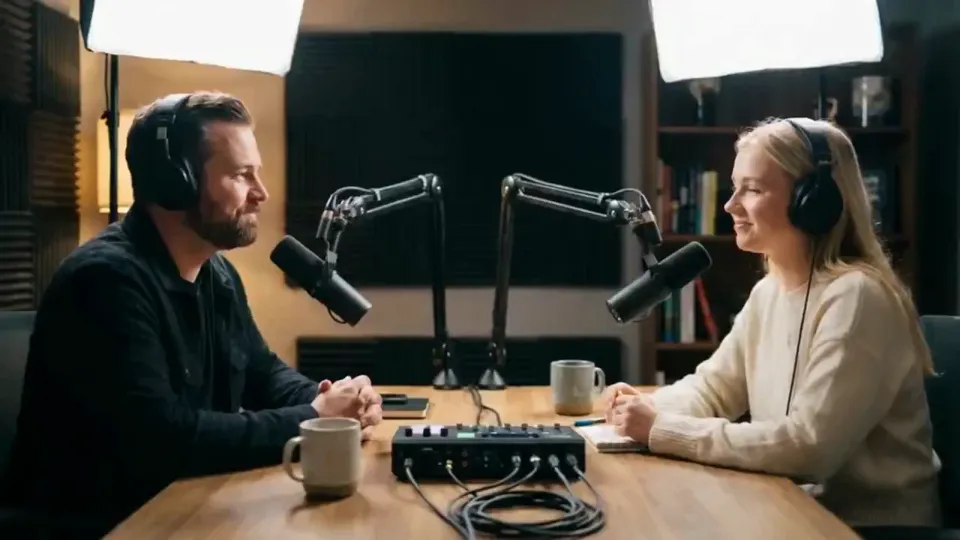
Bring two finished voice tracks and one shot of the pair. Multitalk puts each voice in its speaker’s mouth and renders the conversation as a single clip.
Free to start. No credit card.
A conversation, not a cut.
Both people are in the frame the whole time, each one speaking their own track. No split screen, no cutaways — a dialogue ad, an interview or a podcast moment, shot as one take.
How to make a two-person talking video
Two tracks that end together, one shot of the pair, one press.
- 1
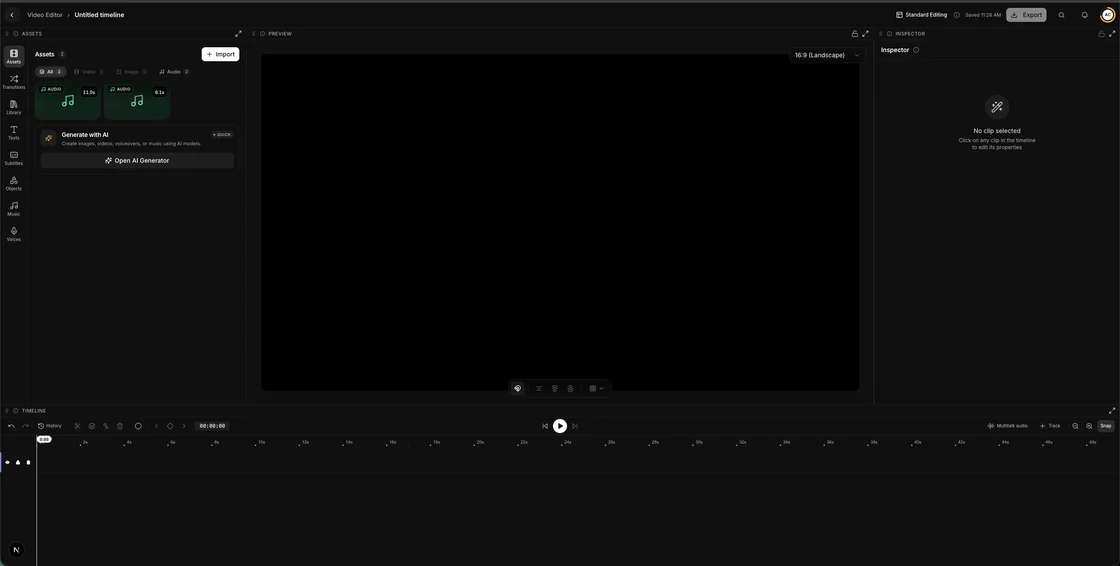
Prepare the audio
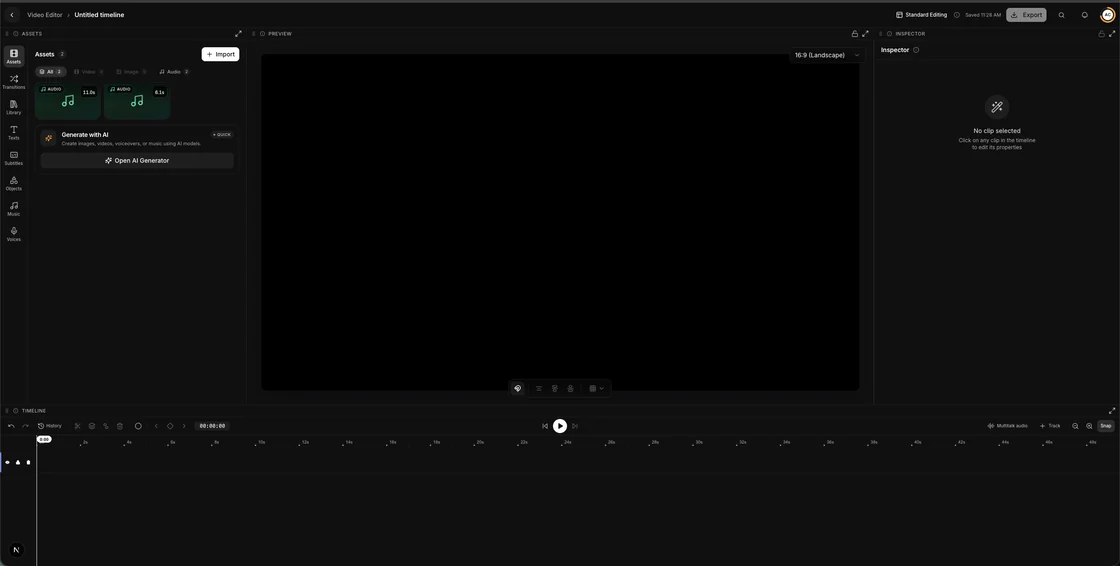
In the Video Editor, one press pads both tracks to the same length
- 2Left speaker0:12Right speaker0:12
Upload both voices
The left slot and the right, on the pair in the shot
- 3
The take
One press, one clip. There is no batch here
Introducing Multitalk
Try MultitalkThe UGC tool for two people. UGC Studio writes a script for one creator; Multitalk is handed two finished voices and gives each of them a face in the same shot.