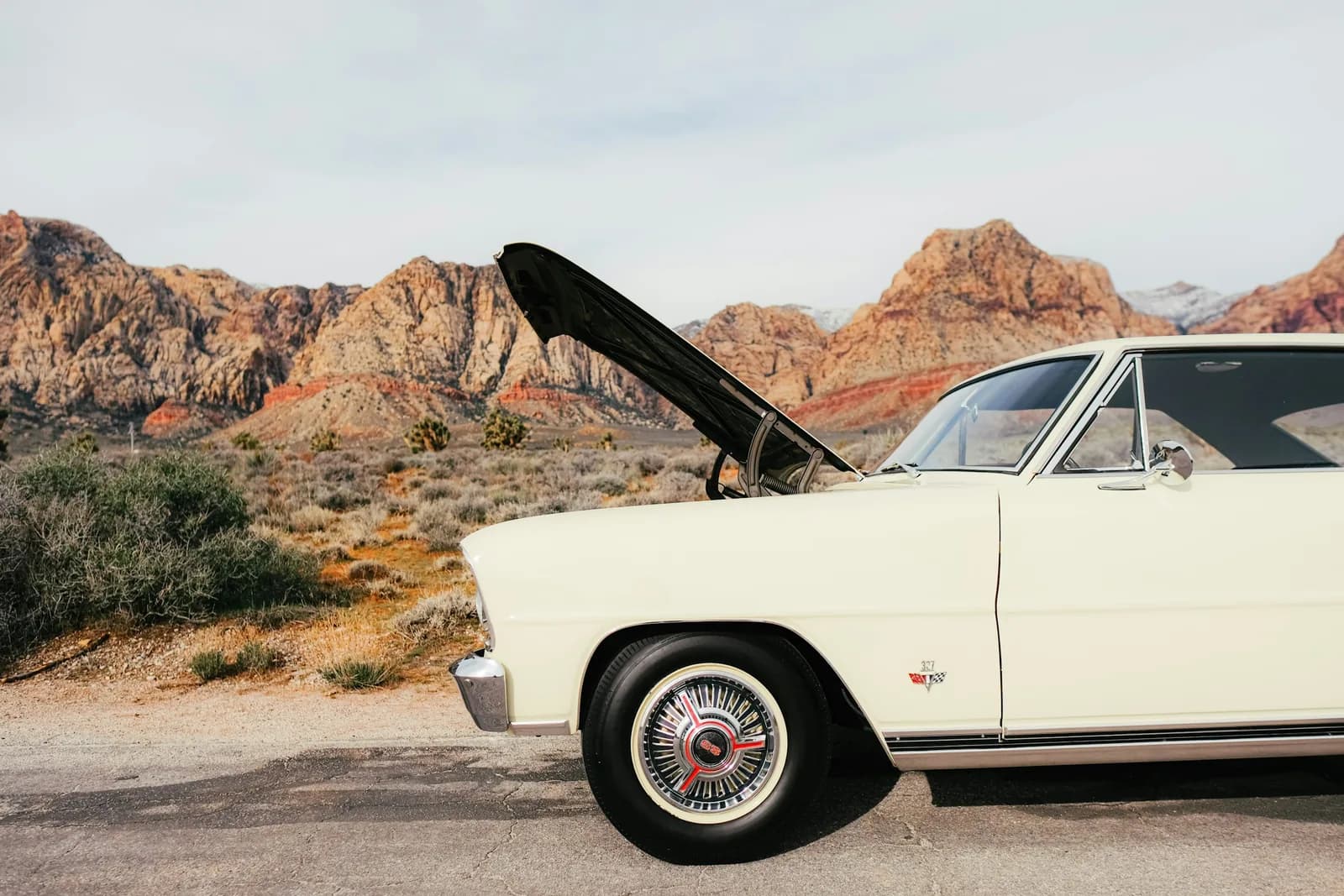
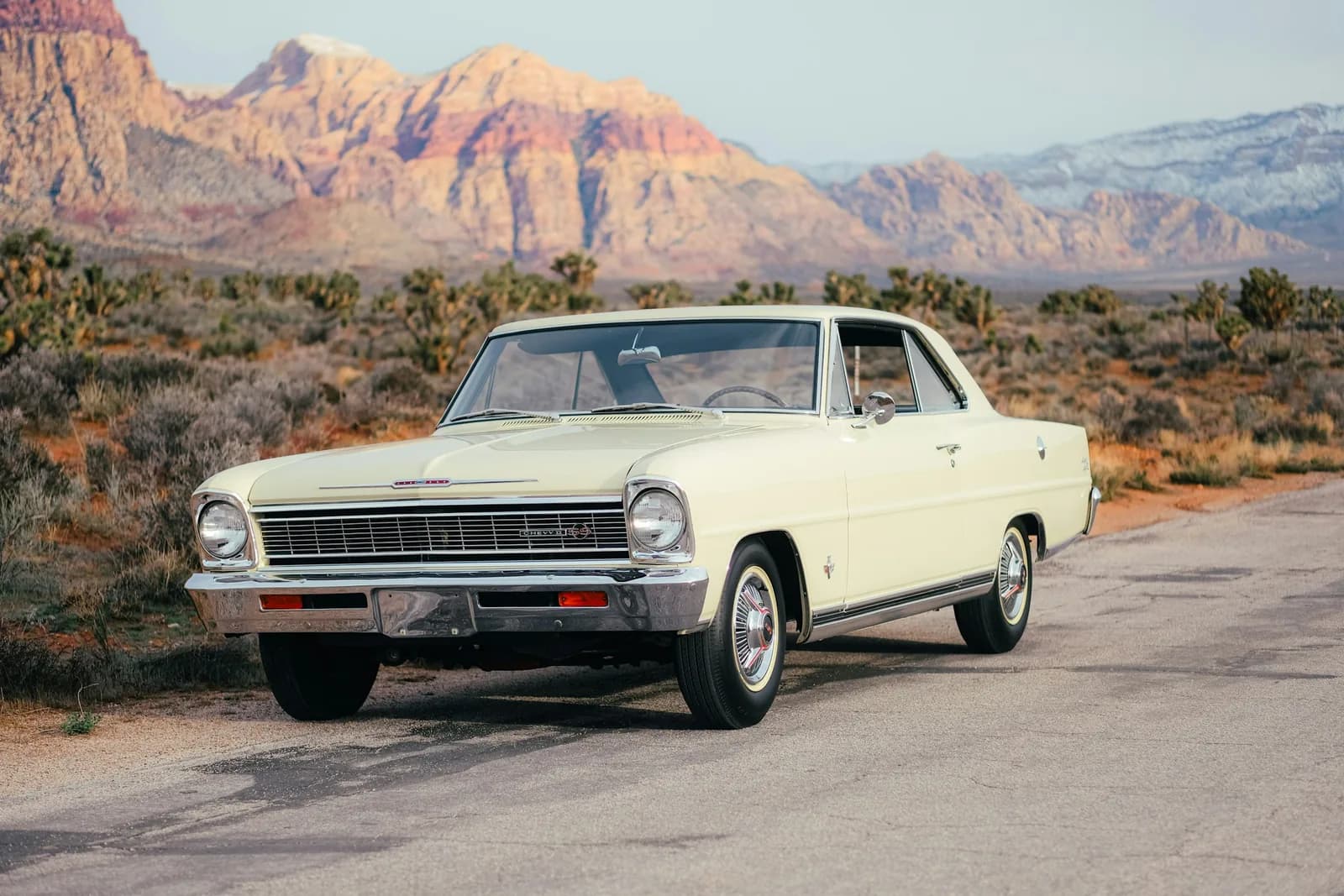
A cream classic car on a desert road
The same car with its hood open, closer in
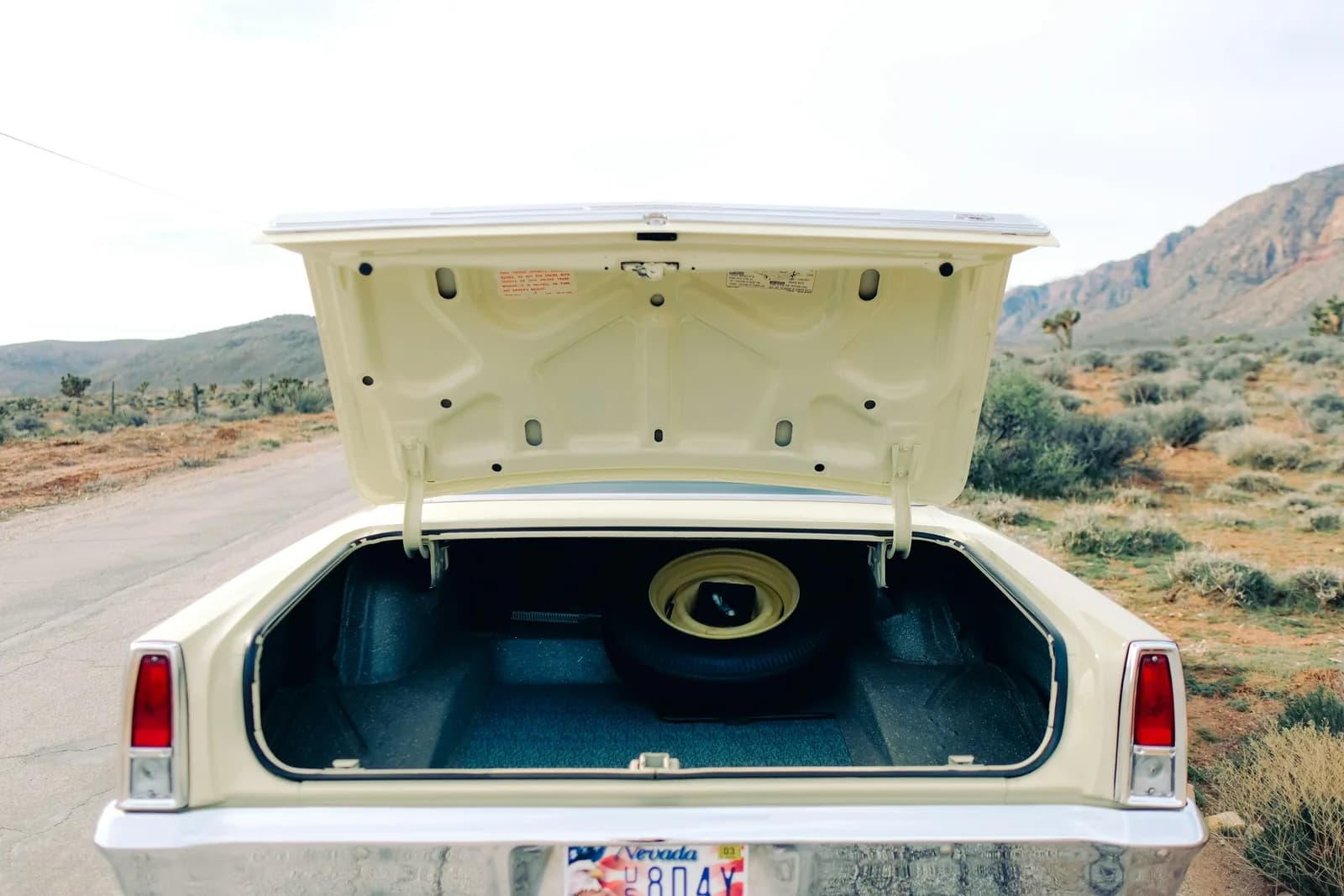
The same car from behind with the trunk open
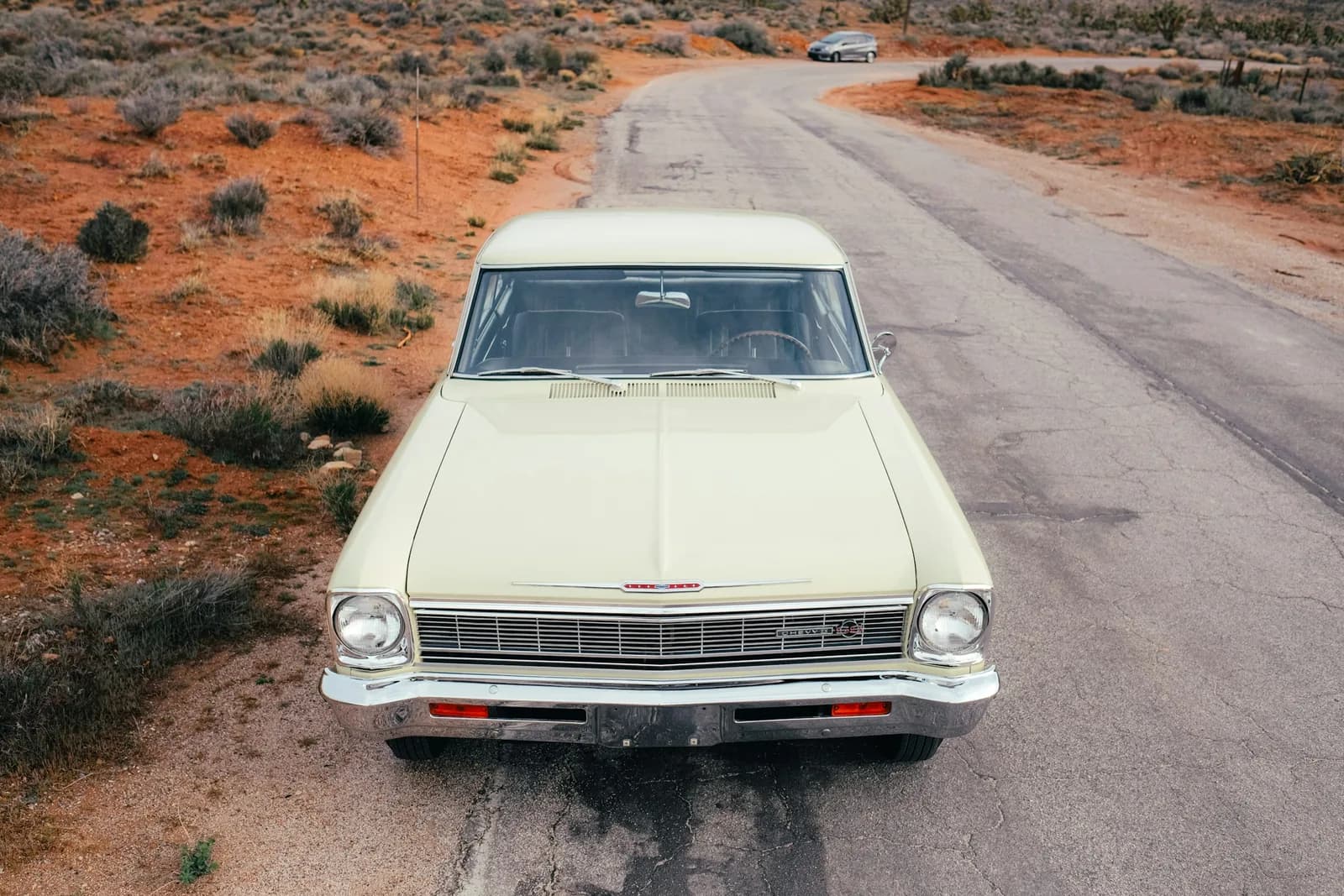
The same car on the road, facing the camera

Your image

AI image editor. Say the change, keep the rest.

Drop in an image and describe what should be different: open the hood, turn the car, change the moment. Image Edit makes that change and leaves everything else the way it was.

Edit an image

Free to start. No credit card.

One image. Every version of it.

Edits start from the picture you already trust, so the product, the person and the light carry through.

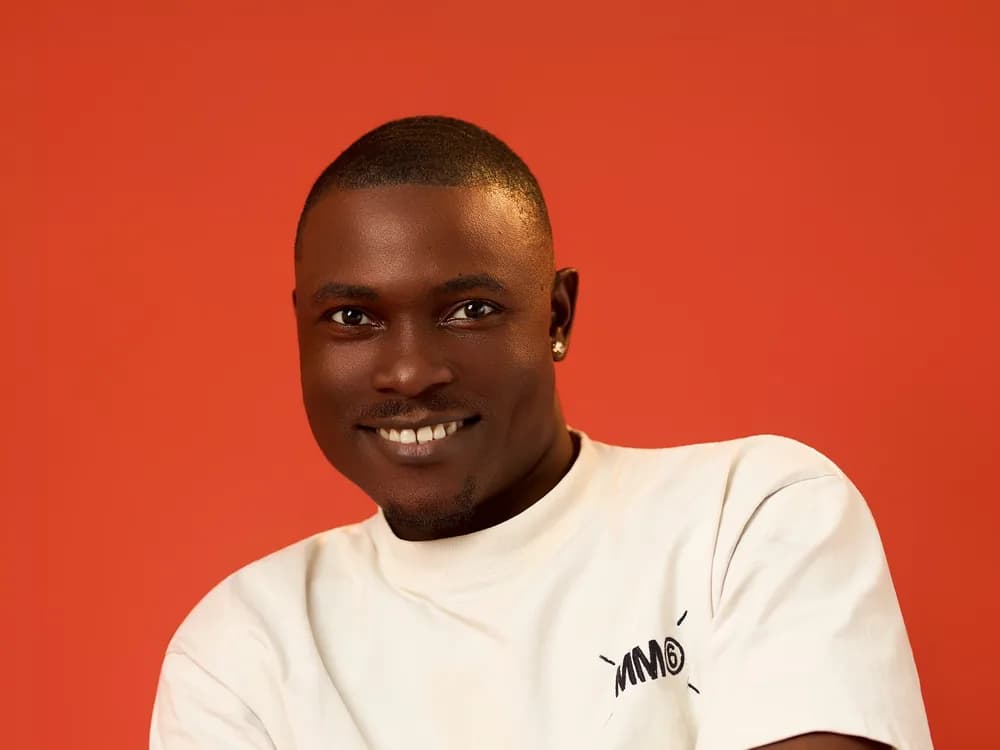
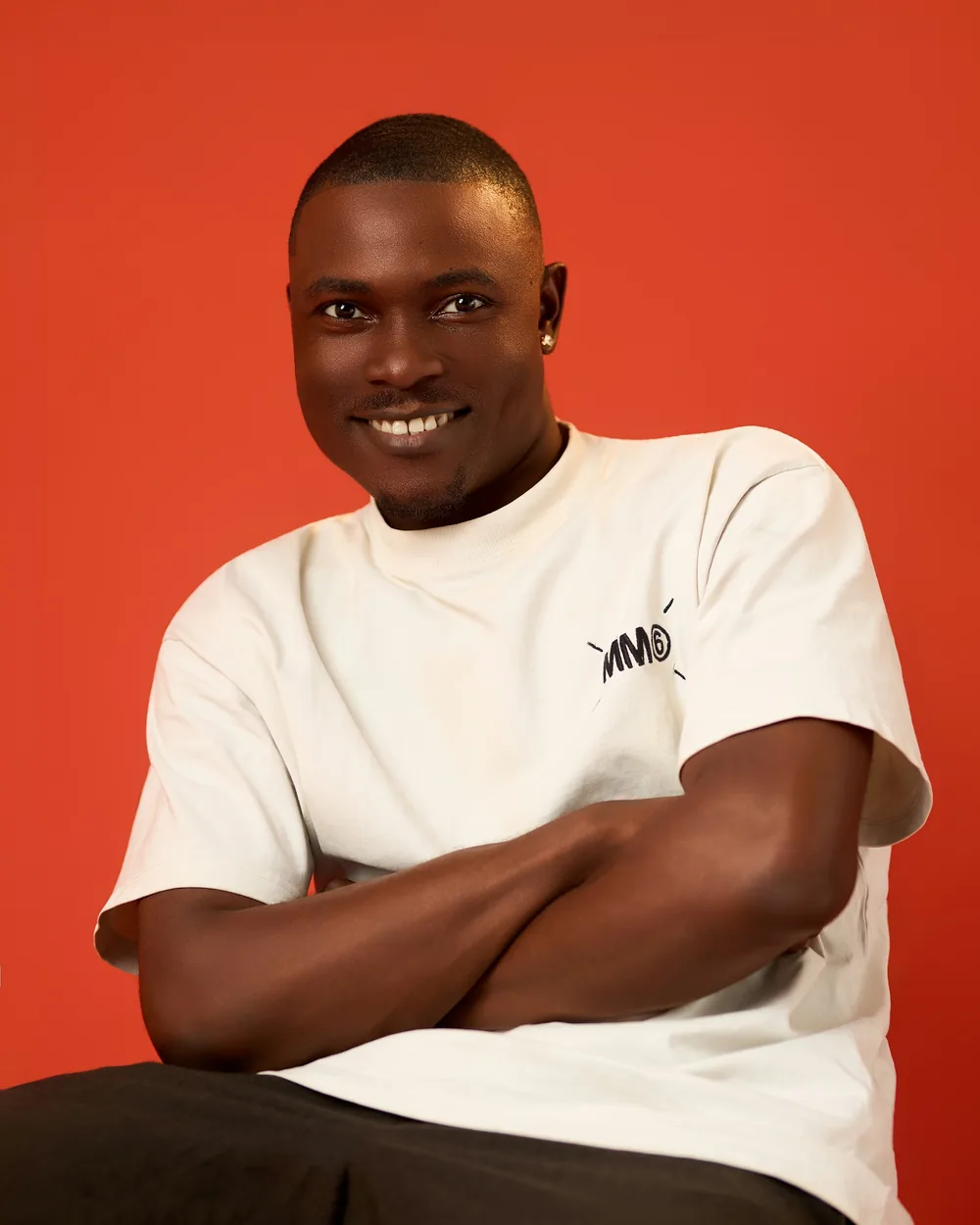
A man smiling against an orange backdrop

Change the expression

A straight face becomes an easy smile, with the same shirt and the same backdrop.
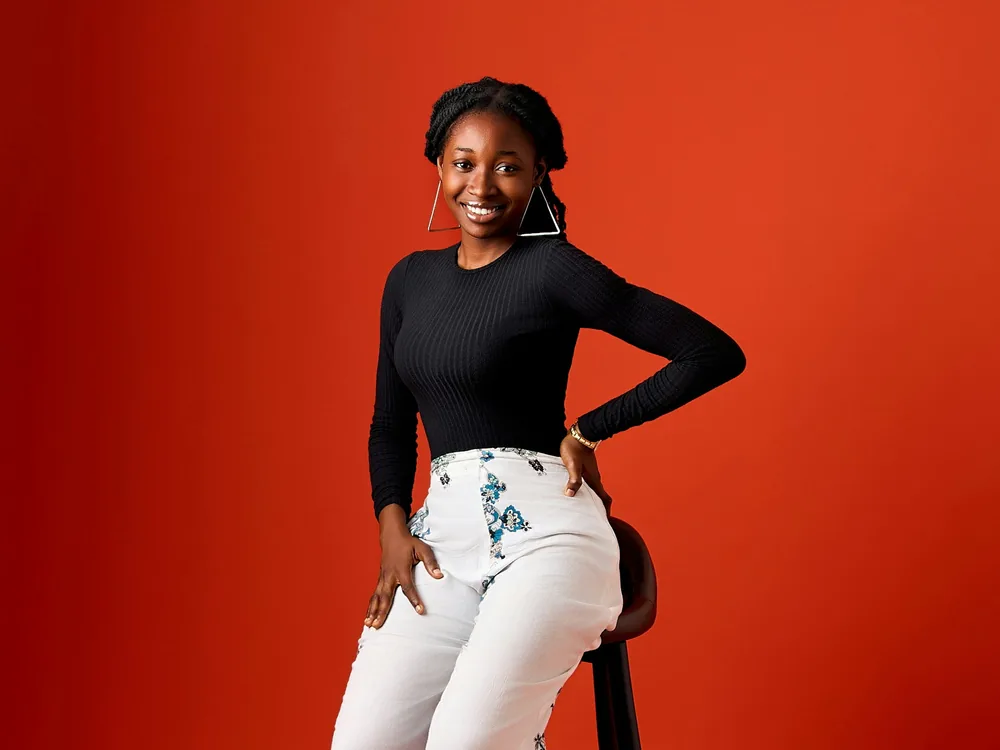
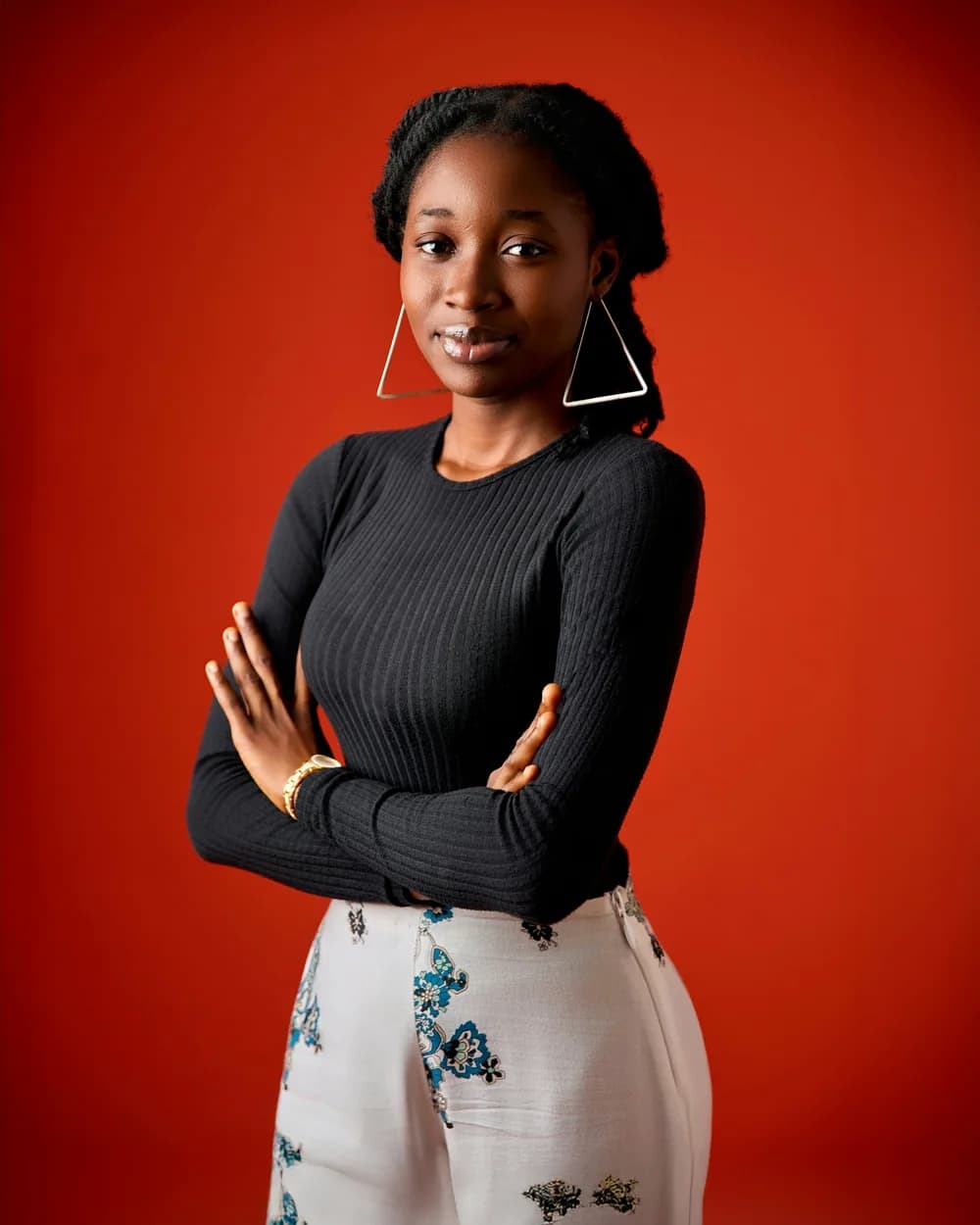
A woman seated on a stool against an orange backdrop

Change the pose

Move a model through a set of poses without booking the studio again.
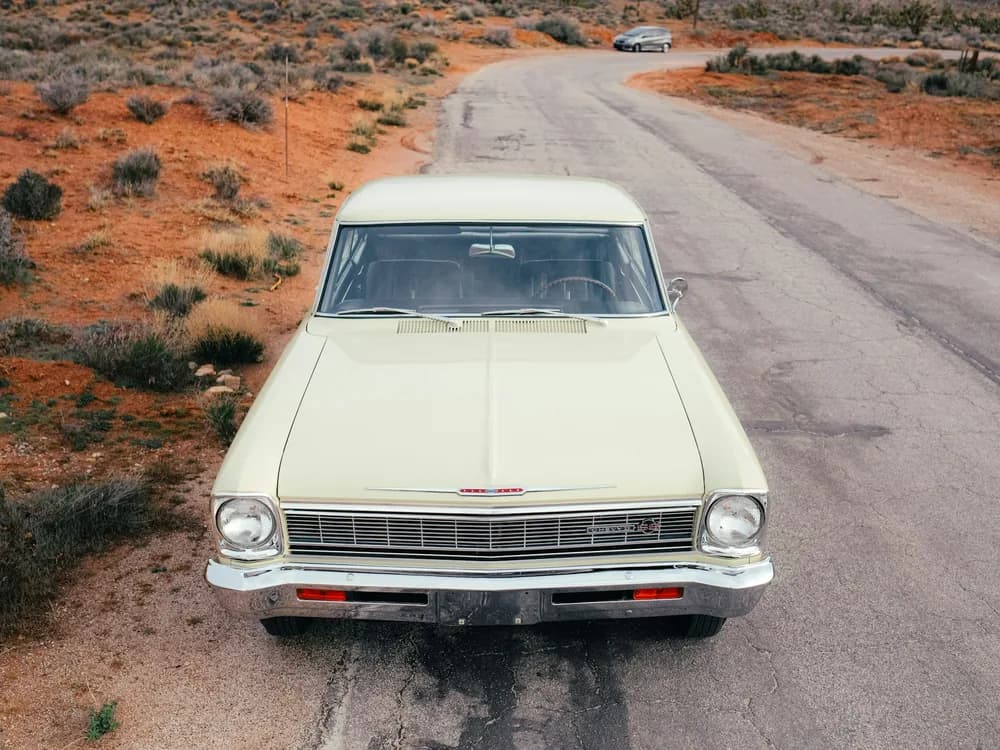
A classic car on a desert road, facing the camera

Move the camera

Ask for another angle on the same scene and get a shot that matches the first.

Give the brief, not the brush.

No masks, no layers, no selections. Write what should change in a sentence, and the edit follows it.

Say what has to stay, too: the face, the product, the light.

Edit an image
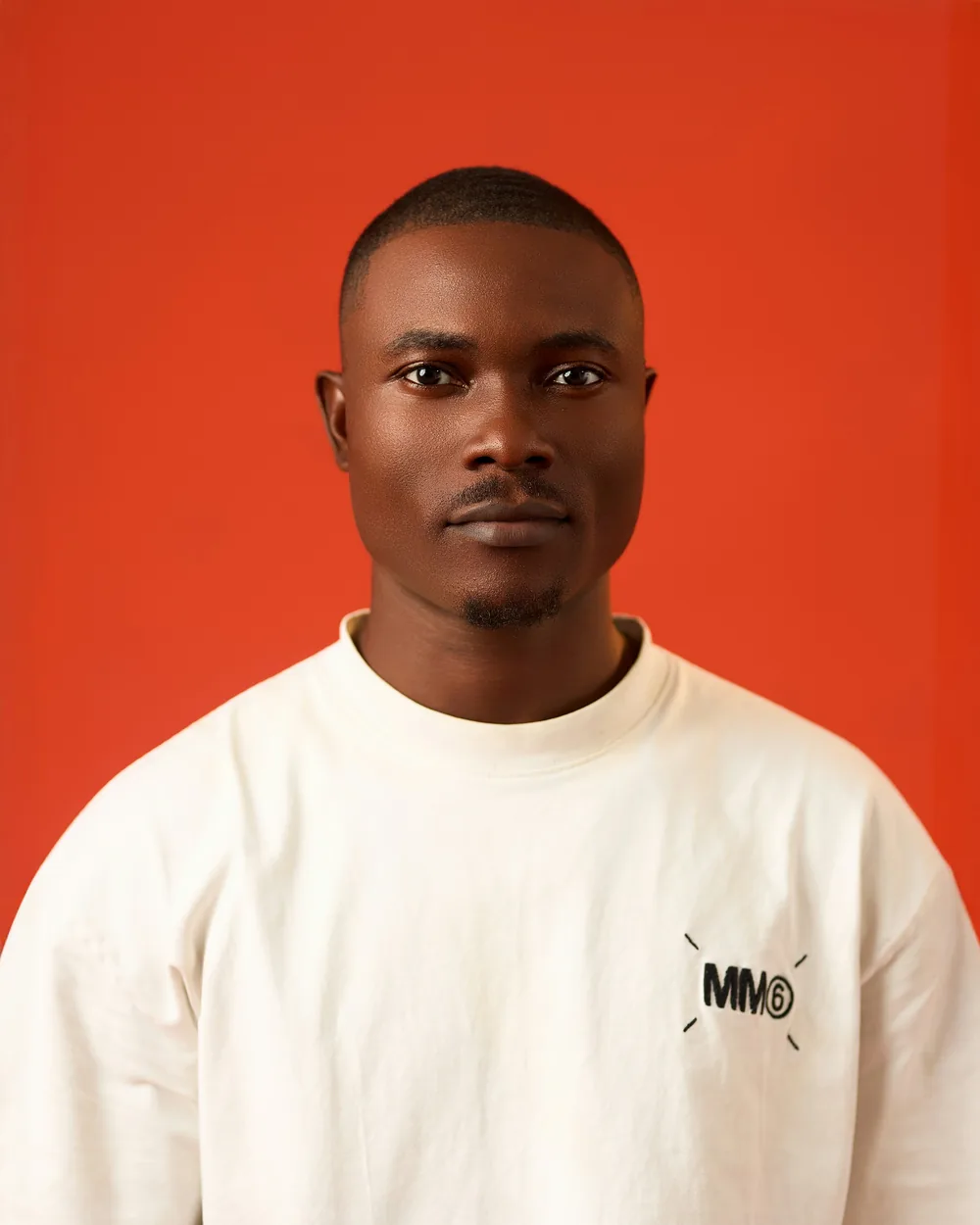
A man standing against an orange backdrop
The same man seated, arms crossed, smiling

Your image

The moment moves. The scene holds.

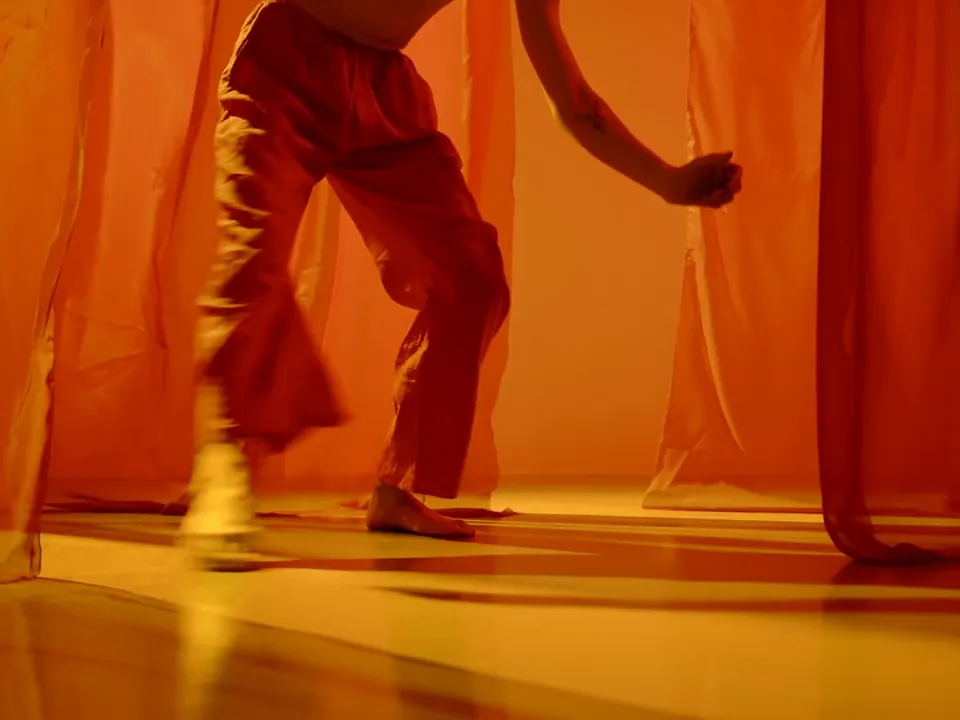
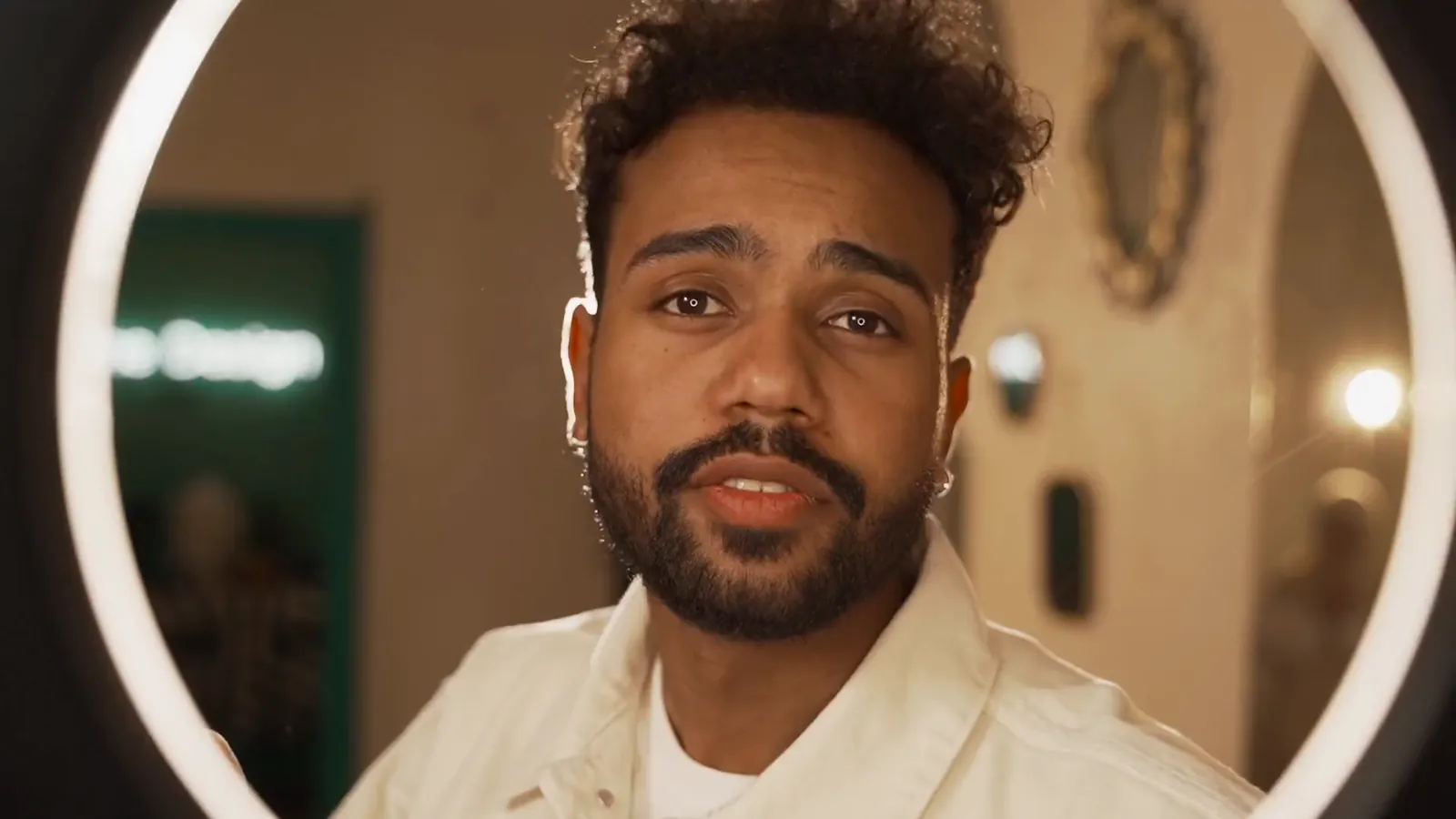
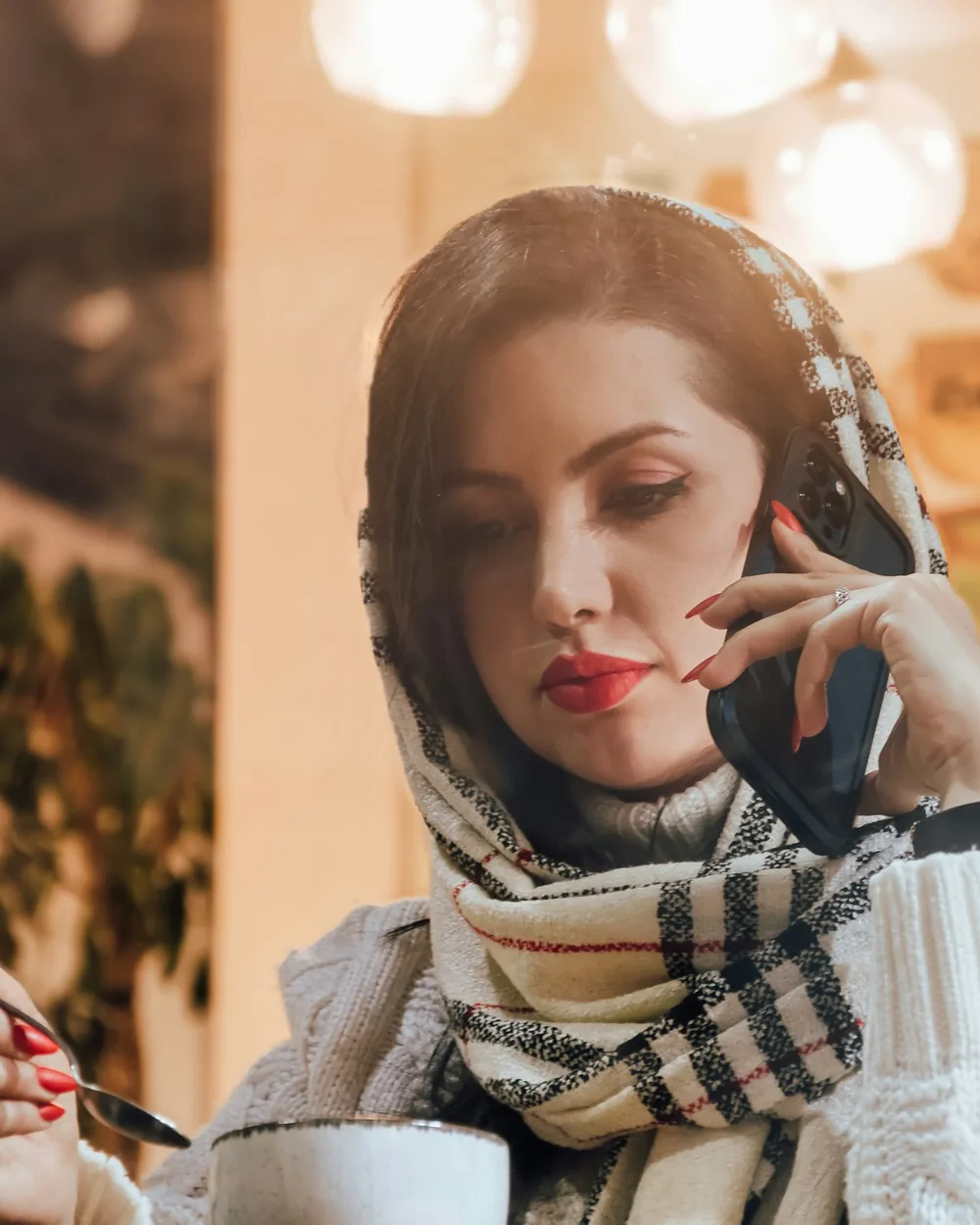
Change what someone is doing and keep who they are and where they are. A glance at the phone becomes the call itself, in the same café light.

Edit an image
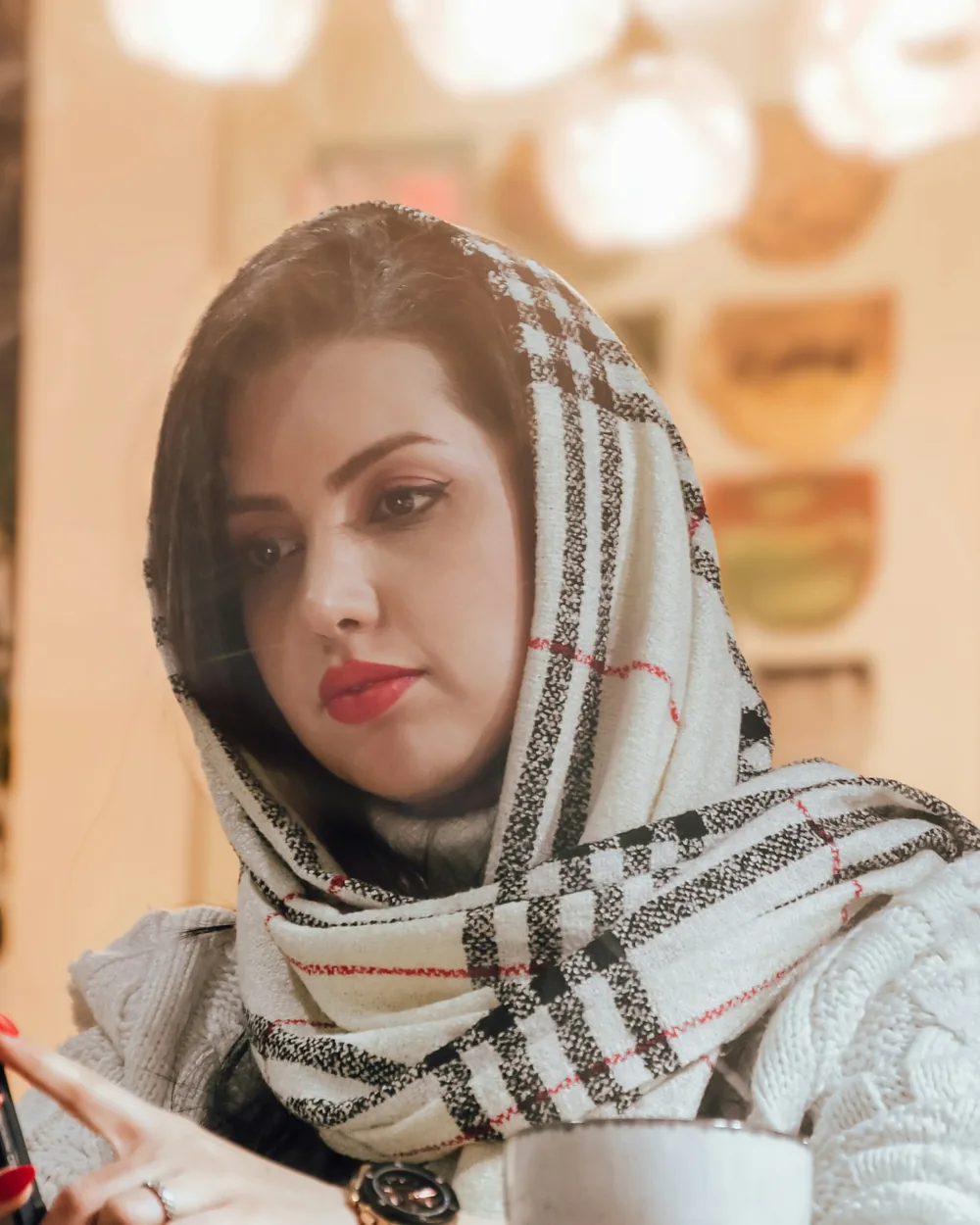
A woman in a scarf looking down at her phone
The same woman on a call

Your image

A shoot’s worth of variants.

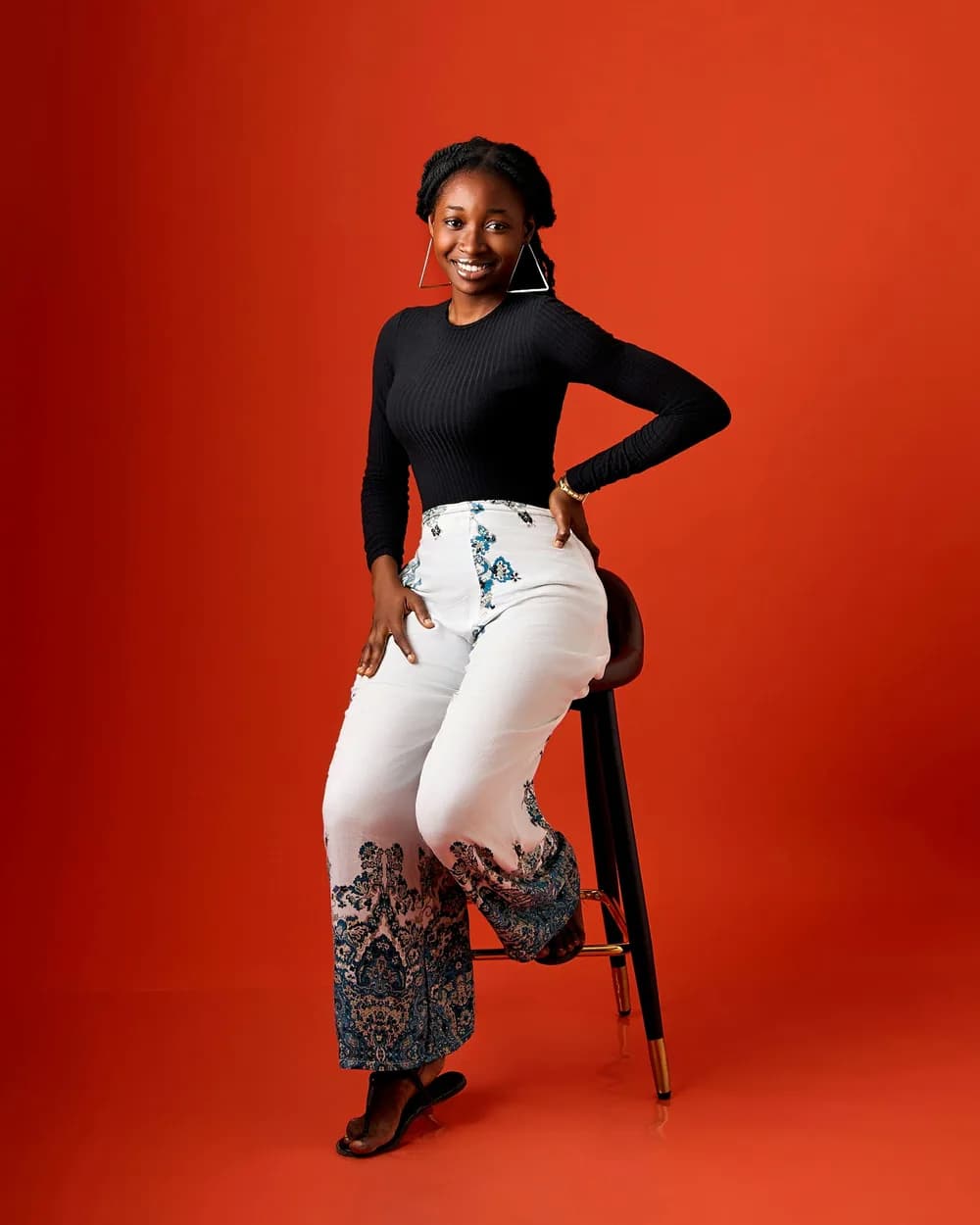
Run one image through a set of edits to build the variants a test needs. Every result lands on the board, next to the source it came from.

Make variants
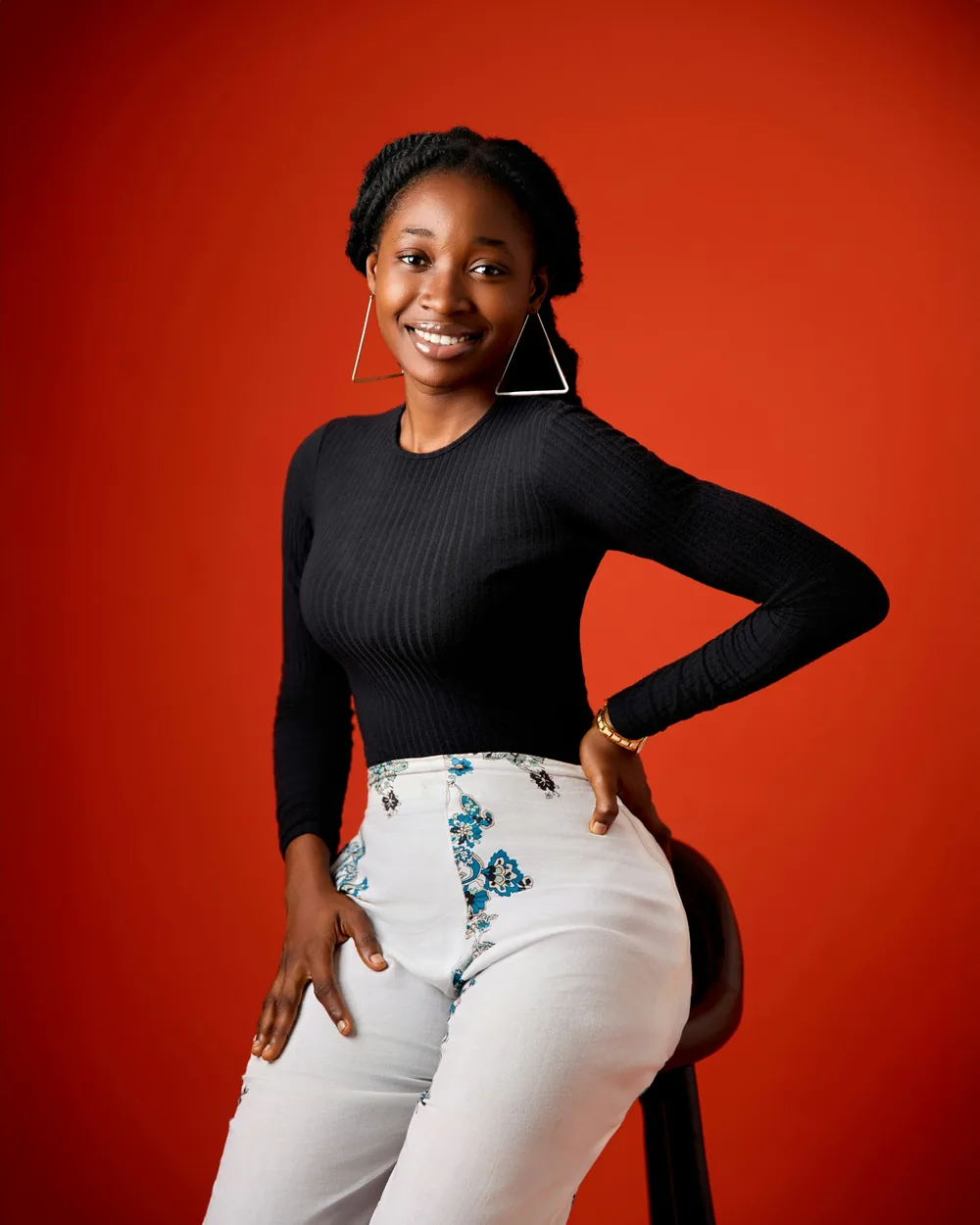
A woman leaning on a stool, hand on hip
The same woman seated on the stool
The same woman with arms crossed

Your image

How to edit an image

The same composer as Image Generate, with your picture in front of it.

Edit an image
A cream classic car on a desert road

Introducing Image Edit

Edit an image

The picture you trust, changed by a sentence. Say what should be different and what should stay, and the edit lands on the board beside its source.
FAQs

Backgrounds, colours, objects, poses, expressions and angles. Describe the change in plain words and say what should stay the same.

No. The prompt carries the whole instruction; there are no brushes or selections to draw.

The result keeps the source’s framing unless the prompt asks otherwise. Name what must stay, such as a face or a product, and the edit holds it.

Yes. Extra images sit under Add references beside the source and count against the model’s reference slots.

Only models that accept an image appear in Image Edit, so every option in the list can take your source.

Yes. A finished image’s Add as reference option brings it straight back into Image Edit.