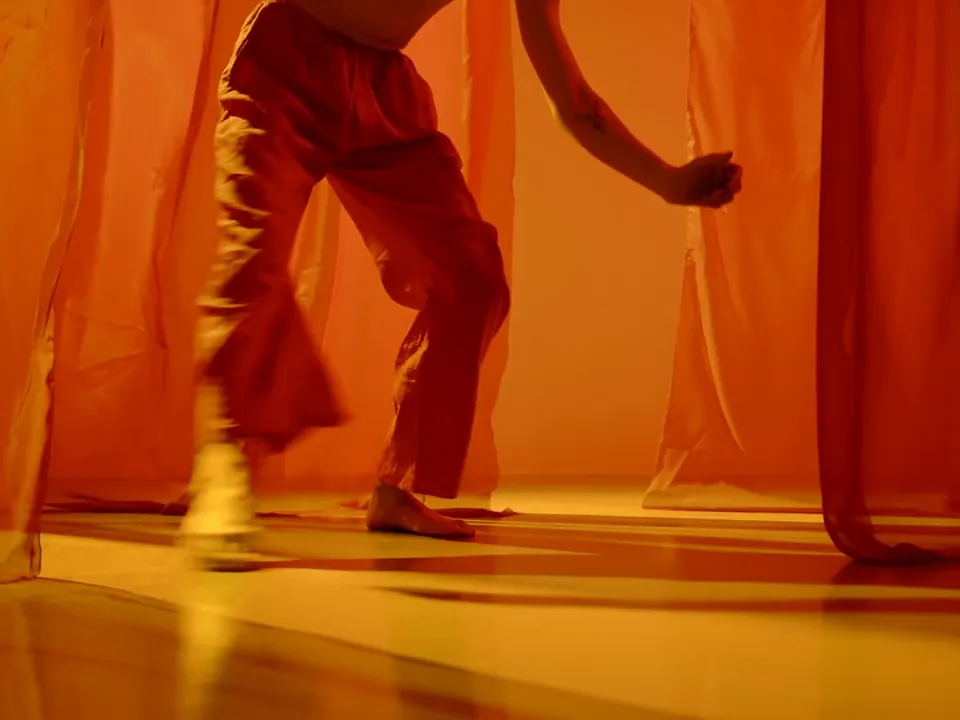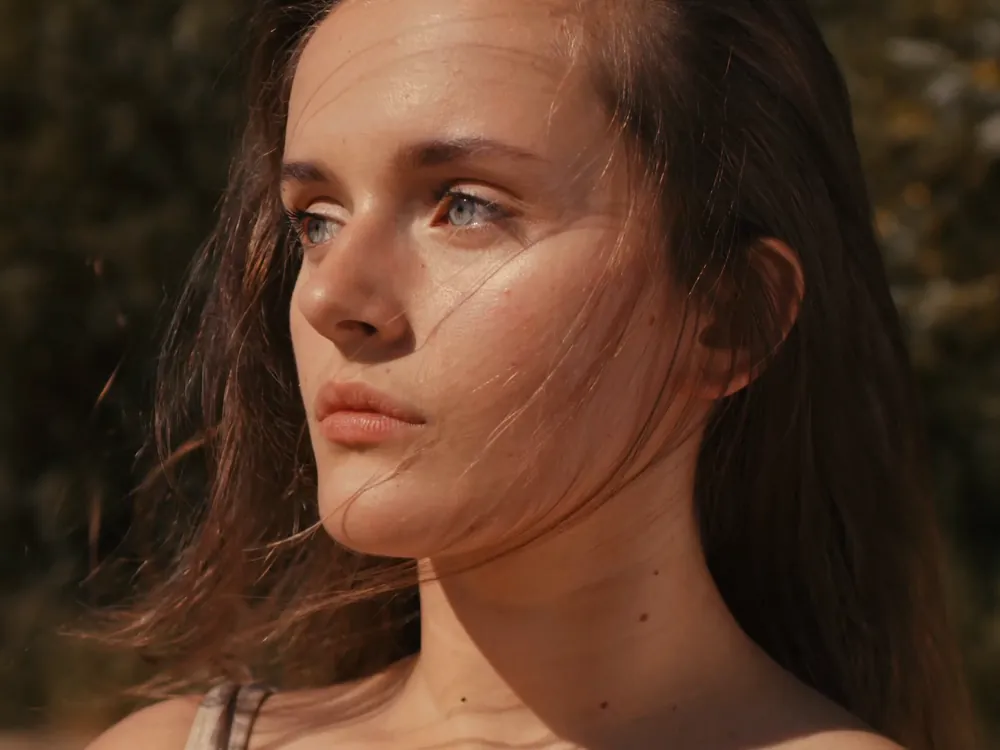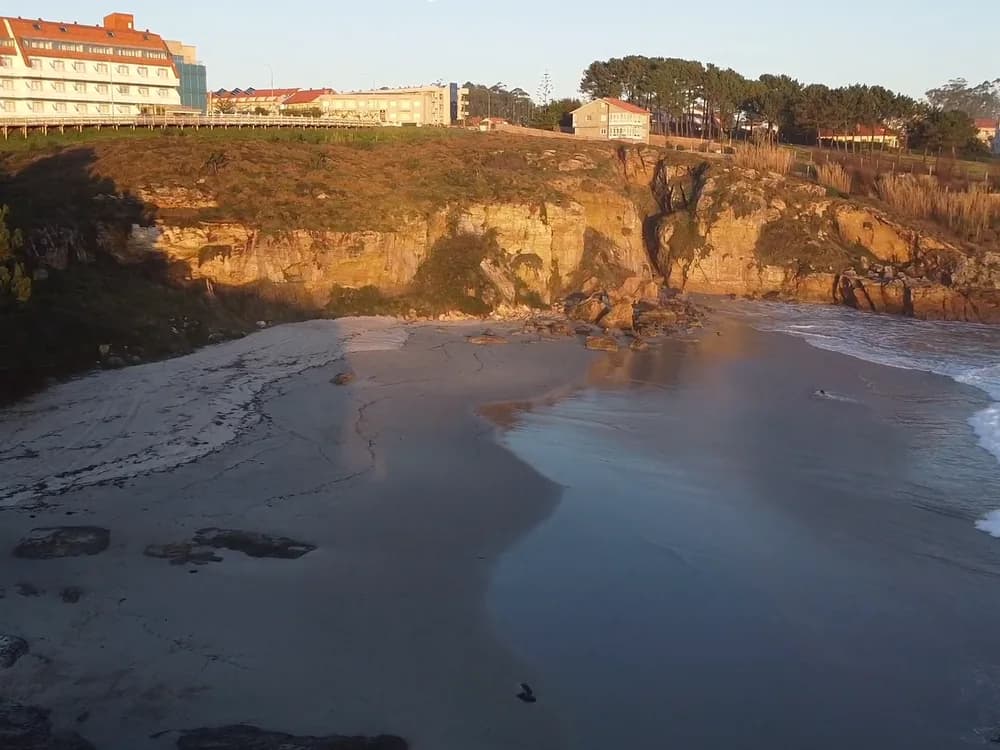
5 s15 s30 s
Up to thirty seconds
Anything from four to thirty seconds, long enough for a spot to open, turn and land.
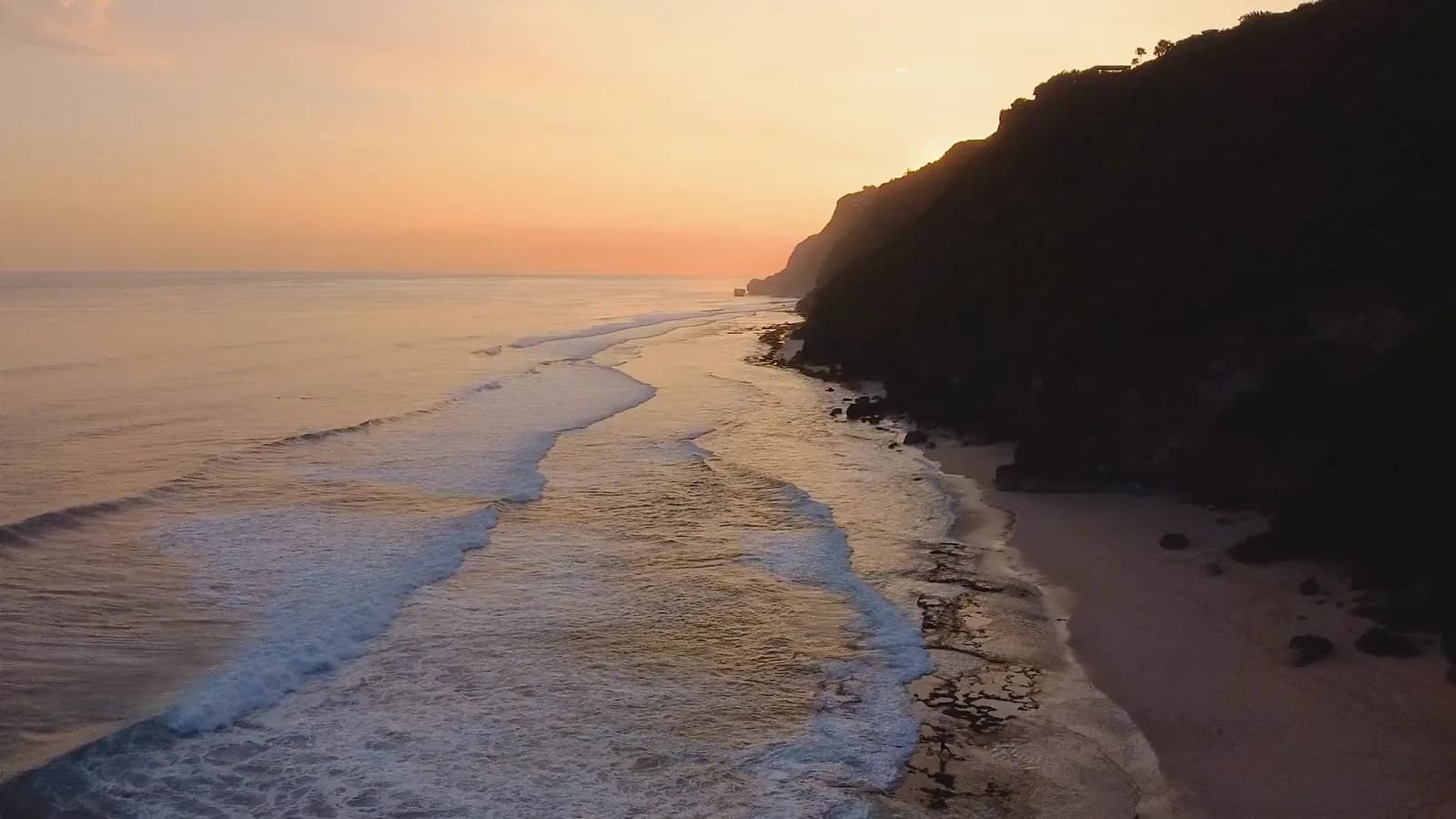
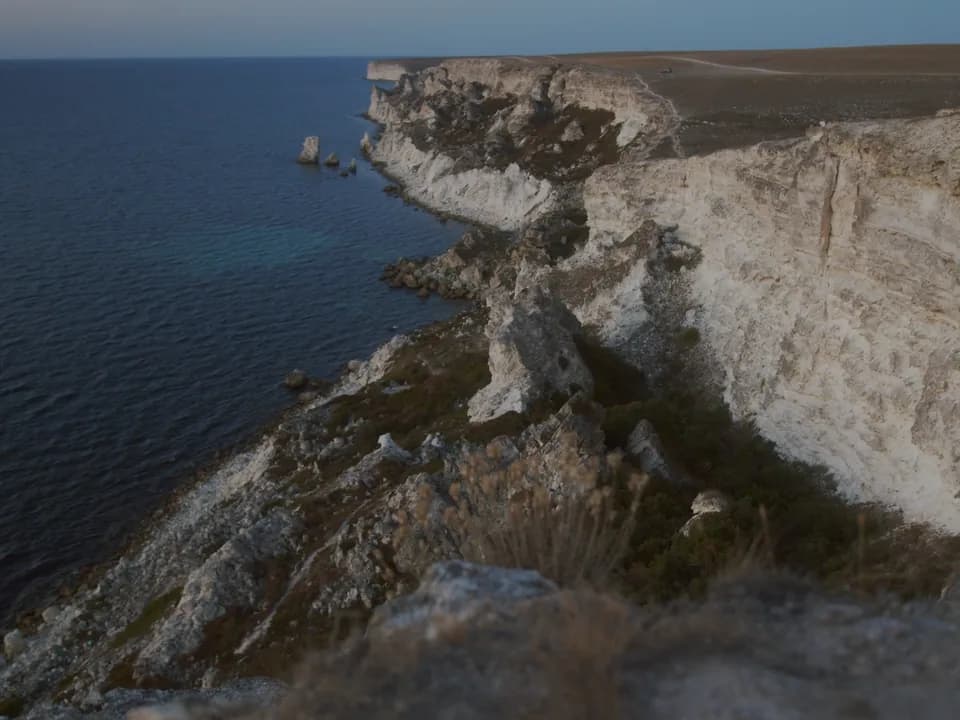
Skim low over the waves toward the sea cliffs, white water breaking under the camera, bright afternoon light.Skim low over the waves toward the sea cliffs, white water breaking under the camera, bright afternoon light.
ByteDance’s video model, in your workspace. Write the shot, set a start and an end frame or cast it with references, and get up to thirty seconds at up to 1080p, sound included.
Free to start. No credit card.
Long takes, sound and a full cast of references, from one prompt box.
Anything from four to thirty seconds, long enough for a spot to open, turn and land.
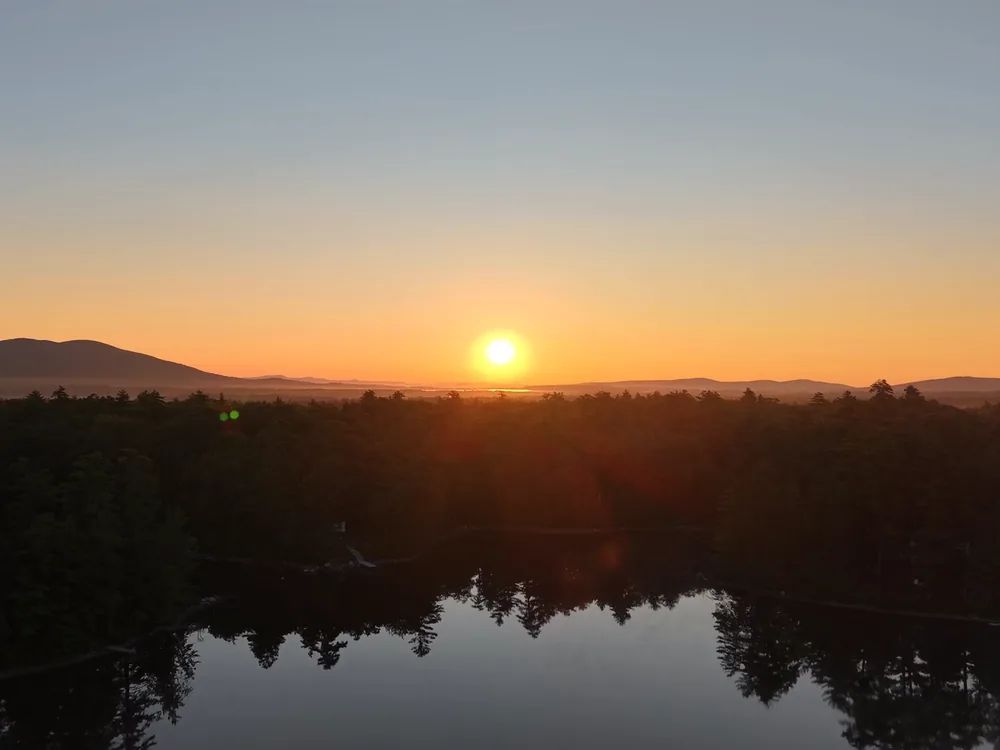
Audio is on by default, so the clip comes back with its own sound. Switch it off for a silent take.
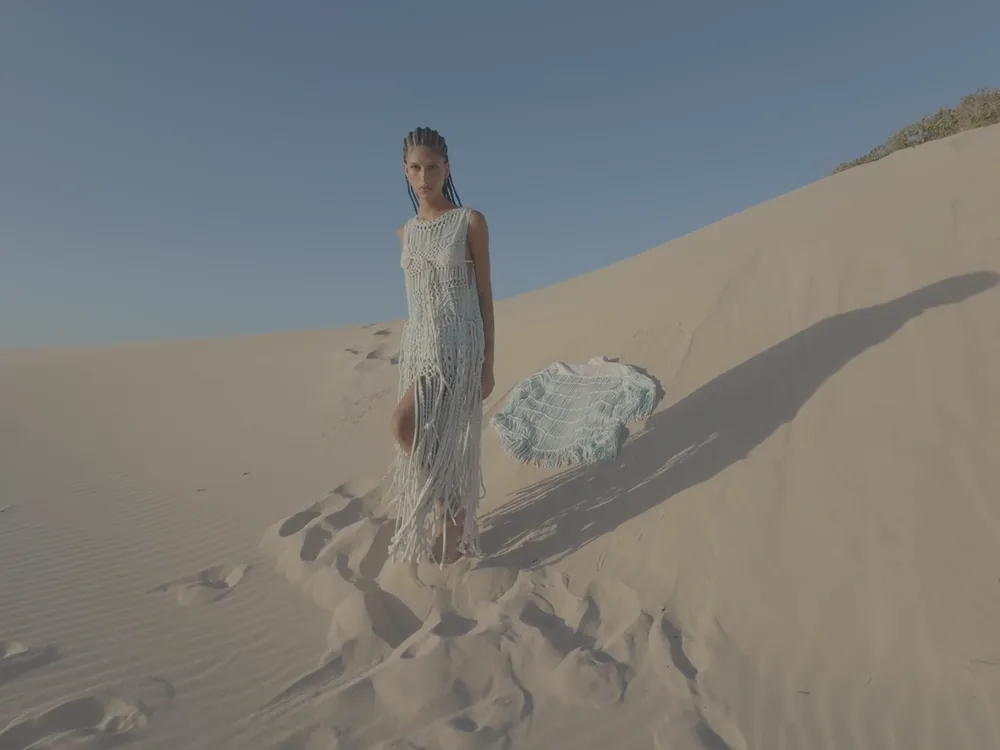
Up to thirty images, ten clips and ten audio tracks steer the people, the product and the place.
Seedance 2.5 can cut between shots inside a single clip: the bridge from the water, the towers in the fog, a cable car on the hill, the skyline after dark.
This one was made with Seedance 2.5 in the workspace.
Generate with SeedanceDrop an image into the Start frame and say what moves. Add an End frame and the clip arrives on it; the prompt says how it gets there.
Start from a frame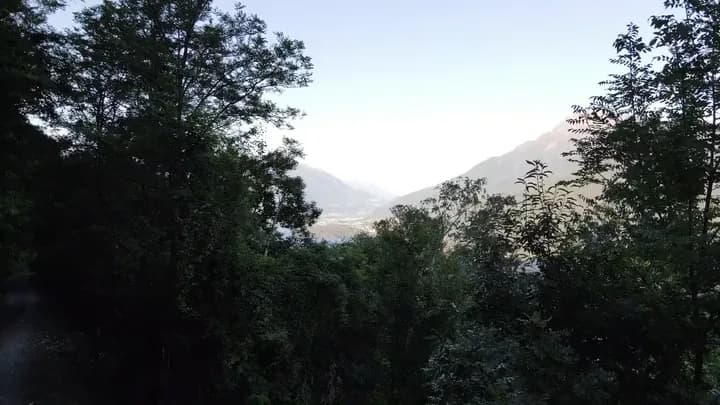
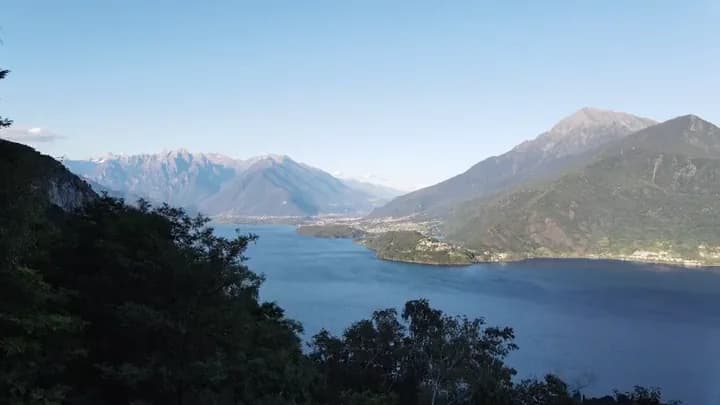
Three or more images, or any clip or track, turn the run into references. Each one gets a handle in the prompt, @Image1, @Image2, and the sentence puts it in the shot.
Start from references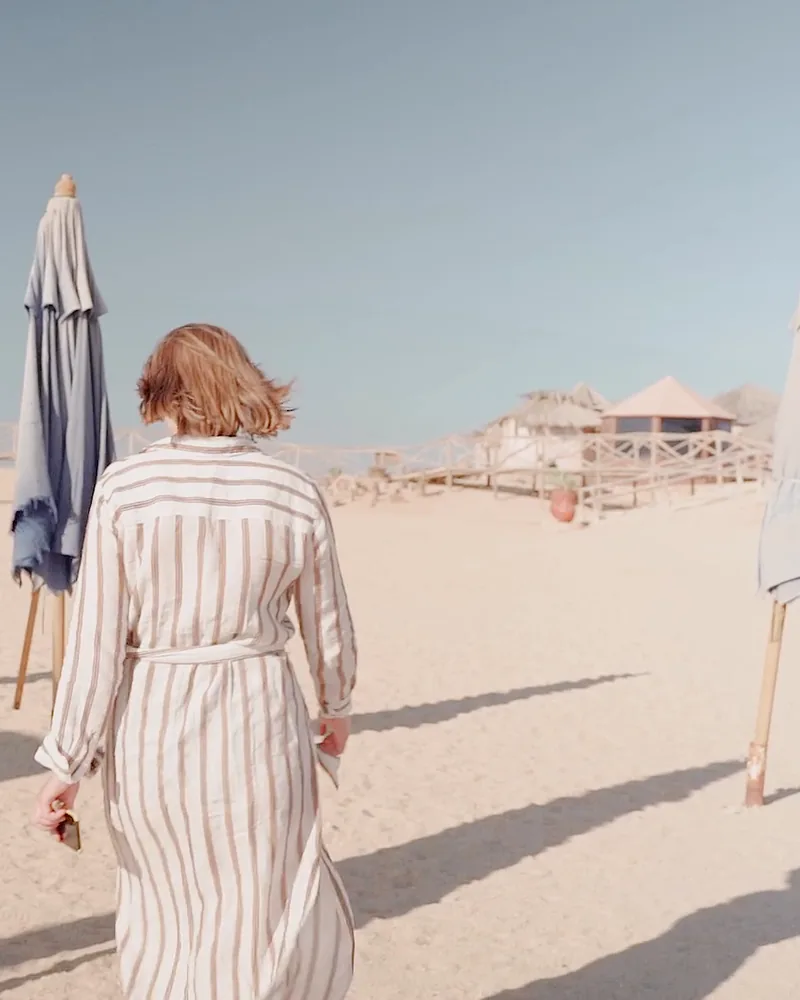
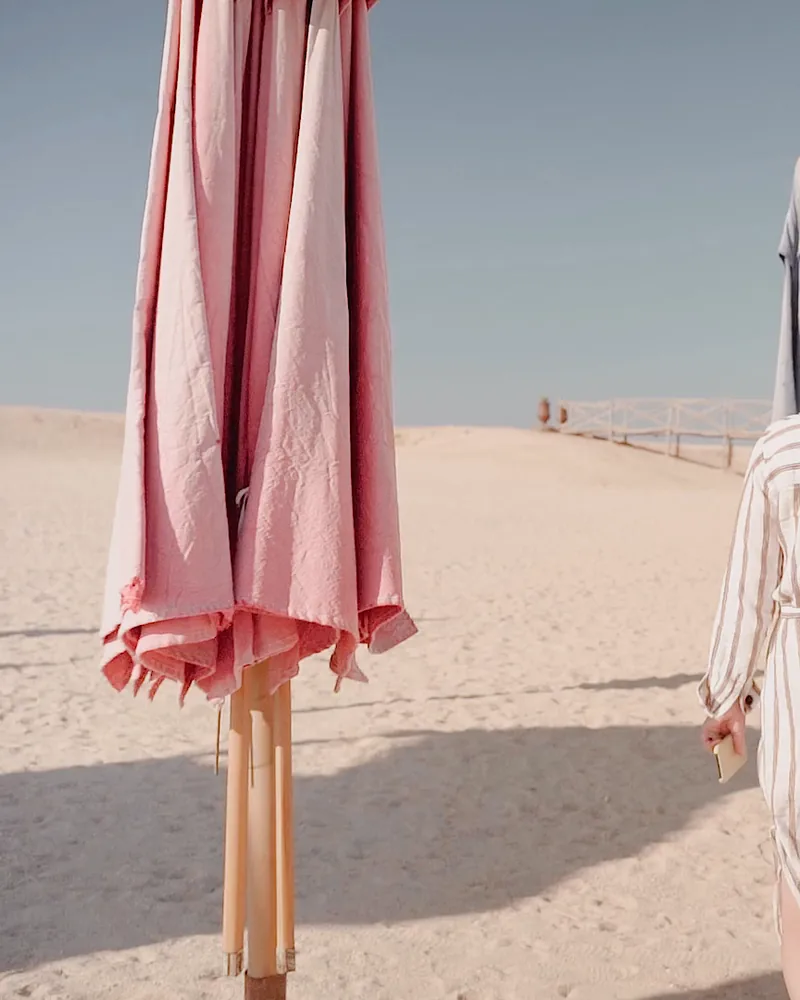
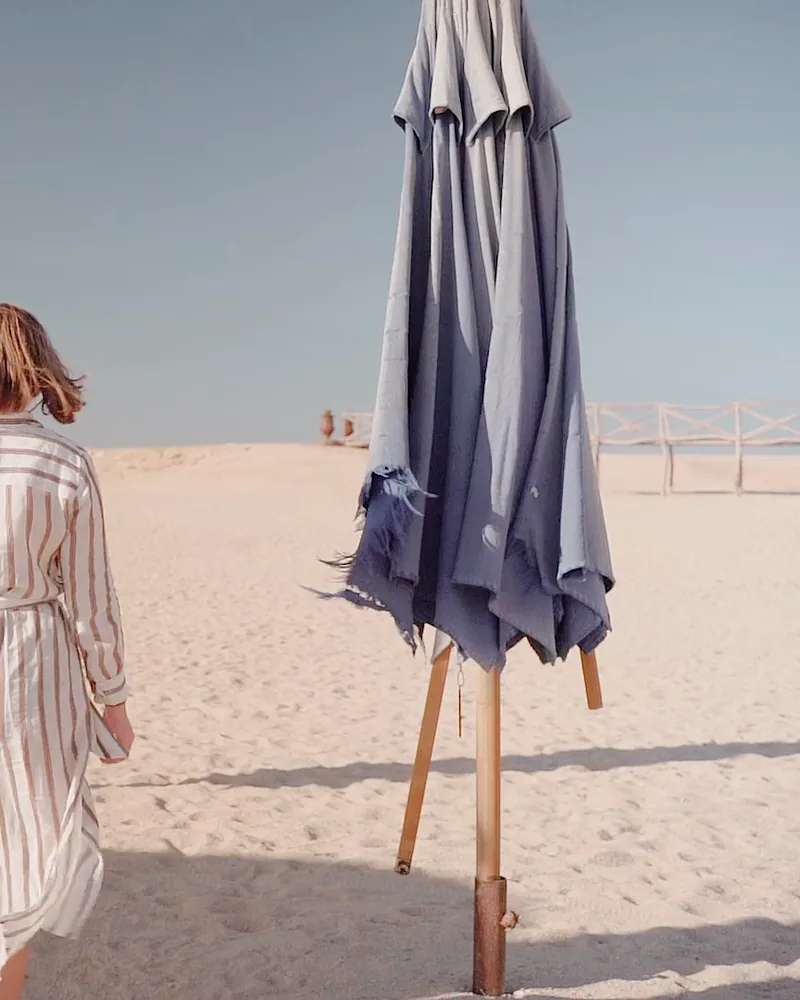
Leave the ratio on Auto, or set it before you press: 21:9 for a banner, a square for the feed, 9:16 for Stories.
Generate with SeedanceThree steps in Video Generate.
ByteDance’s video model for long takes: up to thirty seconds at up to 1080p, sound in the same run, and a cast of up to thirty references.