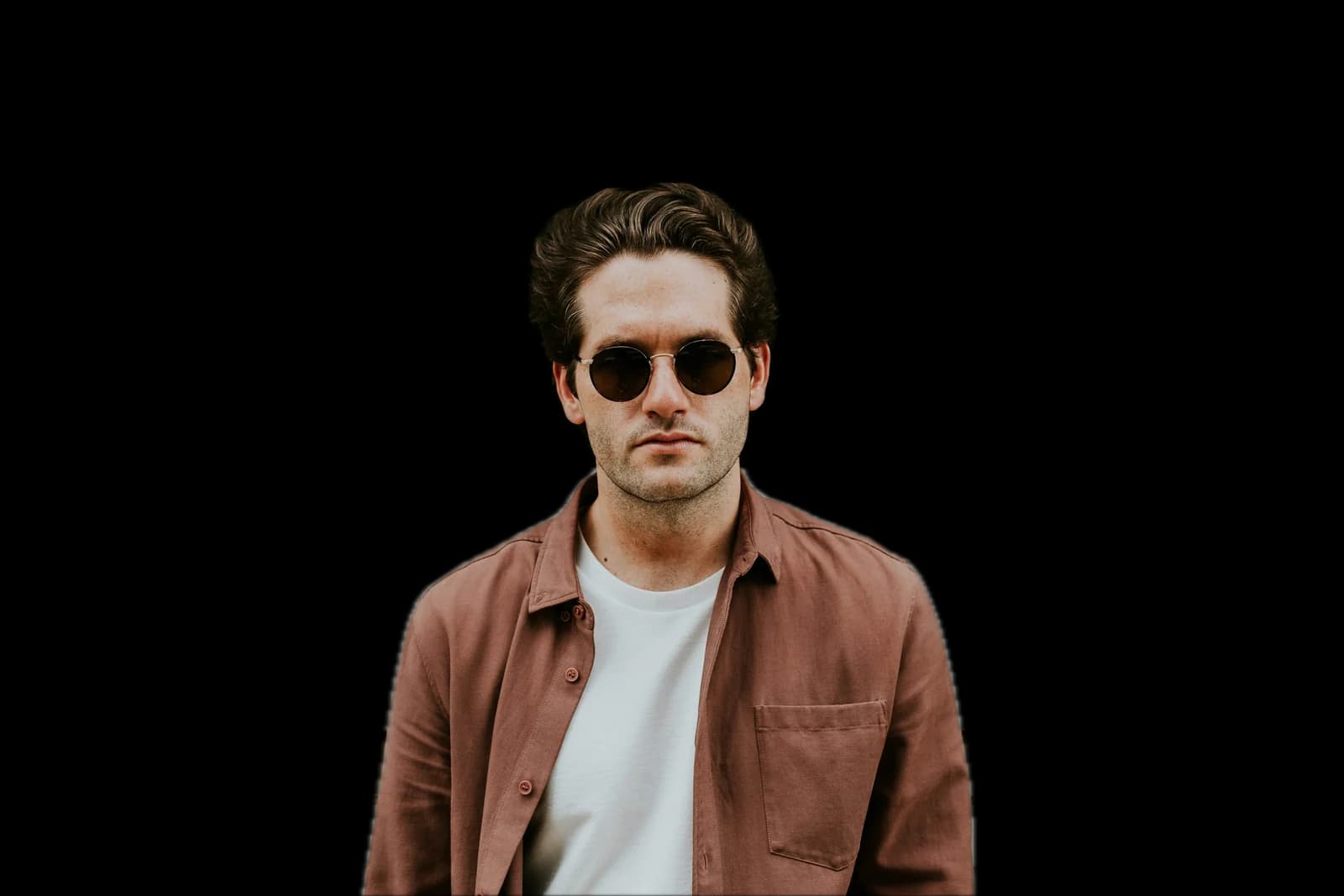
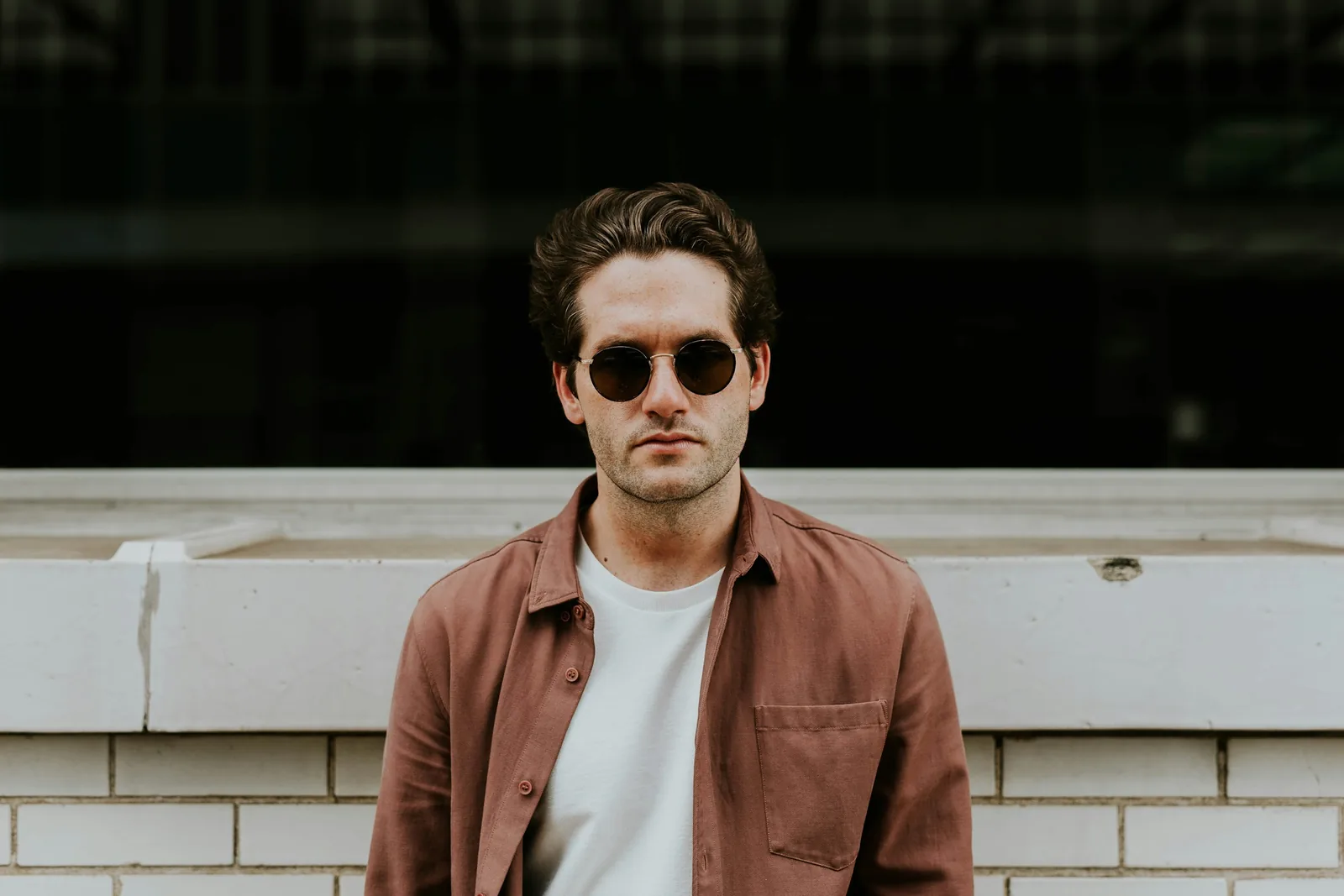
A man in sunglasses and a brown shirt against a brick wall
A man in sunglasses and a brown shirt against a brick wall, background removed
OriginalBackground removed

Remove the background. Keep the subject.

Drop in a photo and get the person, product or pet back on a transparent background, at the size you shot it. No prompt, no brush, no mask to draw.

Remove a background

Free to start. No credit card.

The subject, and nothing else.

One press lifts what the photo is about and leaves the rest behind.

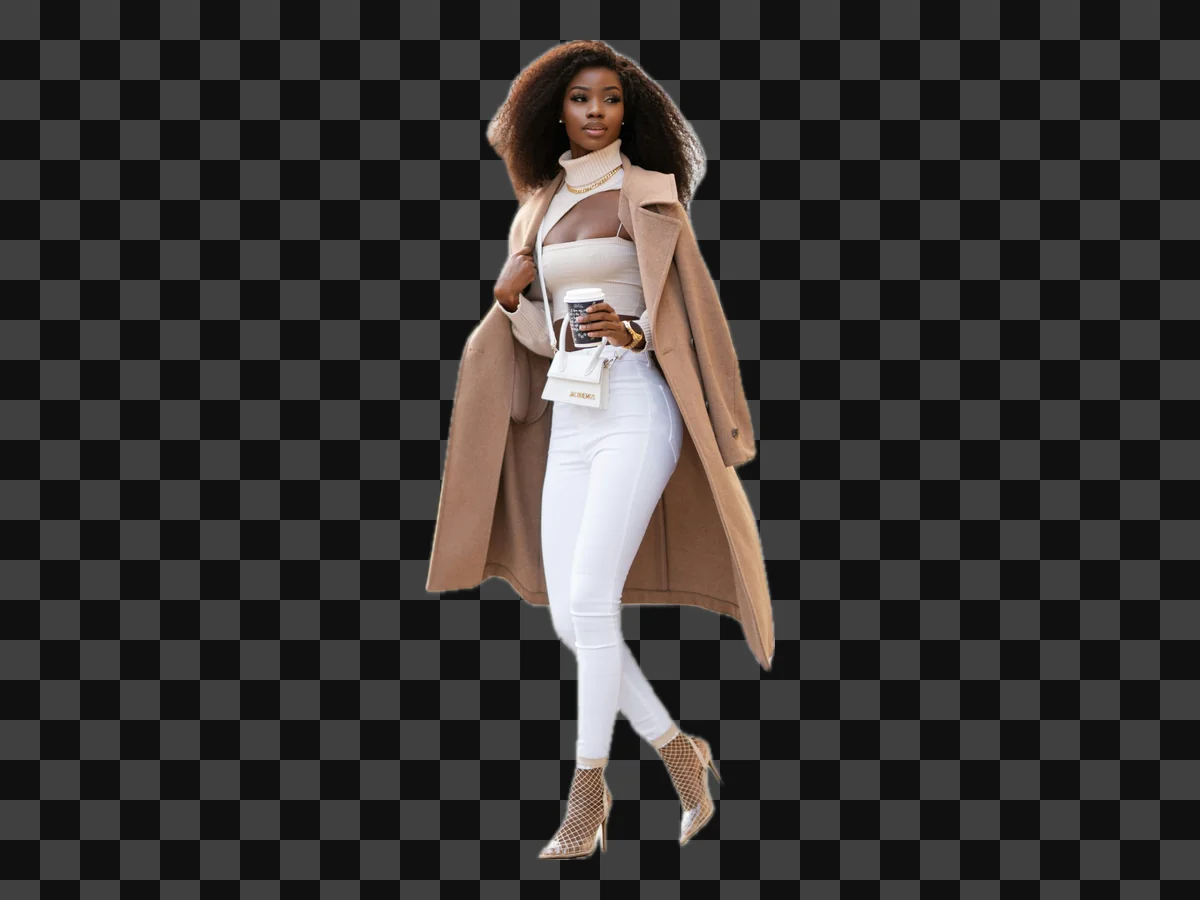
A woman in a camel coat, cut out on a checkerboard

People, head to heel

Full-length shots come out whole: the coat, the bag, the heels and the hair.
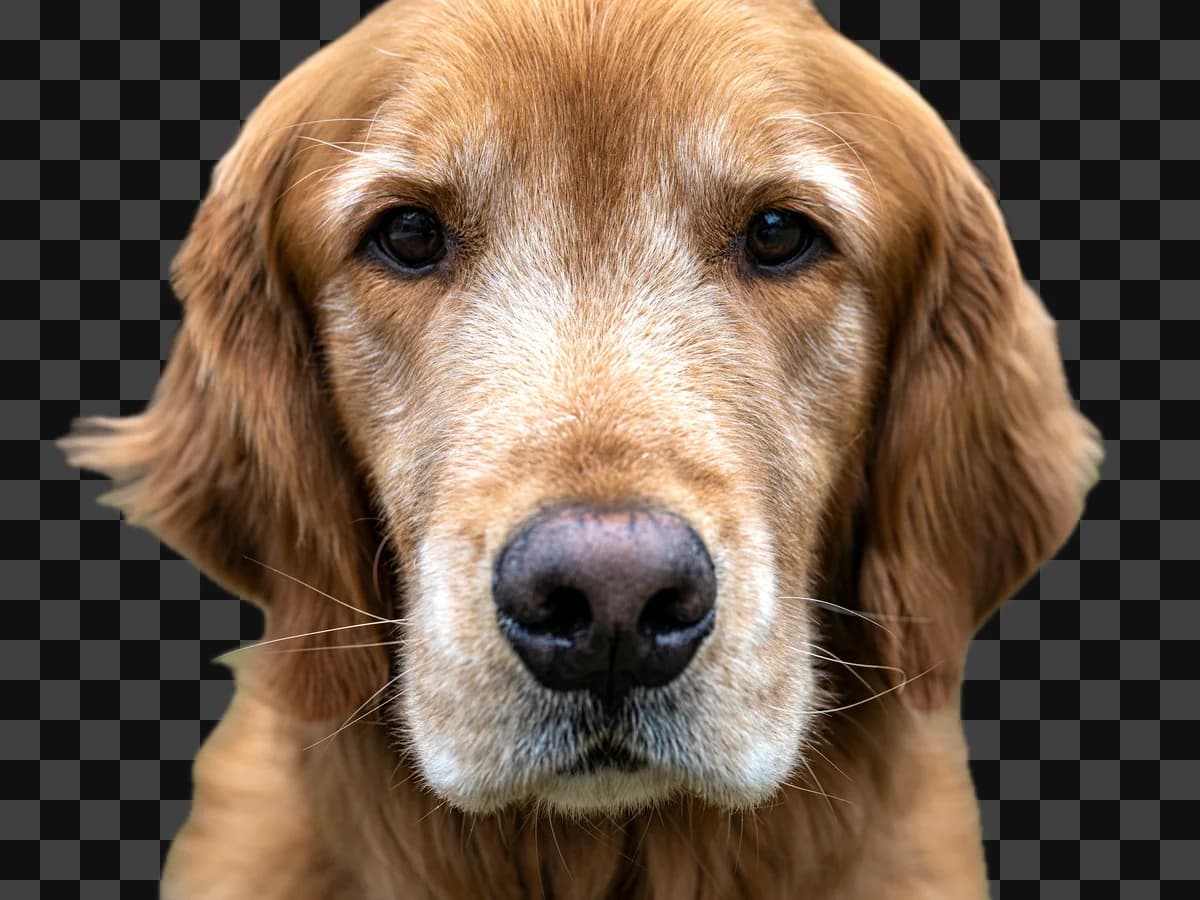
A golden retriever, cut out on a checkerboard

Fur and fine edges

Whiskers, fur and flyaways stay on the subject instead of going with the background.
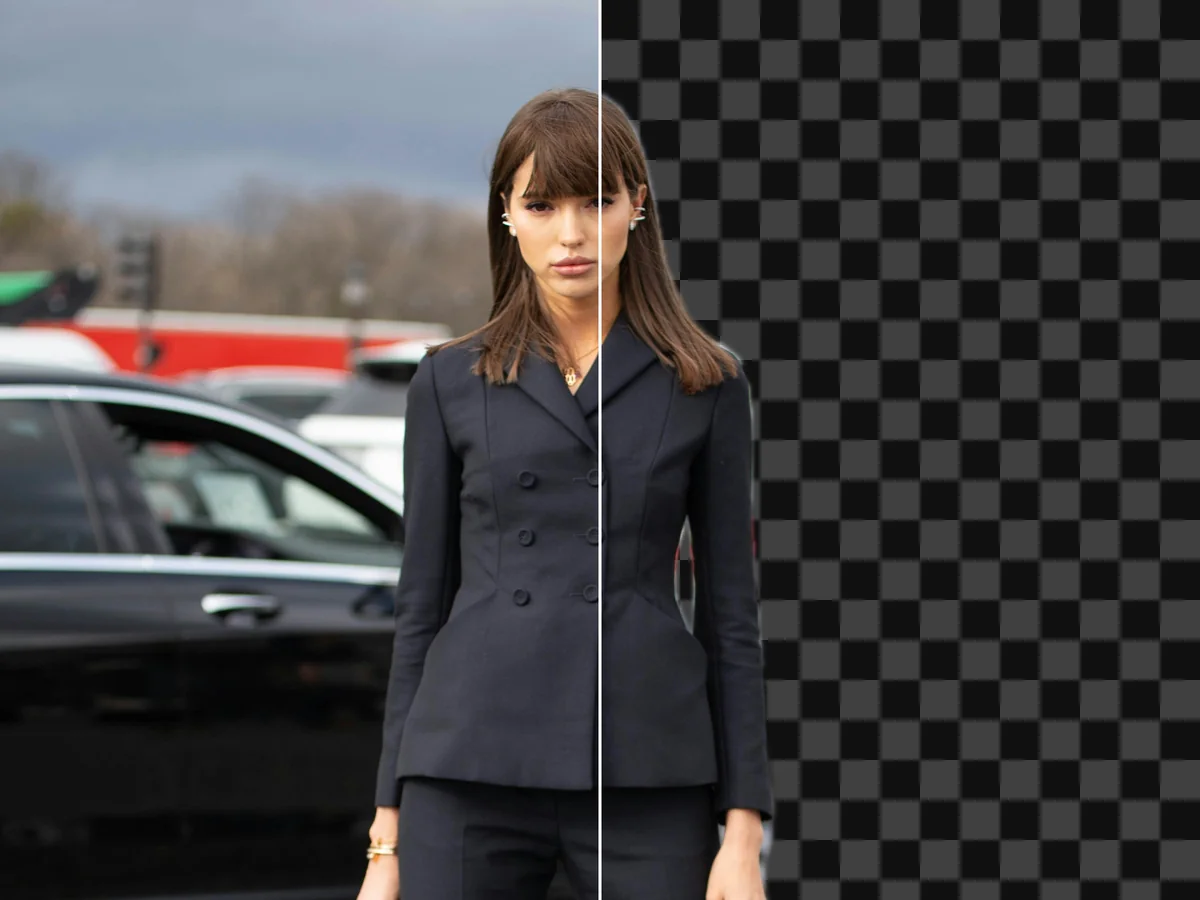
A woman in a suit, half photo and half cut-out

Same size, same framing

The cut-out keeps the source’s size, so it lines up with the original in any layout.

Hair, strand by strand.

Long hair against a busy street is where a hand-drawn mask gives up. The cut-out keeps the strands with the person, not with the lights behind them.

Remove a background
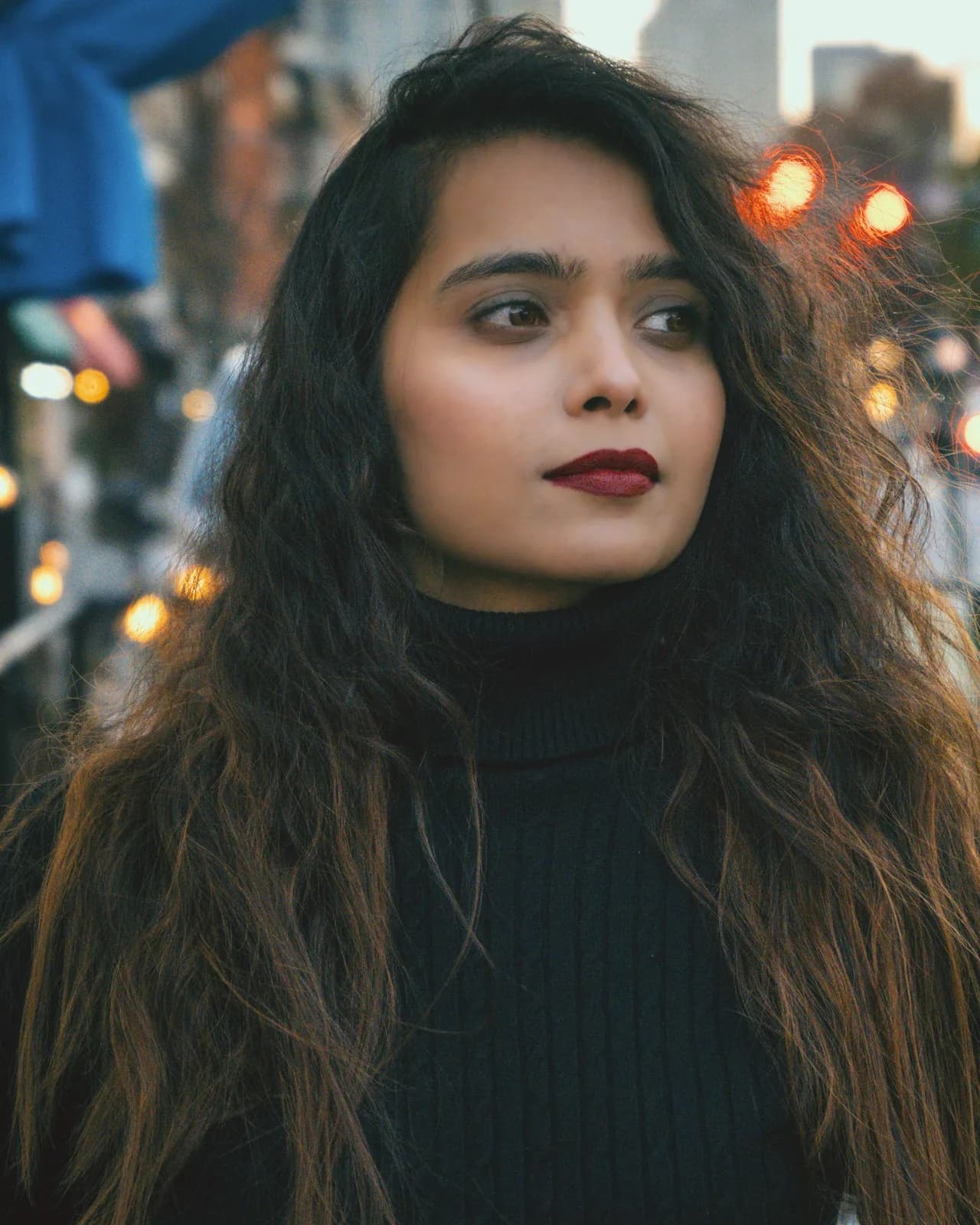

A woman with long hair on a city street at night
A woman with long hair on a city street at night, background removed
OriginalBackground removed

Products, ready for the layout.

Shoot the product where it lives, then lift it out for the banner, the product page or the ad.

Open the cut-out in Canvas to place it on a new background.

Cut out a product

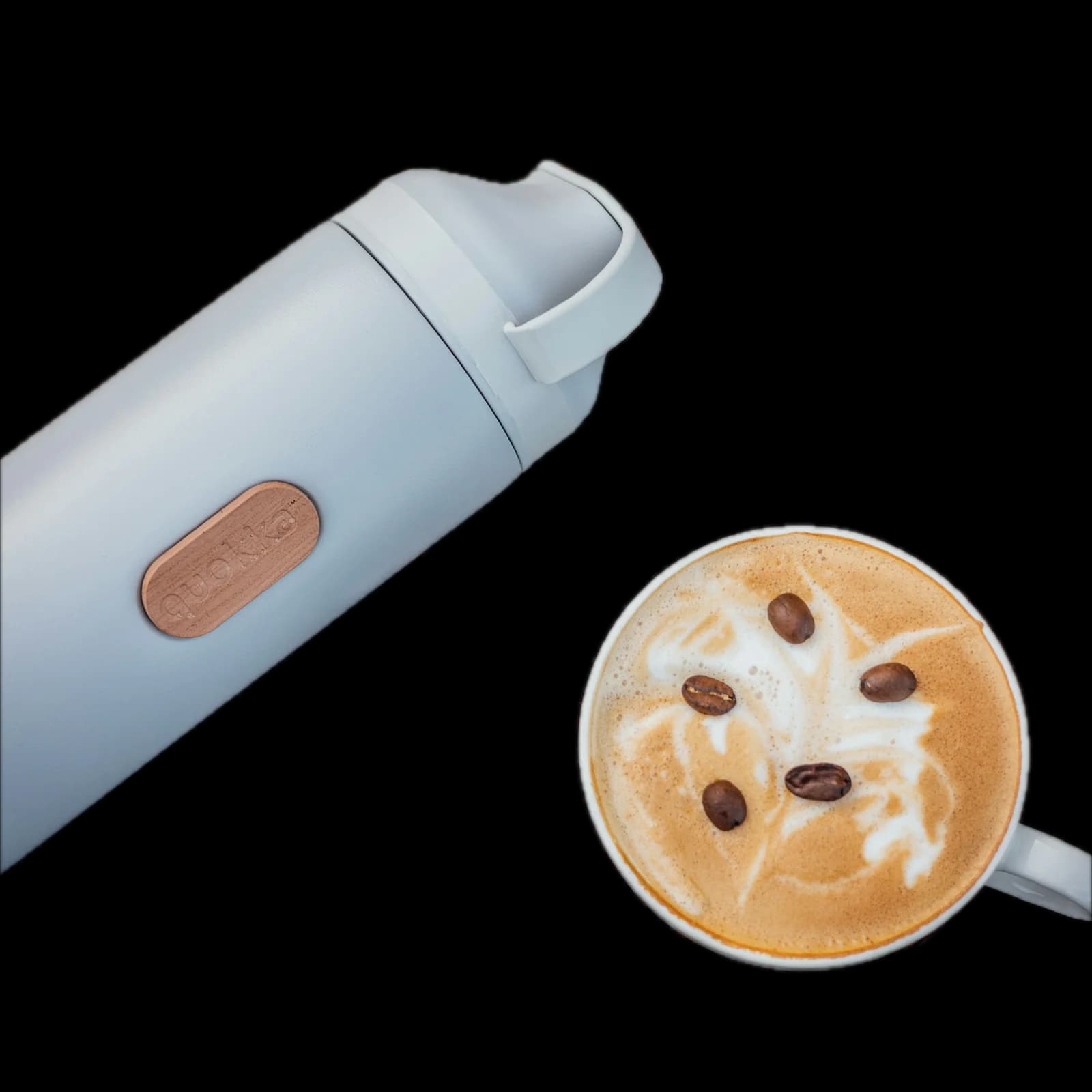
A thermos and a latte on a wooden table
A thermos and a latte on a wooden table, background removed
OriginalBackground removed

How to remove a background

Three steps in Image Studio, and nothing to set.

Remove a background
A thermos and a latte on a wooden table

Introducing Remove Background

Remove a background

One image in, the subject back out on a transparent background, at the size you shot it. No prompt, no settings, one flat price per image.

FAQs

It takes one image and gives back the subject on a transparent background, at the size and framing of the source.

Whatever the photo is about: a person, a product, a pet. The rest of the picture is removed.

No. There is no prompt, no brush and no settings. Upload the image and press Remove Background.

A flat rate per image, shown on the button before you press.

Yes. Choose Remove background from the tile’s menu, or use Remove BG in the full-size view.

For a clip, use Remove Background in Video Studio.