720p1080p4K
Up to 4K
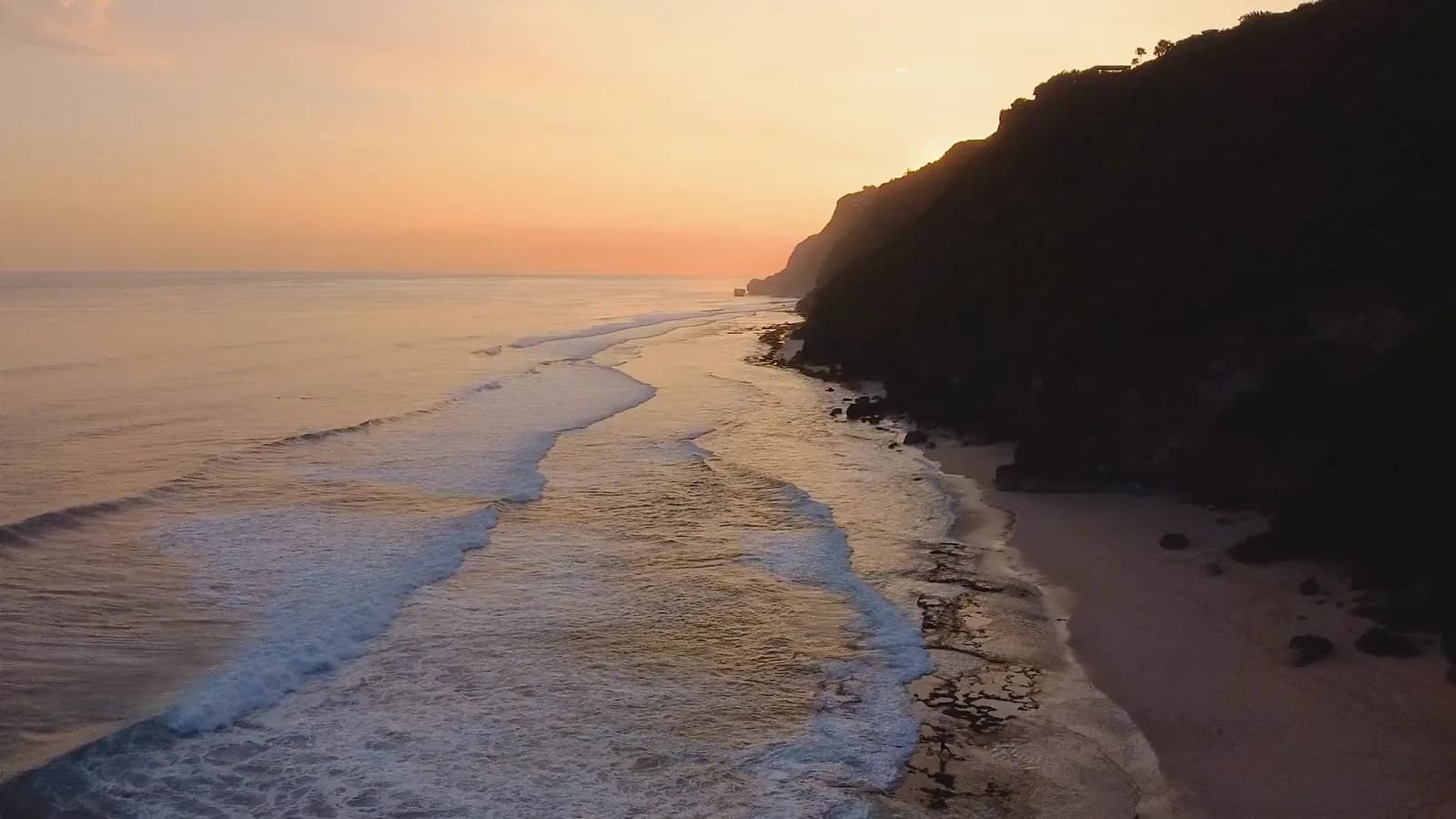
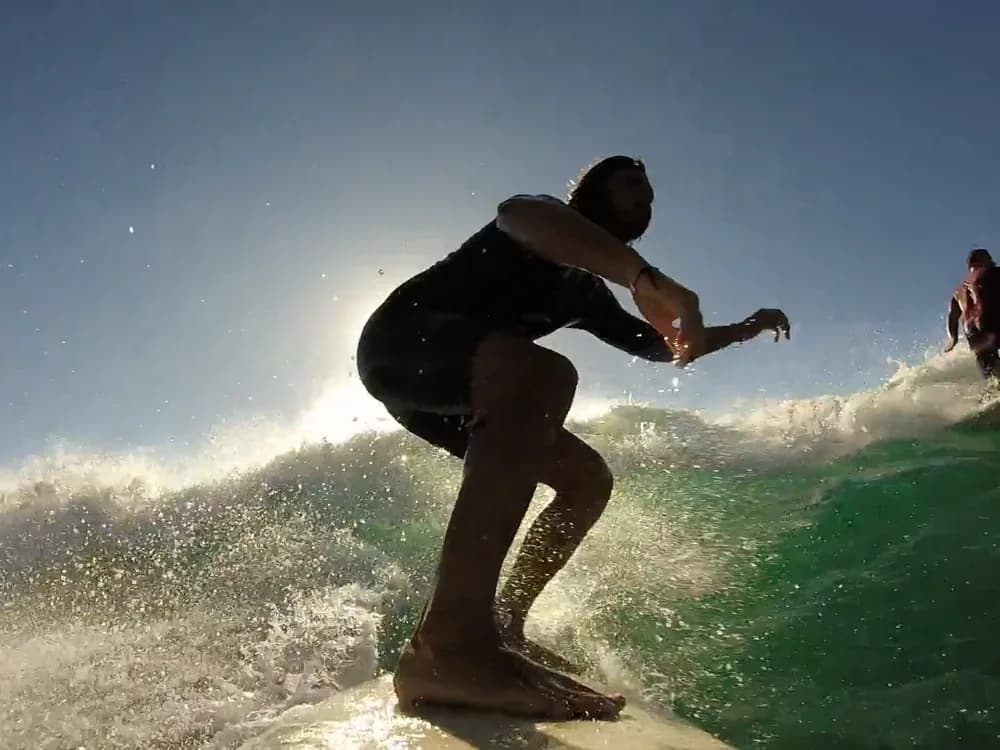
Four resolution tiers, from a quick 360p draft to a 4K master.
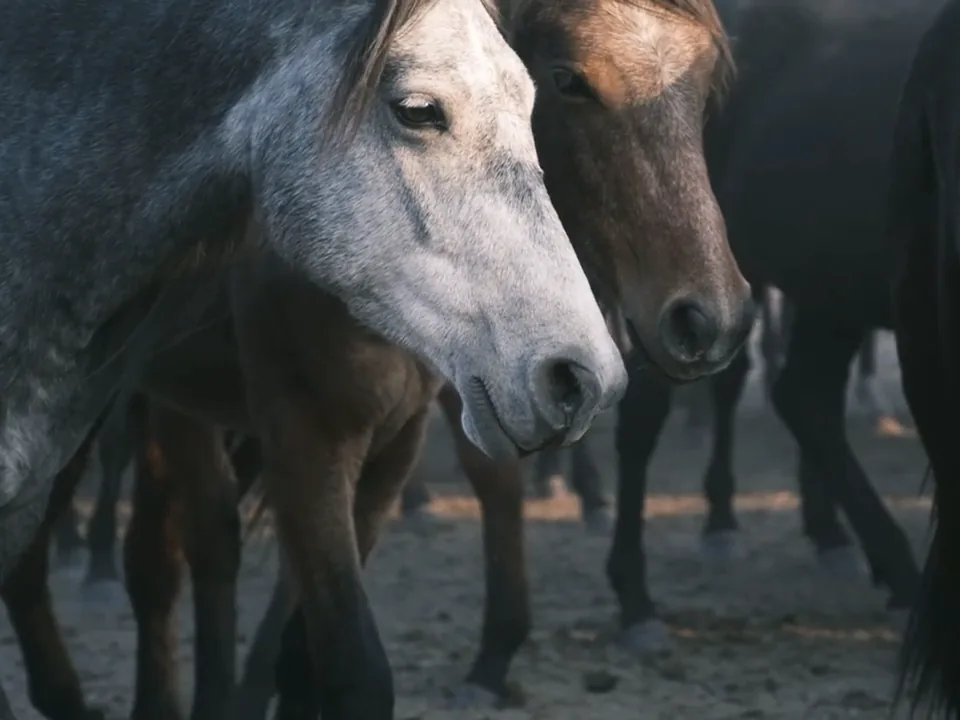
A bride and groom stand still as a herd of wild horses runs past them through golden dust at sunset, wide aerial shot.A bride and groom stand still as a herd of wild horses runs past them through golden dust at sunset, wide aerial shot.
Google’s video model, in your workspace. Write the shot, set a start and an end frame or hand it up to ten references, and get a clip up to 4K, wide or vertical.
Free to start. No credit card.
Start from words, from frames or from references; the clip lands on the same board.
Four resolution tiers, from a quick 360p draft to a 4K master.
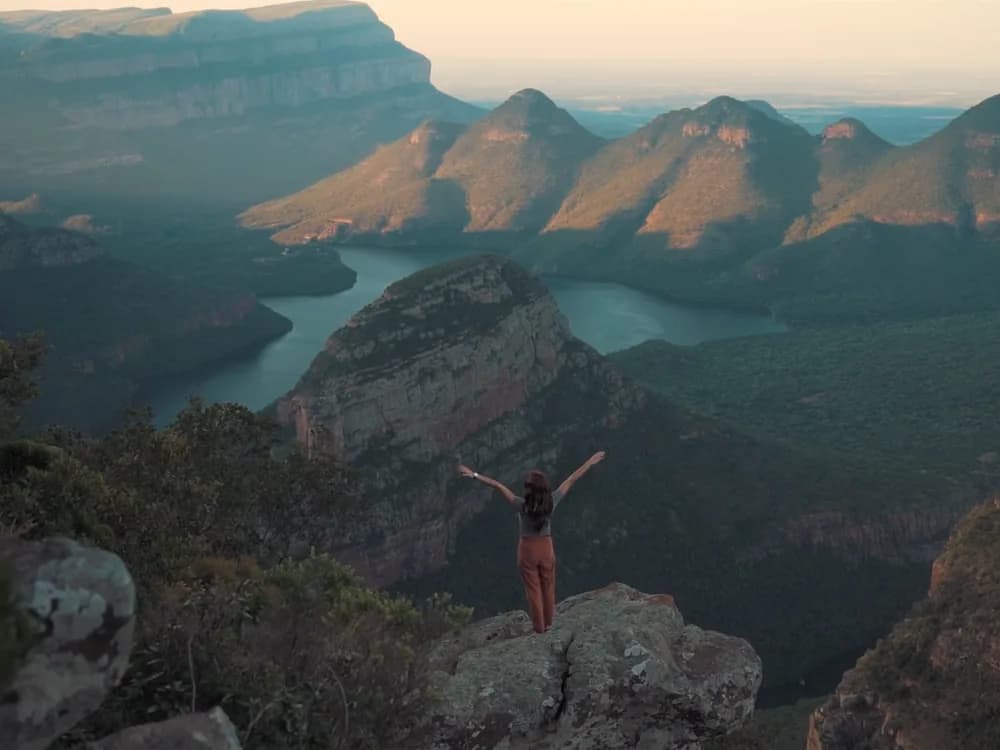
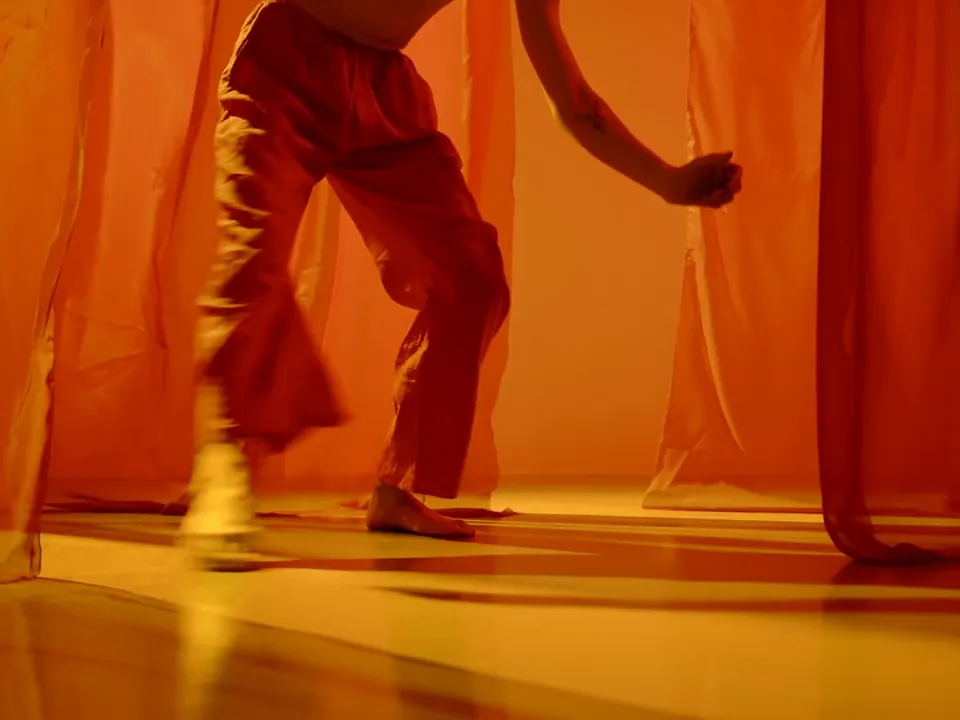
Give it the first frame and the last one, and it moves between them.
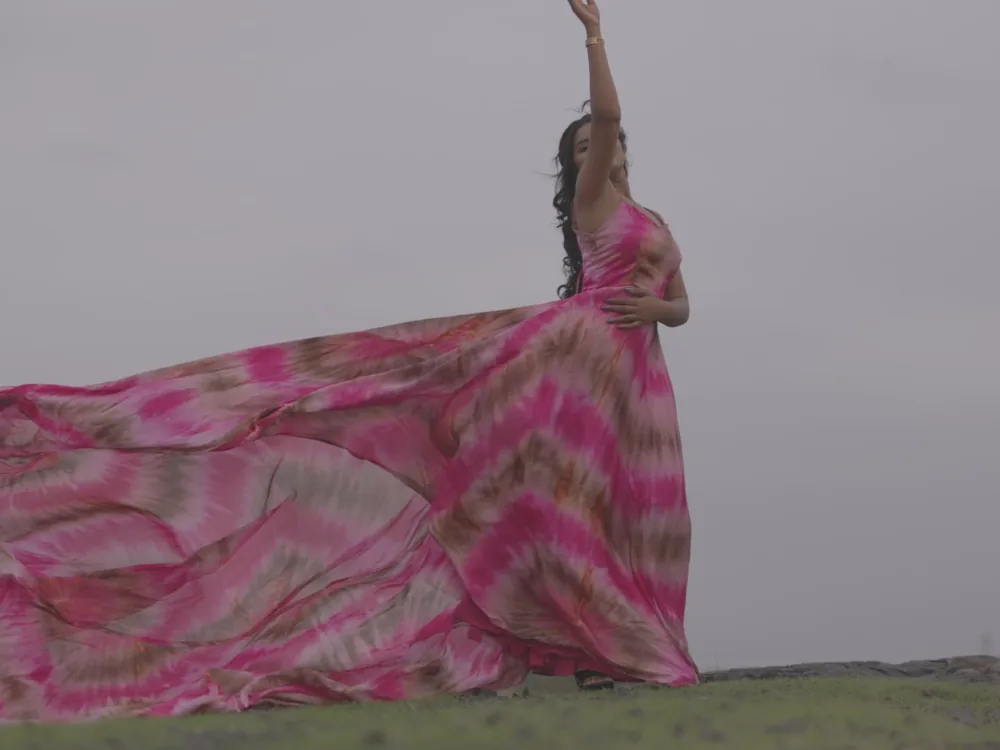
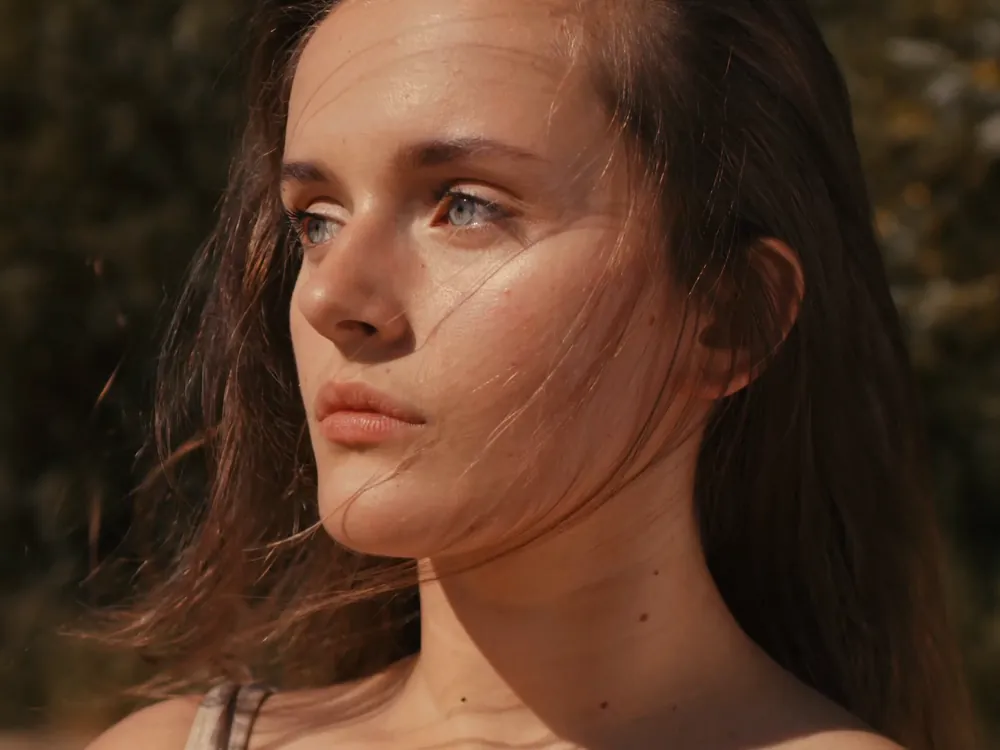
Up to ten images and three short clips steer the character, the product and the motion.
Omni Flash can move through several shots in a single clip: the bottle, the pour, the ice, the splash.
This one was made with Gemini Omni Flash in the workspace.
Generate with Omni FlashSet a start image and an end image, and describe the move between them. The clip opens on one and lands on the other.
Generate with Omni Flash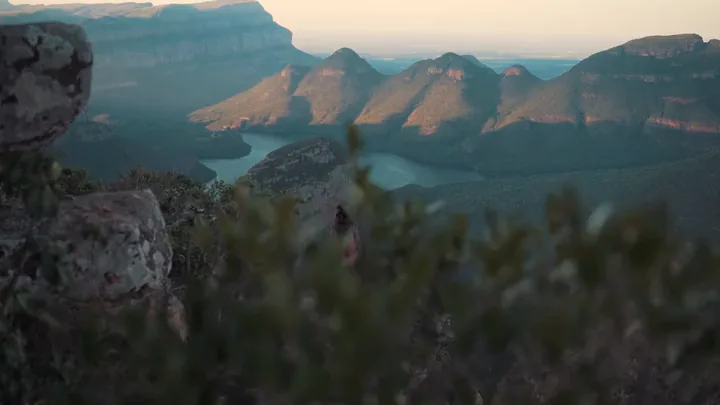
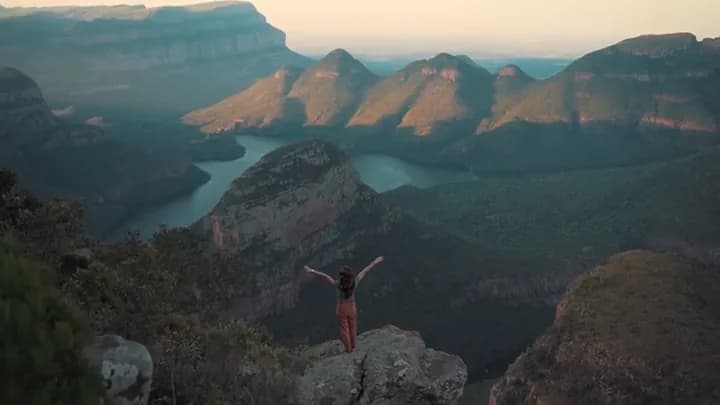
Hand it up to ten images of the character, the product or the place, and up to three short clips for the motion. They carry through the shot.
Start from references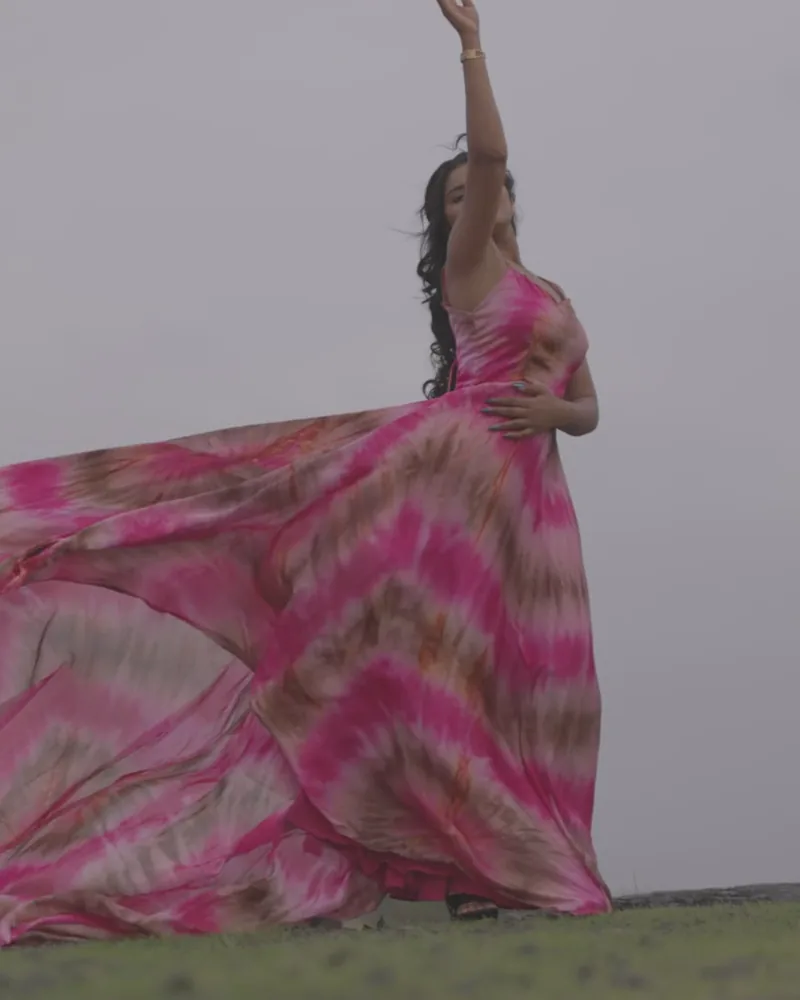
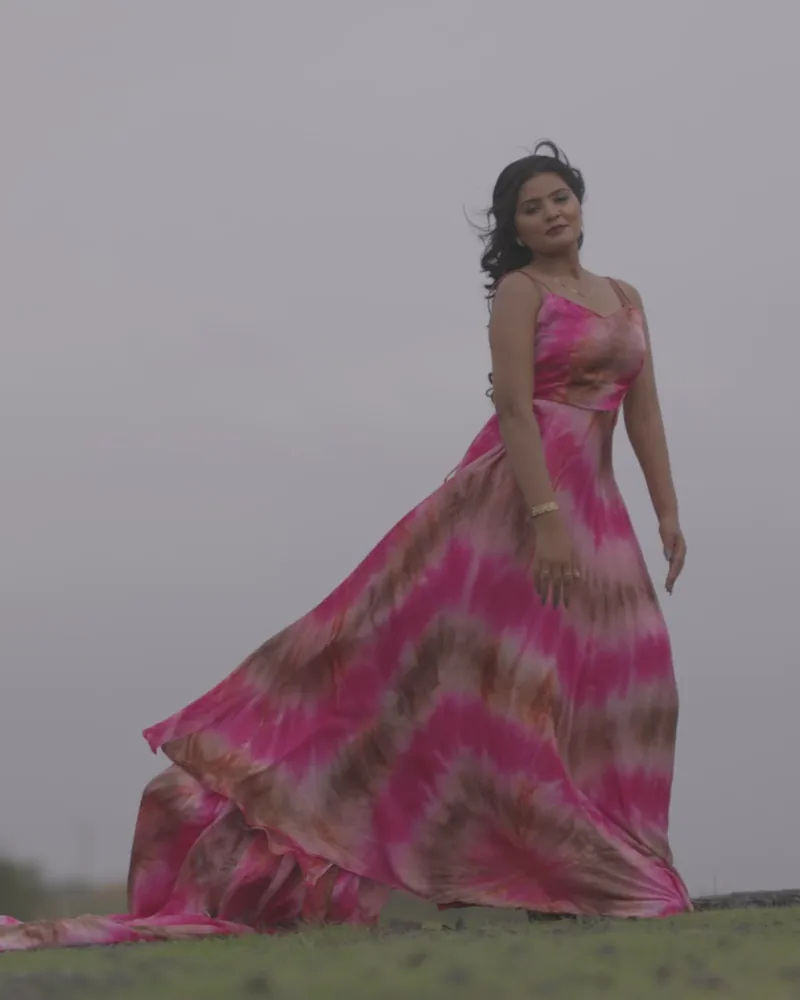
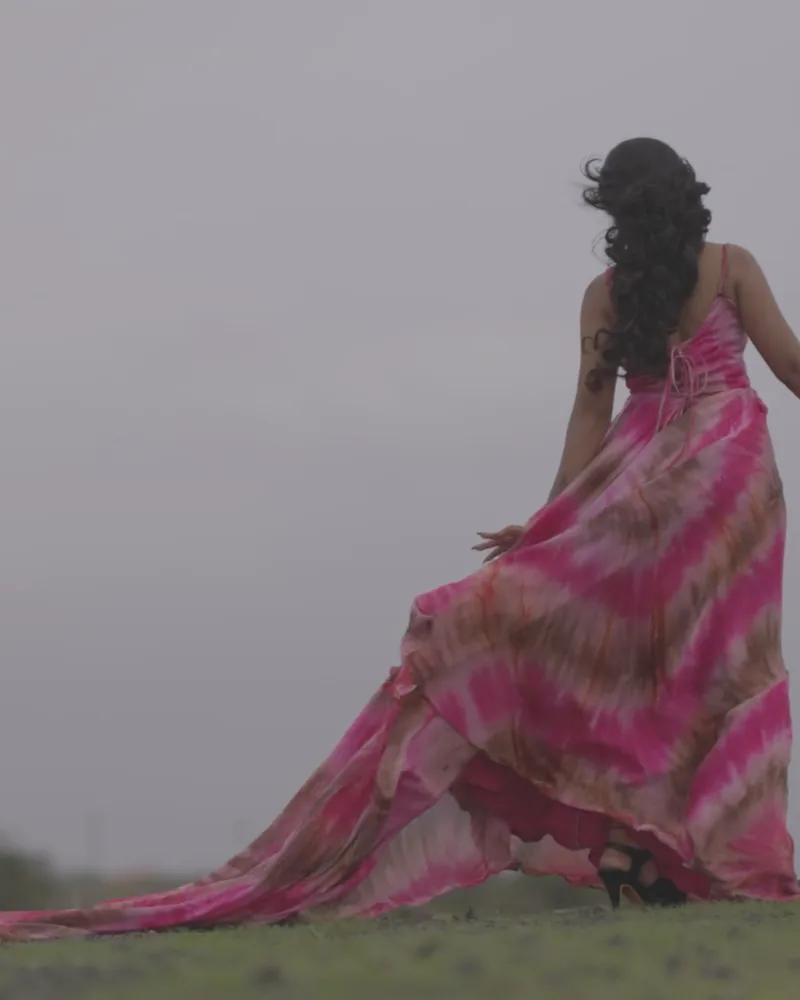
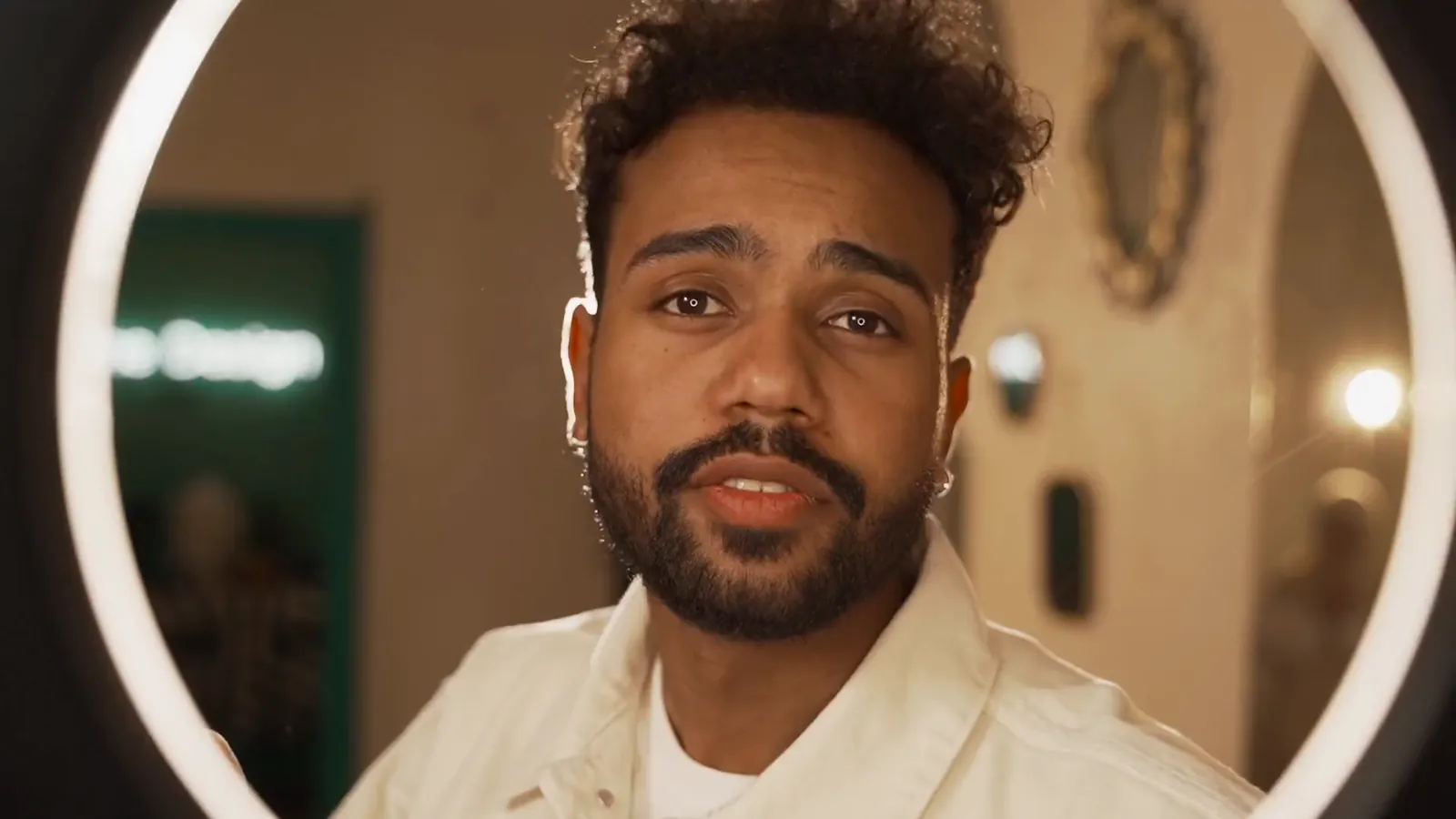
Render the same prompt in 16:9 or 9:16, at up to 4K, for the placement it is going to.
Generate with Omni FlashThree steps in Video Generate.
Google’s video model for shots you can describe, frame or cast: up to 4K, three to ten seconds, wide or vertical, on the same plan as every other model.