2x4x4K
Up to 4K
Double it, quadruple it, or name the target: 720p, 1080p, 1440p or 2160p.


Take a small, soft or compressed image and bring it up to 2x, 4x or a full 4K frame. Texture, faces and type come back clean, ready for the biggest placement in the plan.
Free to start. No credit card.
The upscaler adds resolution, not a new idea. Composition, light and colour stay the way they were shot.
Double it, quadruple it, or name the target: 720p, 1080p, 1440p or 2160p.
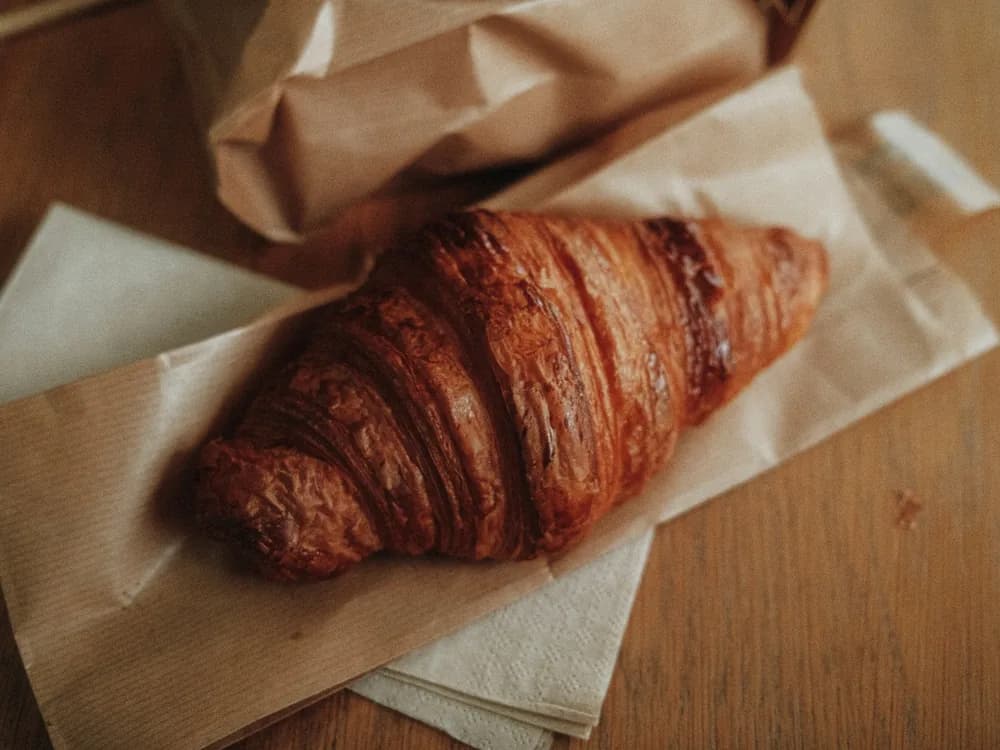
Crumb, grain, fabric and foliage sharpen into real surface, not a smear.

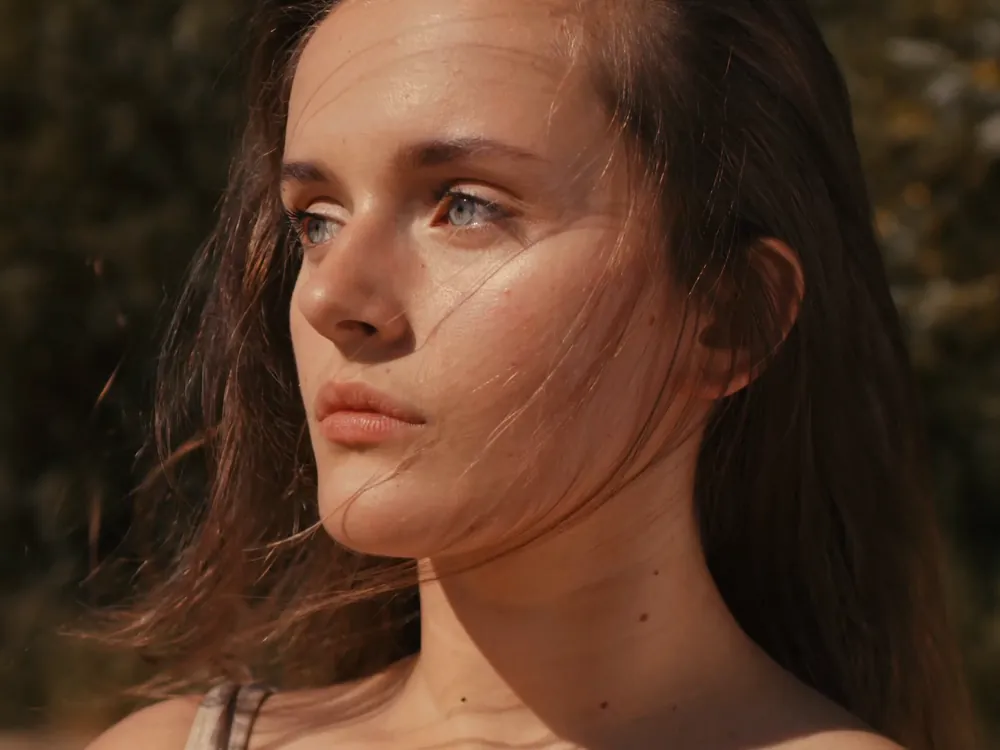
Skin, eyes and hair gain detail without drifting into someone else.
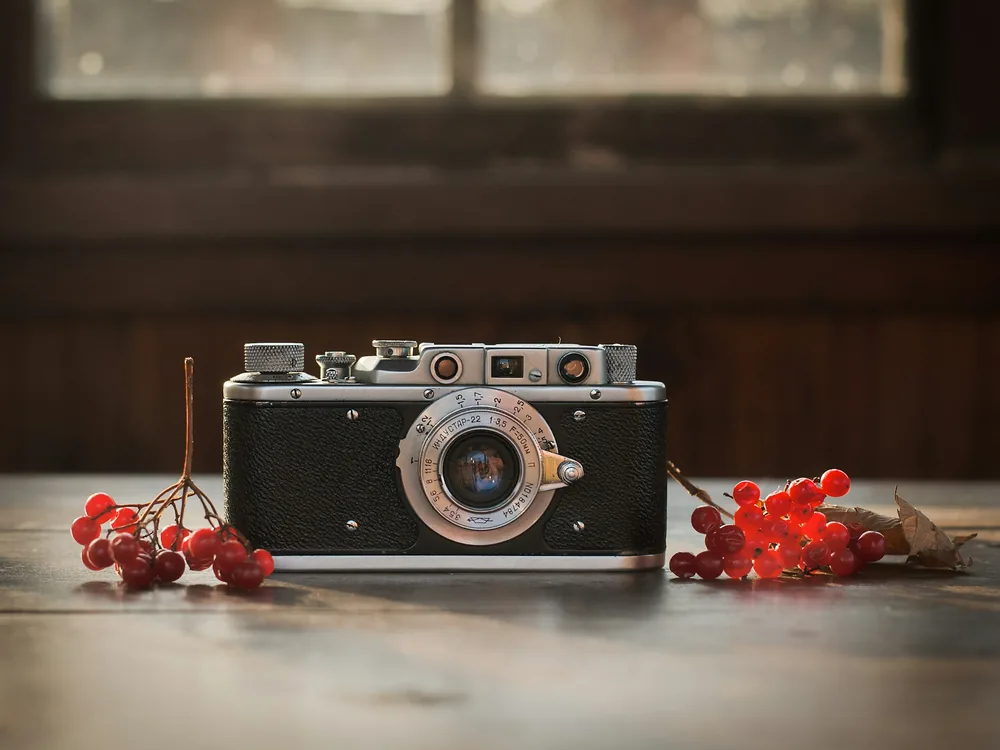
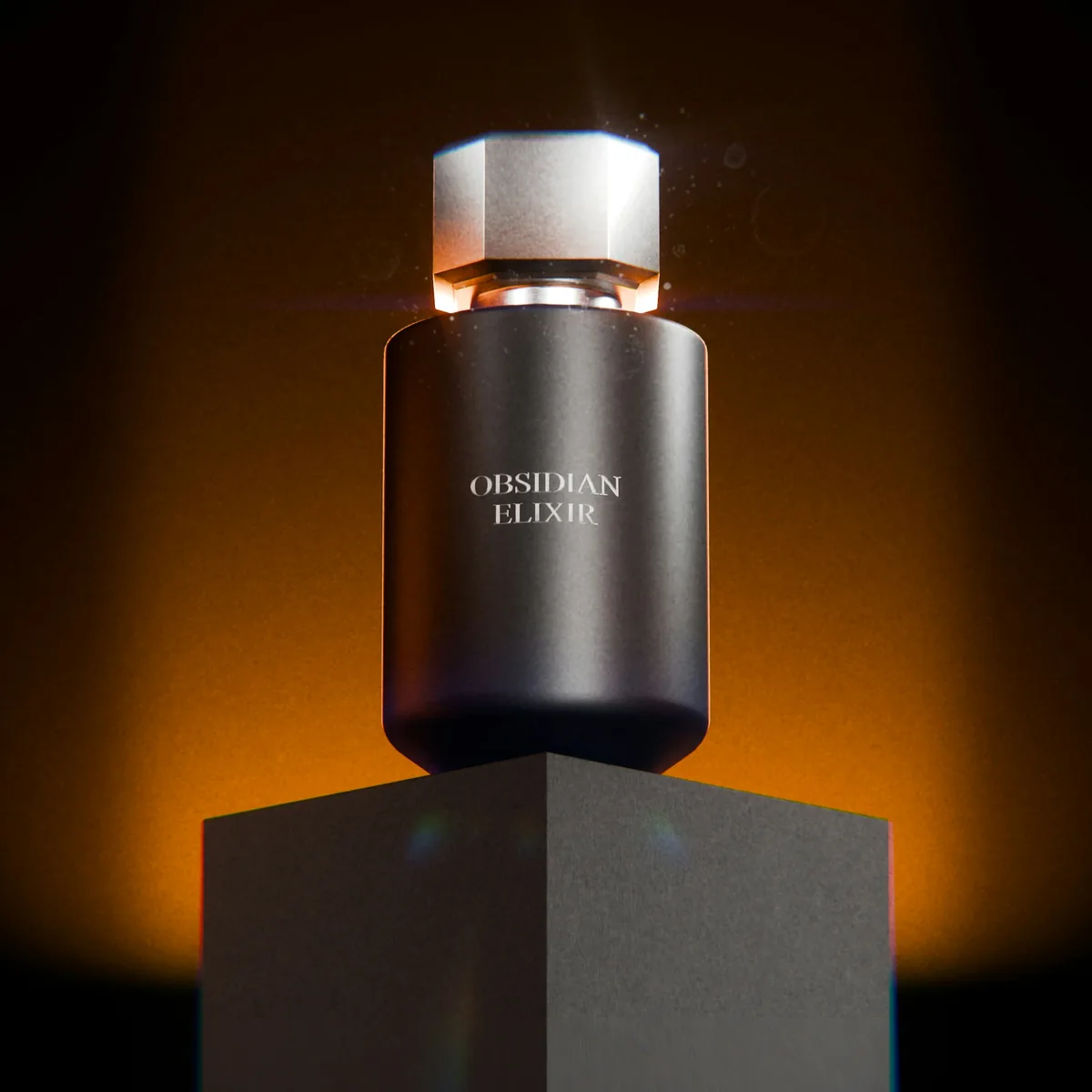
Packshots pulled from a supplier sheet or an old site rarely survive a full-screen placement. Upscale brings the type and the edges back, so the product reads at any size.
The sharper file lands on the same board as the original.
Upscale a packshot
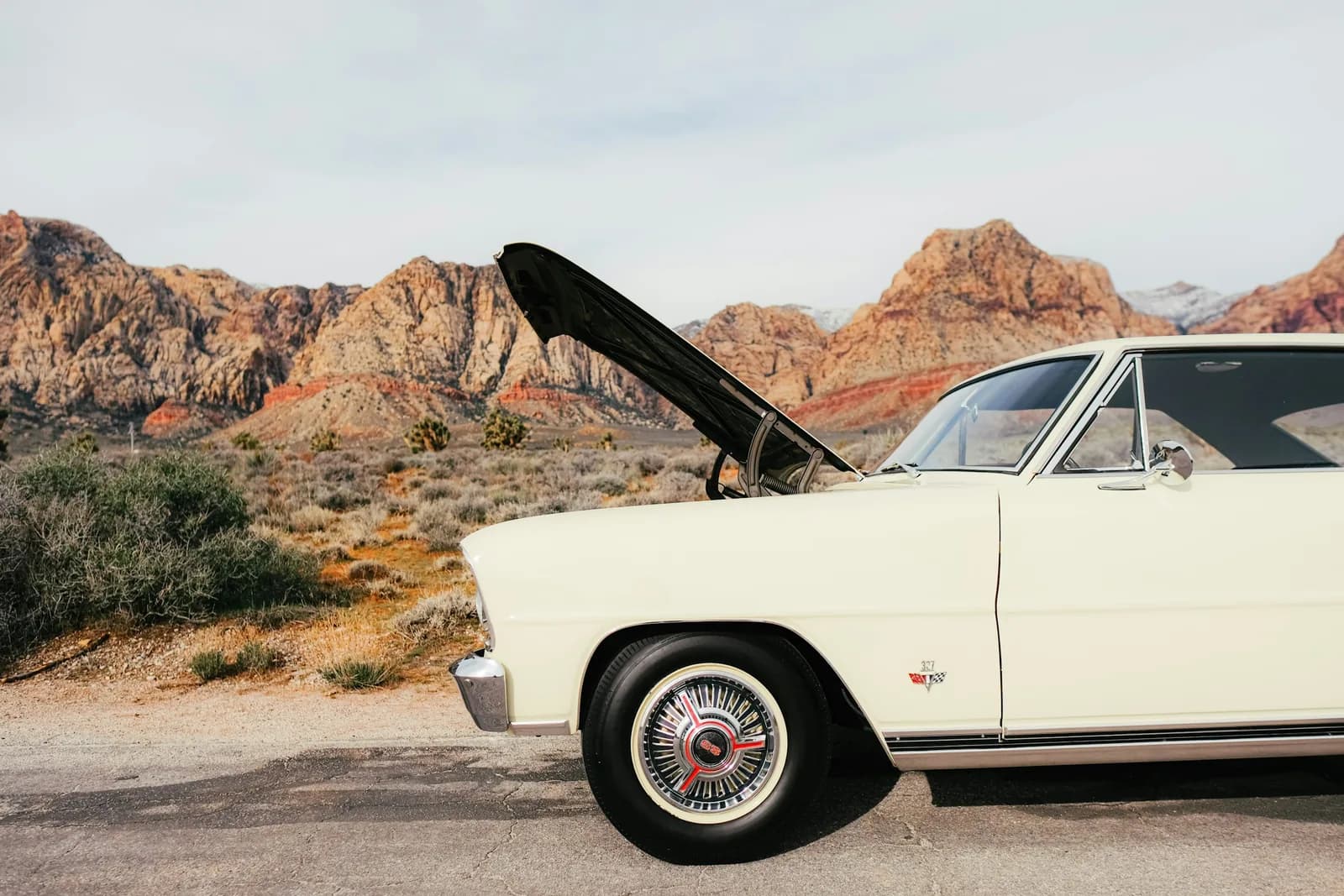
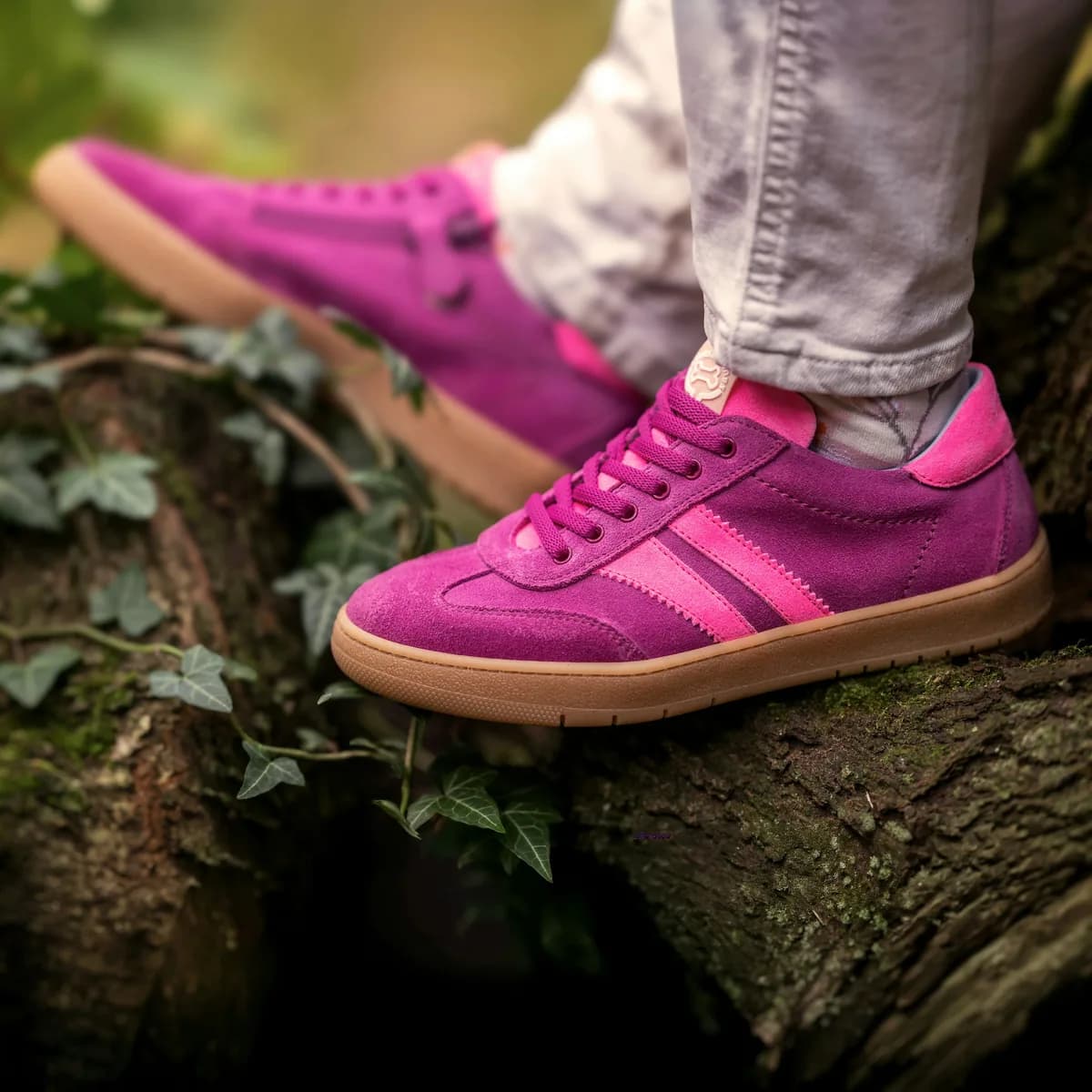
Wide scenes lose the most when they are small. Upscaling recovers the texture in foliage, sky and stone, so a hero banner holds up edge to edge.
Upscale an image

The image that worked last season was exported for a feed. Bring it up to 4K and run it again on a landing hero, a billboard or in print.
Upscale an image
Three steps in Image Studio, and no prompt to write.
Resolution for the images you already have. One image in, the same picture out at 2x, 4x or up to 4K, with no prompt to write and nothing to reshoot.