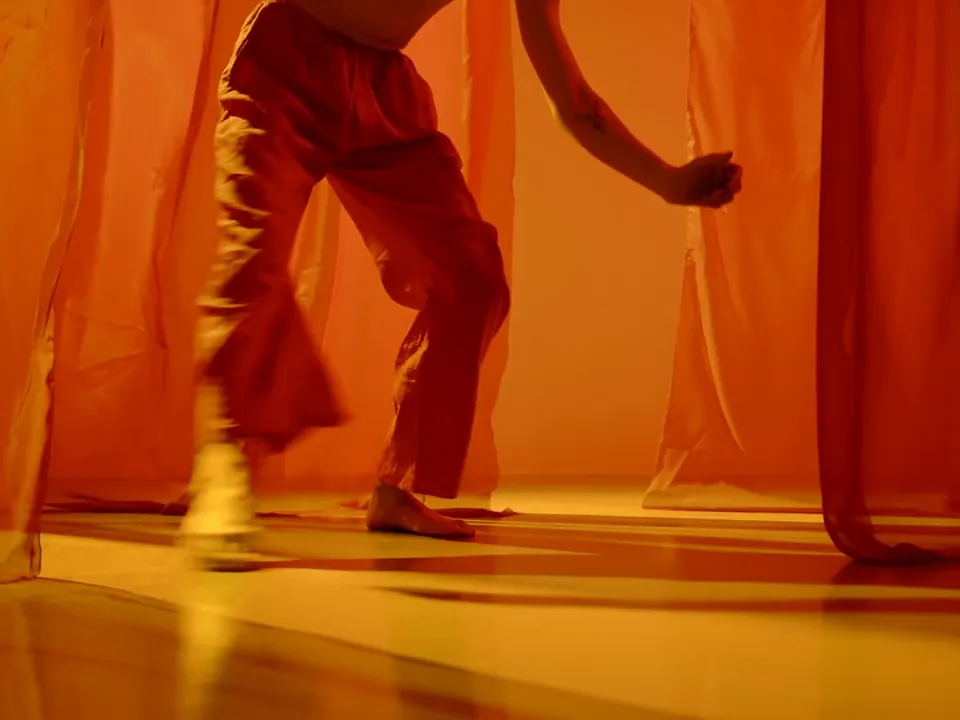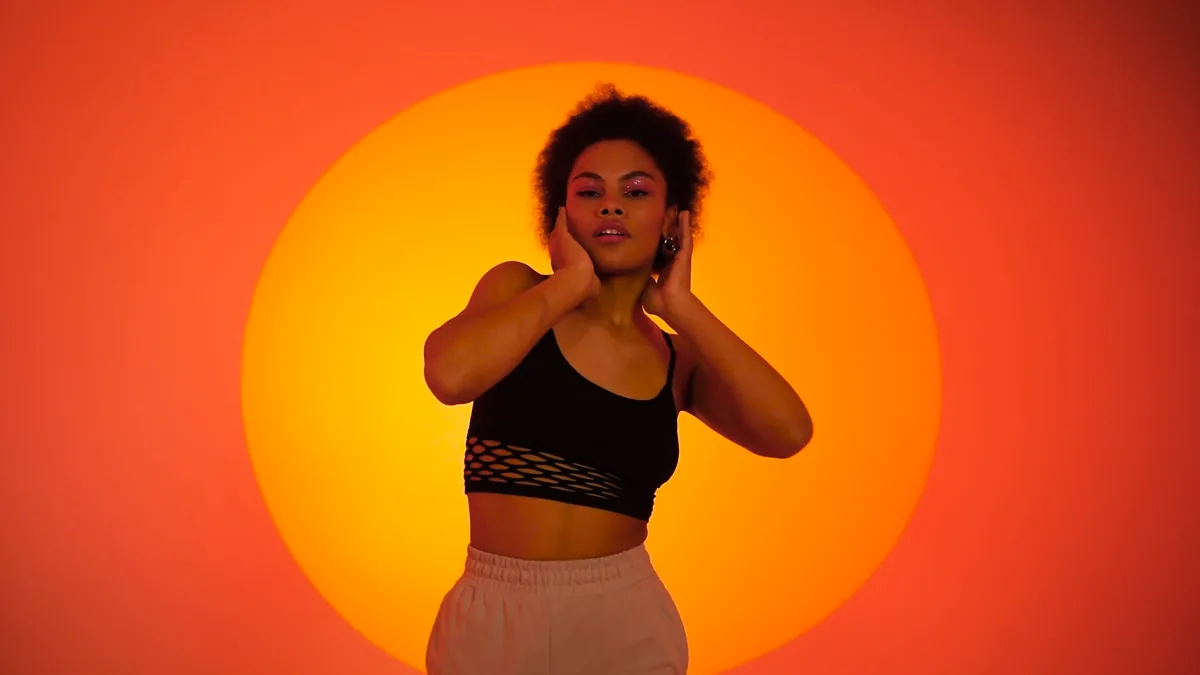
Dances and trends
Put a brand face or a creator on the trend of the week, without booking a shoot.
One picture of who moves and one clip of how. Motion Control has the character perform every move in the clip, in their own face, clothes and room.
Free to start. No credit card.
A dance, a gesture or a reaction, carried onto the character you pick.
Put a brand face or a creator on the trend of the week, without booking a shoot.
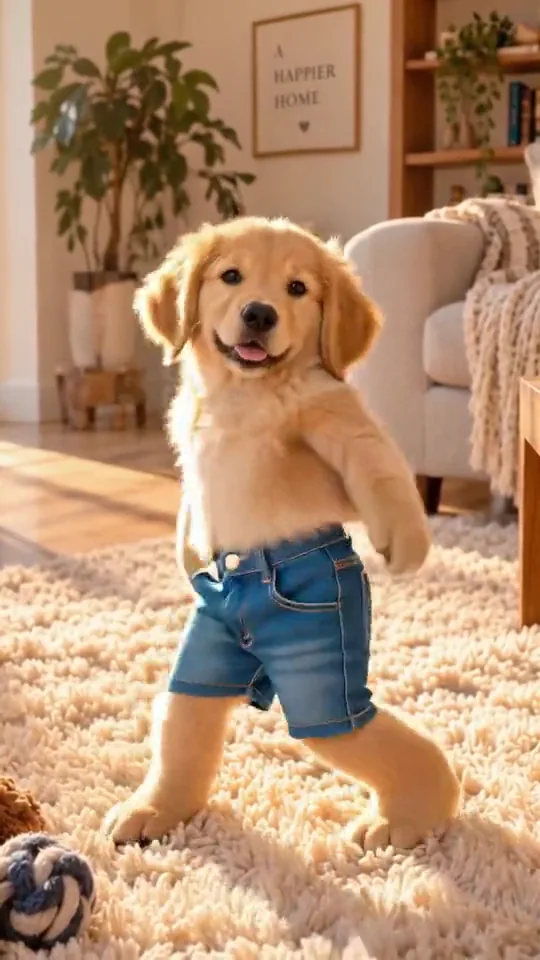
A photo of the dog or the mascot is enough to set it moving.
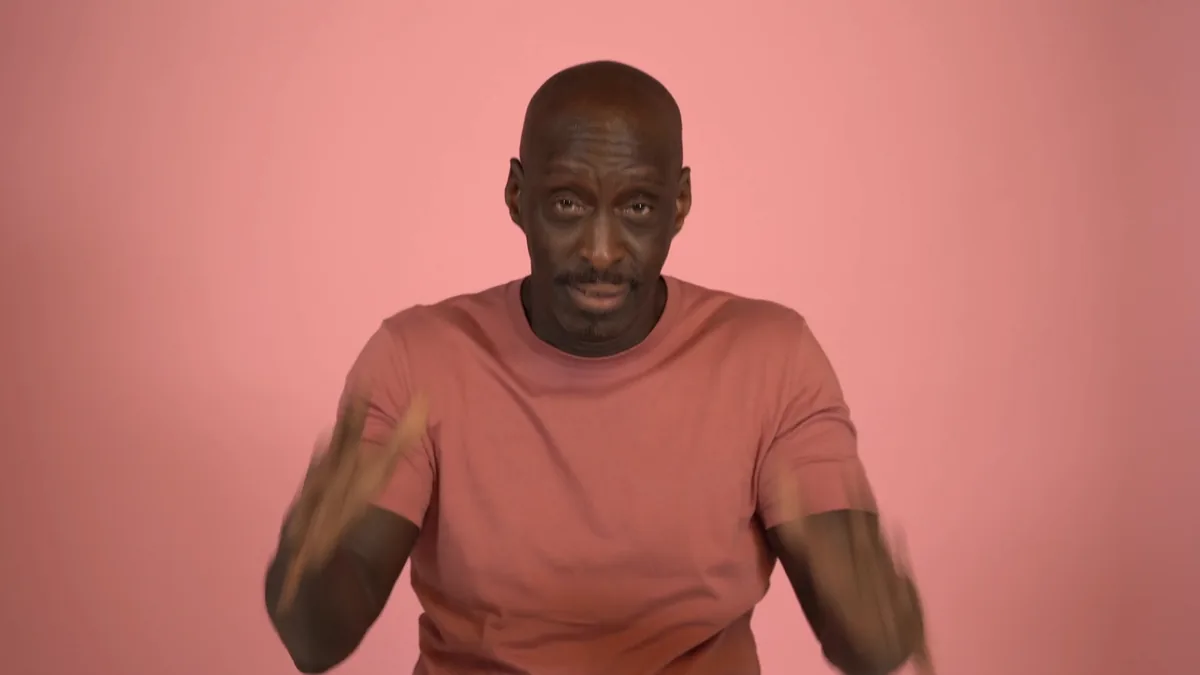
Gestures and delivery from one clip, performed by the face your audience already knows.
Add the motion to copy and your character, side by side. No keyframes and no rig: the clip is the direction.
The character performs its every move in their own face, clothes and room.
Try Motion Control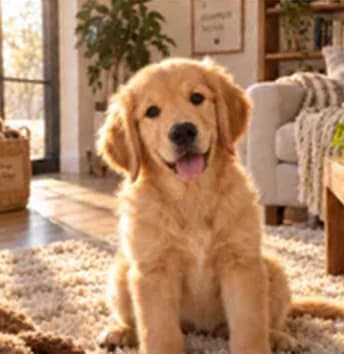
Hand it a trending clip and a photo of the face you want on it. The trend comes back performed by your creator, your founder or your mascot.
Animate a characterThe timing, the gesture and the turn of the head carry across, so a take made from one clip reads as the same performance.
Try Motion ControlThree steps in Video Studio.
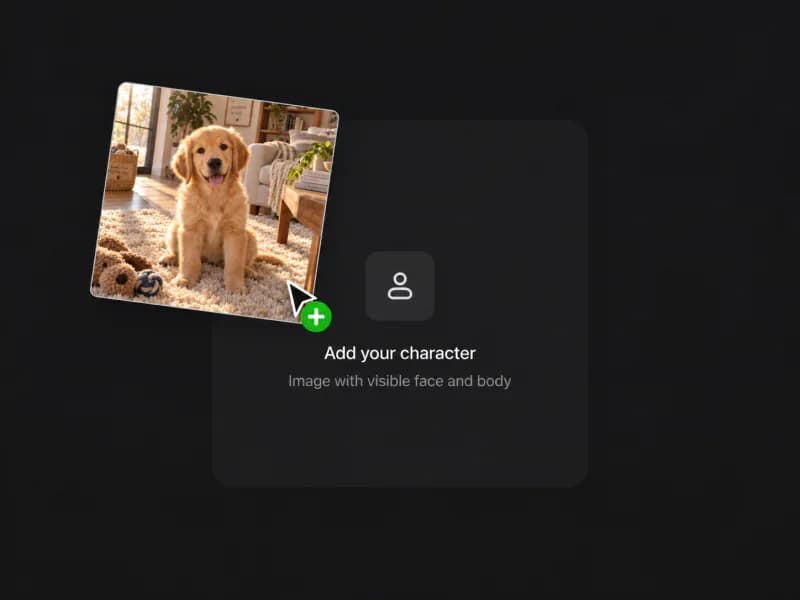
One picture of who moves and one clip of how. Dances, gestures and reactions, performed by the character you choose, on the same plan as every other tool.