Every size, preset or your own
Start from a Story, a YouTube thumbnail or an A4 flyer, or type the width and height in pixels, millimetres or inches.
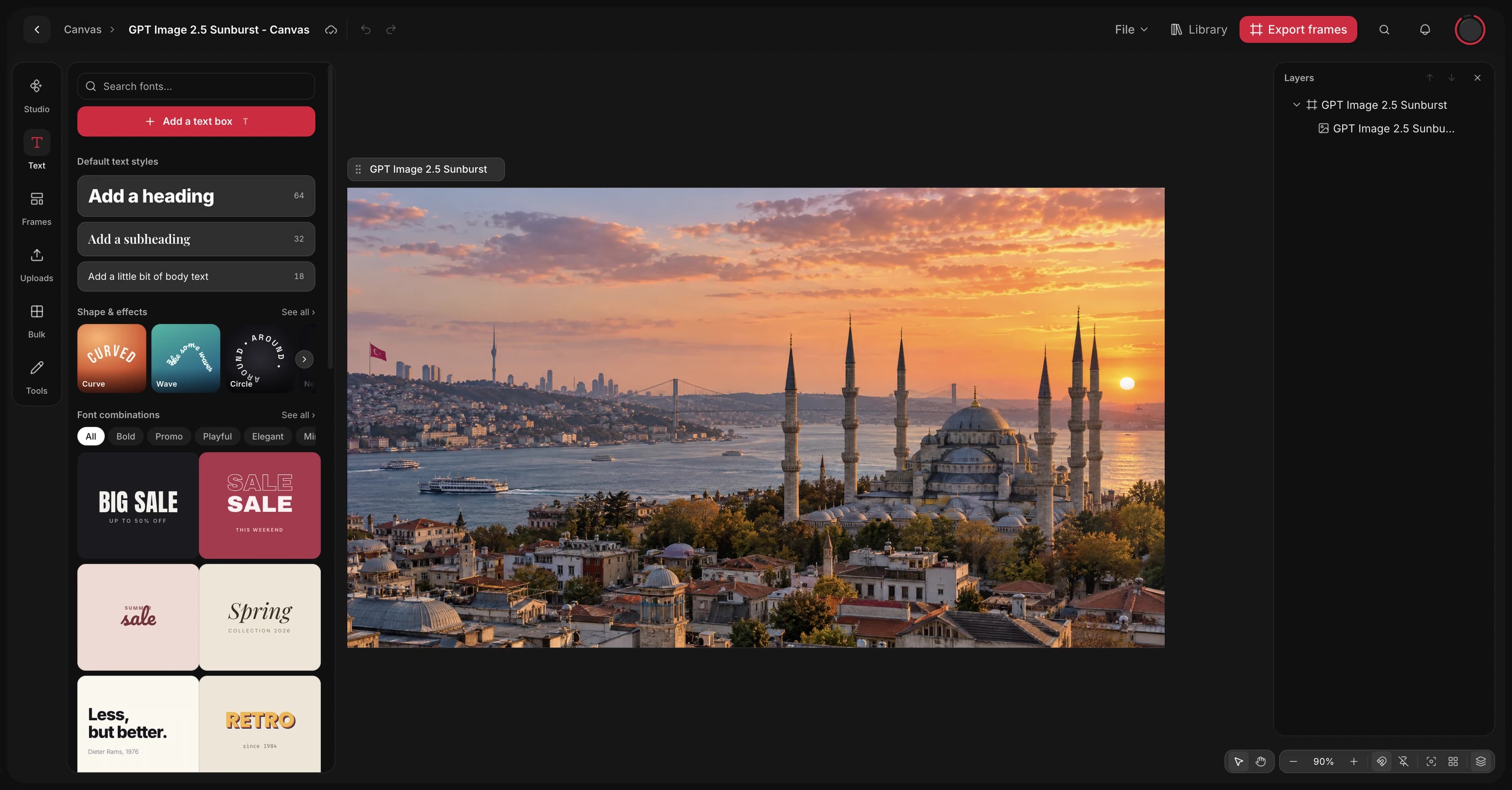
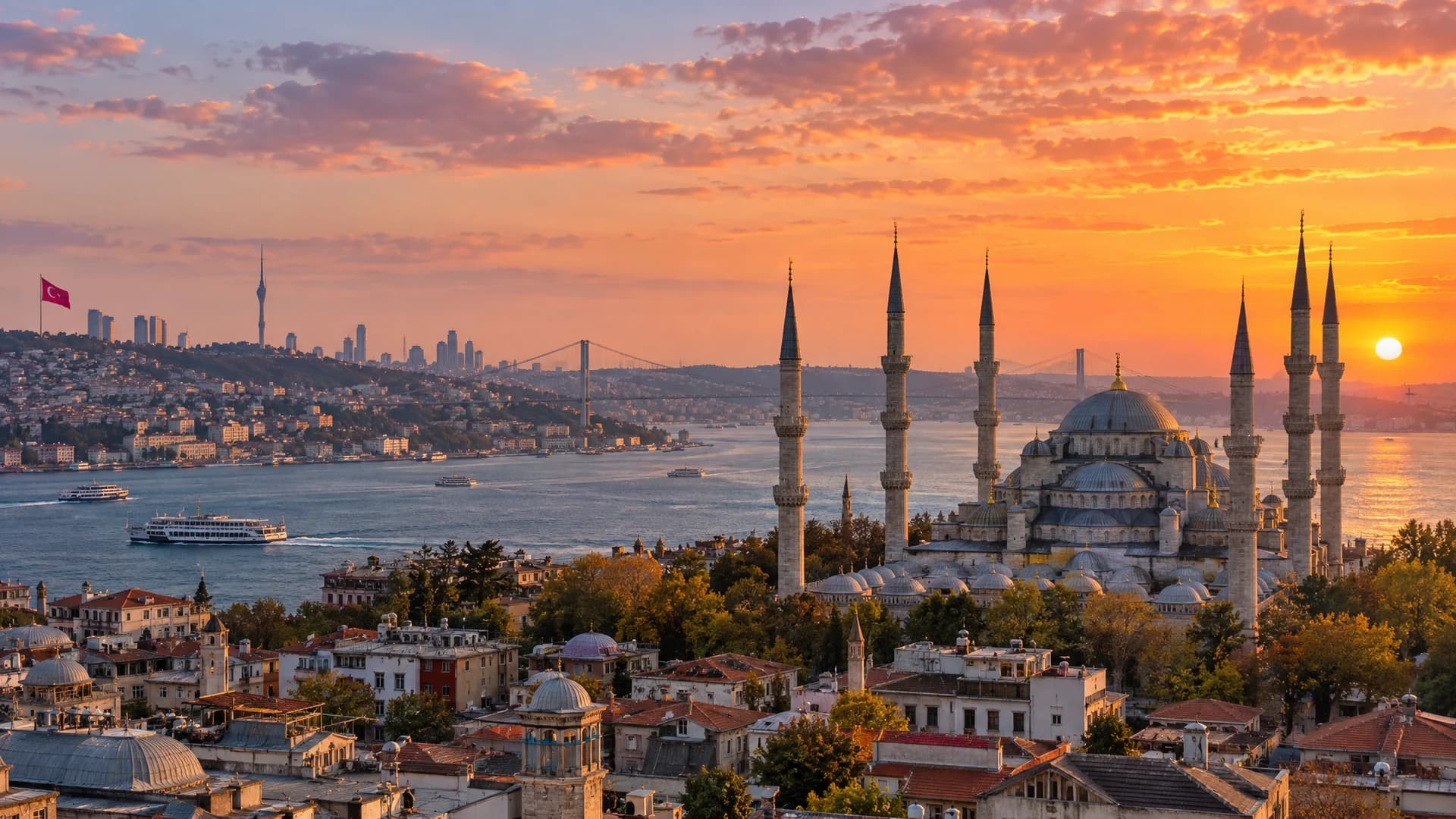
Generate an image, set it in a frame, add text, stickers and shapes around it, and export every frame at the size you need. Canvas keeps the board and the models side by side.
Free to start. No credit card.
Generate an image, set it in a frame, add text, stickers and shapes around it, and export every frame at the size you need. Canvas keeps the board and the models side by side.
Free to start. No credit card.
Frames, pictures and type on one board, with the models a panel away.
Start from a Story, a YouTube thumbnail or an A4 flyer, or type the width and height in pixels, millimetres or inches.
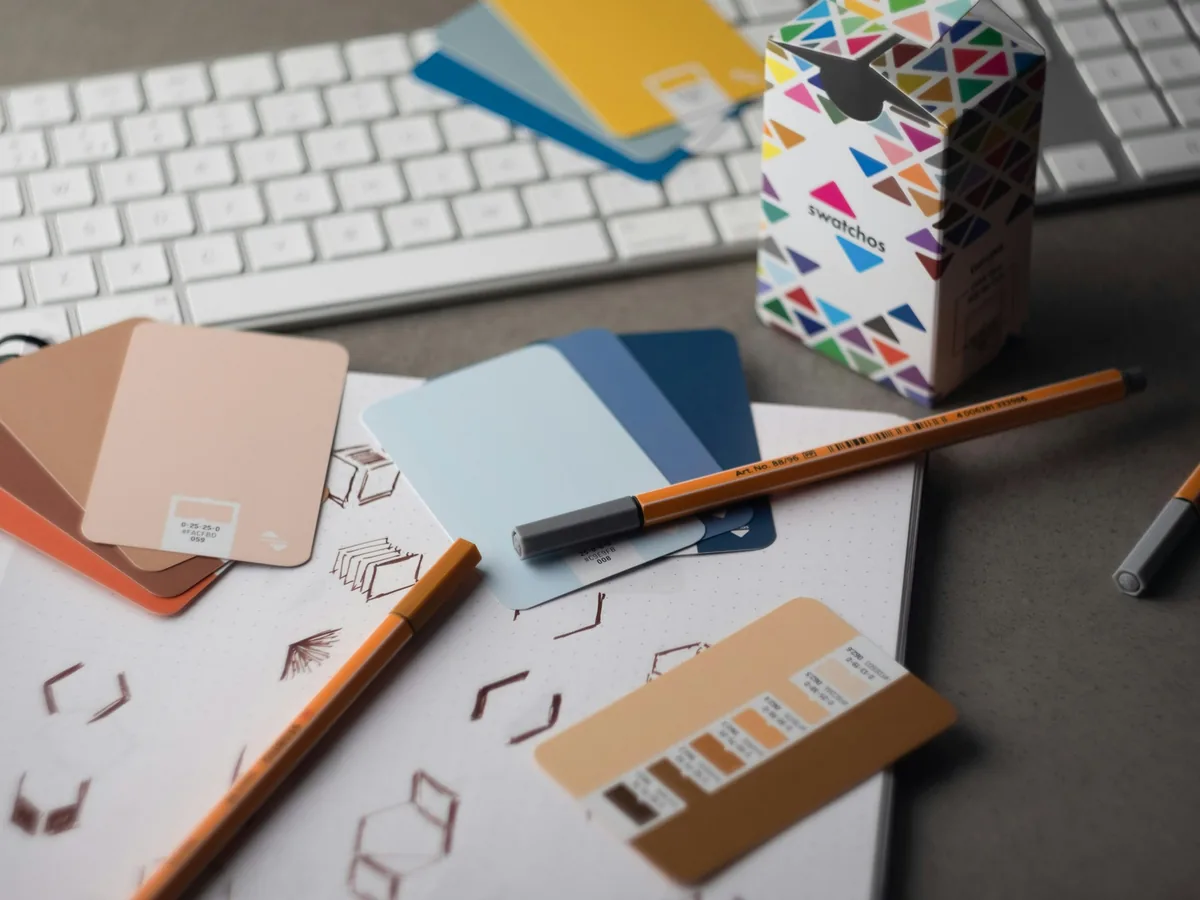
Remove the background, clean up, Magic Edit, upscale, outpaint, extract an object or its text, or vectorize it, on the board.
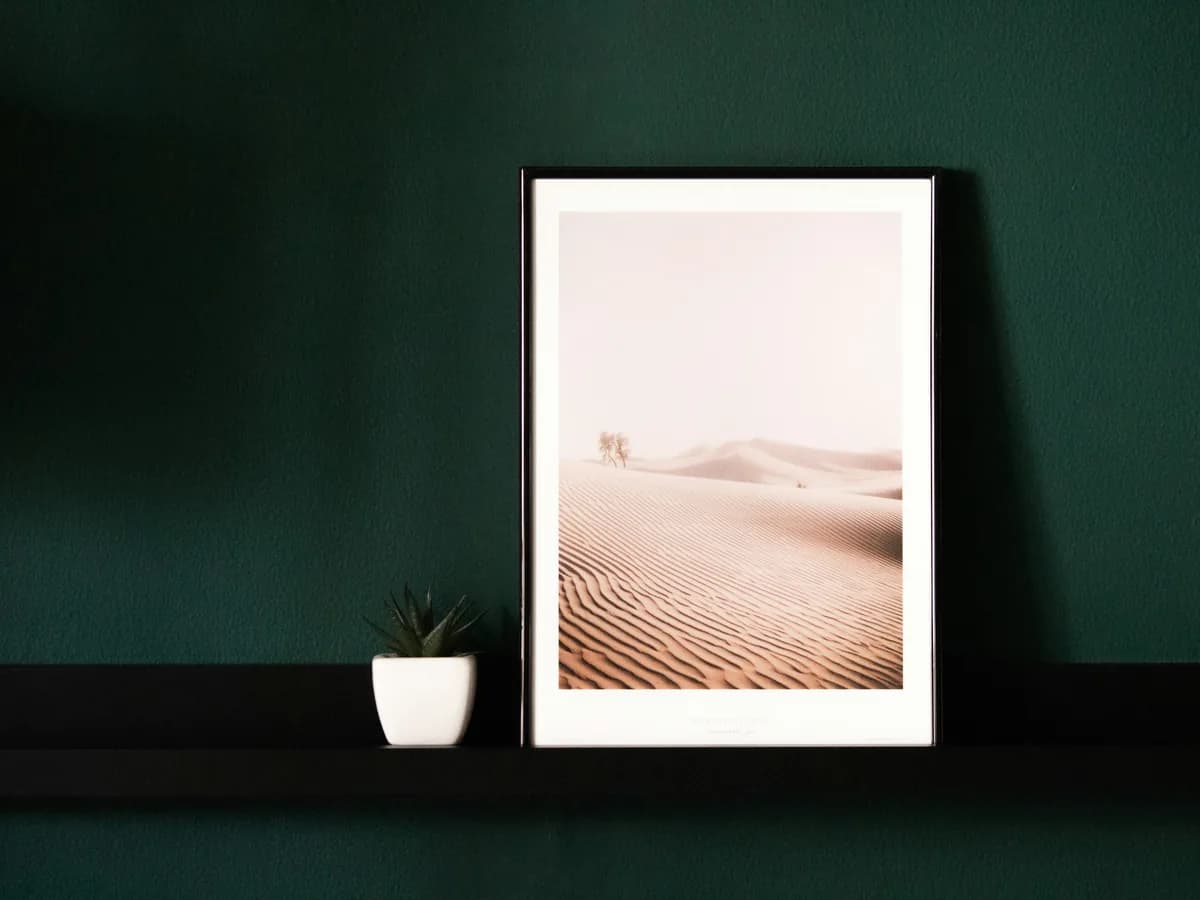
Export frames renders every frame in the document; a selection goes out as PNG, JPG, WEBP or SVG.
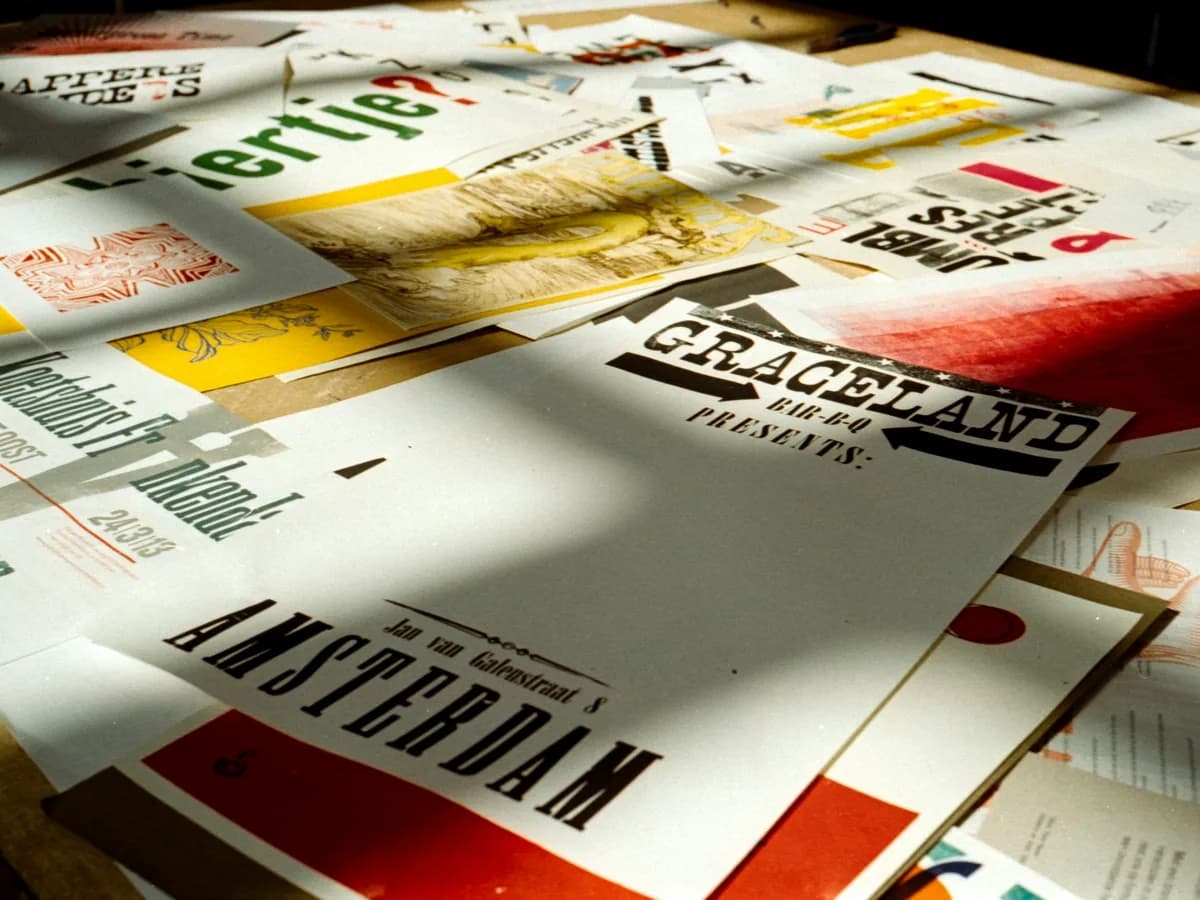
Set frames at the sizes the campaign runs in, from an Instagram post to a YouTube thumbnail, and keep them side by side on the same board.
Open Canvas
The image panel is the studio’s composer in miniature: a prompt with references attached inline, the model, and Generate with its price.
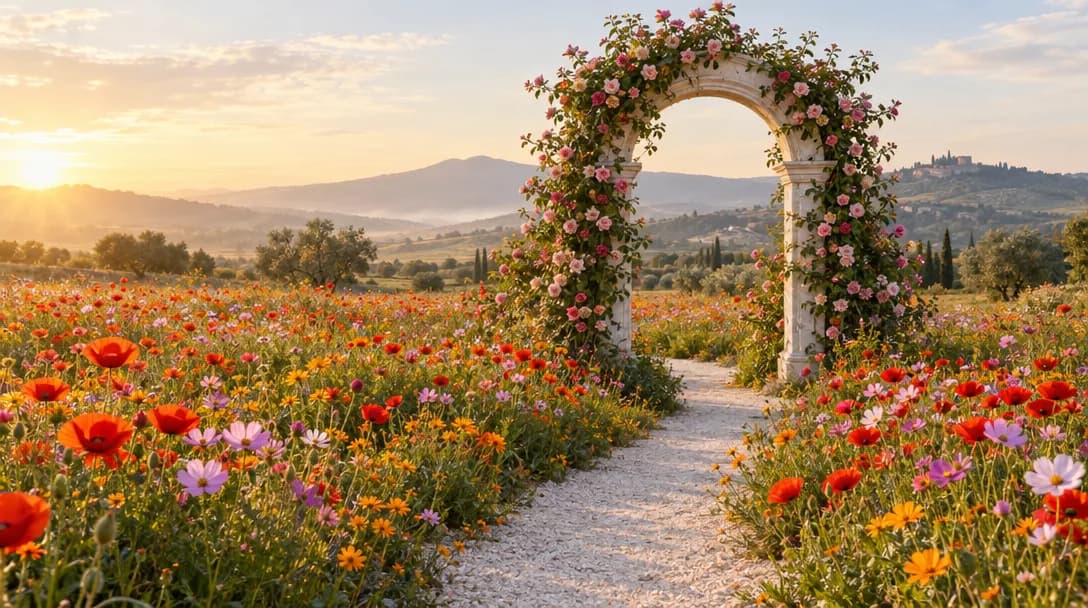
The picture on this board was made with GPT Image 2.5 in the workspace.
Generate on a canvasThe Blue Mosque and the Bosphorus in Istanbul at sunset, warm light, a wide frame.The Blue Mosque and the Bosphorus in Istanbul at sunset, warm light, a wide frame.
Frame, Vector Pen, Vector Brush, Shapes, Lines and Text sit in the tools bar. Cutouts, Components, QR codes and Templates wait in the panel, with every layer listed beside the board.
Open Canvas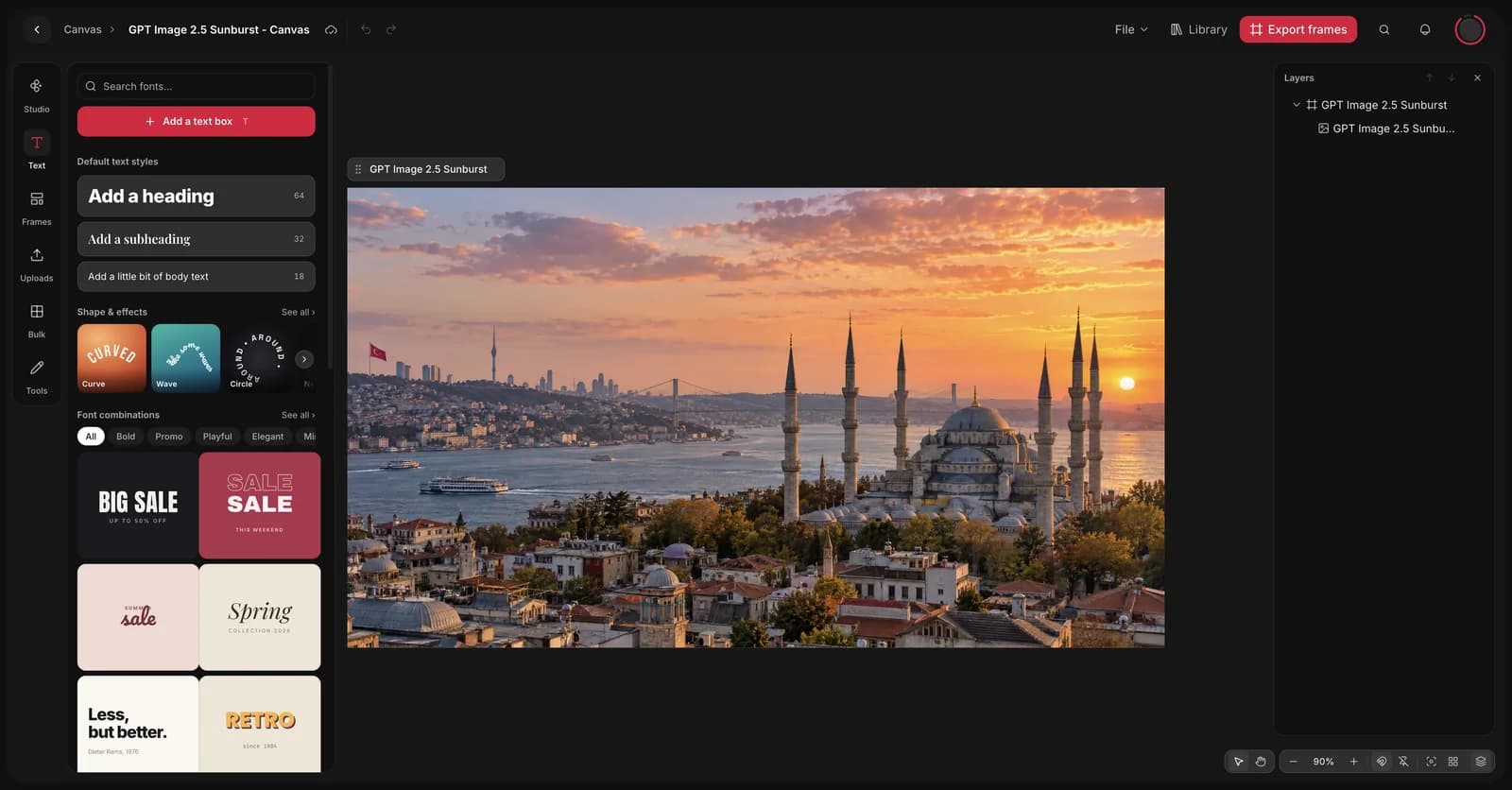
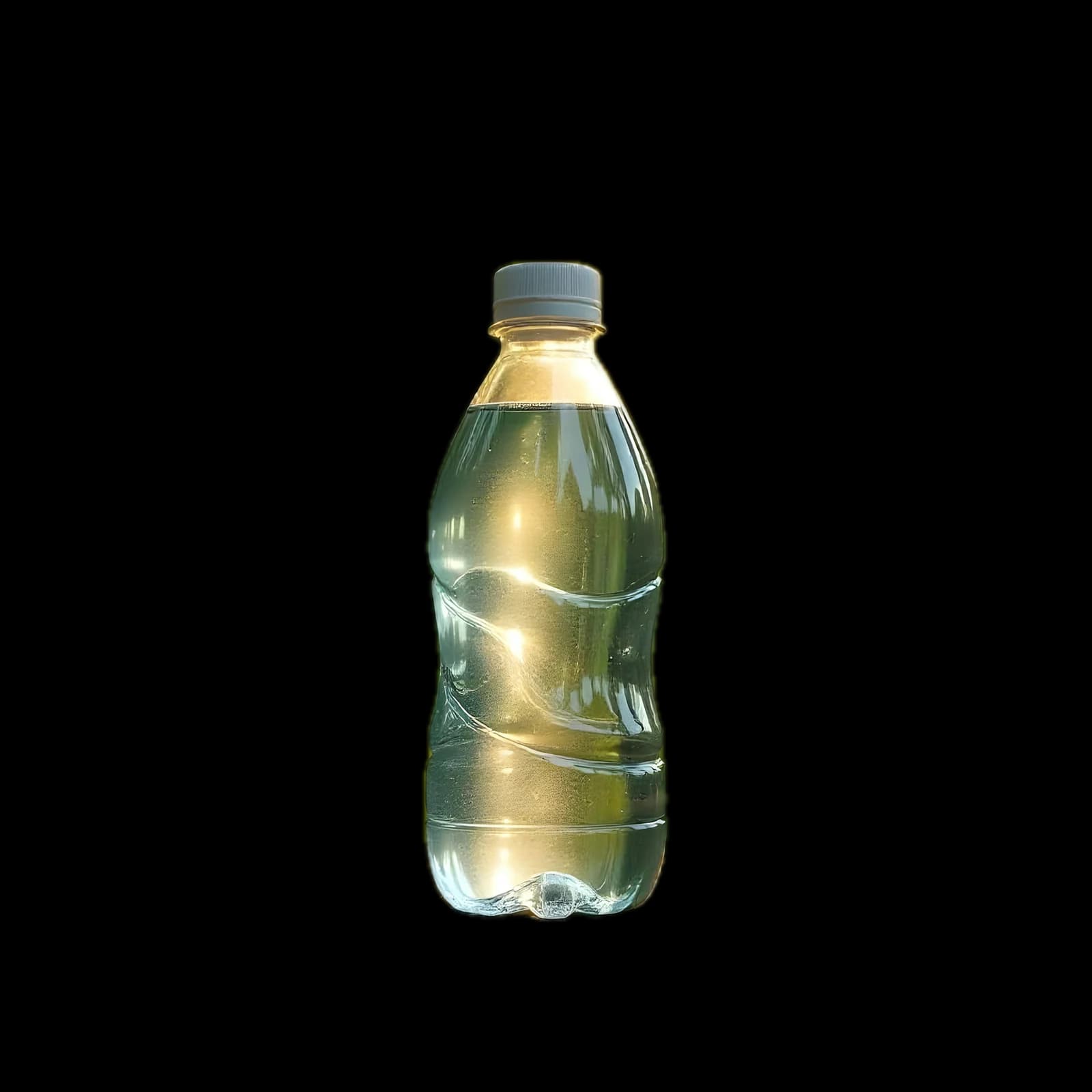
Select an image and the AI tools appear beside the panel. Each one arms the prompt box first, so nothing runs until you confirm, and Restore brings a removed background back for free.
Open Canvas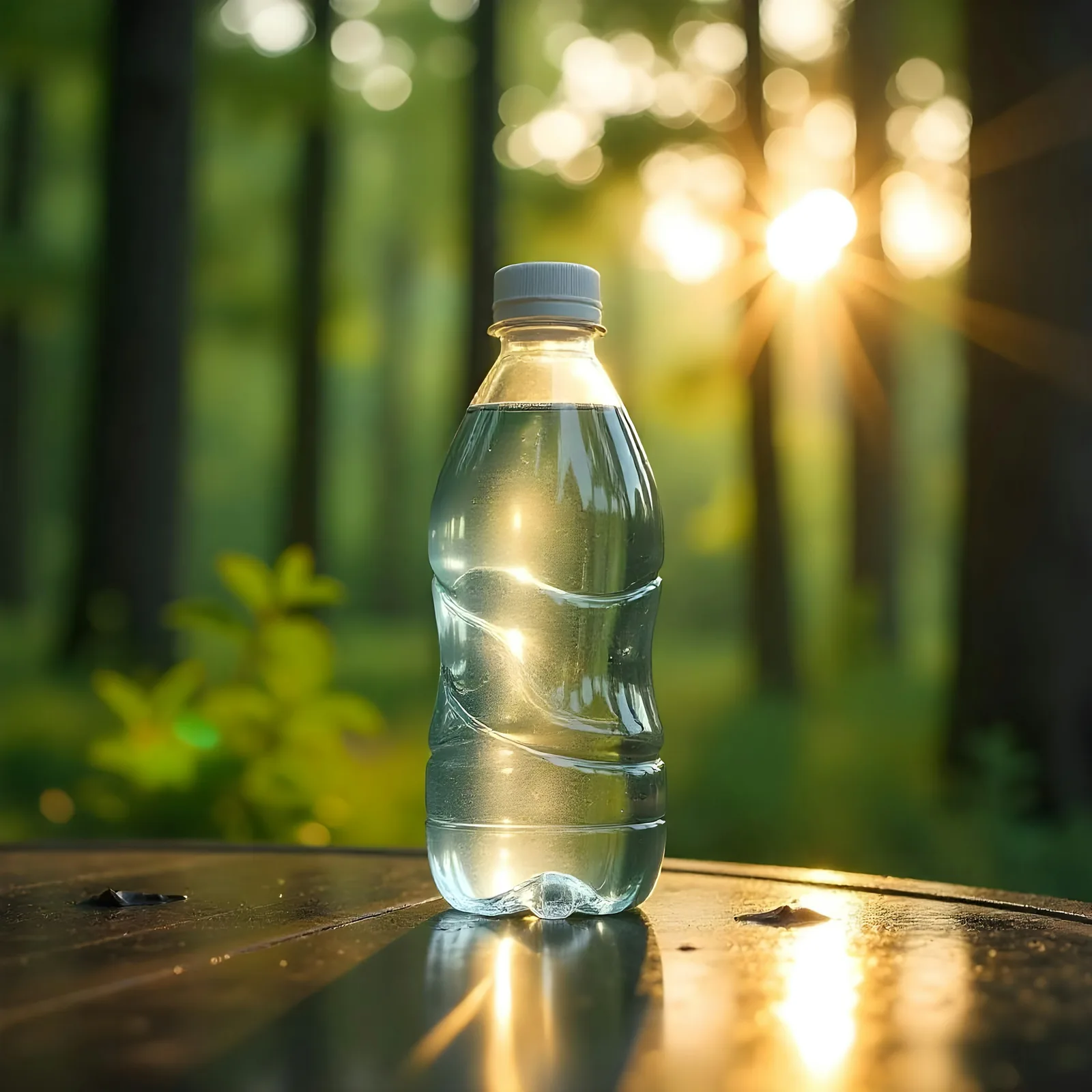
From a blank board to exported frames.
Frames and images on one board: generate the picture, set the words and shapes around it, retouch it with AI, and export every size from the same document.