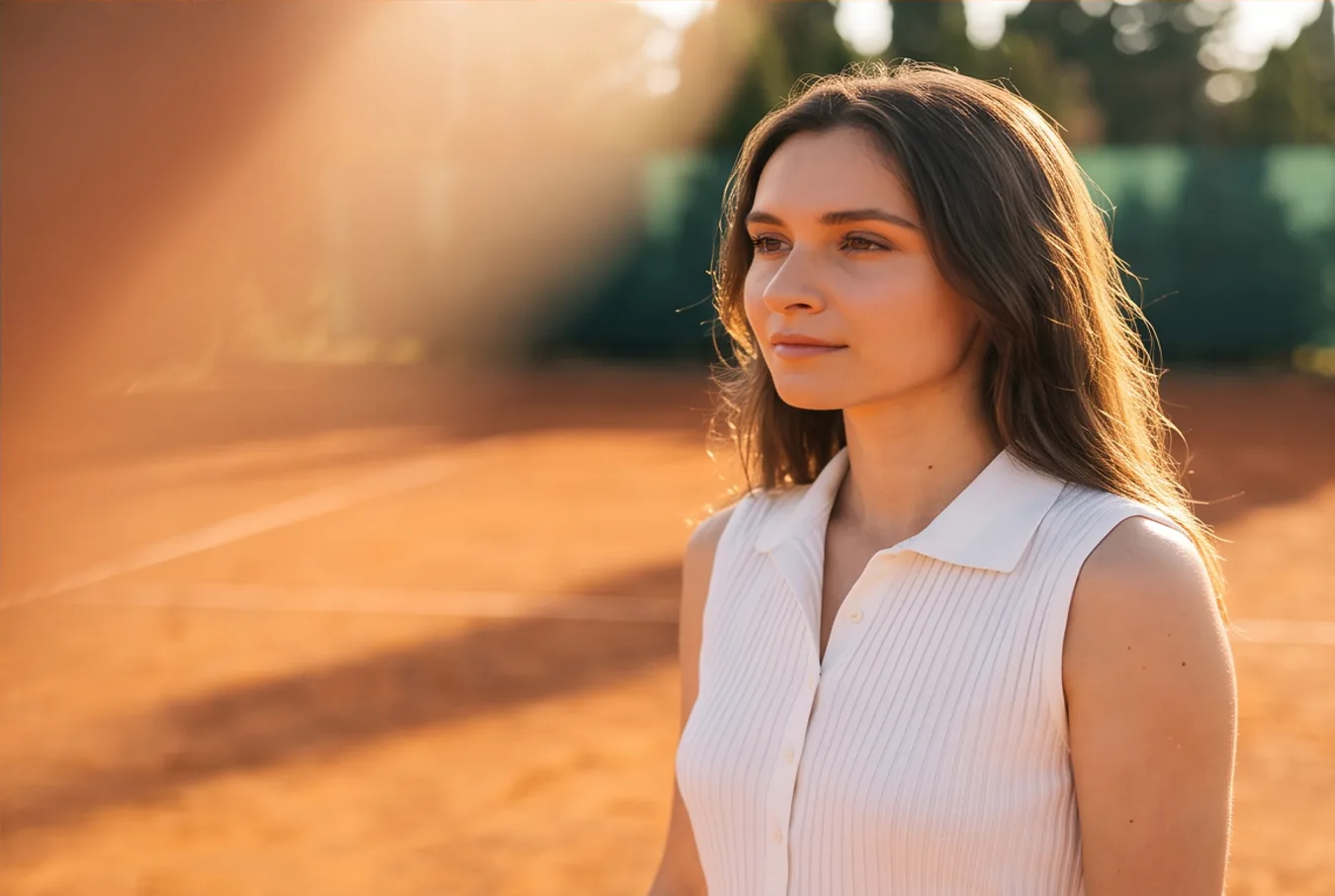
A tennis player in a white dress and visor on a clay court at golden hour
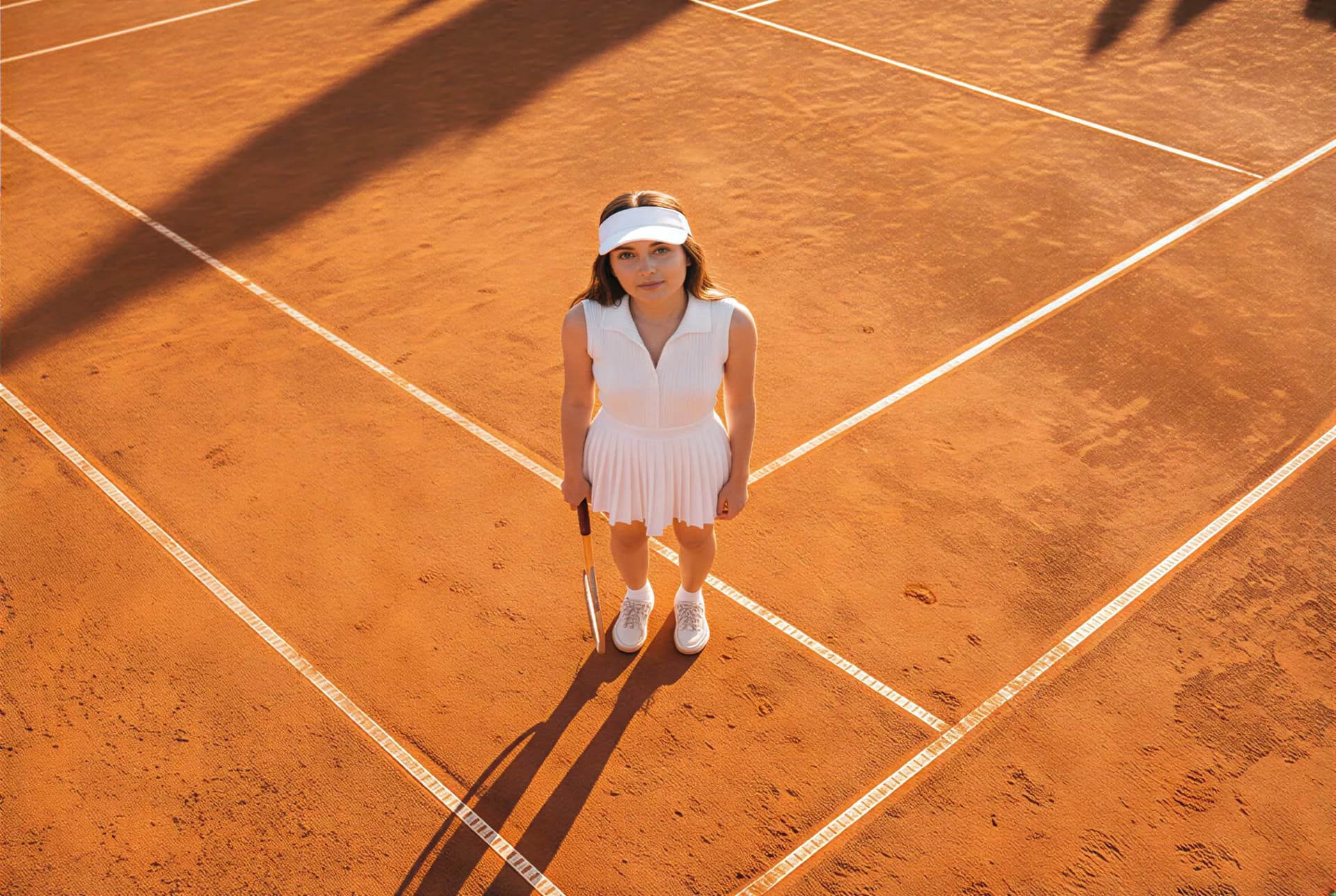
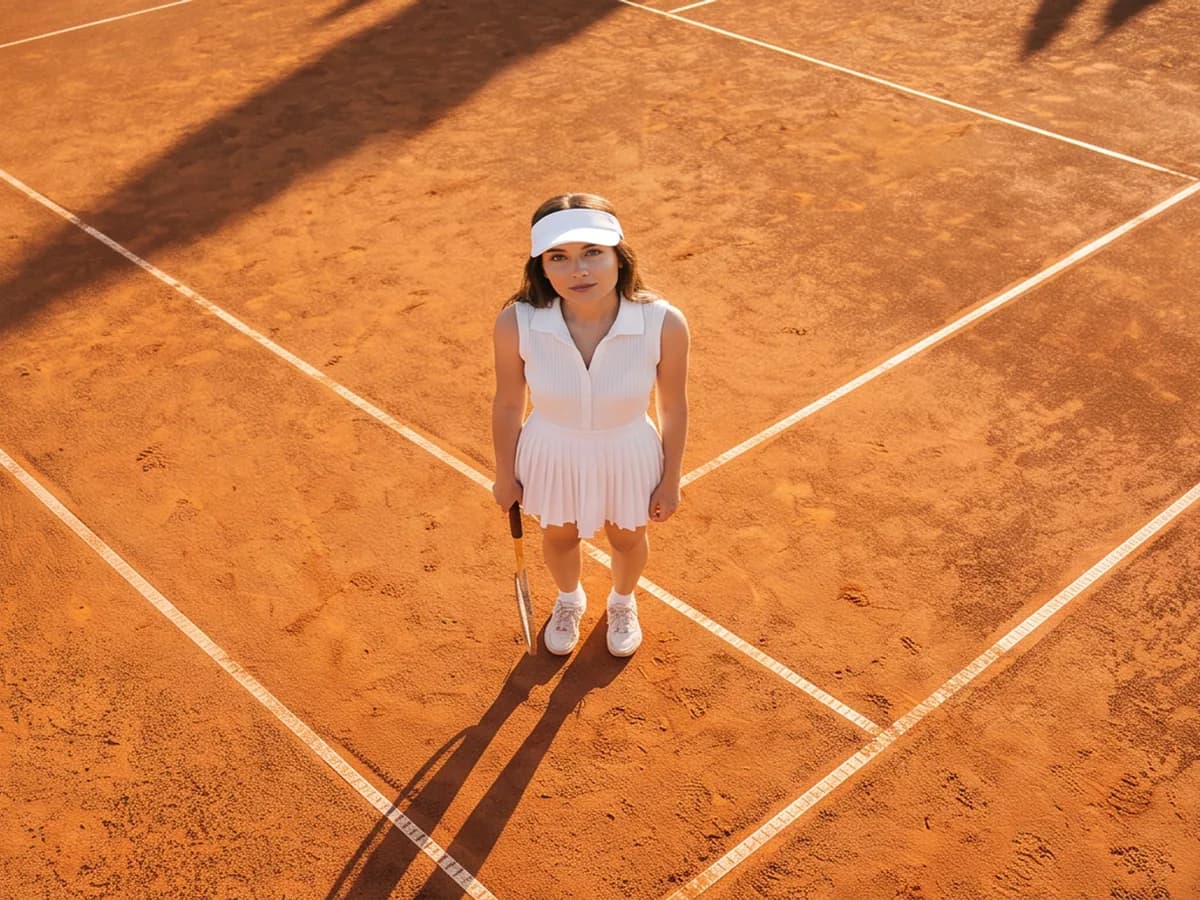
The player seen from straight above on the clay court
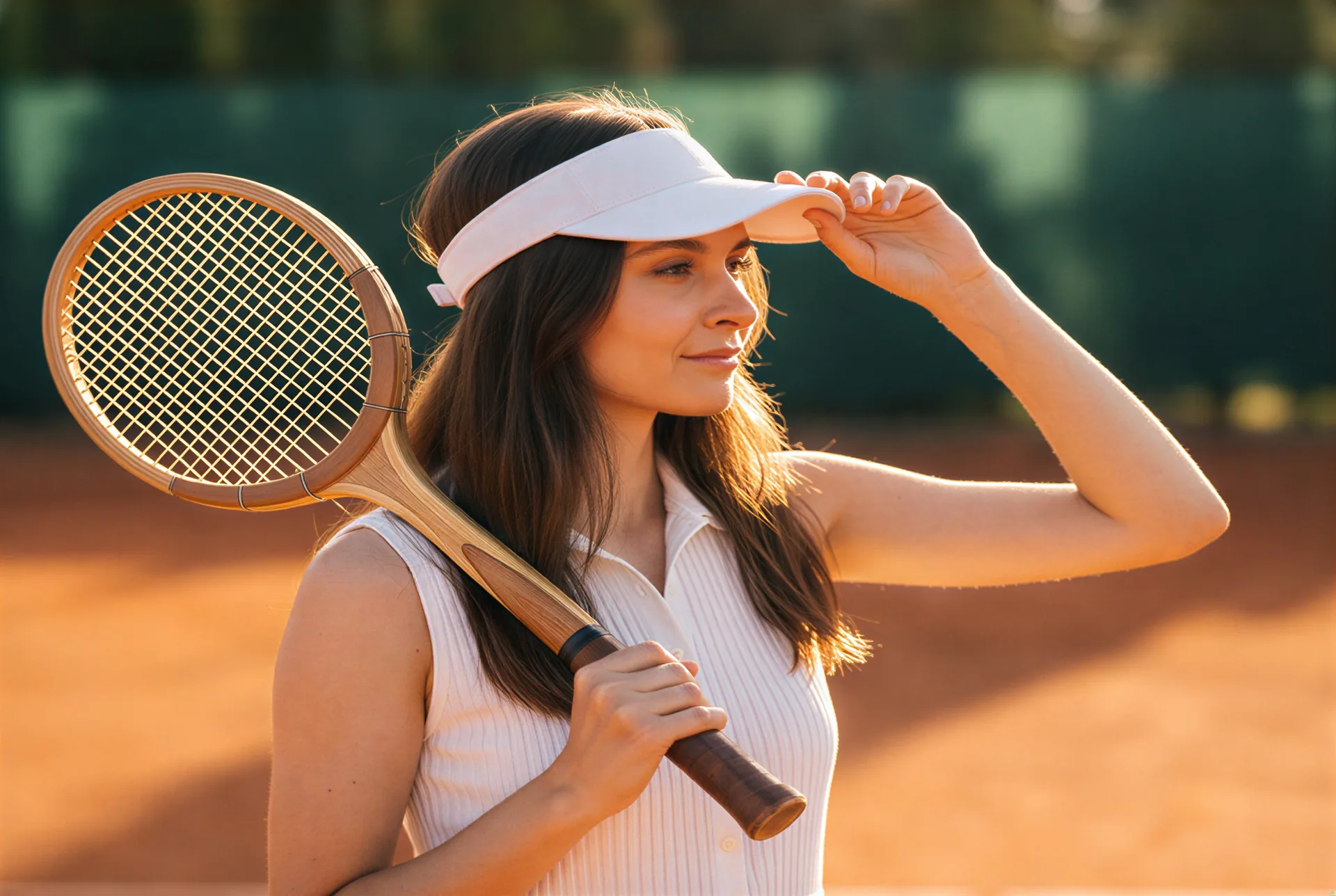
The player close in, one hand on her visor
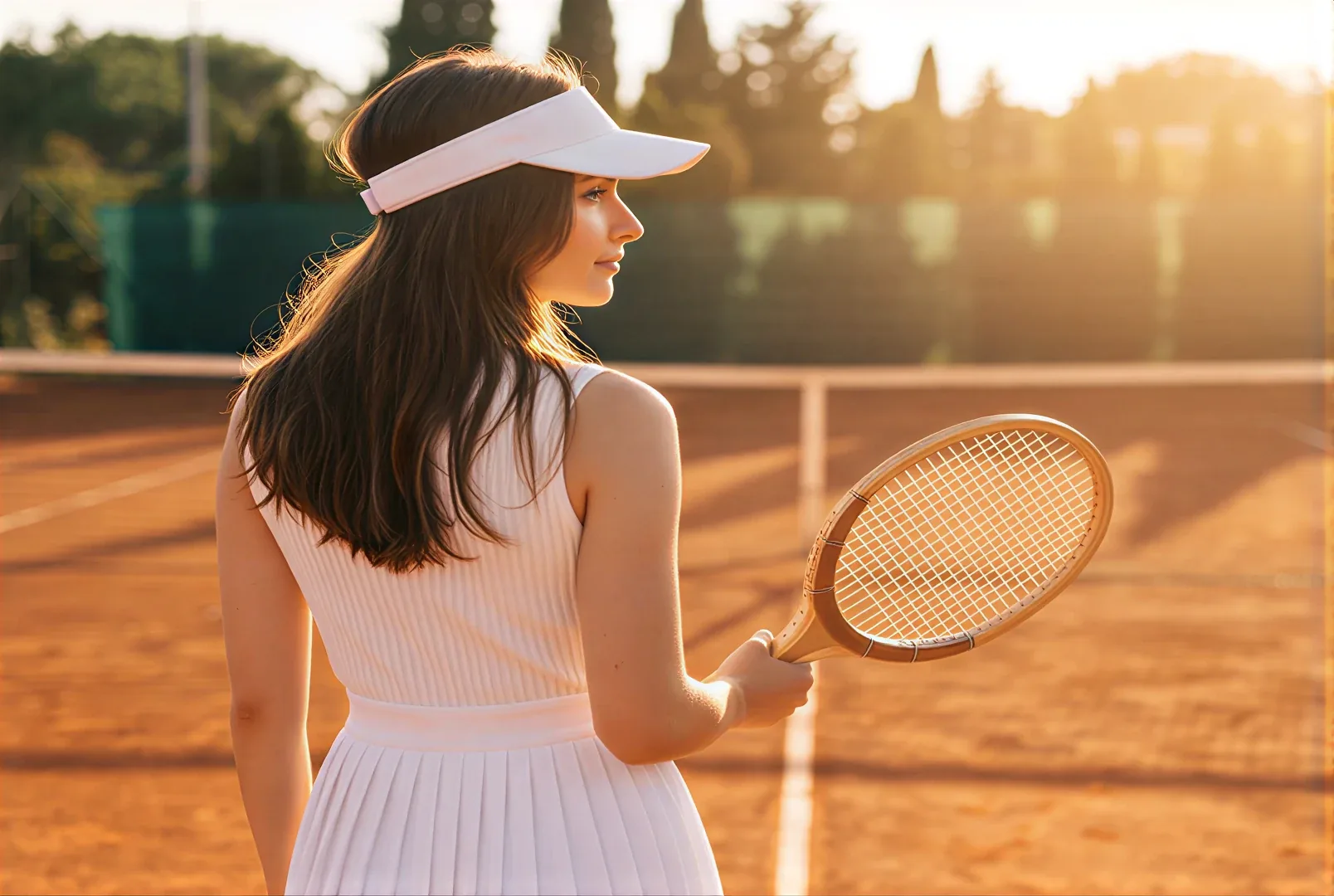
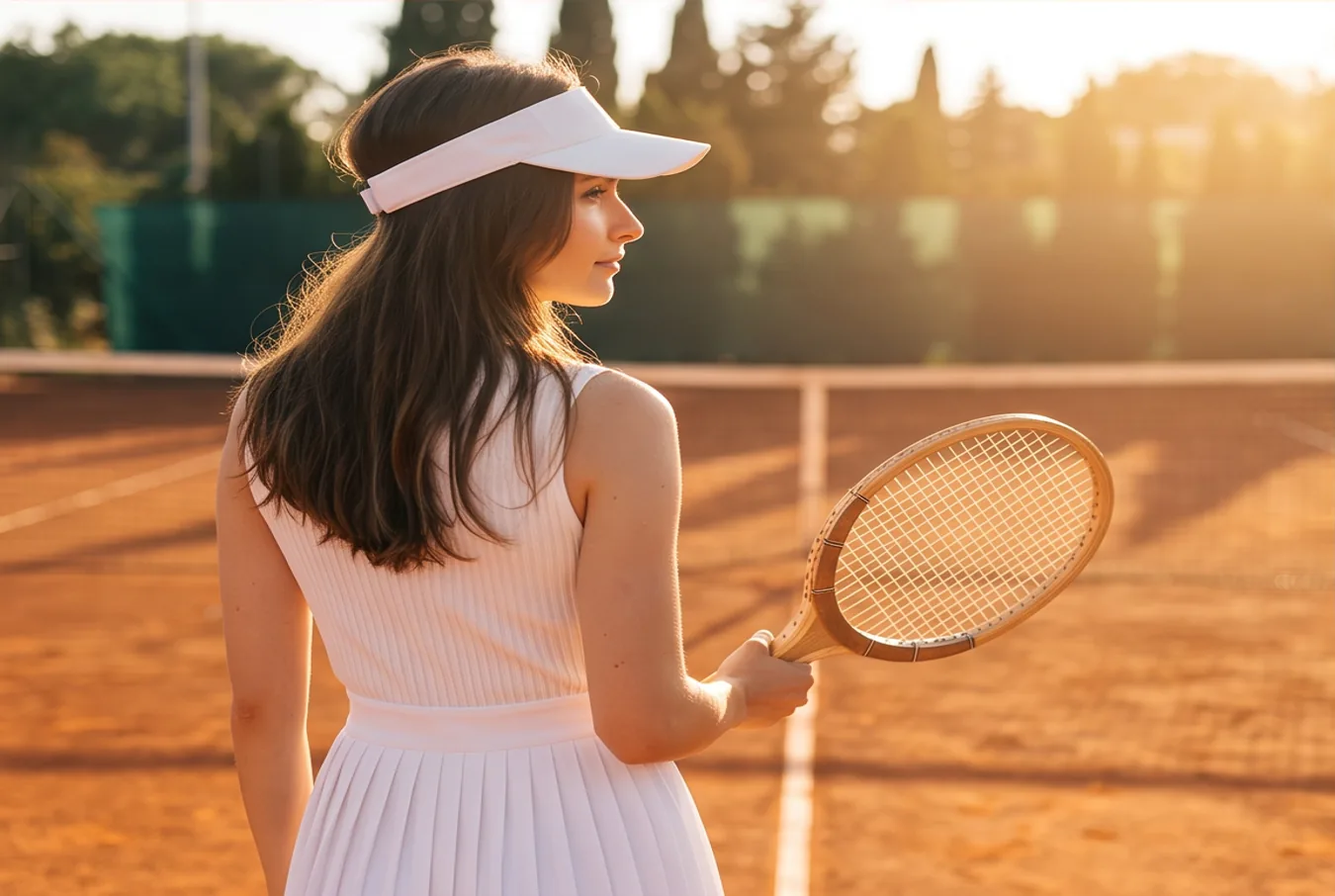
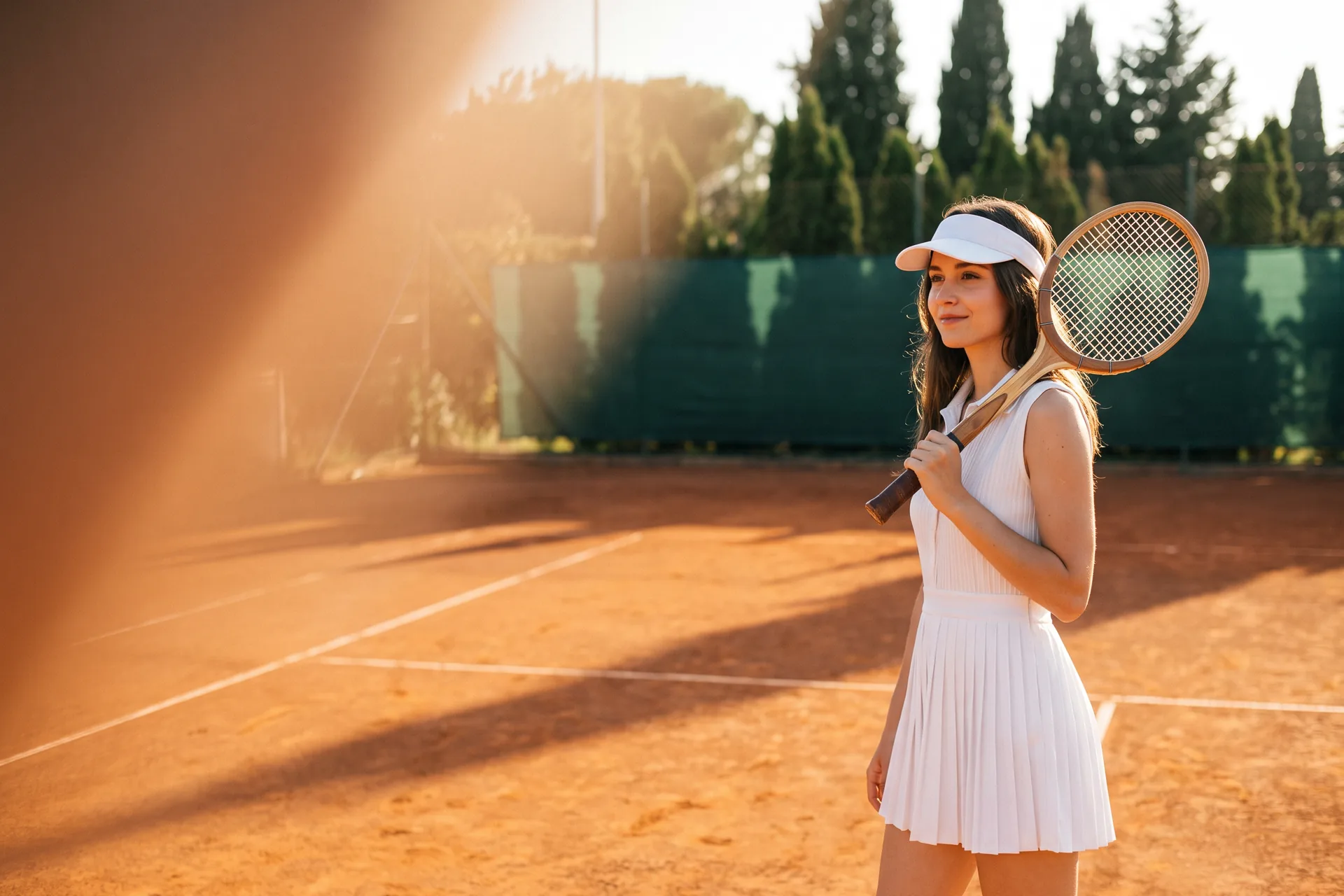
The player from behind her shoulder, looking toward the net

Your photo

AI photo shoot. One photo, every angle.

Drop in one photo of a person or a product. AI Shot plans the camera setups, from straight above to close in, and comes back with cinematic stills of the same subject in the same light.

Shoot from a photo

Free to start. No credit card.

New angles. Same subject.

The face, the clothes, the product and the palette are your photo’s own. Only the camera moves.

The court from straight above, the player and her long shadow

The camera moves

Low hero angles, top-down, three-quarter, profile, candid. Every shot is a different setup.
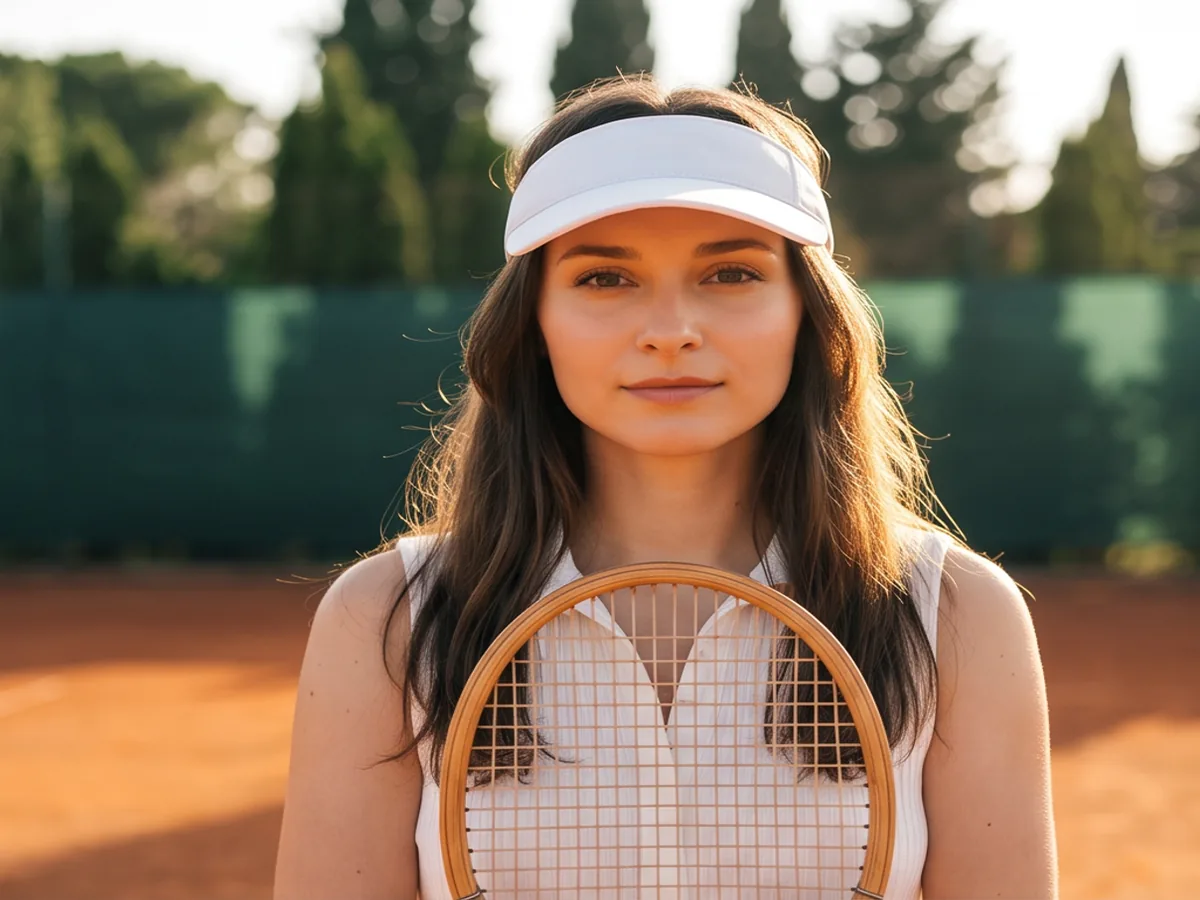
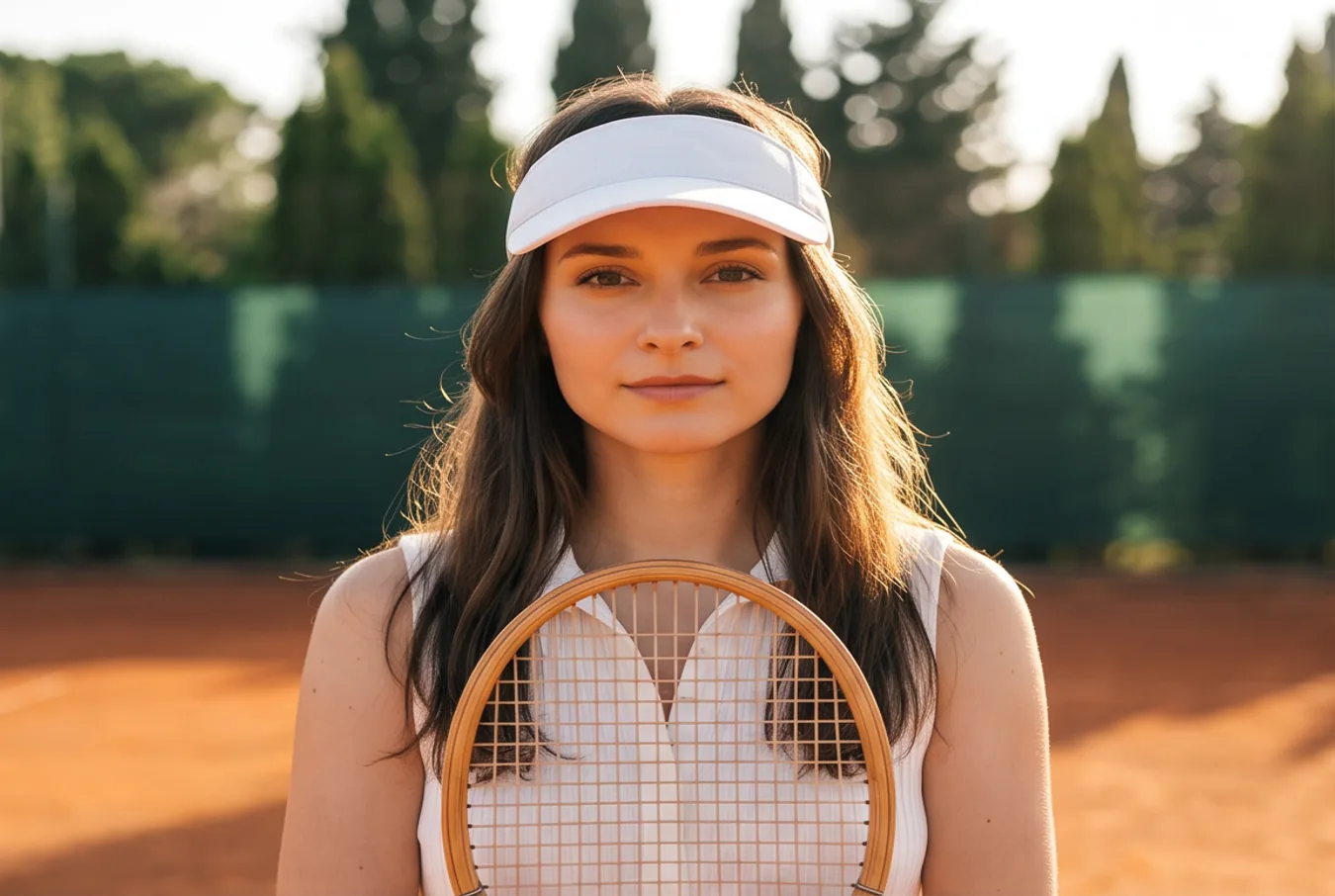
The player straight to camera

The subject stays

Same face, same dress, same racket. Identity and palette come from the reference, and no text or logo is added.
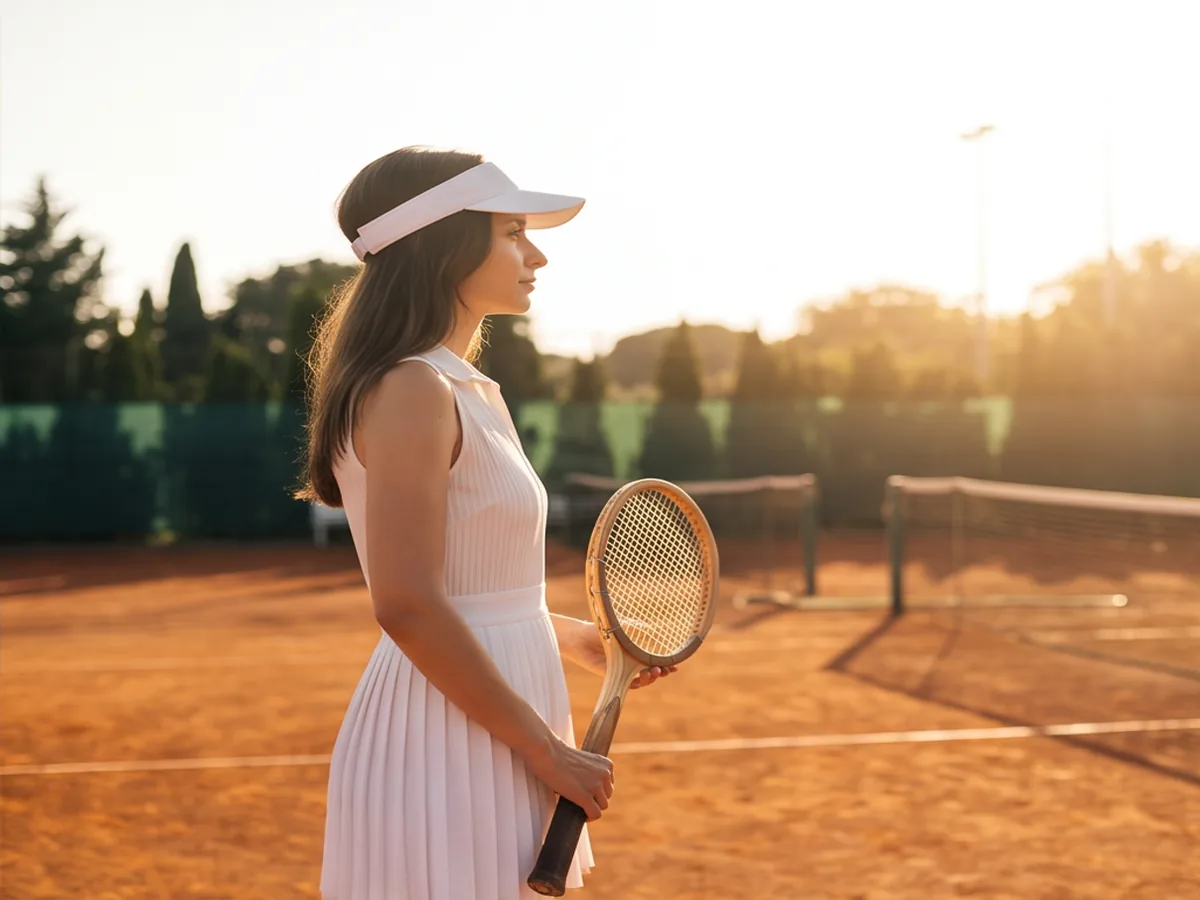
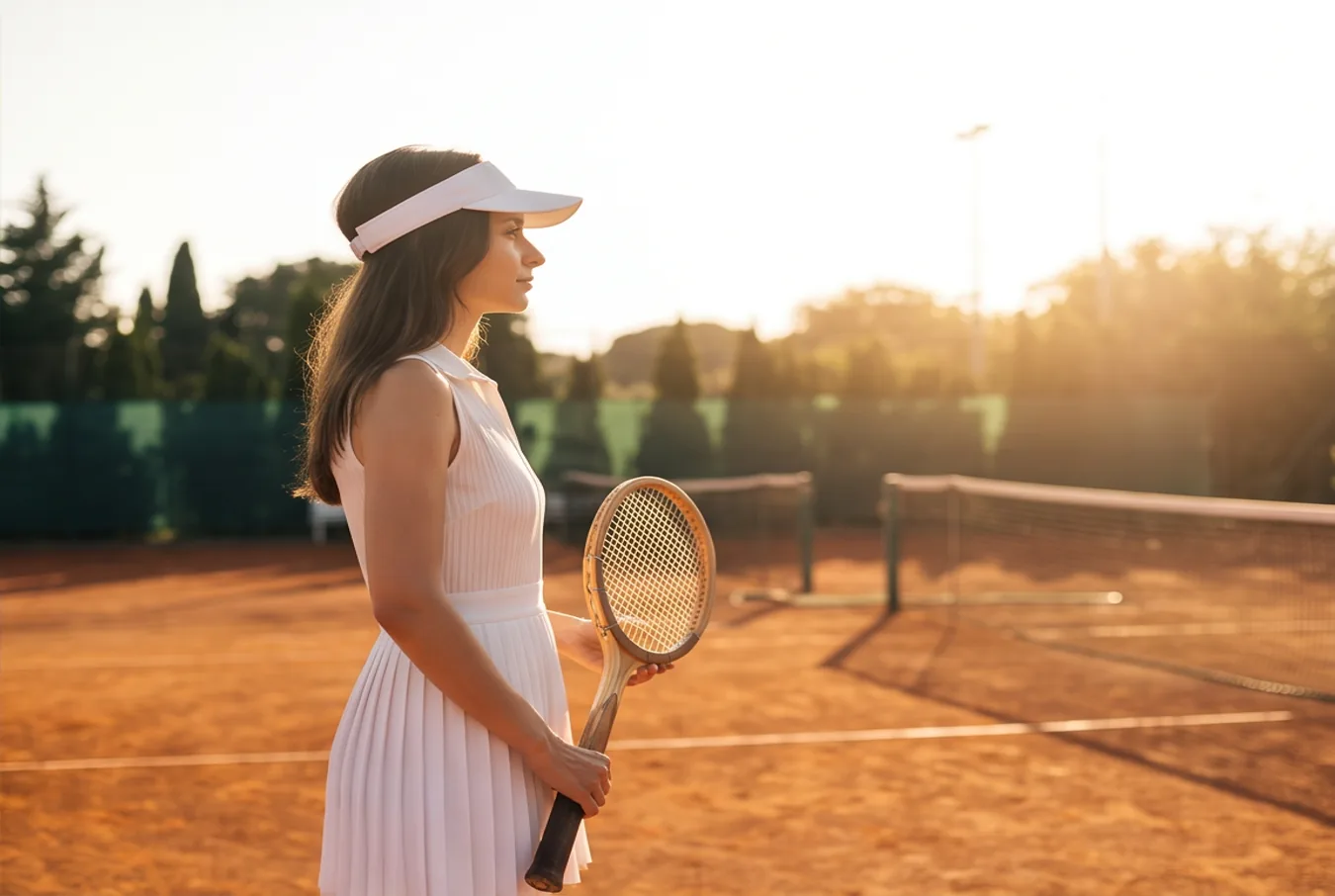
The player in profile against the sun

The light comes too

The low sun, the long shadows and the colour of the clay carry into every frame.

Built on your photo, not around it.

There is no prompt to write. AI Shot reads the photo, plans a set of camera setups and shoots the same subject again for each one.

Every shot comes back at the photo’s own ratio.

Shoot from a photo
A tennis player in a white dress and visor on a clay court at golden hour
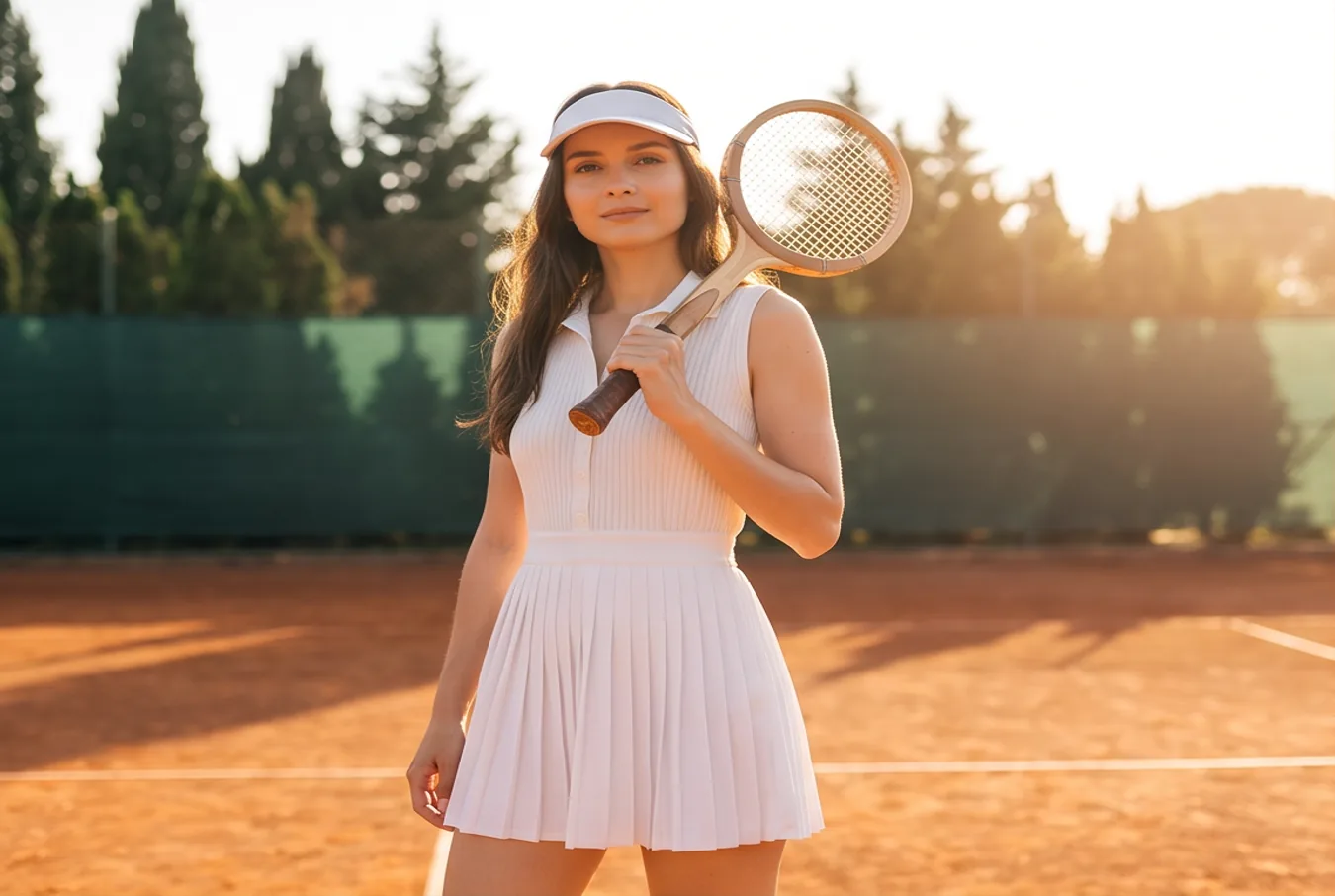
The player standing on the clay, racket on her shoulder
The player straight to camera, the racket held in front of her
The player in three-quarter view, a flare of low sun beside her

Your photo

Every angle of the product.

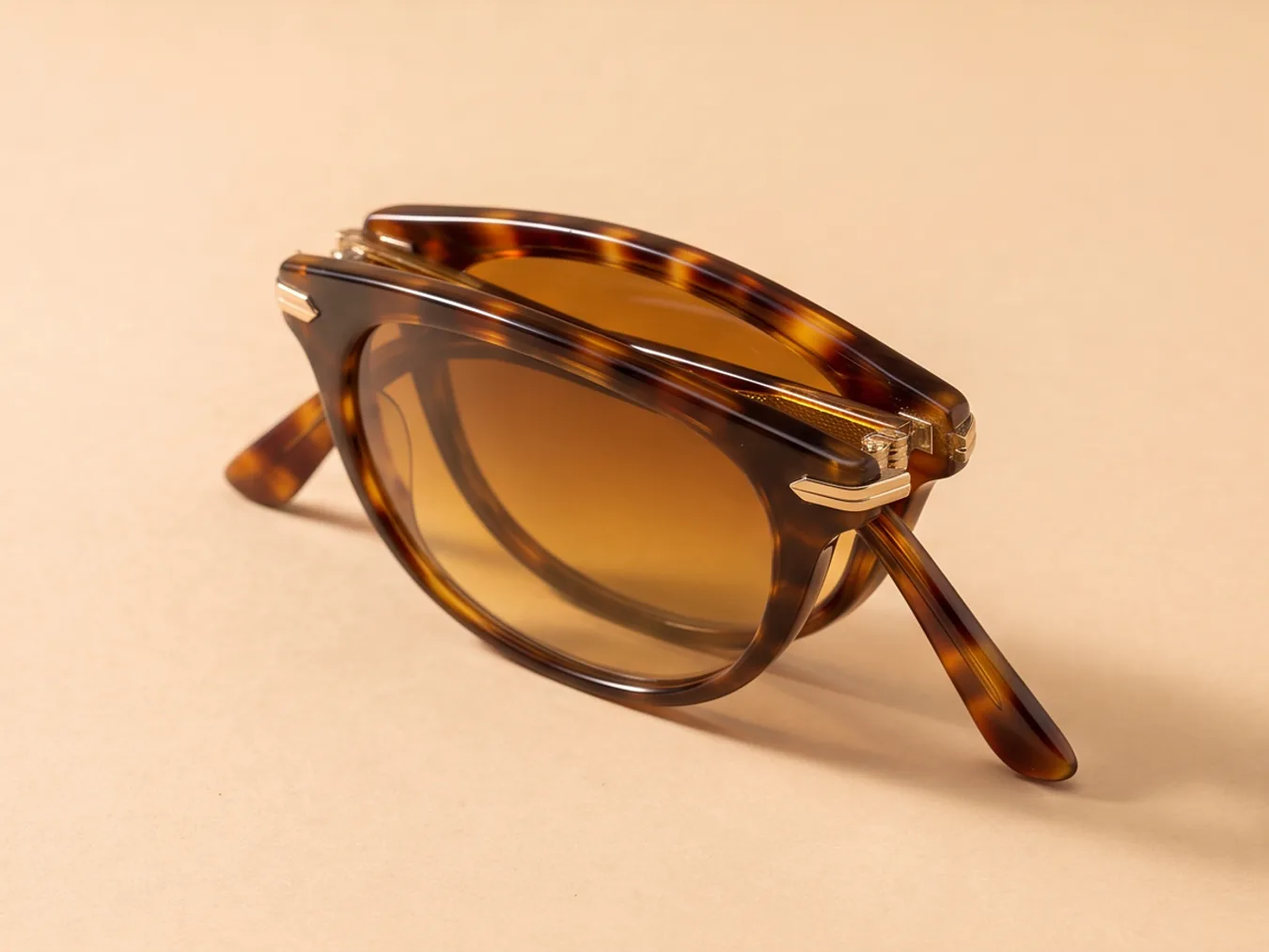
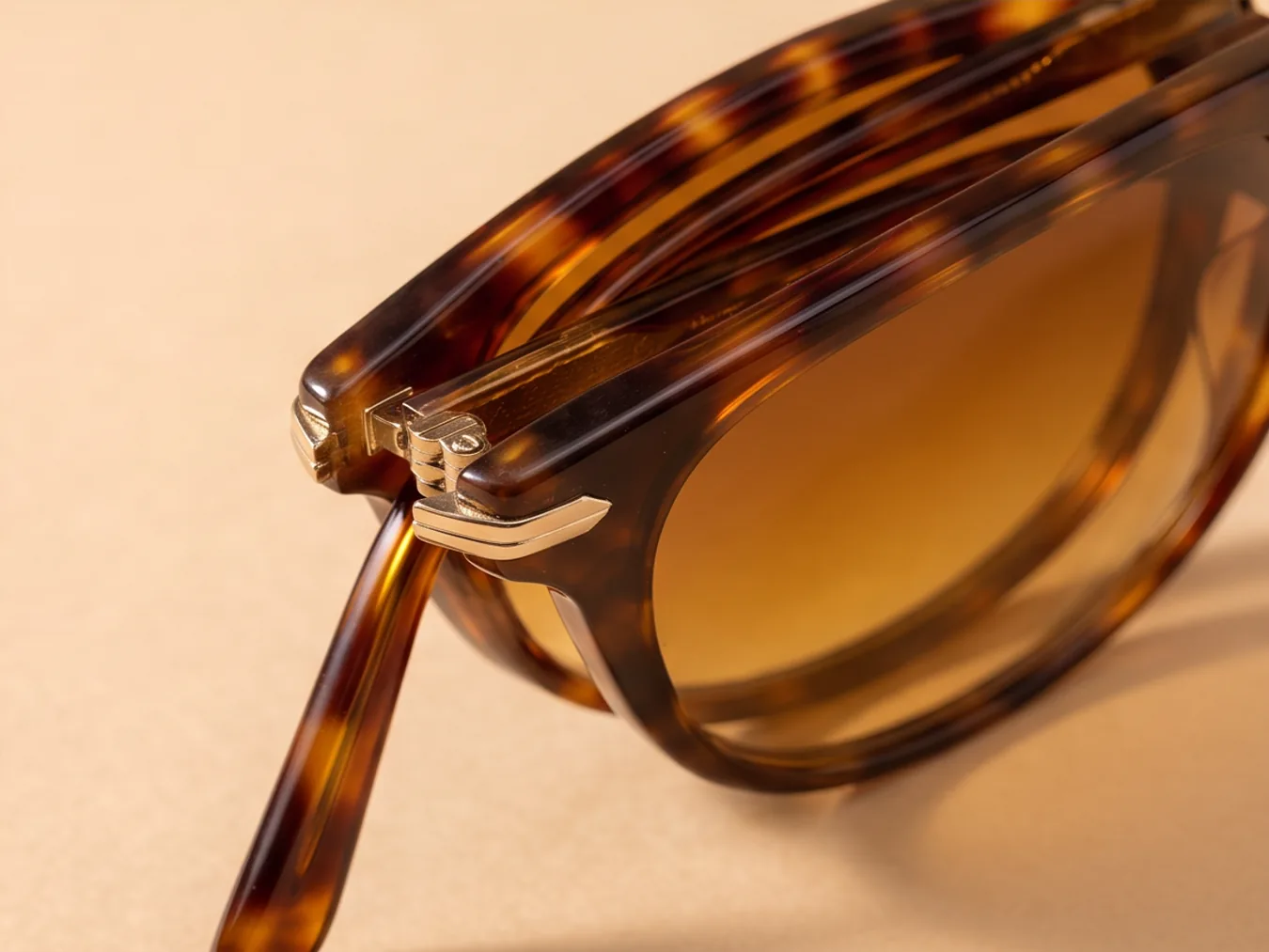
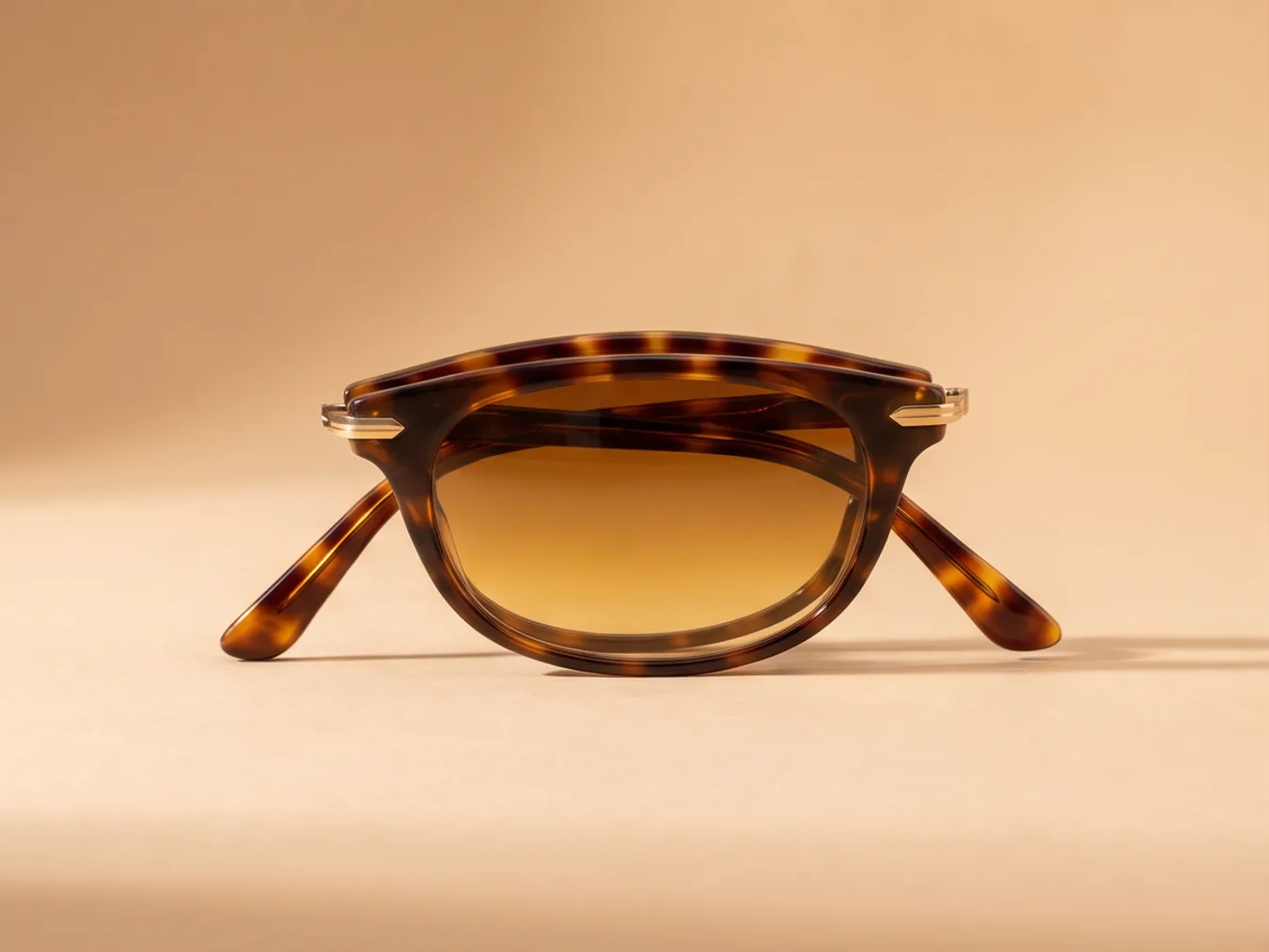
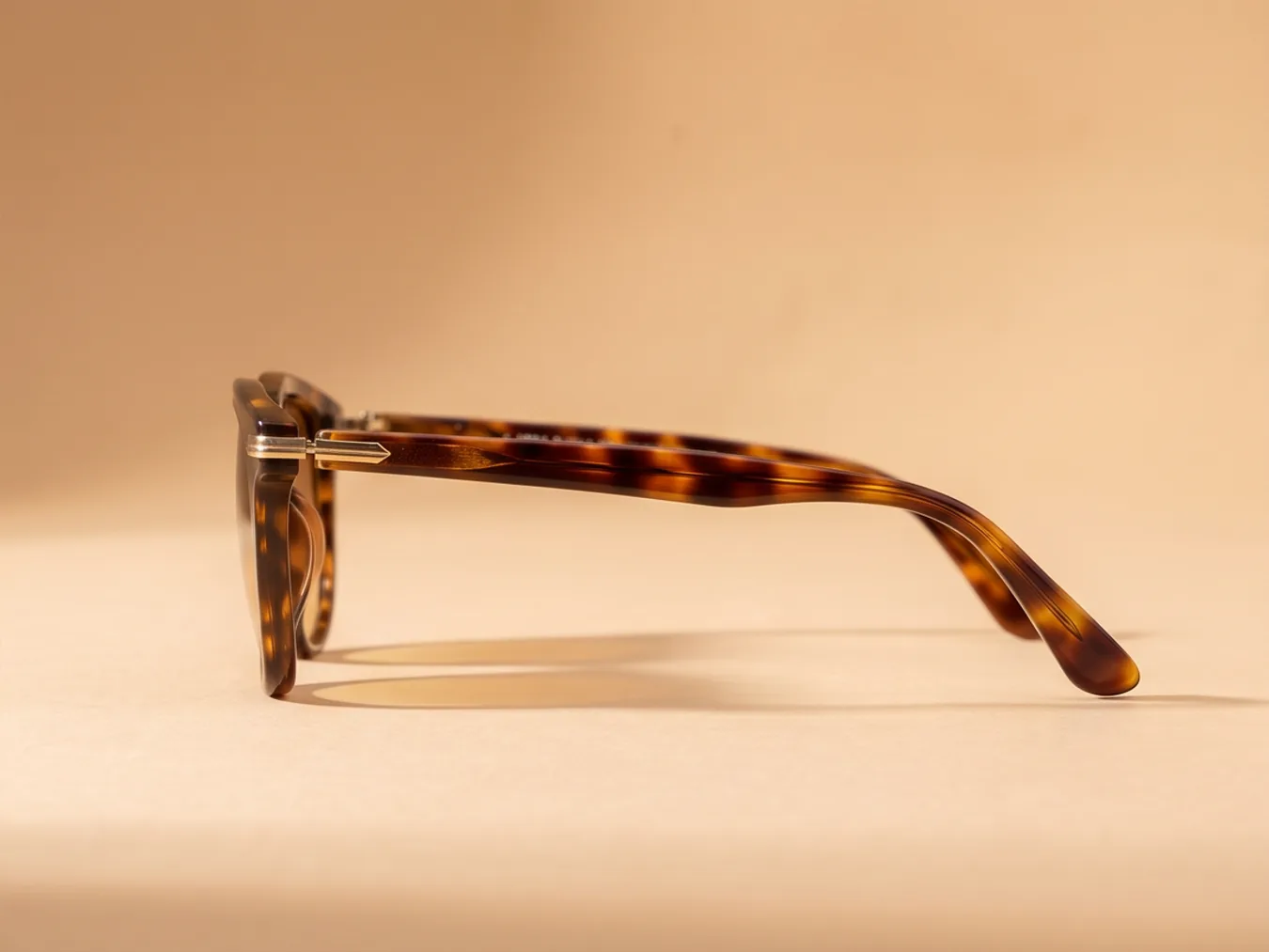
A plain packshot is enough. The camera walks around the product: straight on, from above, three-quarter, in profile, close on the hinge.

The product stays exact, down to the tortoiseshell.

Shoot a product
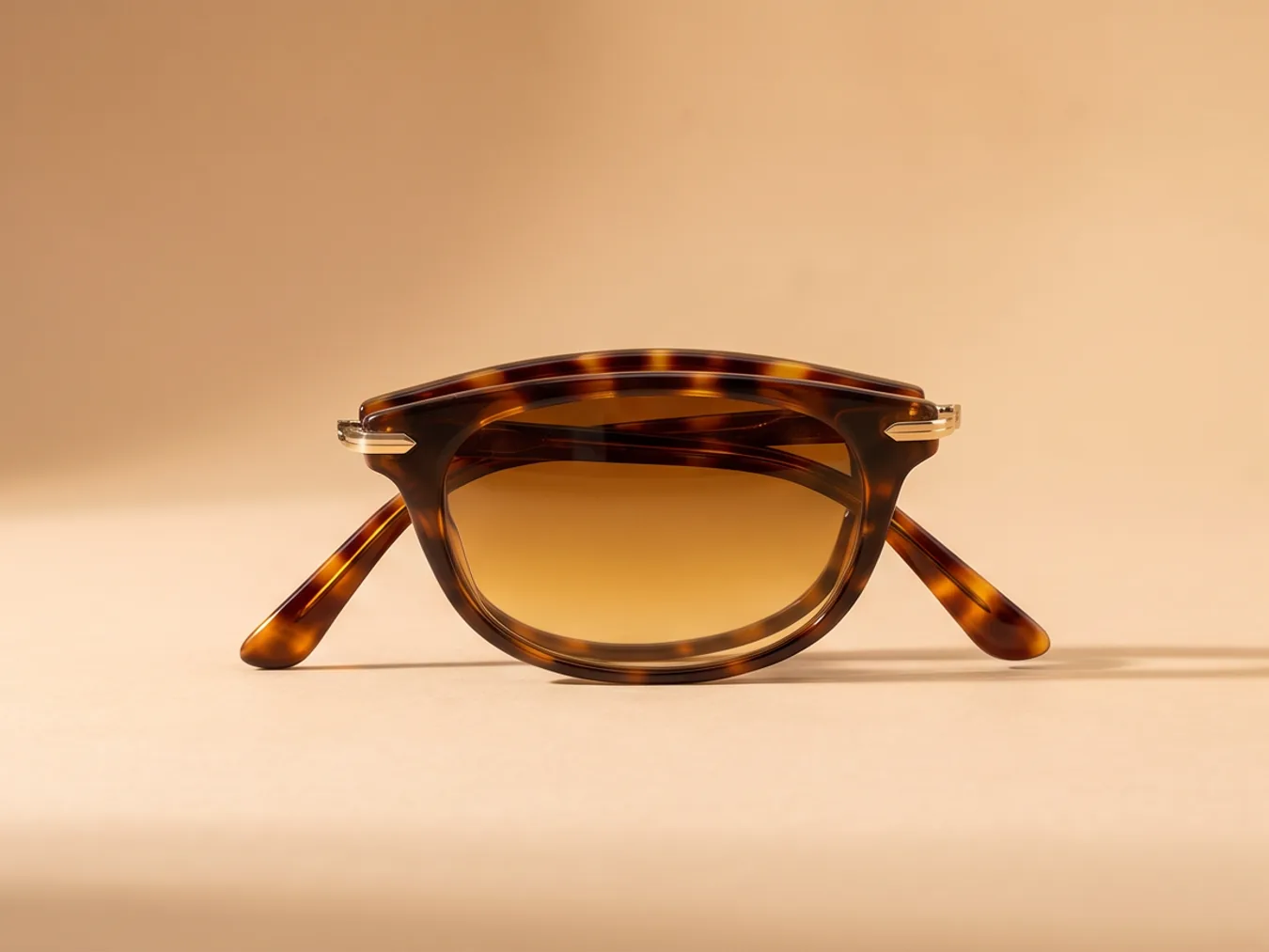
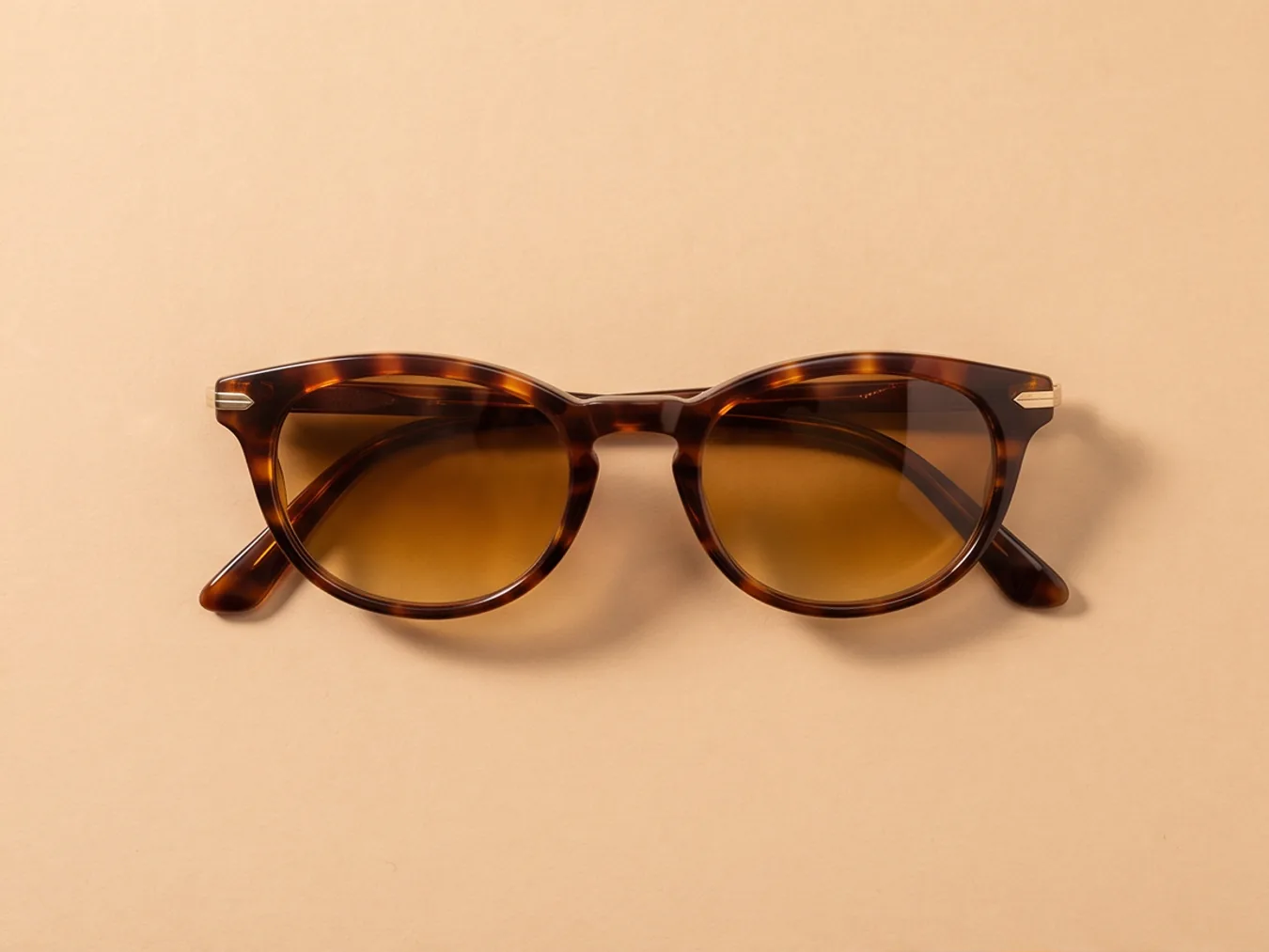
A pair of tortoiseshell sunglasses on a sand backdrop, from a new angle

Four, eight or sixteen a press.

Pick how many shots a run returns. They land on the board together, each one ready to download, edit or animate.

Shoot from a photo
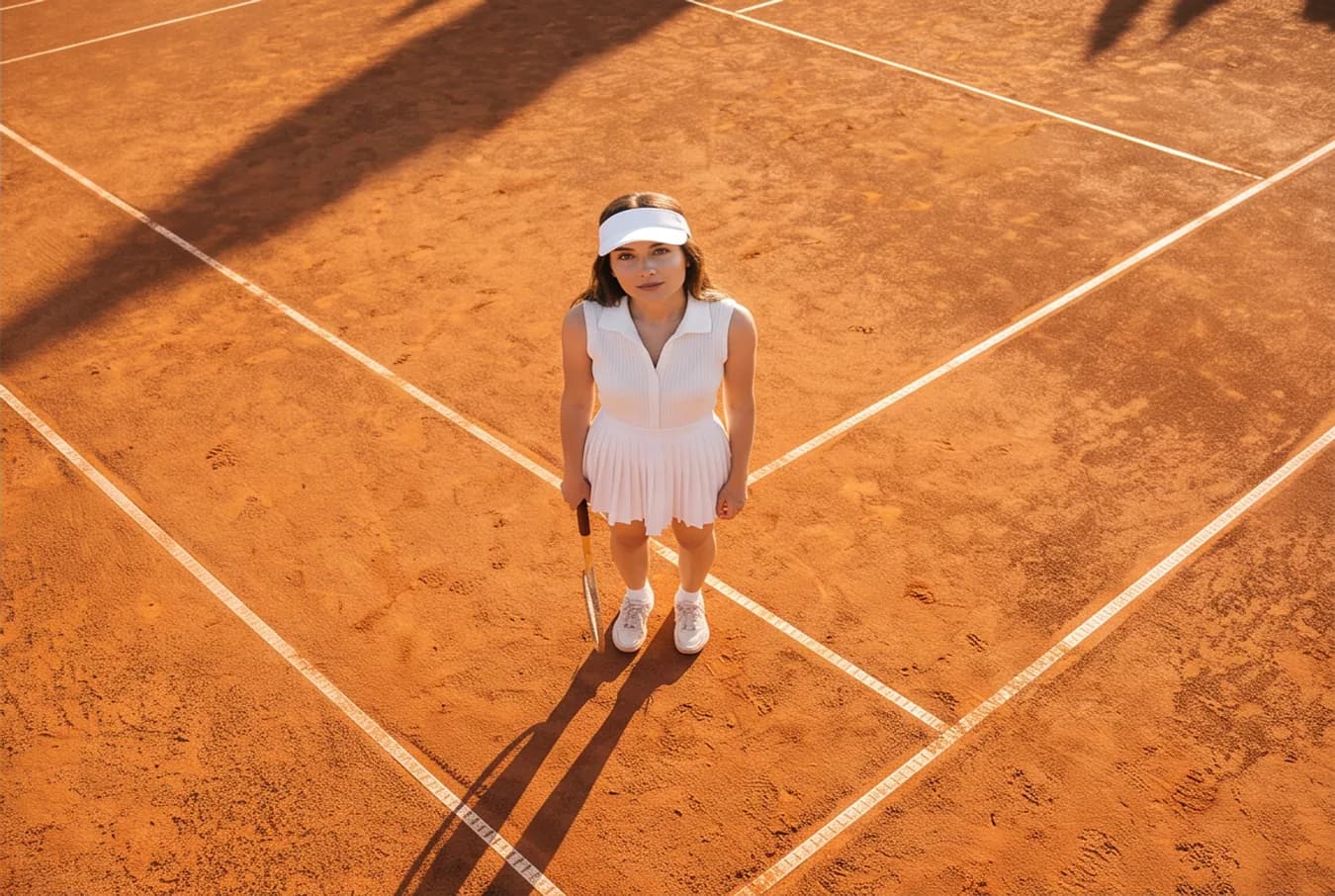
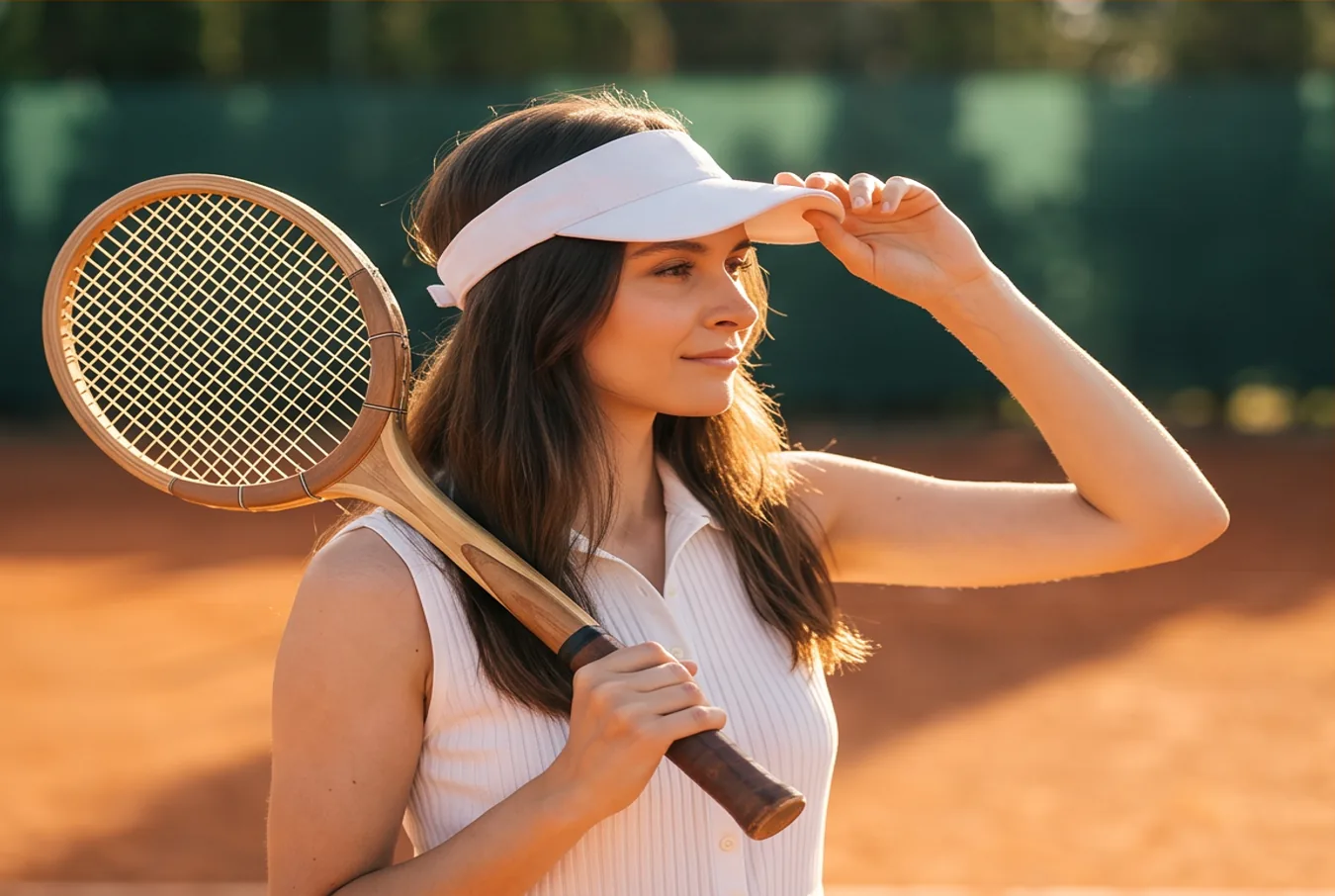
The player standing on the clay, racket on her shoulder
The player seen from straight above, her shadow along the court lines
The player close in, one hand on her visor
The player in three-quarter view, a flare of low sun beside her
The player straight to camera, the racket held in front of her
The player in profile against the sun
The player from behind her shoulder, looking toward the net
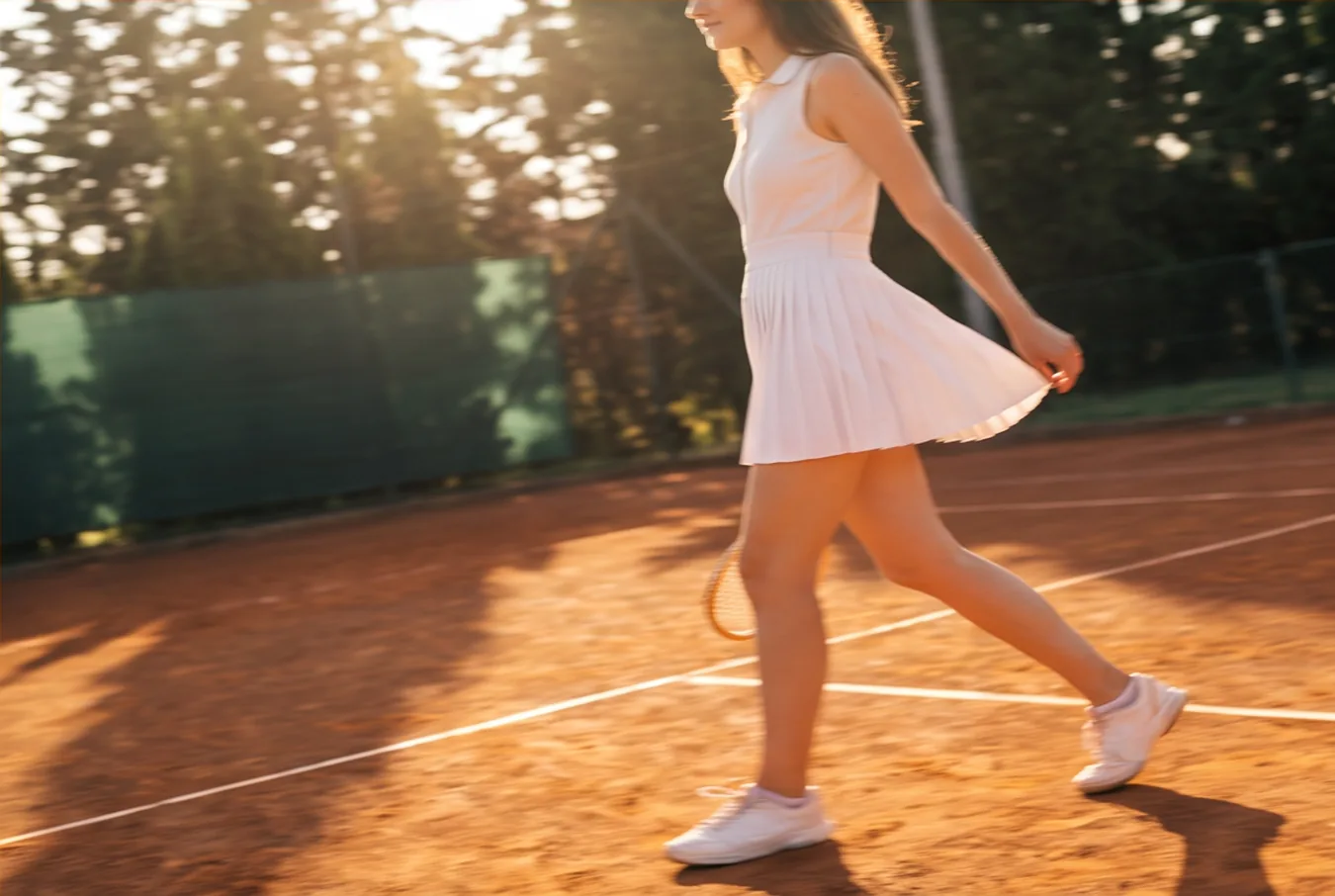
The player walking across the court

How to make AI shots

Three steps, and no prompt to write.

Shoot from a photo
A tennis player in a white dress and visor on a clay court at golden hour

Introducing AI Shot

Shoot from a photo

One photo in, a set of cinematic stills out. New camera setups of the same subject, in the same light, without booking the shoot again.
FAQs

It takes one photo and returns cinematic stills of the same subject from new camera setups: low hero angles, top-down, three-quarter, profile, candid and close-up.

No. AI Shot plans the camera setups itself. You add the photo and pick how many shots you want.

Identity and palette come from the reference, and no text or logos are added to the shots.

The reference’s own. A landscape photo returns landscape shots, a portrait returns portraits.

Four, eight or sixteen. The dock opens on eight.

Download them, edit one, add it as a reference, or open it full size to animate, upscale or remove the background.

Nano Banana Pro renders them. There is no model to pick.