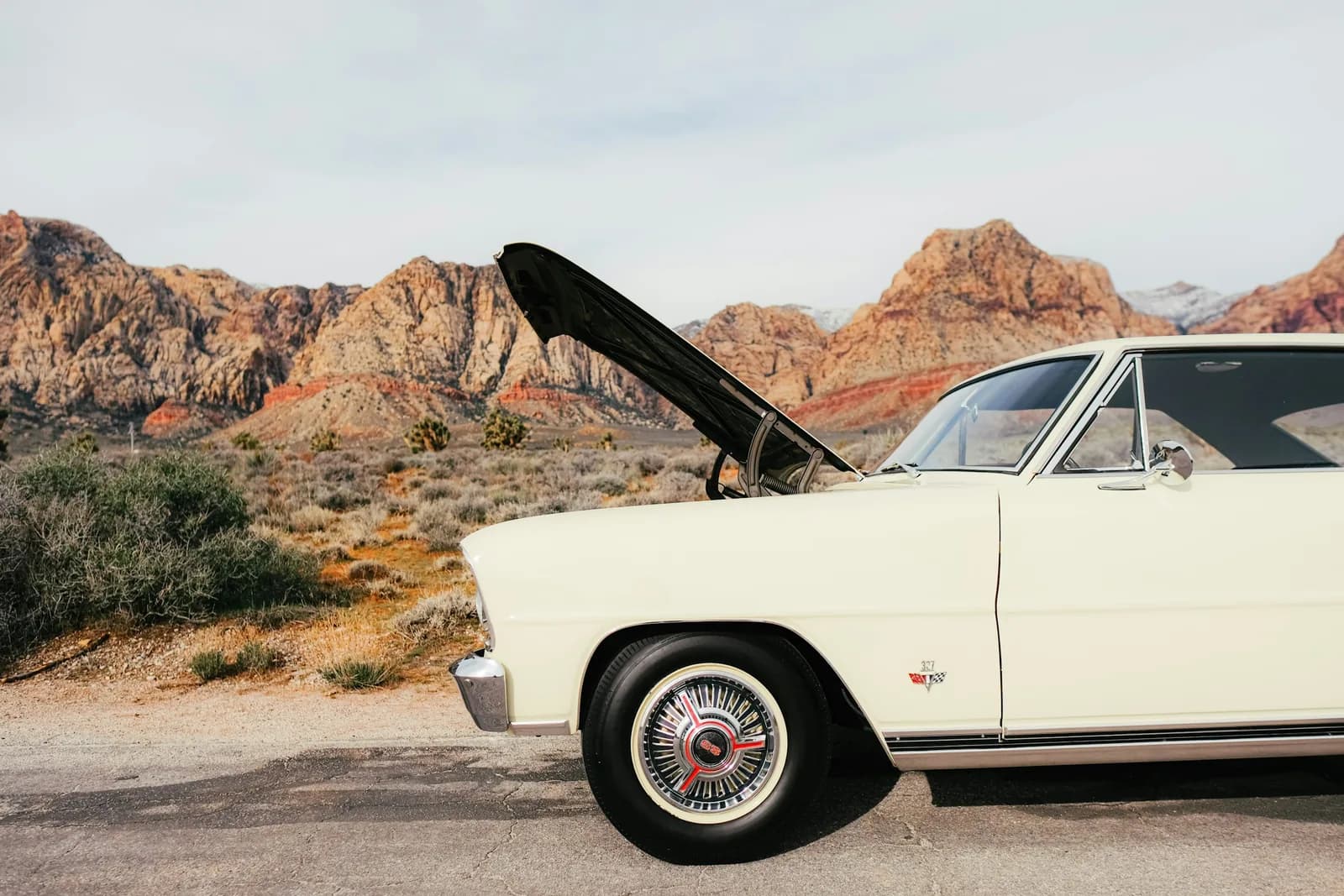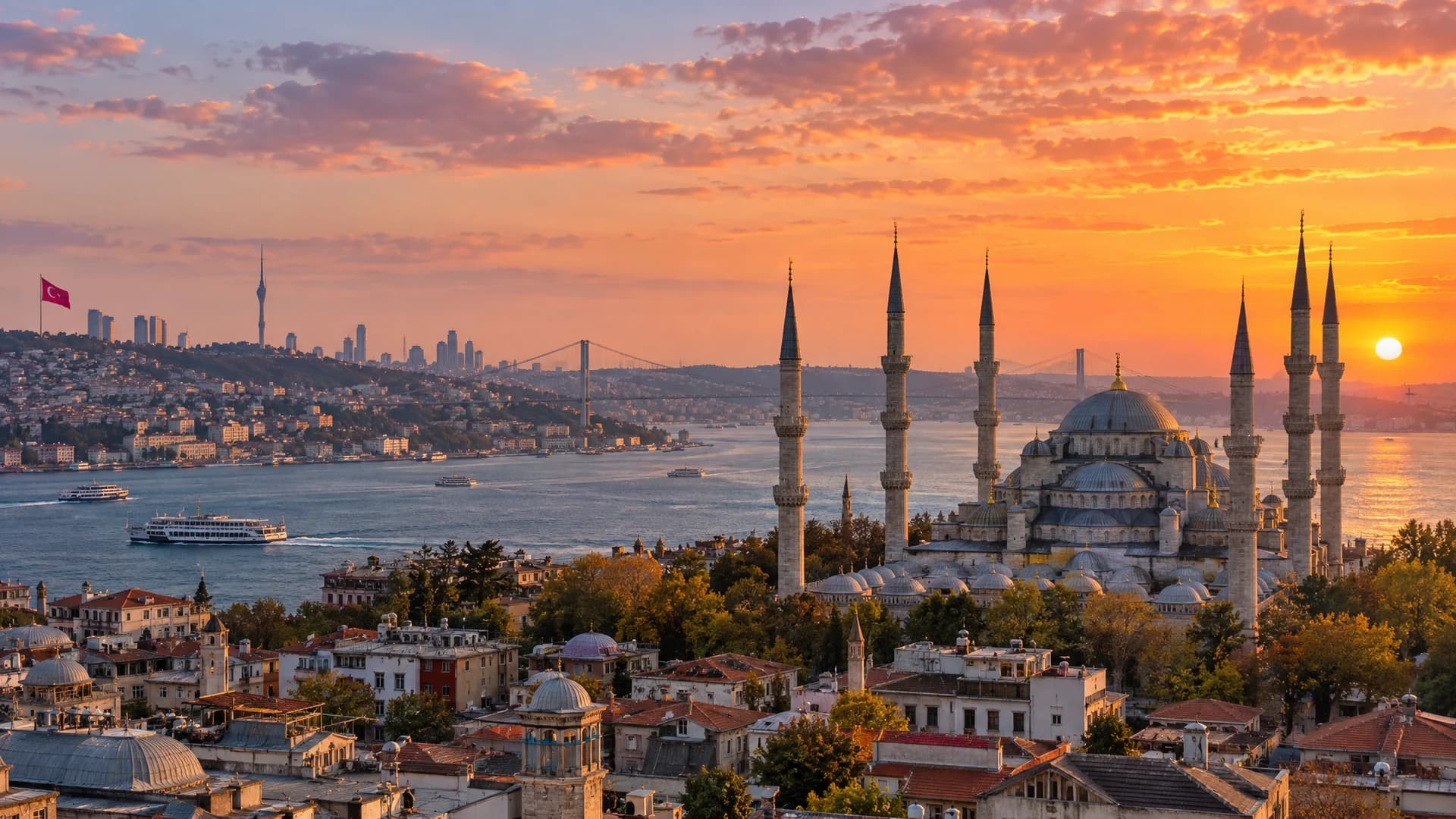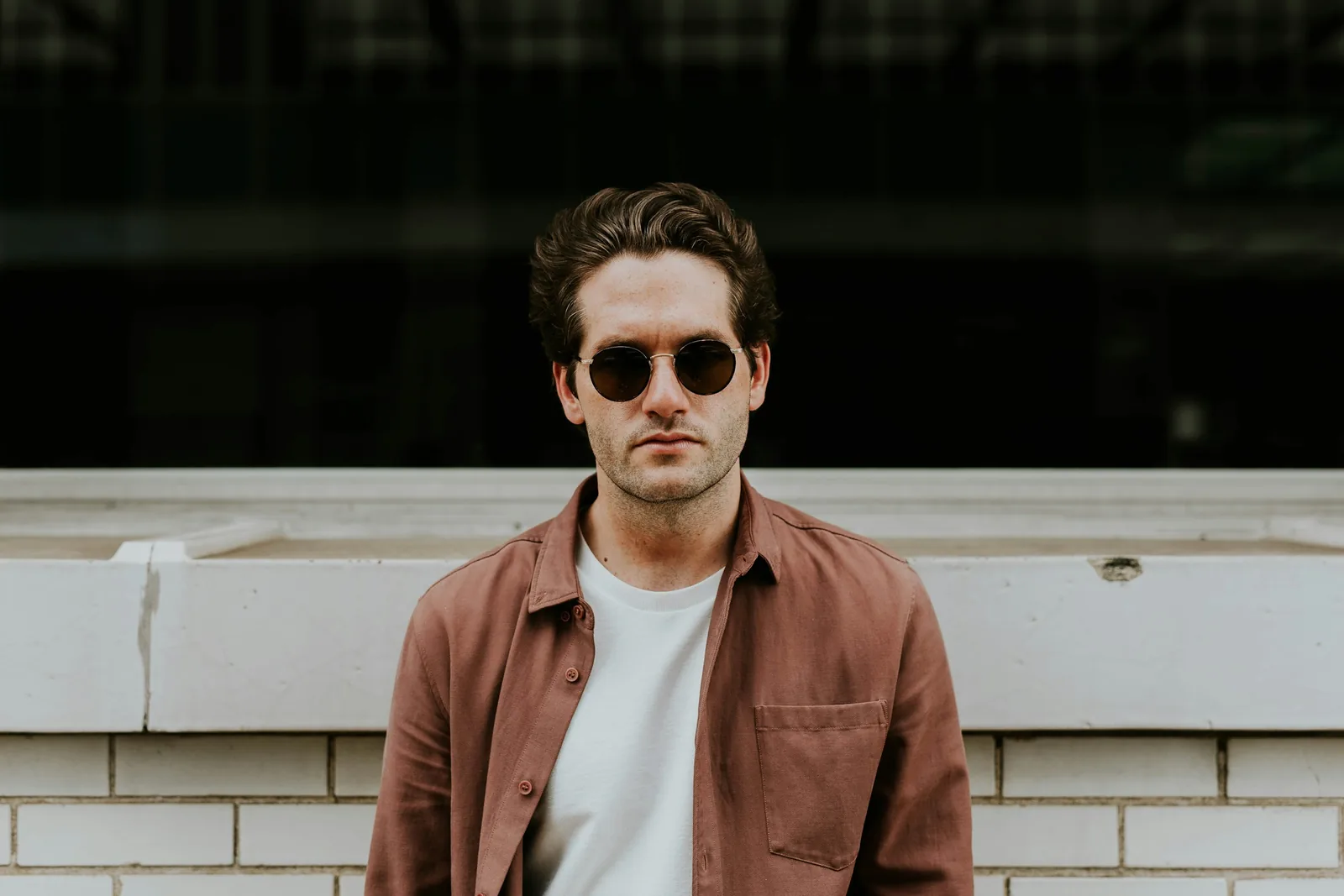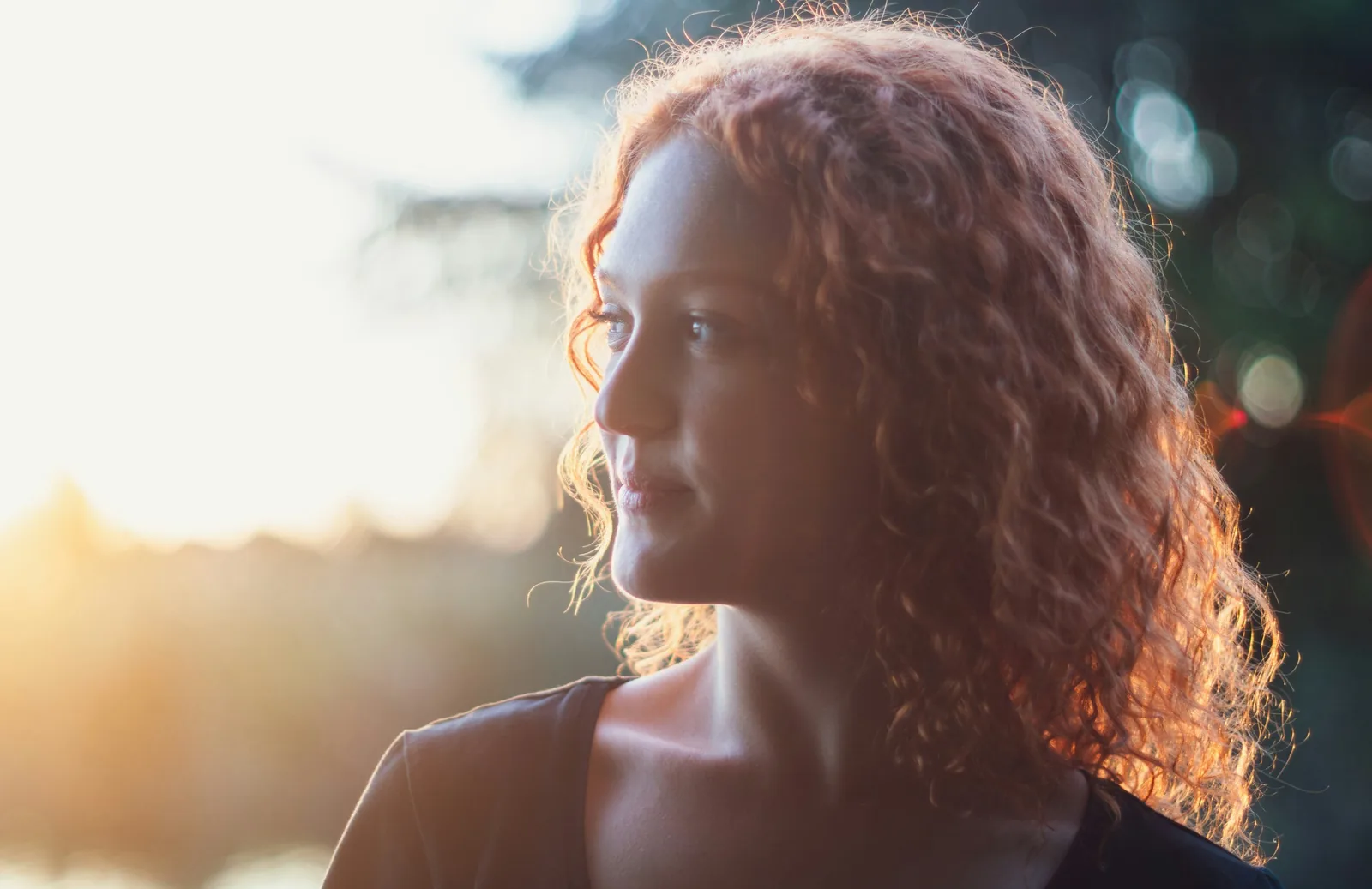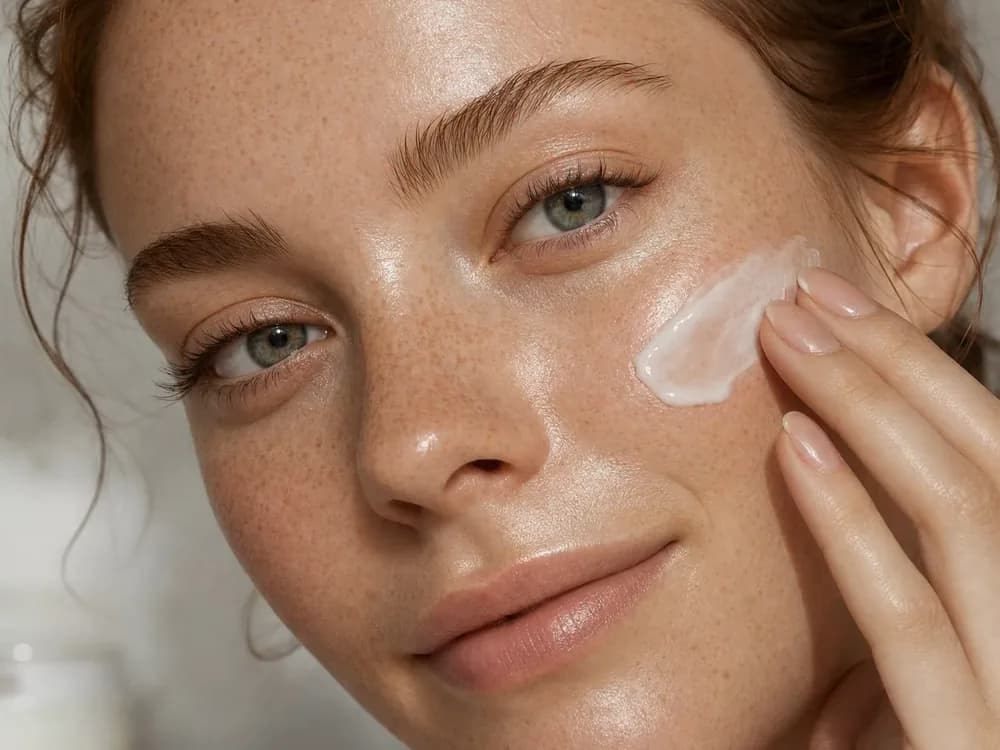
LowMediumHigh
Three quality levels
Low for a fast first pass, Medium or High when the take is going out.
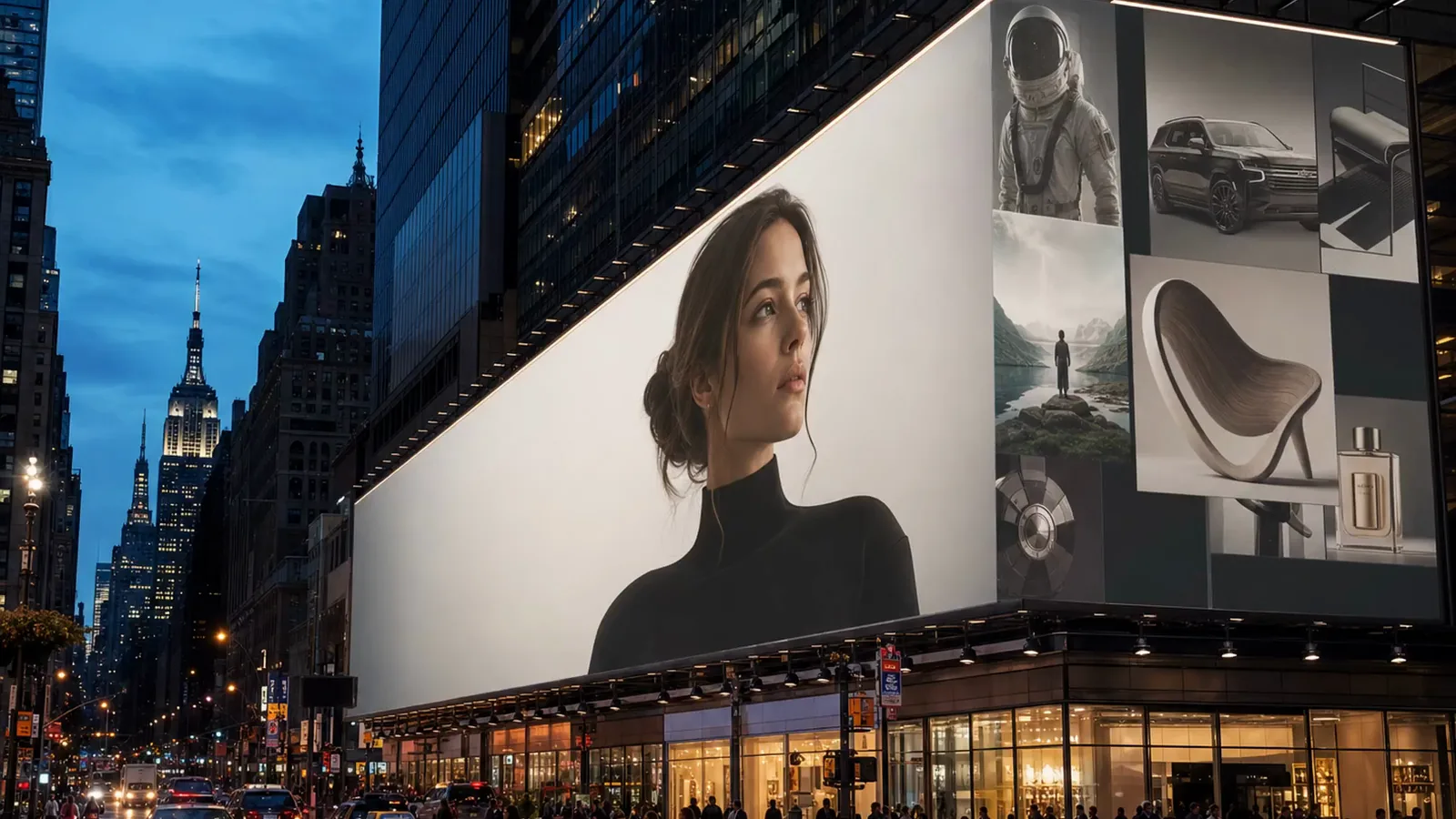
A billboard of a woman in a black turtleneck high above a Manhattan avenue at dusk, the Empire State Building lit behind it.A billboard of a woman in a black turtleneck high above a Manhattan avenue at dusk, the Empire State Building lit behind it.
OpenAI’s image model, in your workspace. Write the brief with the words in it, add up to ten references, and get 2K stills and layouts that follow it, in nine shapes.
Free to start. No credit card.
Headlines, layouts and faces at 2K, in the shape the placement needs.
Low for a fast first pass, Medium or High when the take is going out.
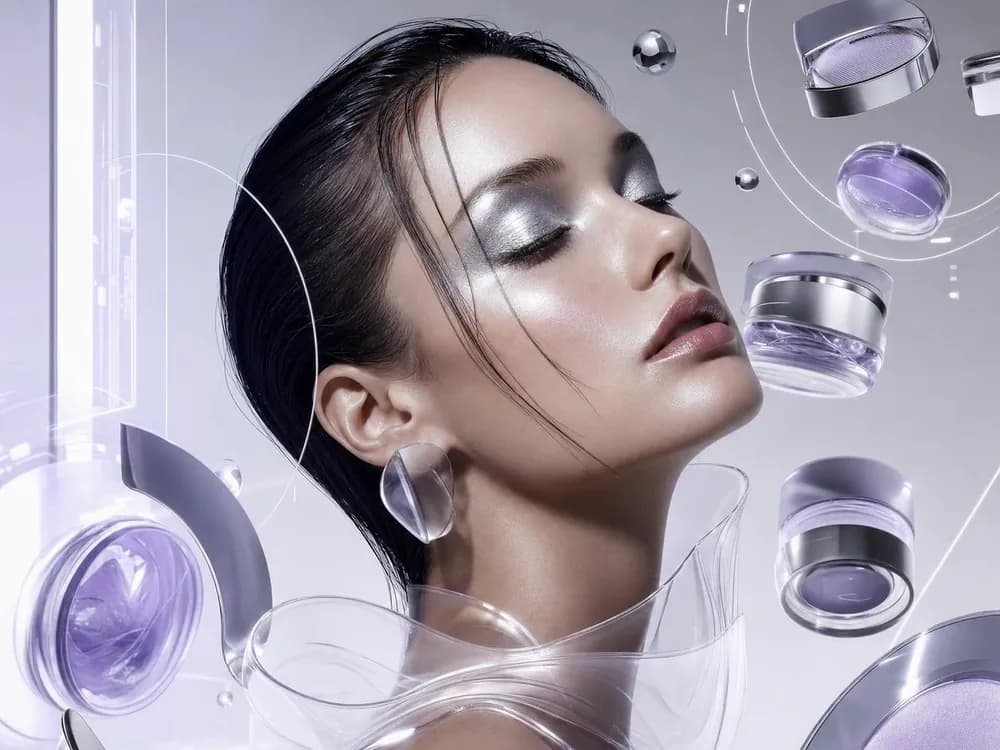
From a 16:9 banner to a 9:16 Story, every take at 2K.
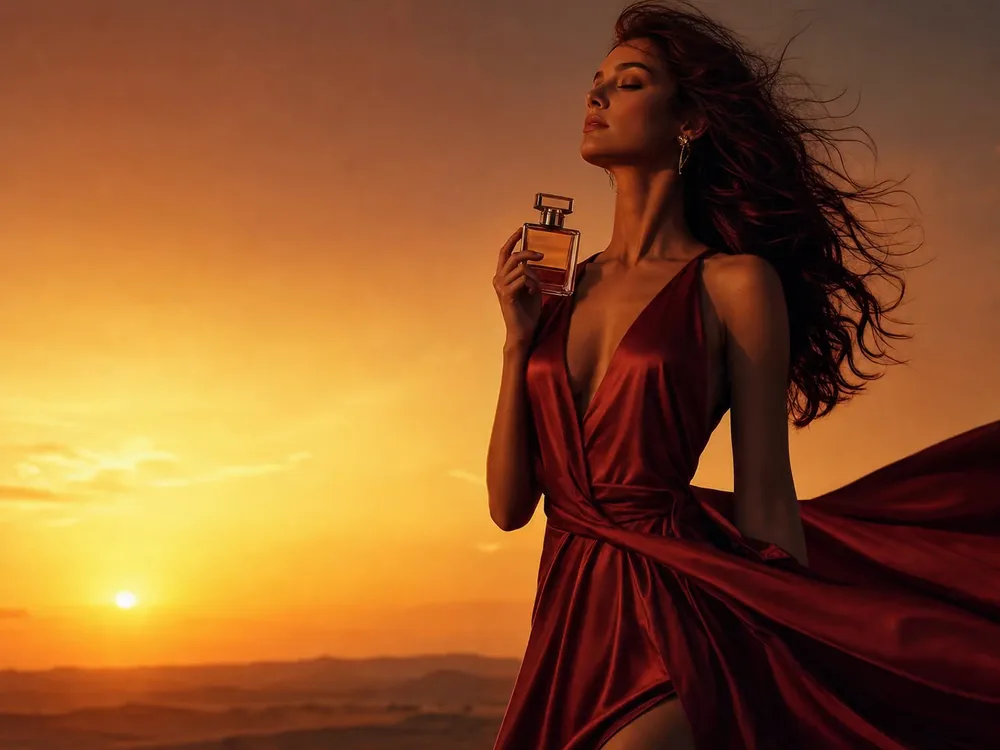
Ask for up to four outputs from one prompt and keep the strongest.
Headlines, taglines and the small print come back as real type, laid out where a designer would put them.
This poster was made with GPT Image 2.
Generate with GPT Image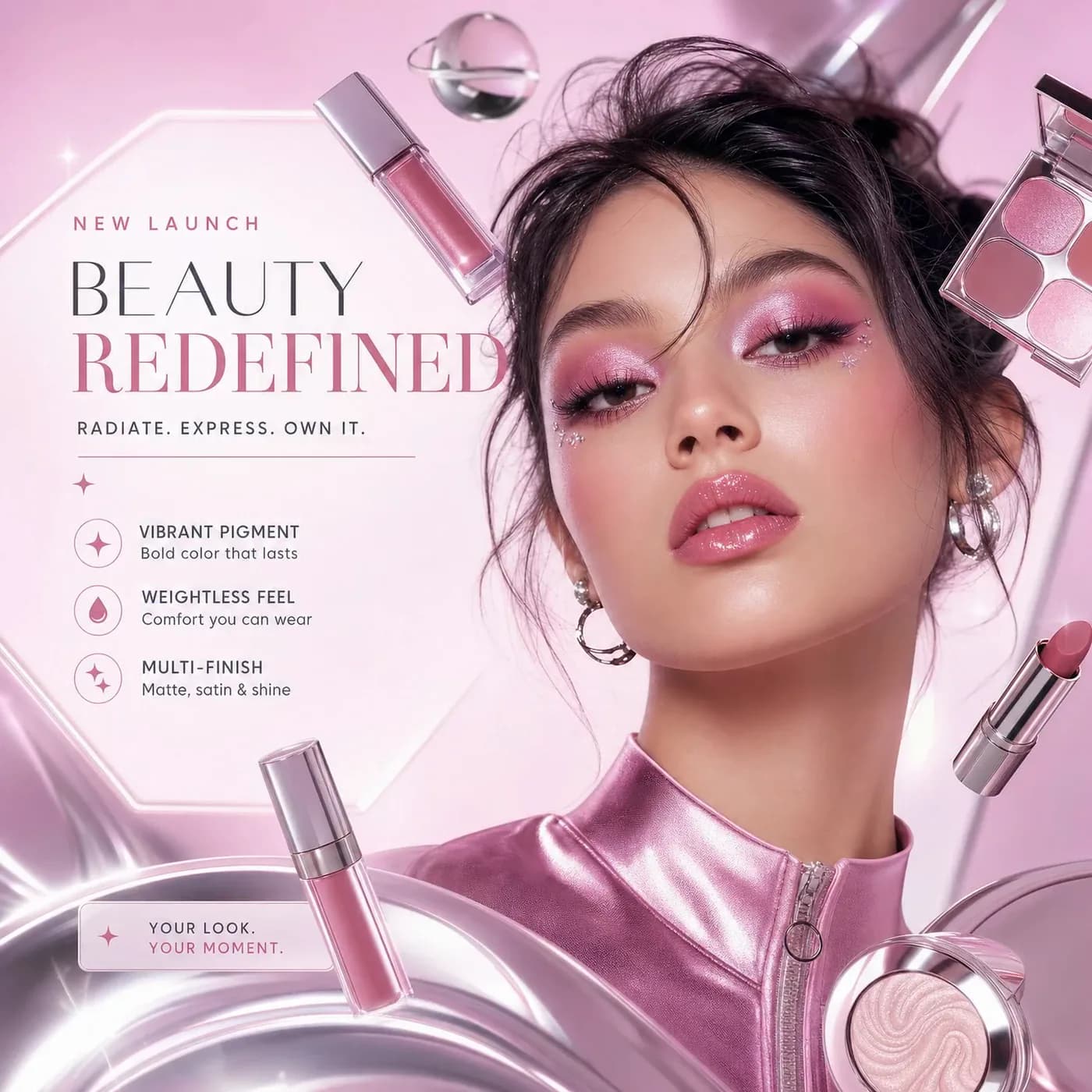
Pick the placement before you press: a 16:9 banner, a 4:5 post or a 9:16 Story. Every take comes back at 2K.
Generate with GPT Image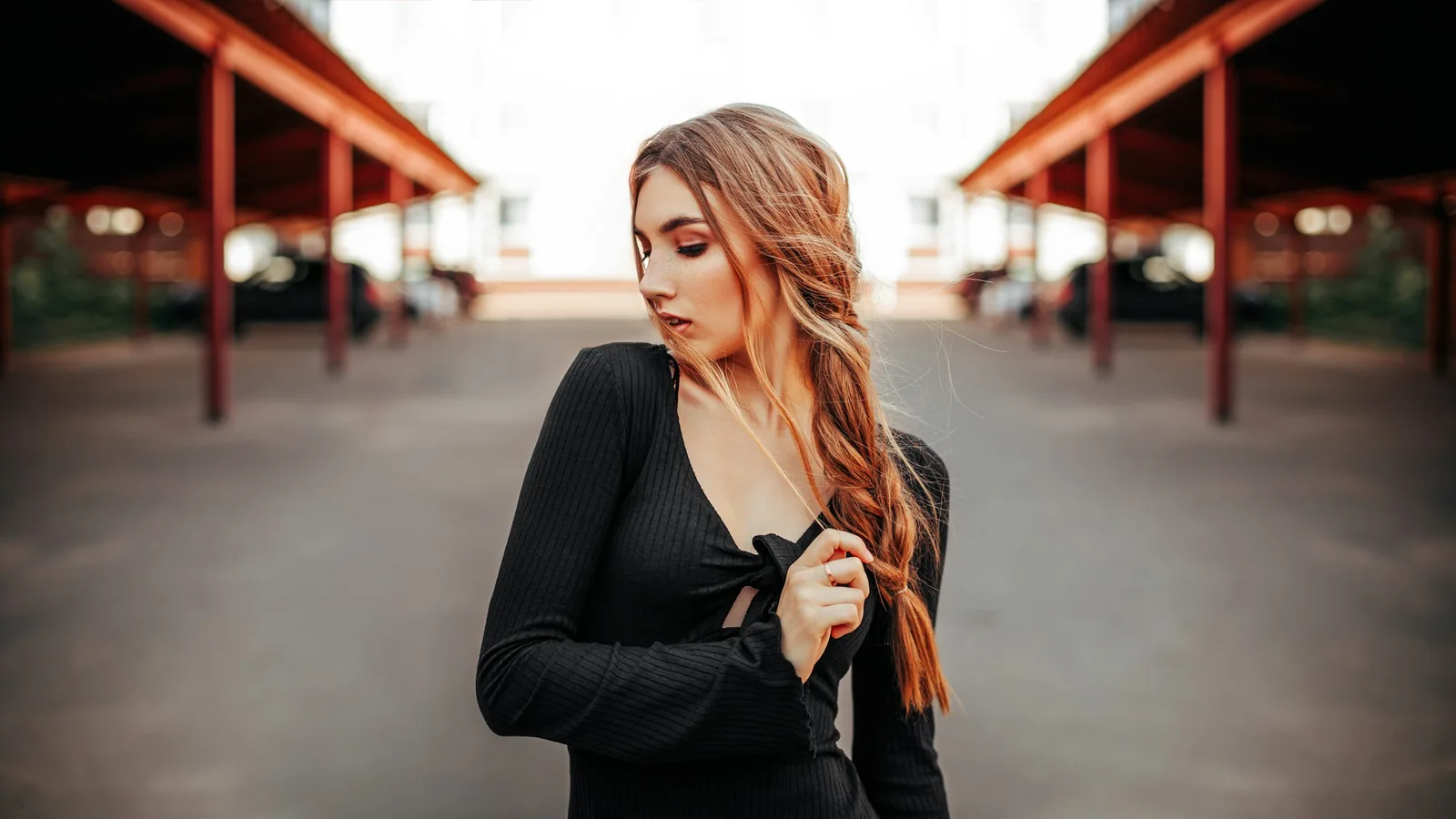
Attach an image and say what should change. GPT Image 2 can restyle it, recompose it or turn it into something else entirely, like a front page.
This edit was made with GPT Image 2.
Edit with GPT Image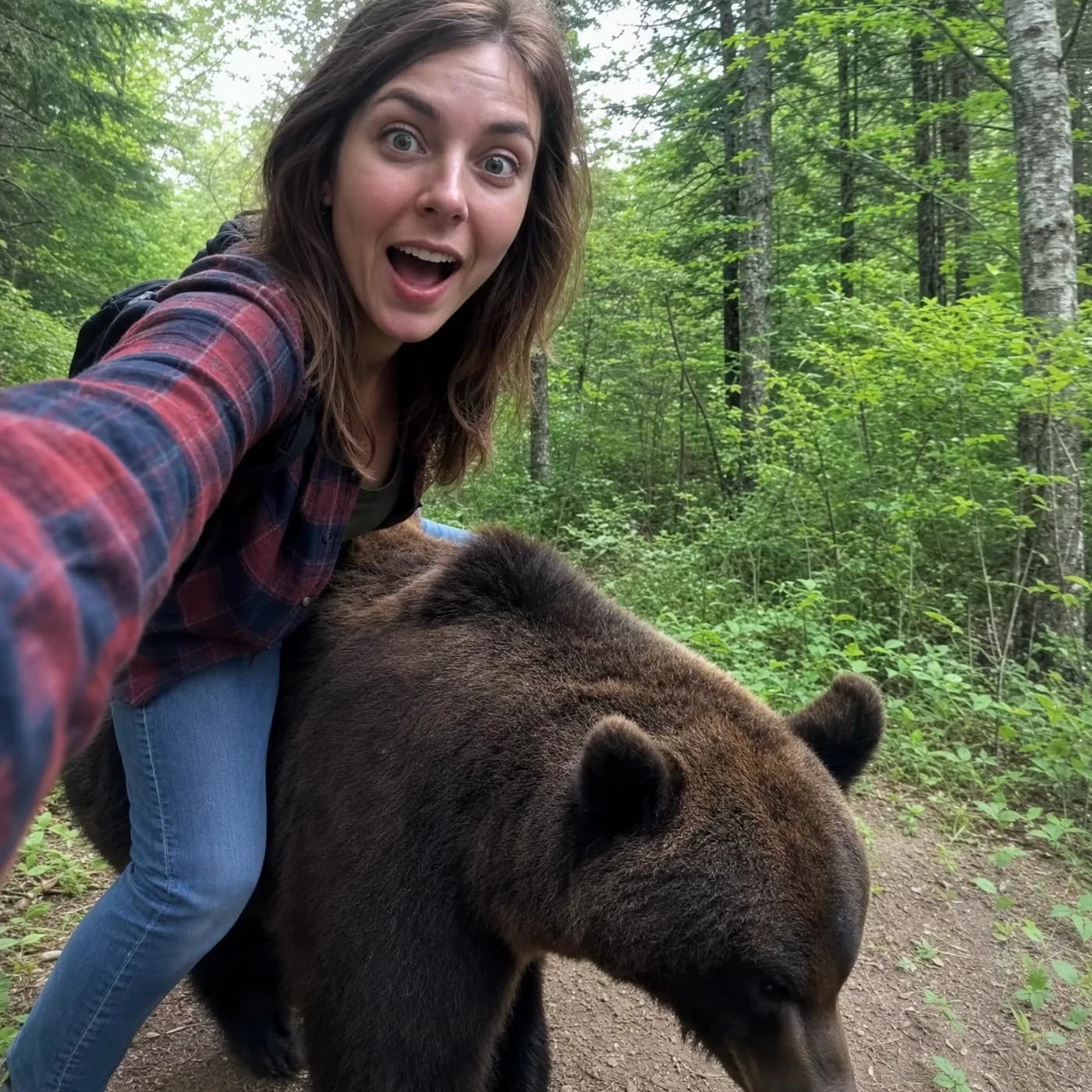
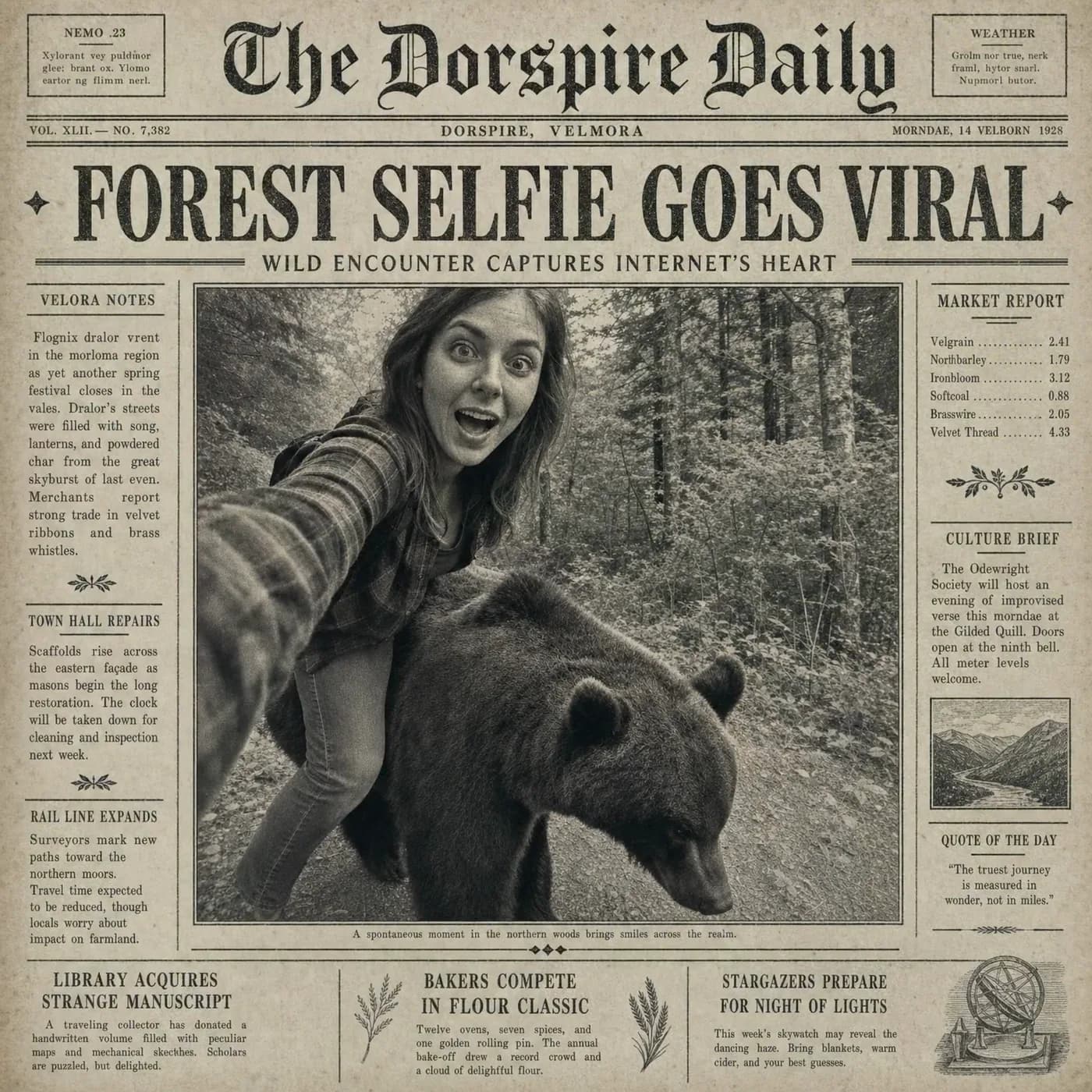
Your photo
Ask for the social posts, the lookbook page and the product card, and they come back laid out, frames and all.
These were made with GPT Image 2.
Generate with GPT Image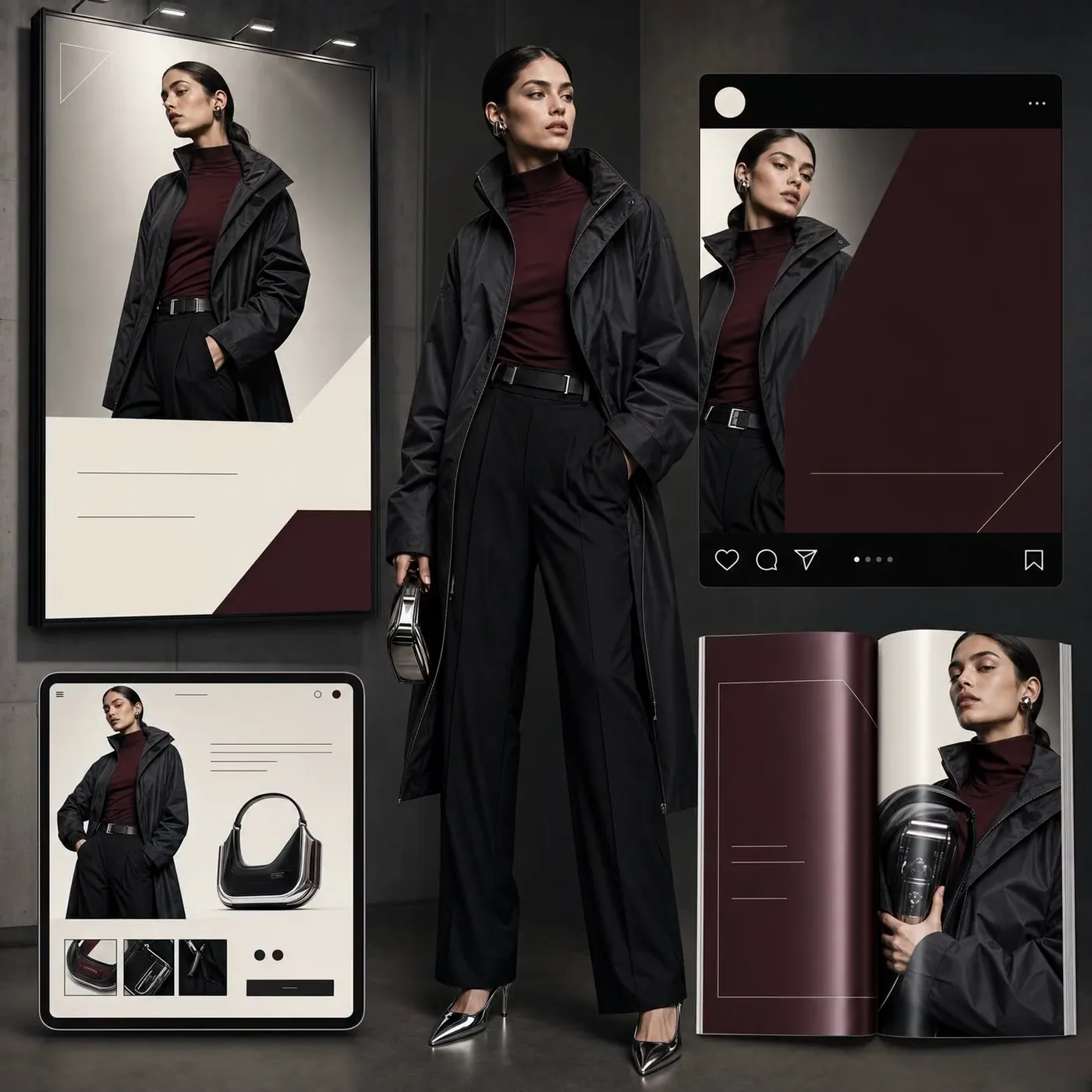
Three steps in Image Generate.
OpenAI’s image model for briefs with words in them: set type, full layouts and edits from a sentence, at 2K in nine shapes.