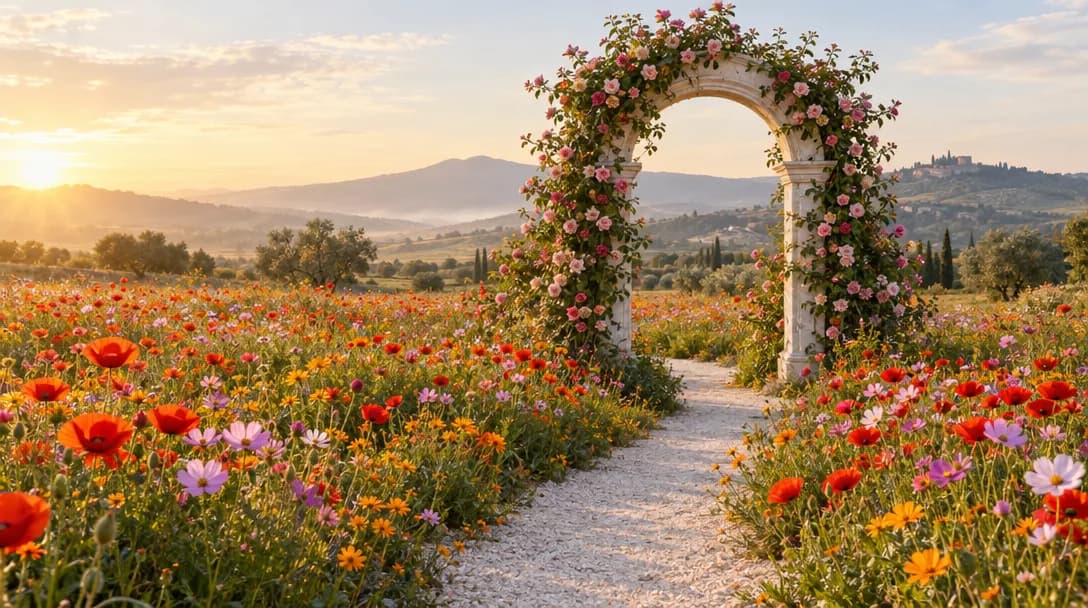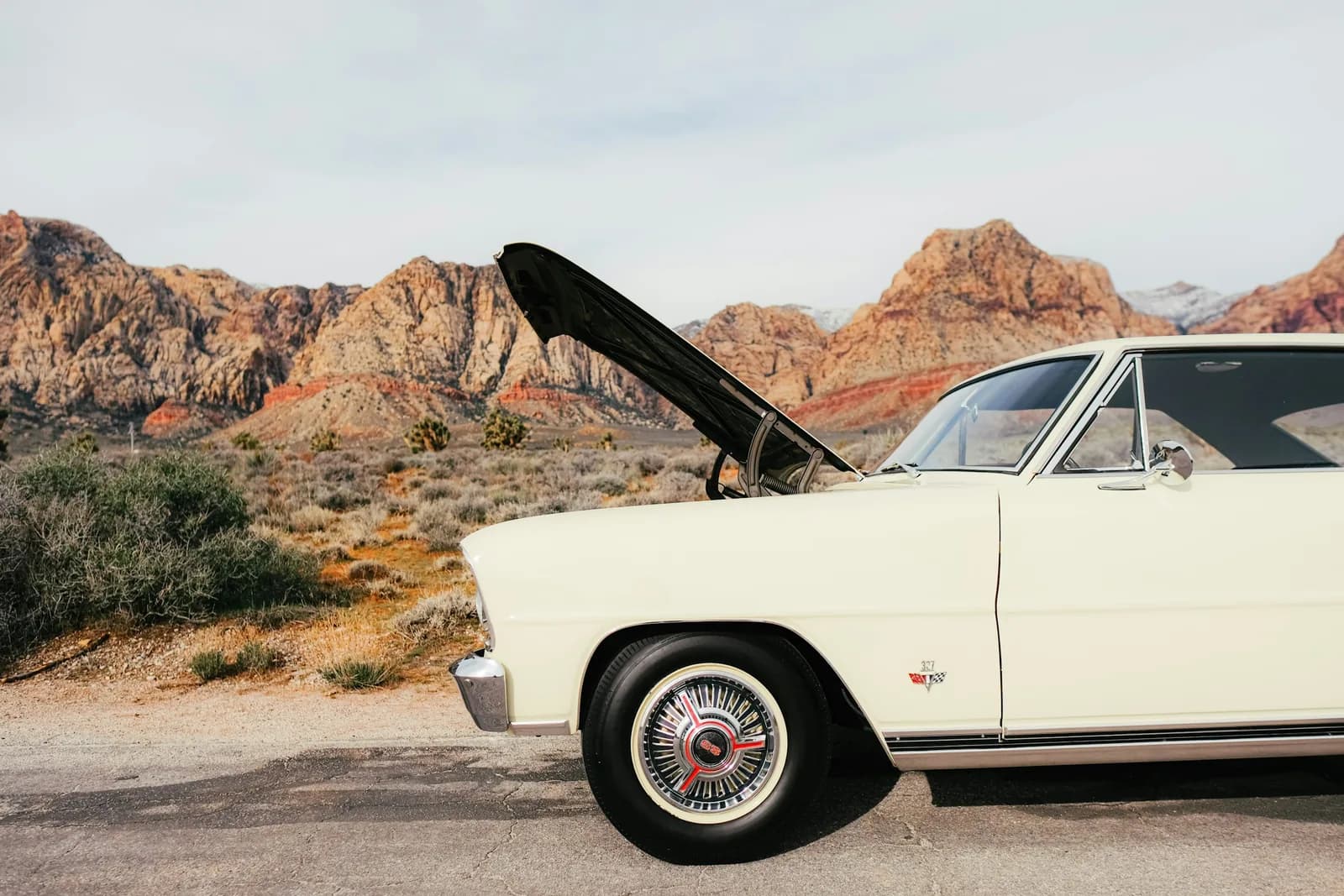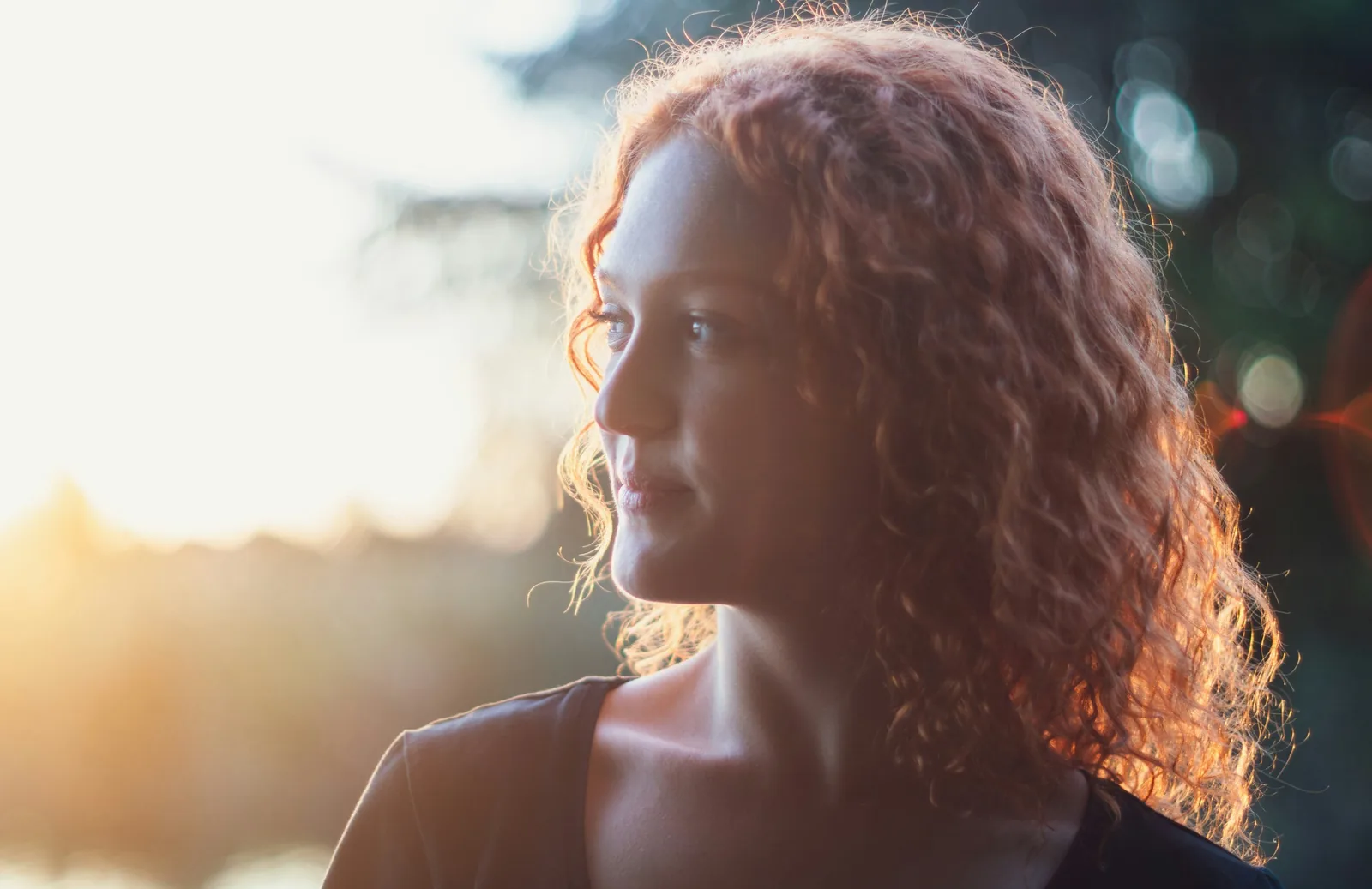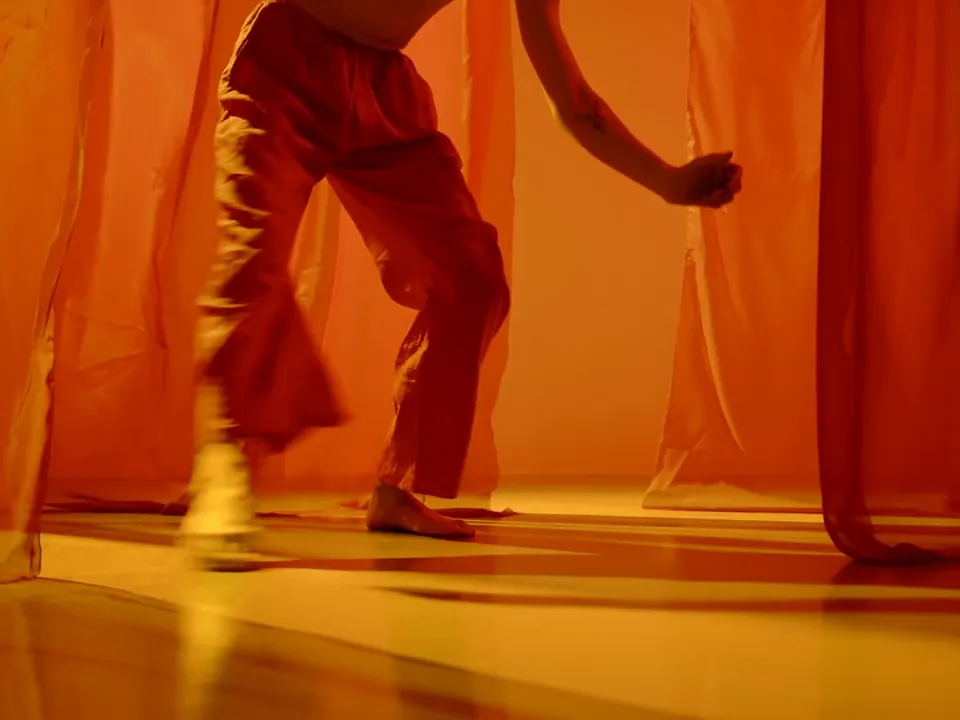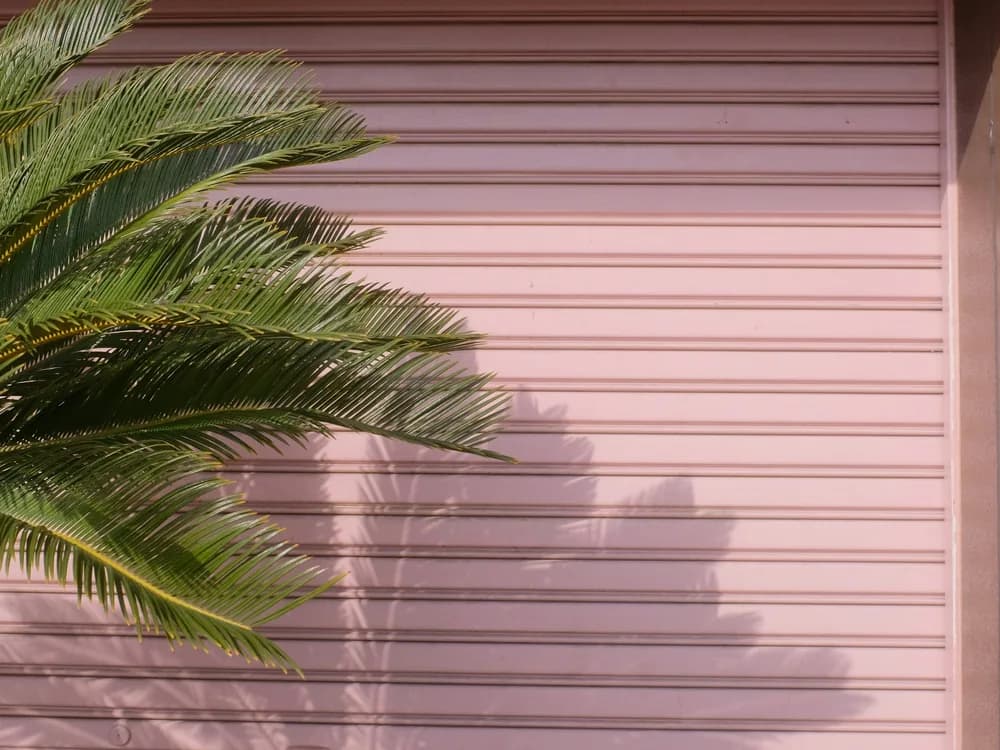
21:91:19:16
Every shape of placement
From a 21:9 banner to a 9:16 Story, at 1K or 2K.
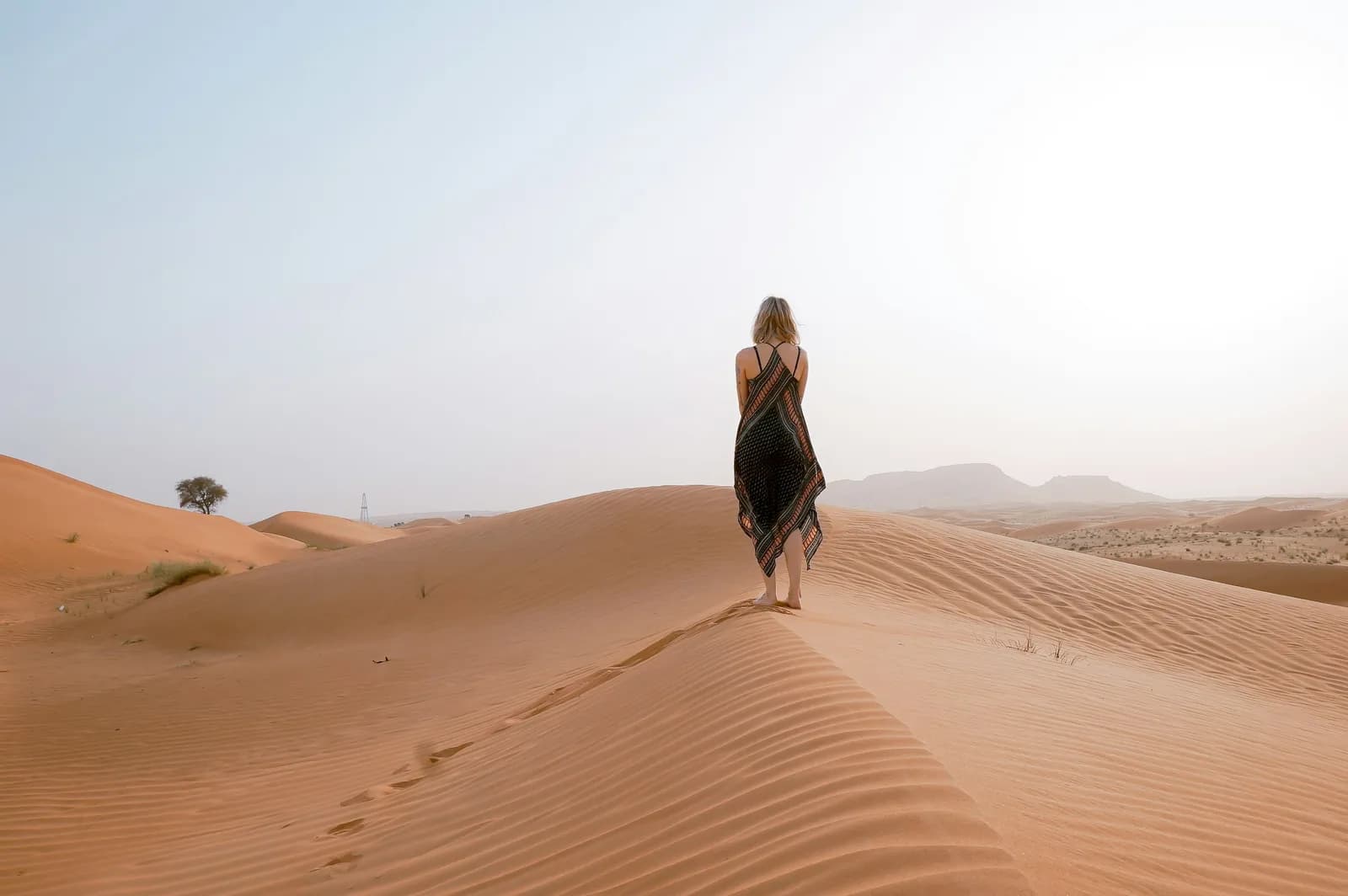
A woman in a dark slip dress walking the crest of a sand dune at dawn, soft haze, footprints trailing behind her, wide editorial frame.A woman in a dark slip dress walking the crest of a sand dune at dawn, soft haze, footprints trailing behind her, wide editorial frame.
ByteDance’s newest image model, in your workspace. Bring the product, the face and the mood in up to ten references, pick one of ten ratios, and take six versions from a single press.
Free to start. No credit card.
Many references, many shapes, many takes, held together by one model.
From a 21:9 banner to a 9:16 Story, at 1K or 2K.
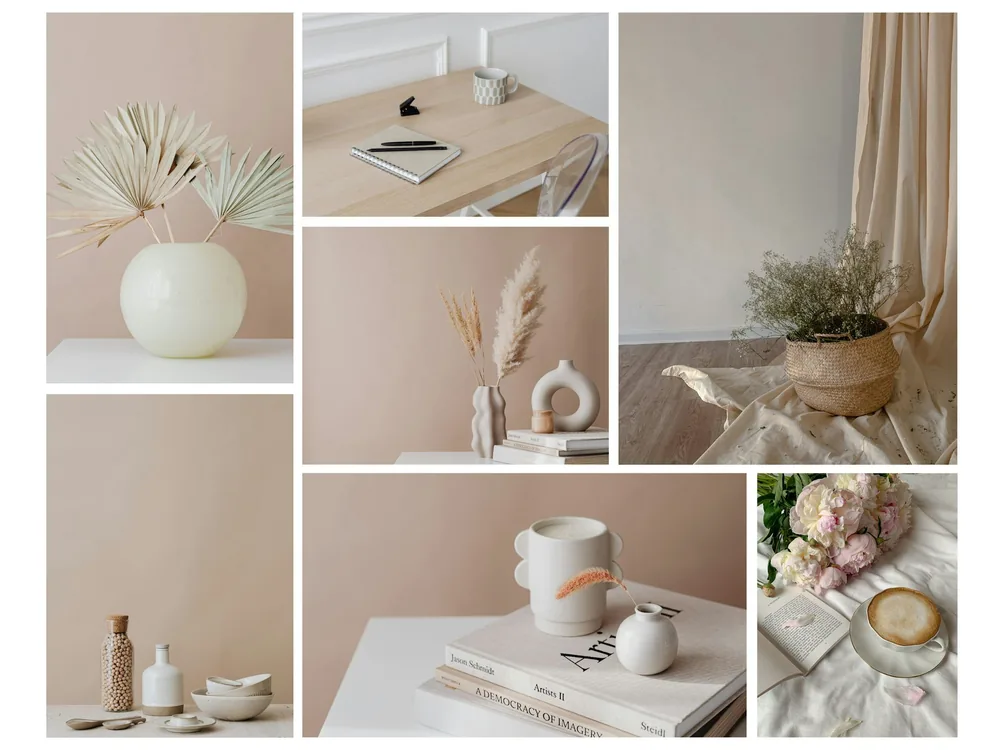
Up to ten reference images steer the product, the face, the light and the set at once.
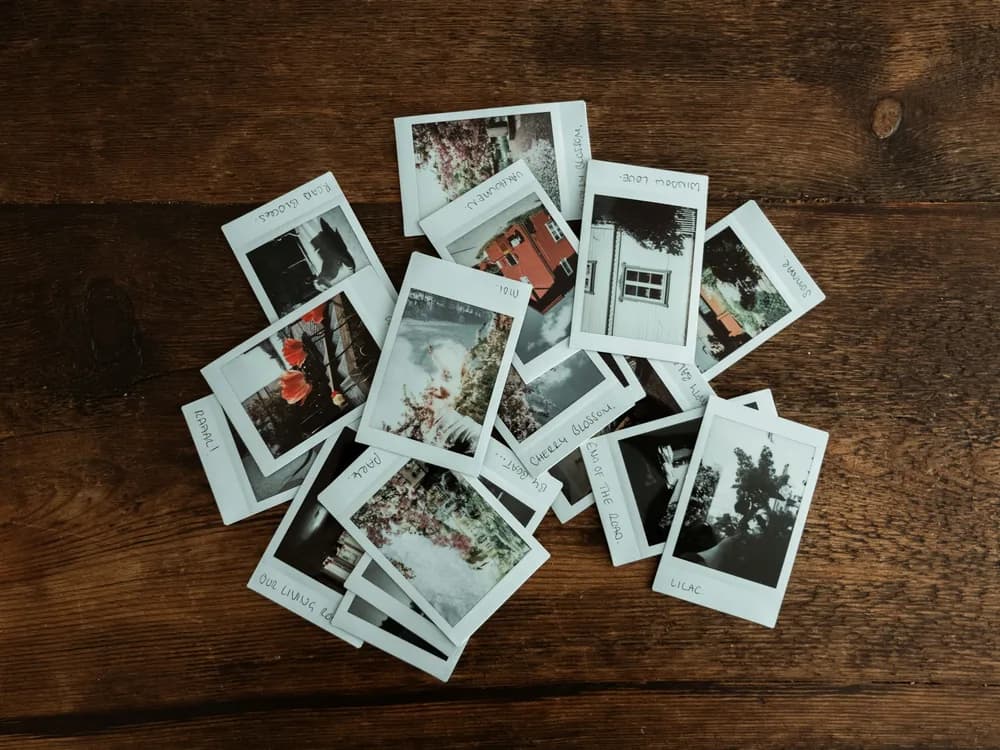
Ask for up to six outputs per run and keep the one the test needs.
Seedream 5.0 Pro edits as well as it generates. Drop in a picture and say what should change; the shape, the light and the framing stay.
The same model runs in Image Edit, next to your source.
Edit with Seedream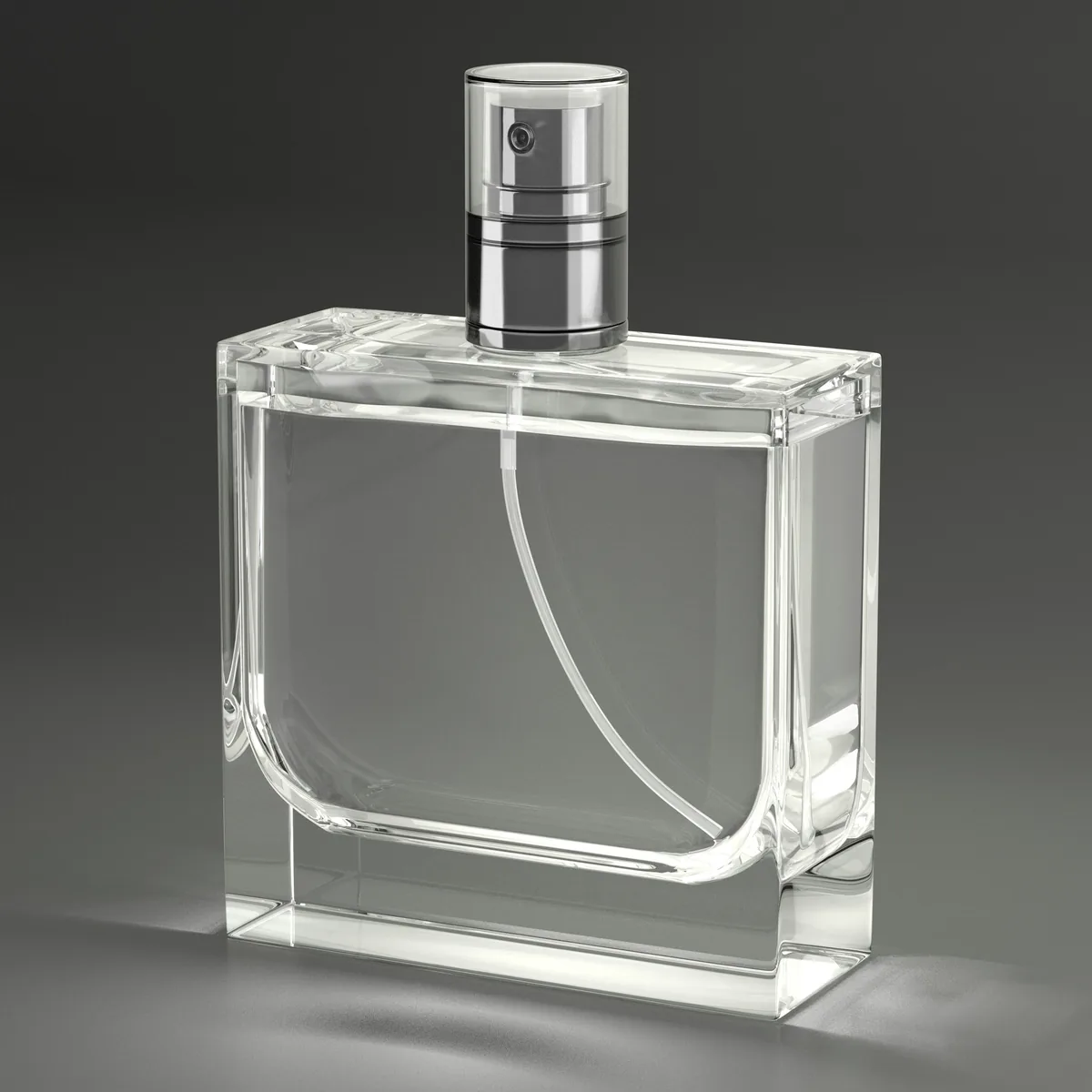
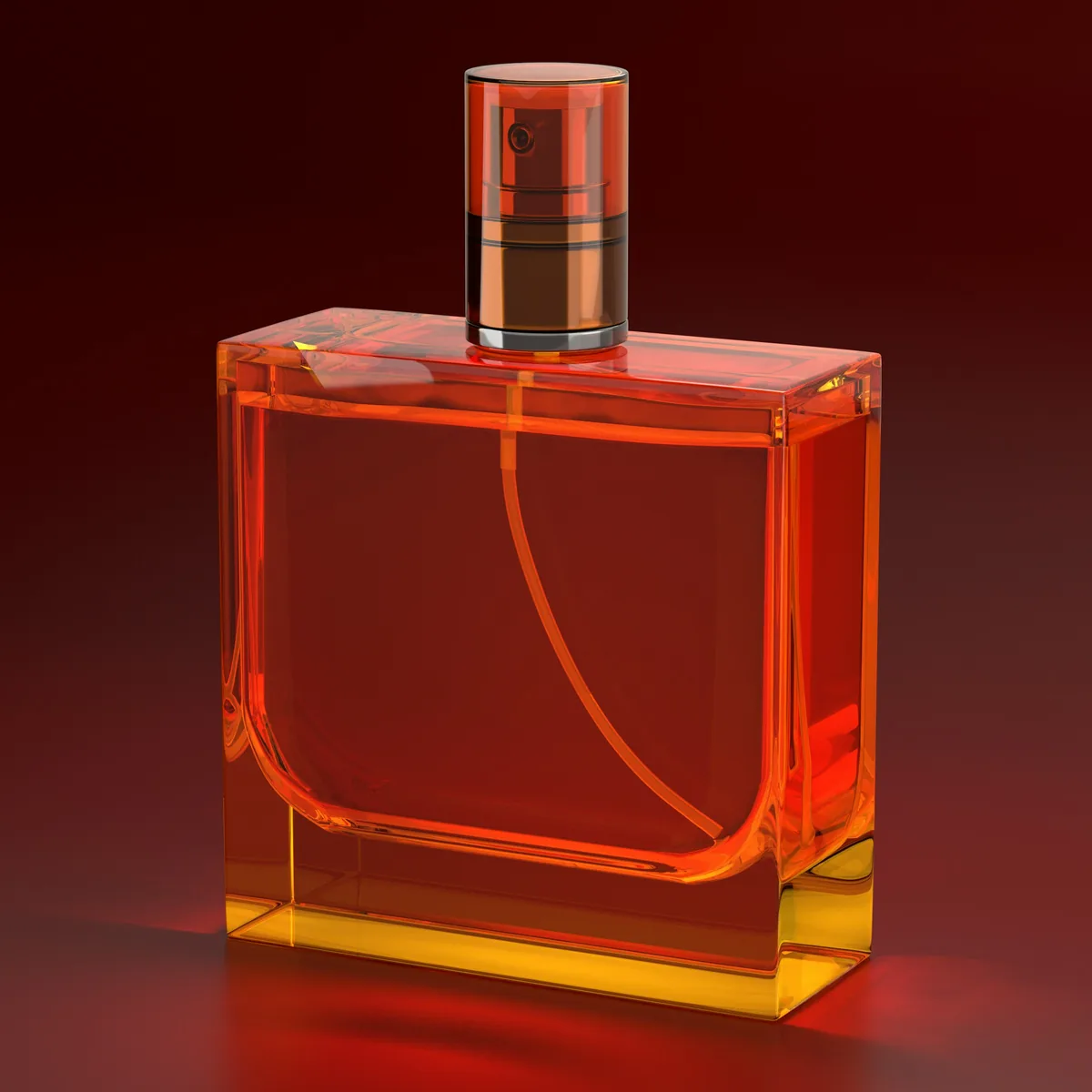
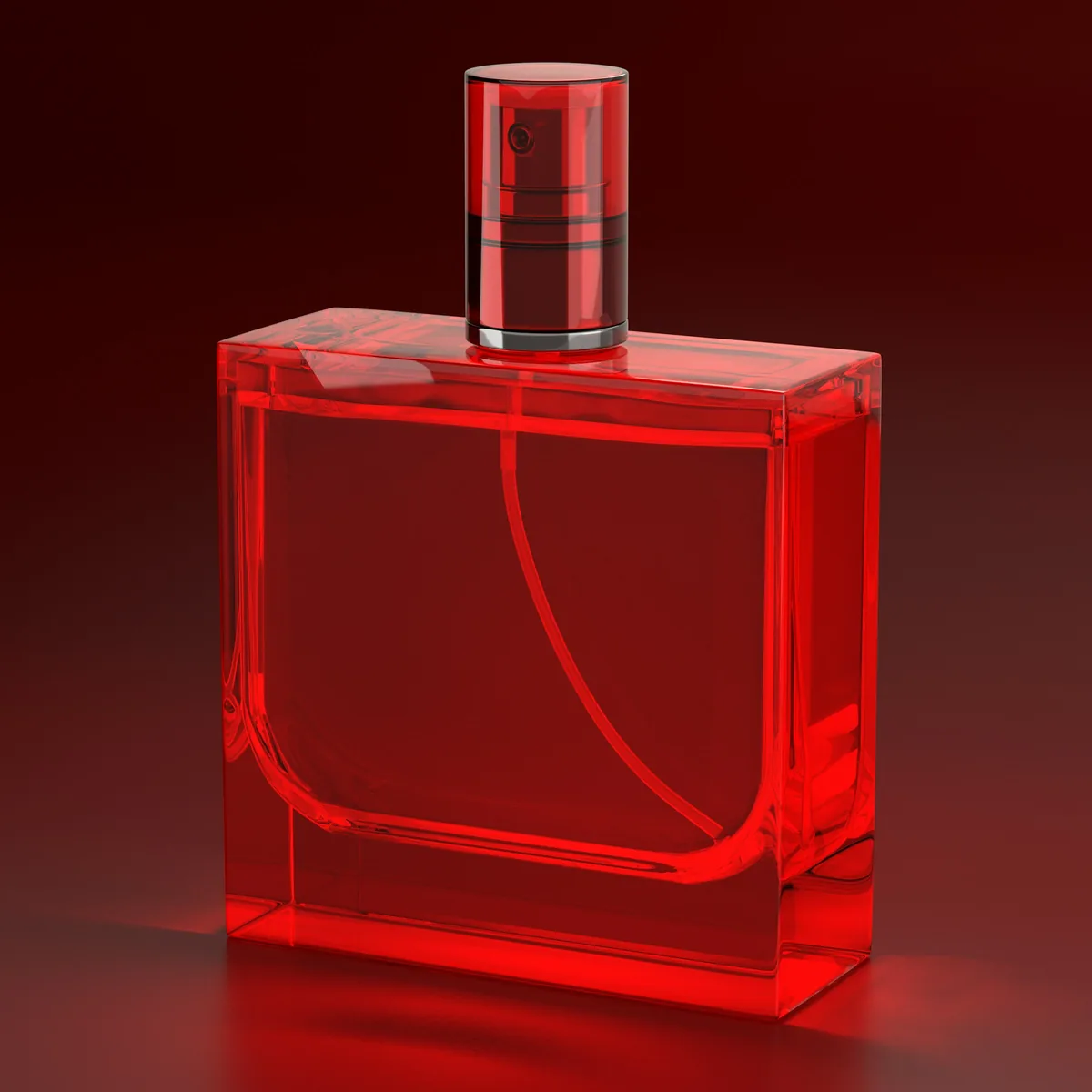
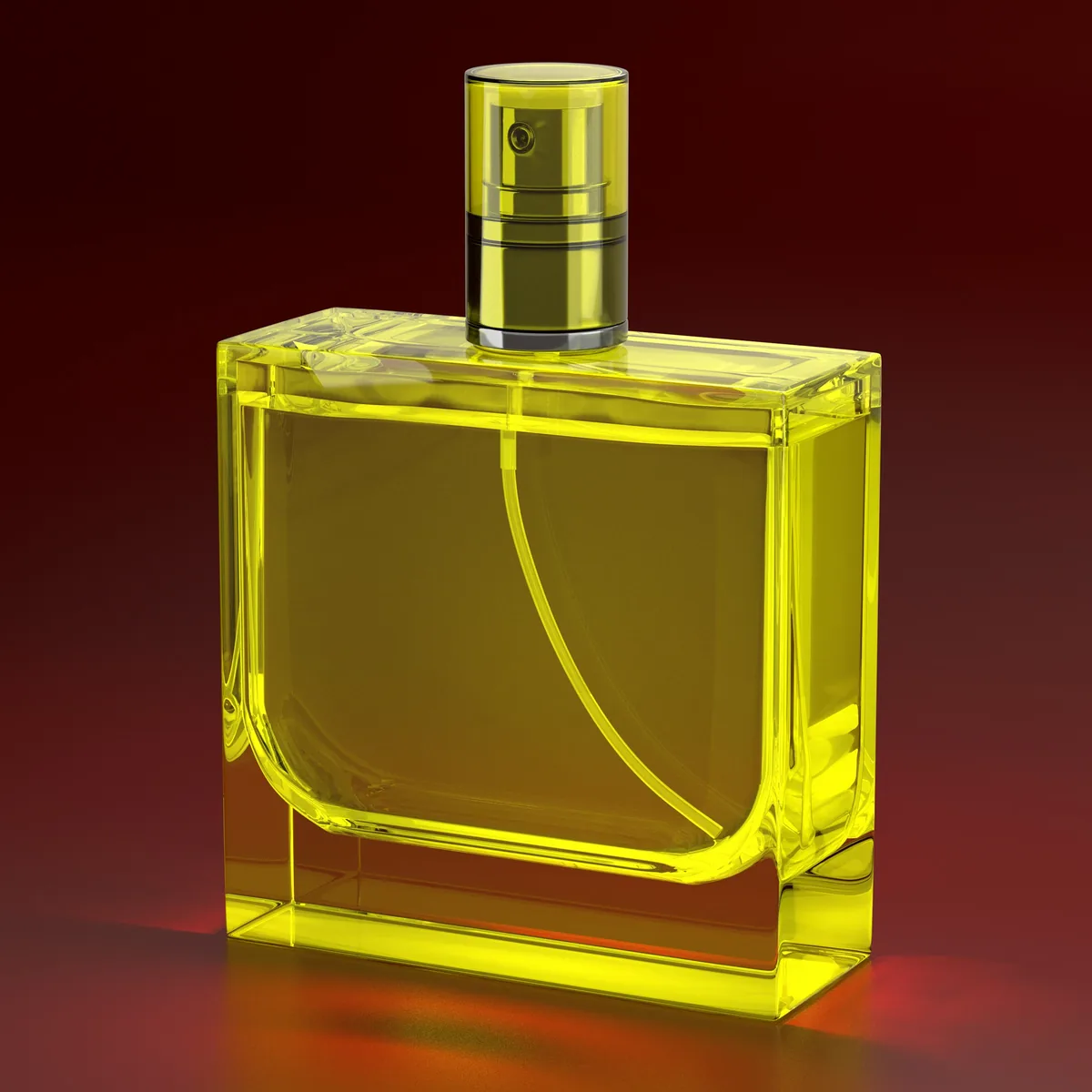
Your image
Product names, claims and small print come out as type, not texture, so a packshot or a poster reads the way it was written.
Generate with Seedream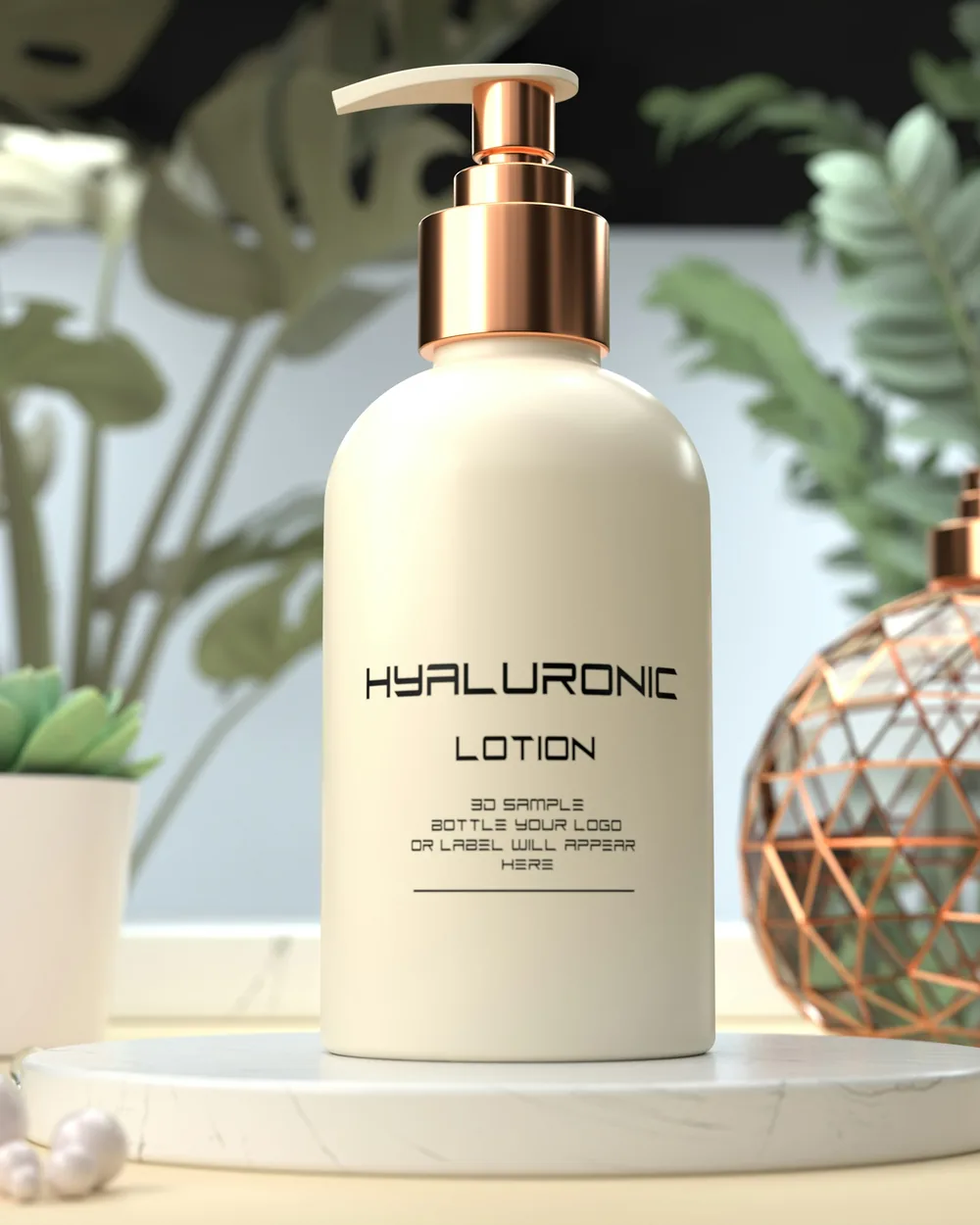
A cream pump bottle labelled HYALURONIC LOTION on a white stand, a copper geometric orb and monstera leaves behind it, soft daylight.A cream pump bottle labelled HYALURONIC LOTION on a white stand, a copper geometric orb and monstera leaves behind it, soft daylight.
Pick the aspect ratio before you press: a 21:9 banner, a square for the feed, a 9:16 Story. The prompt stays the same.
Generate with Seedream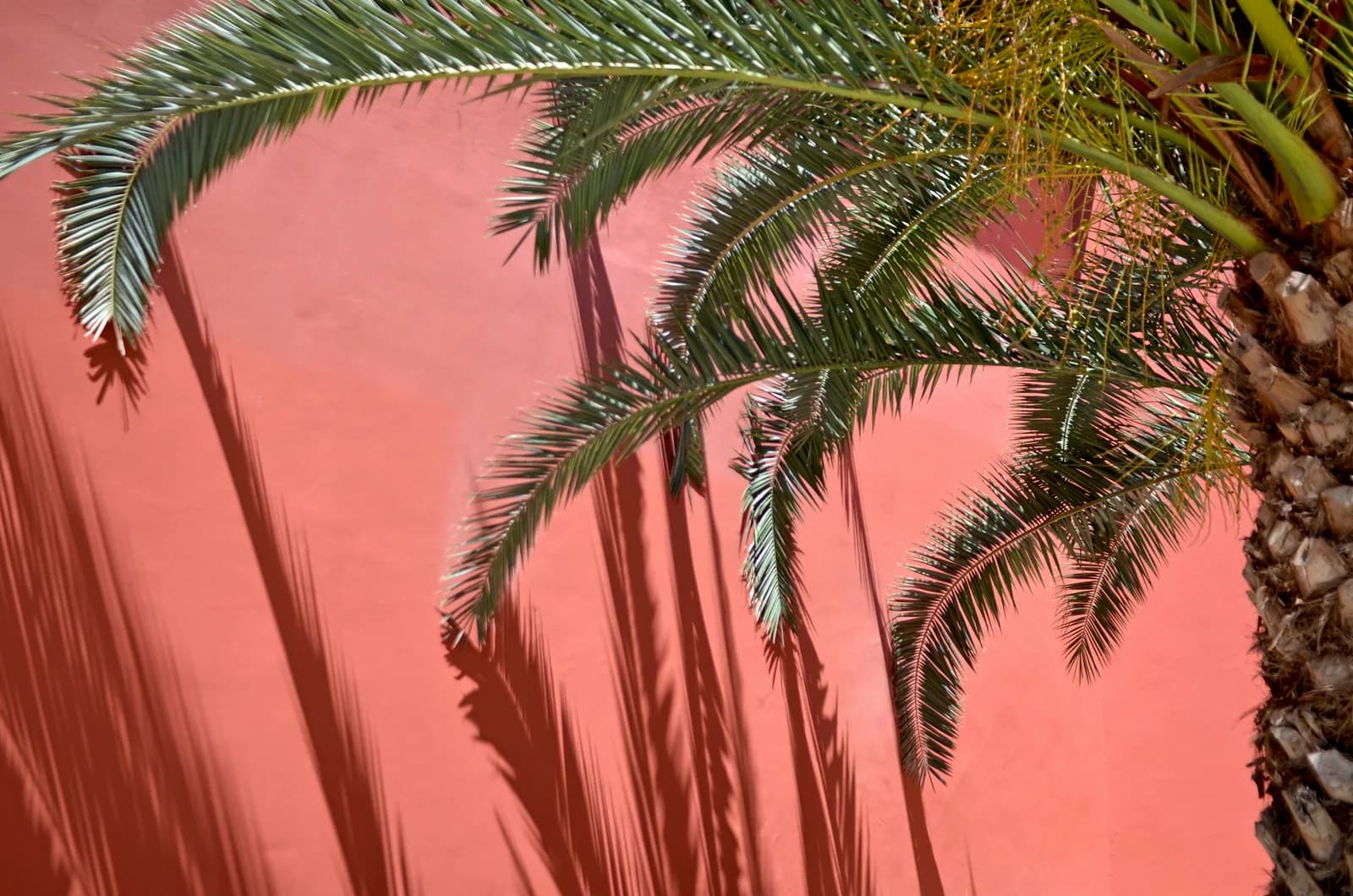
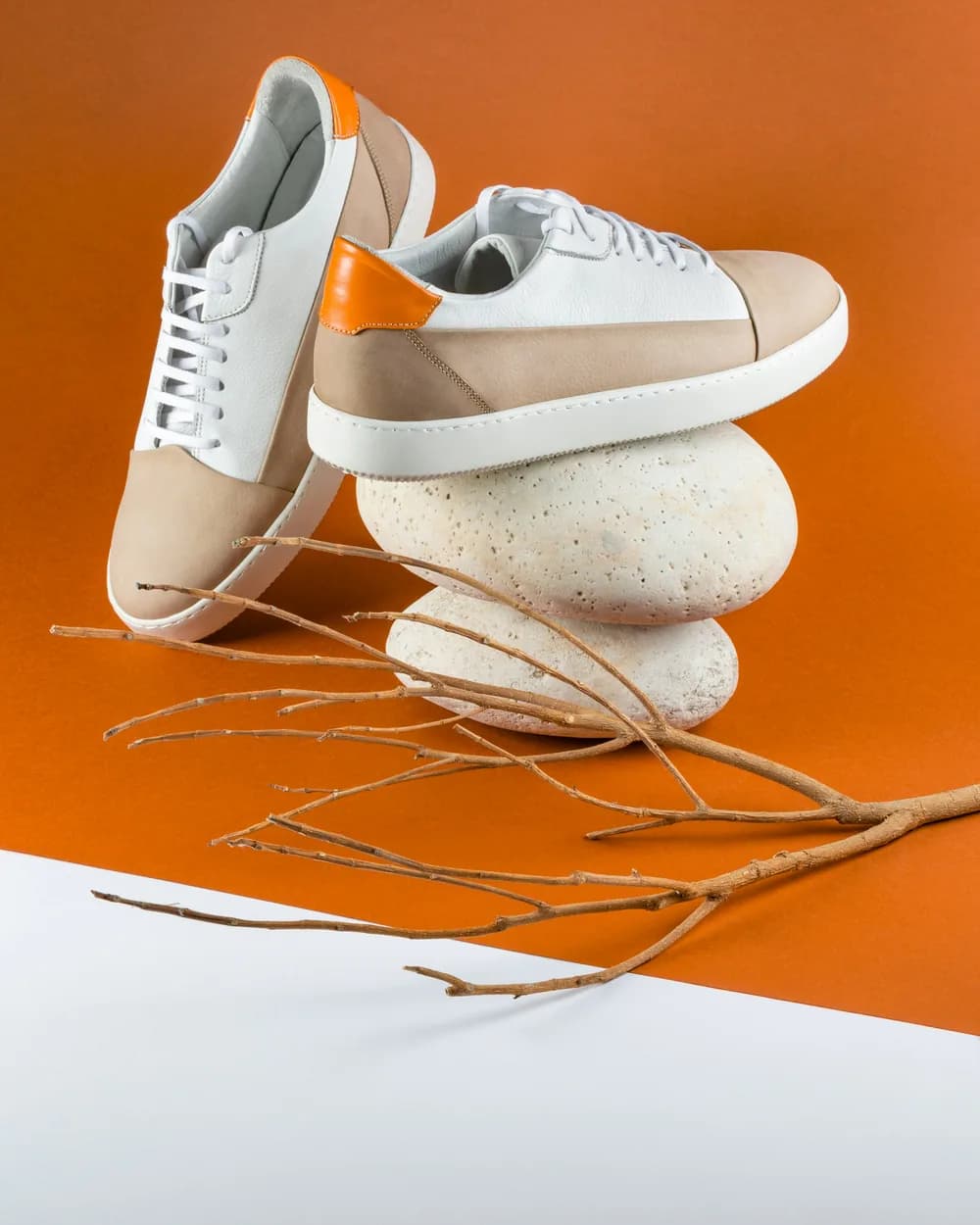
Give it the product from more than one angle and describe the scene it belongs in. The shape, the stitching and the colourway carry through.
Start from references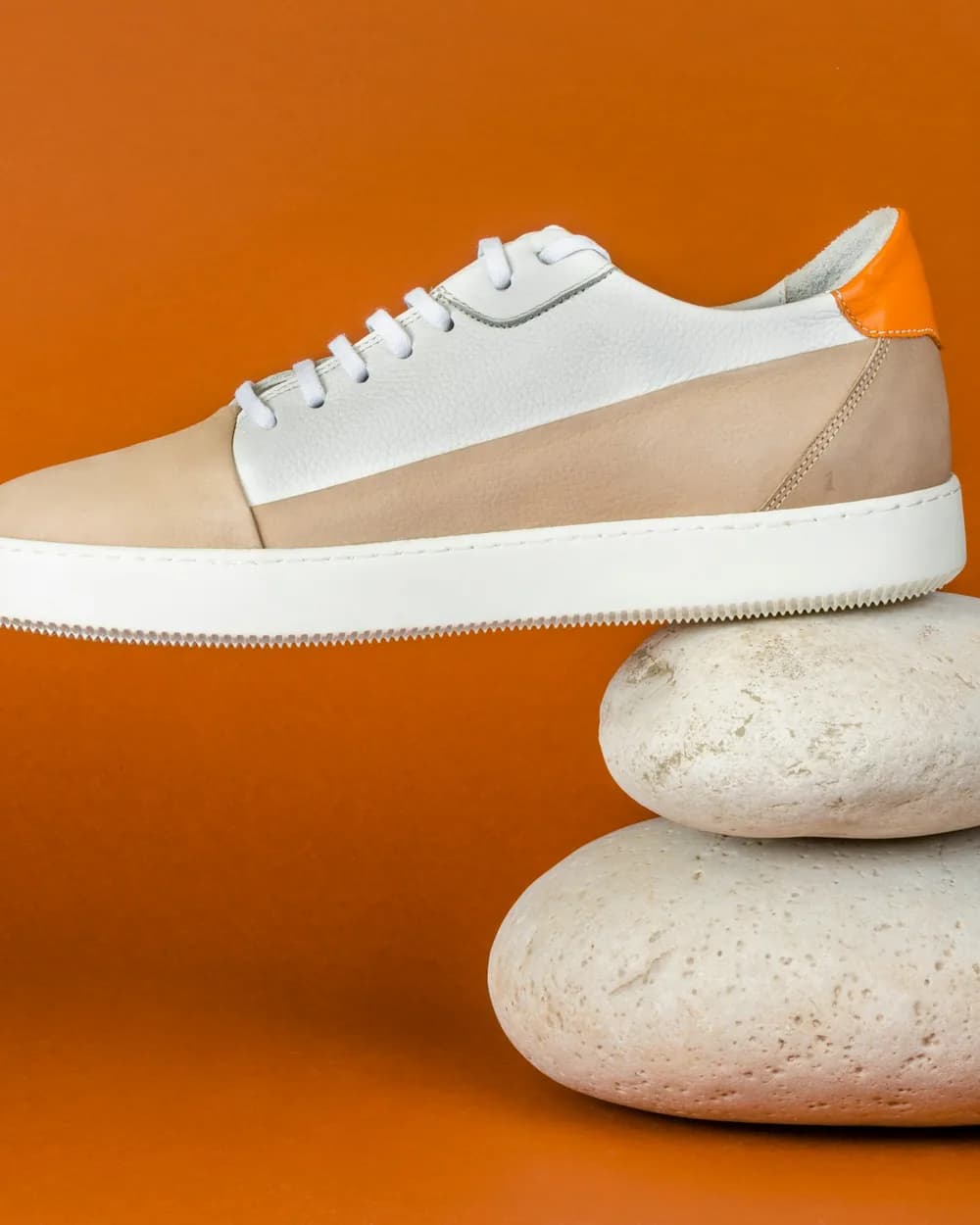
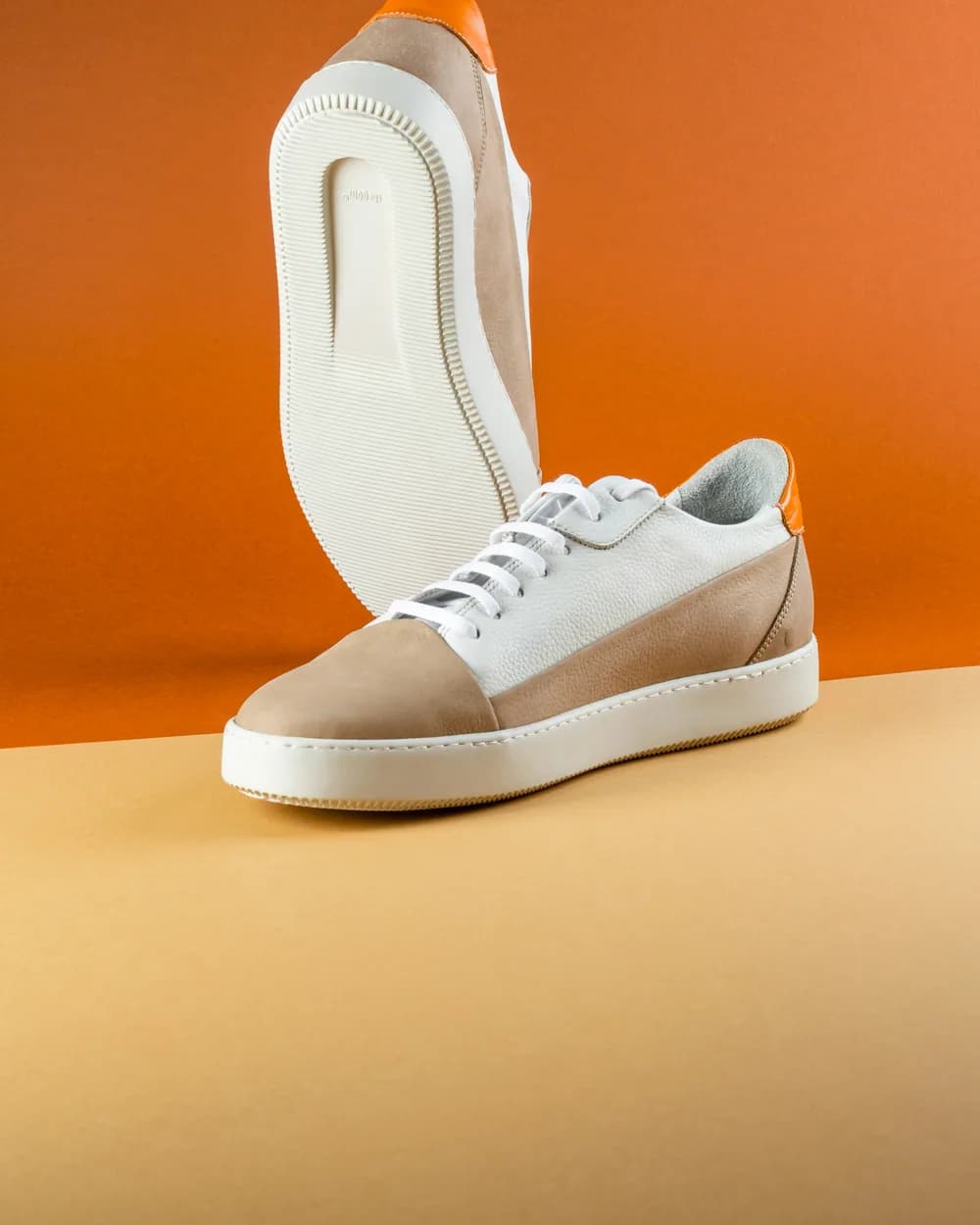
Three steps in Image Generate.
ByteDance’s image model for briefs with a lot in them: ten references, ten ratios, six takes a press, and edits in the same model.