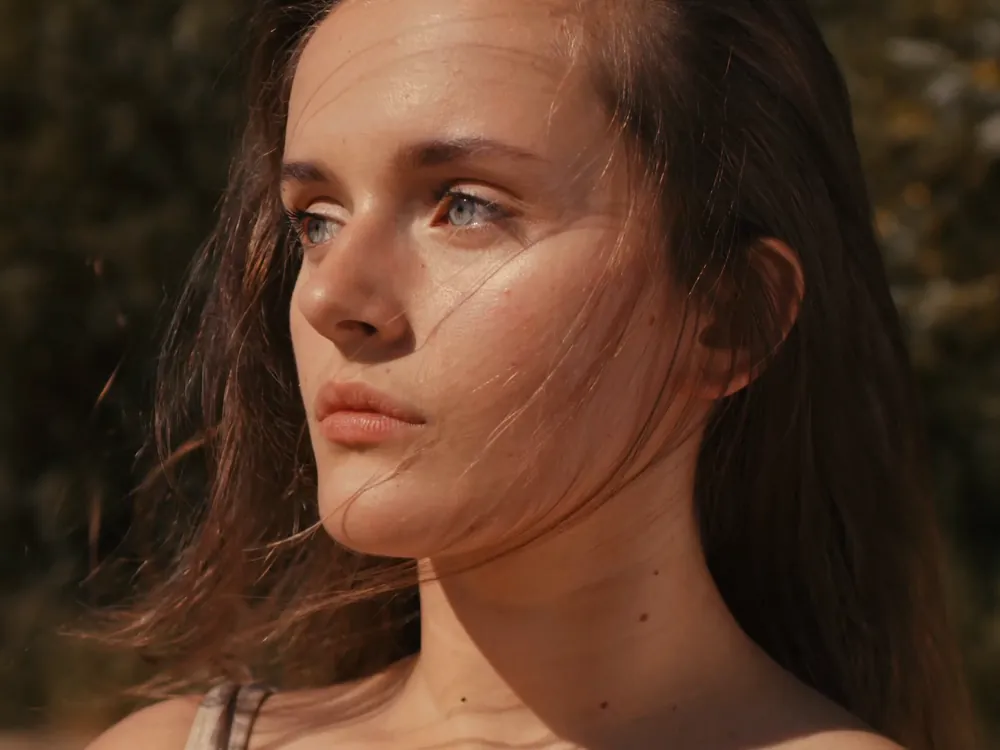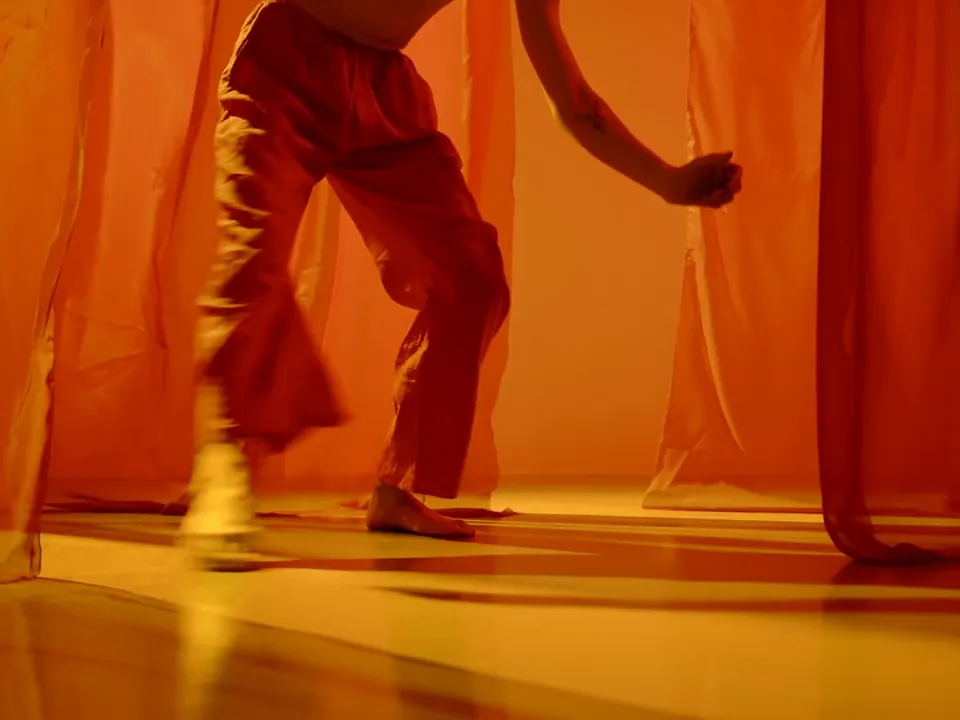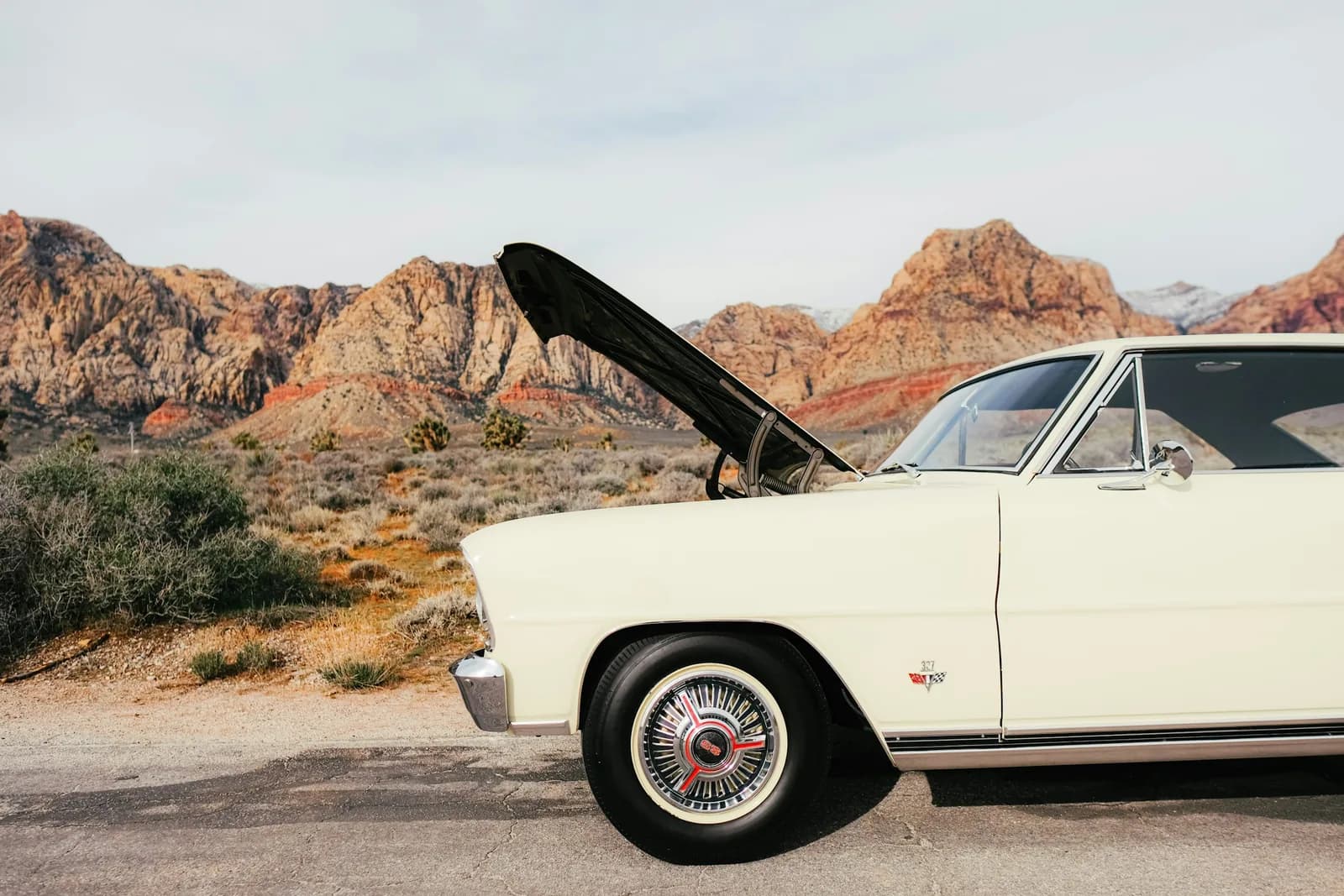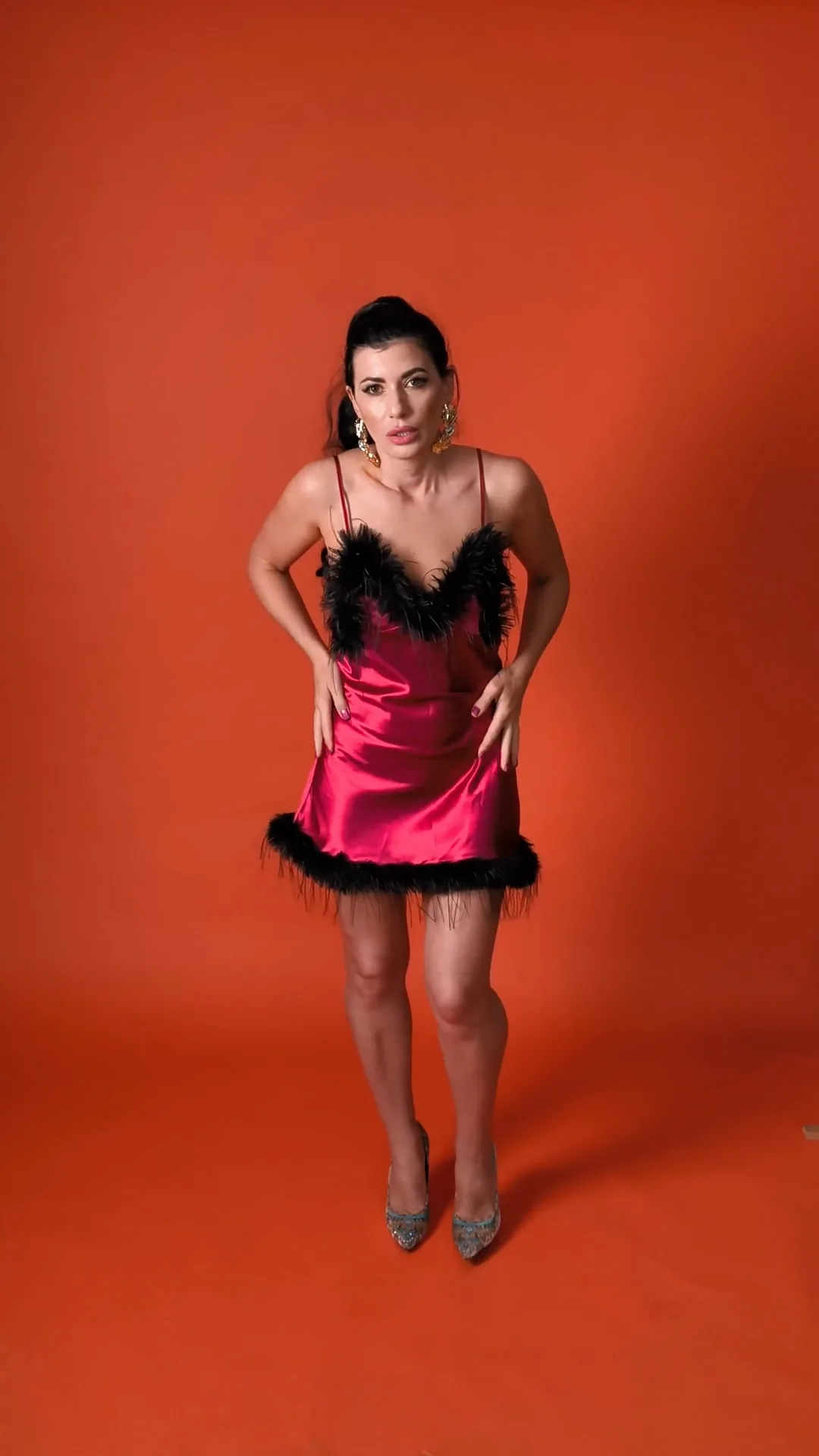
Wardrobe and colour
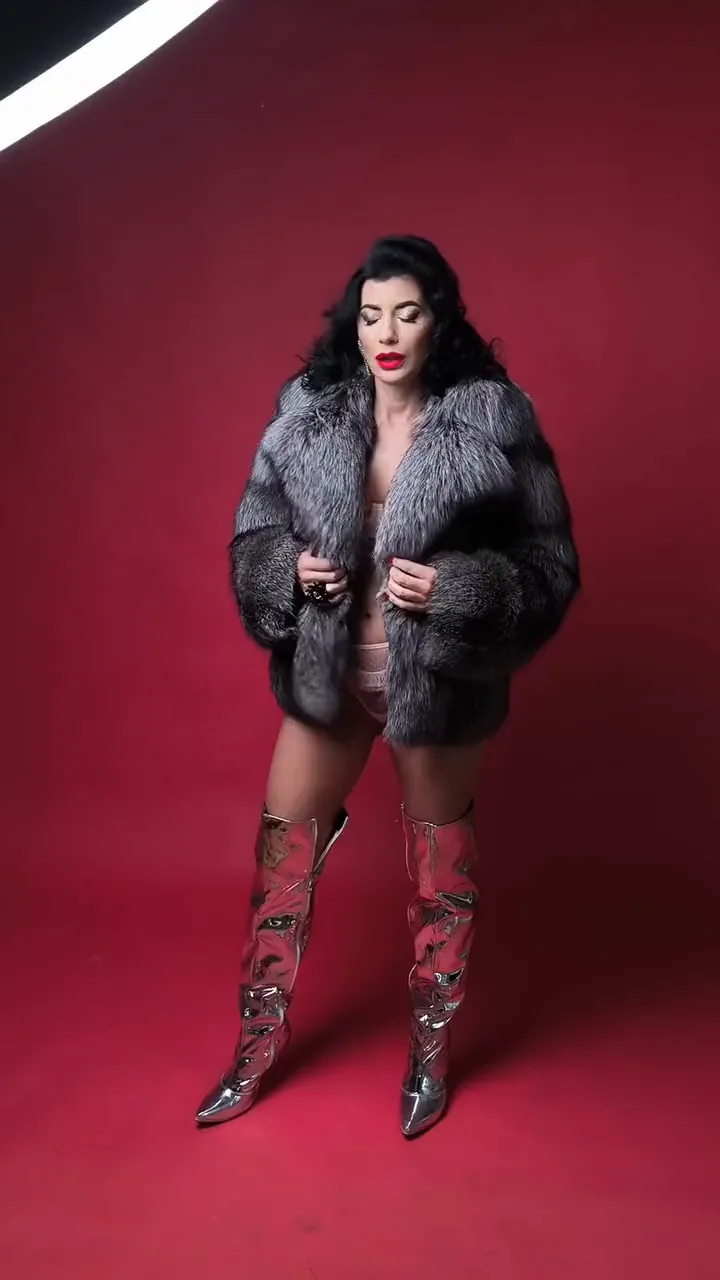
Put the model in another outfit, or the product in another colourway, without a reshoot.
Your clip
Drop in a video and describe what should be different: the hour, the outfit, the look. Video Edit makes the change across every frame and hands back a clip as long as the one you gave it.
Free to start. No credit card.
Edits start from a clip you already trust, so the camera, the timing and the cut carry through.
Put the model in another outfit, or the product in another colourway, without a reshoot.
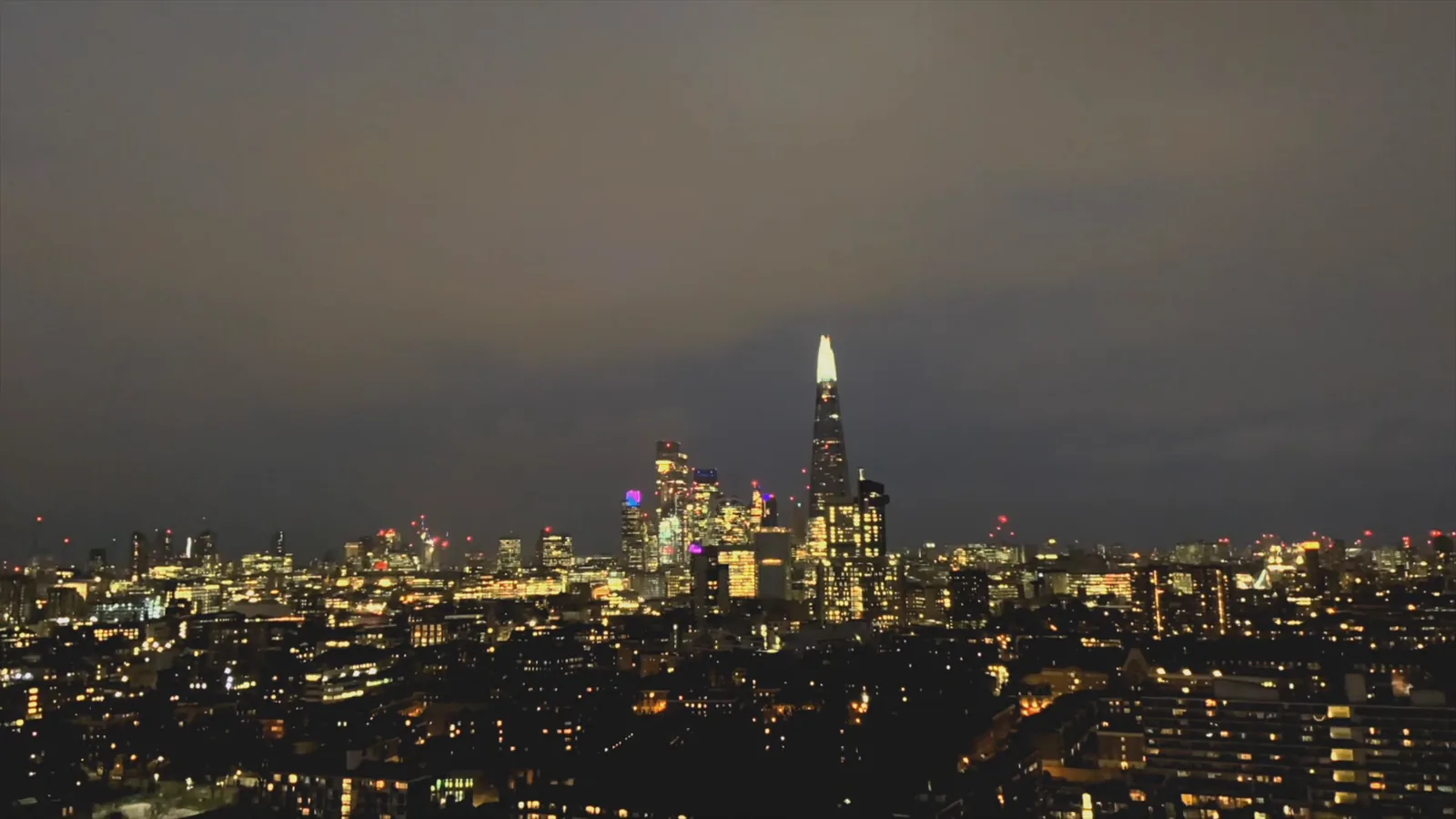
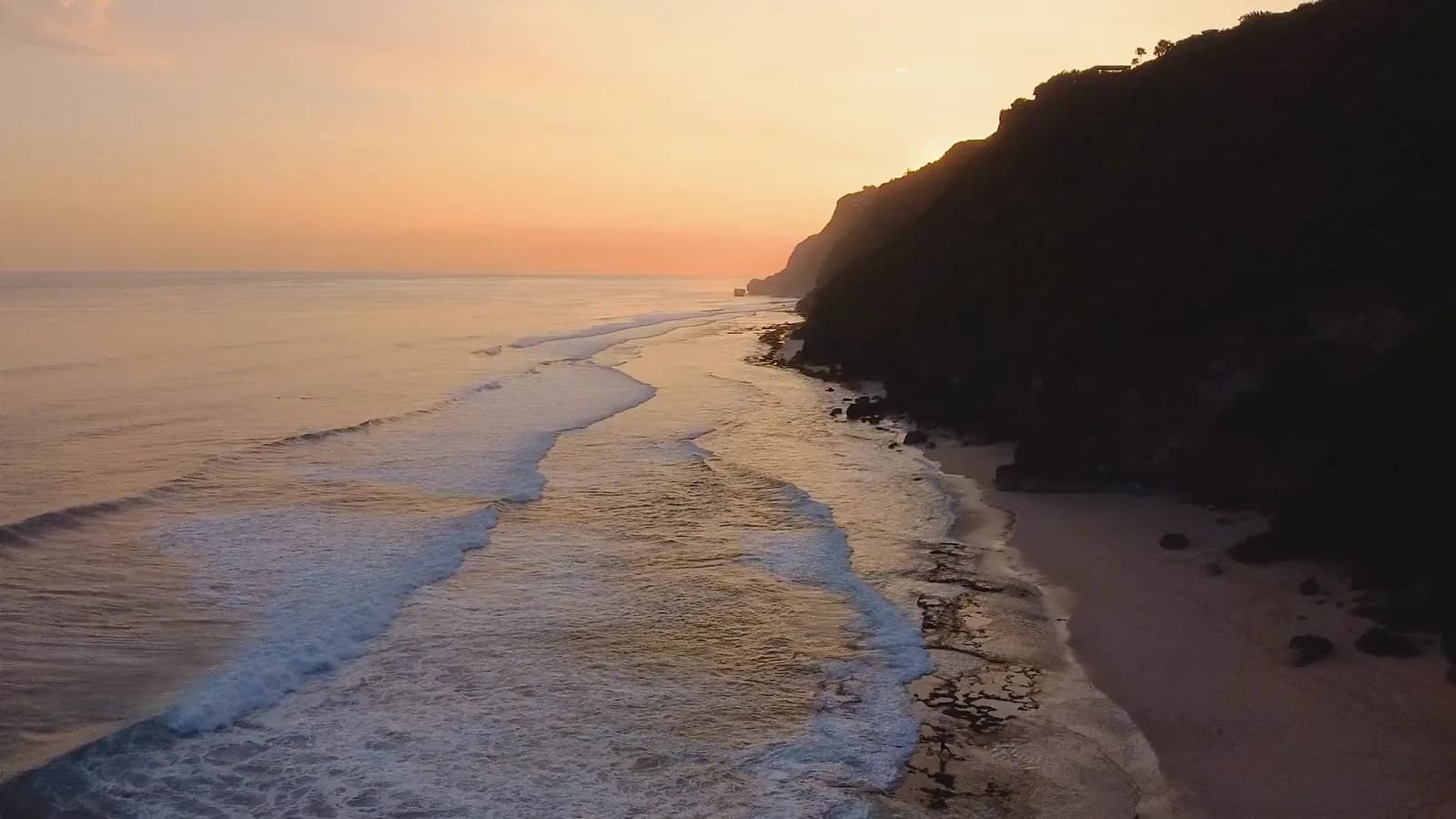
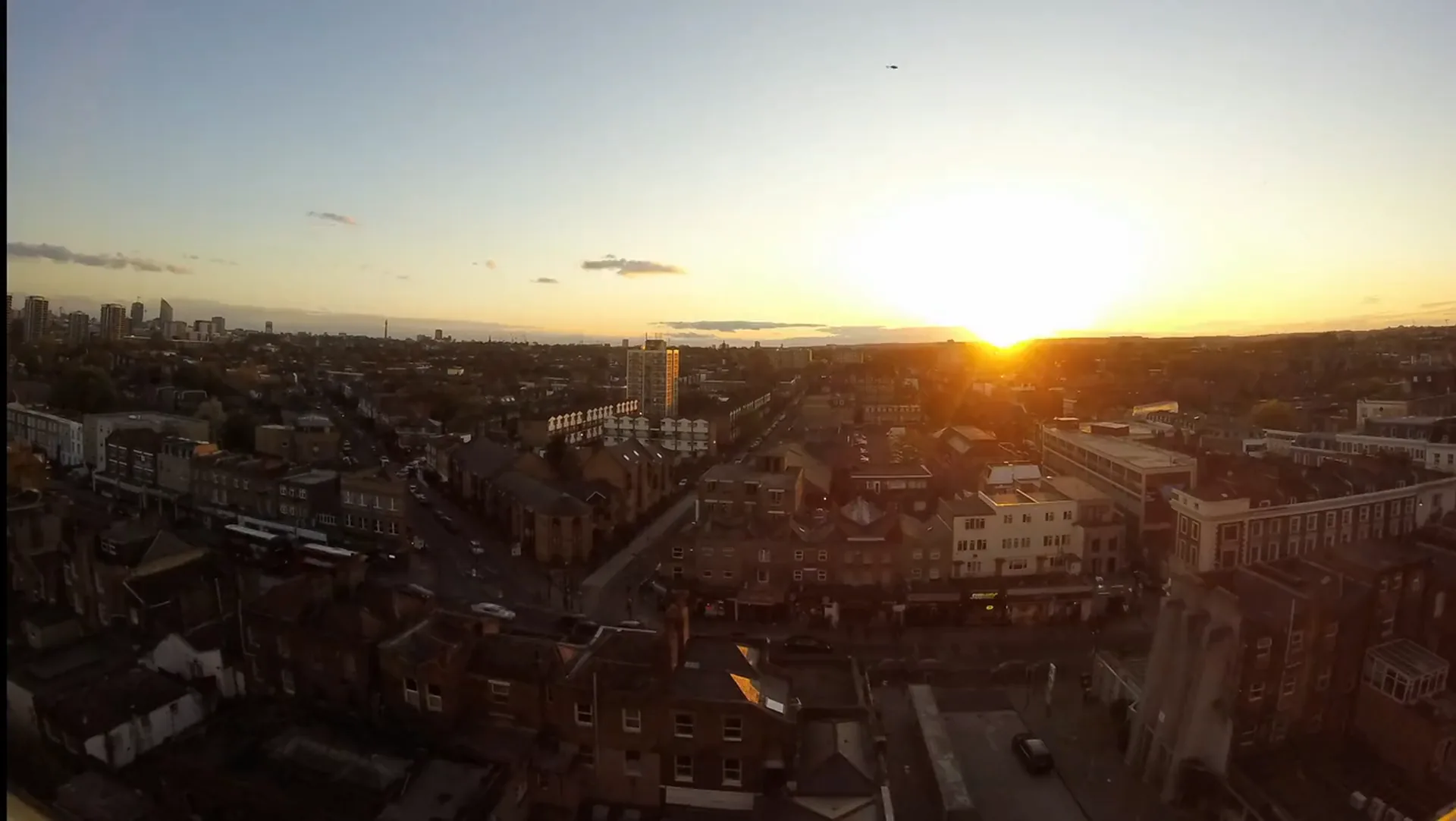
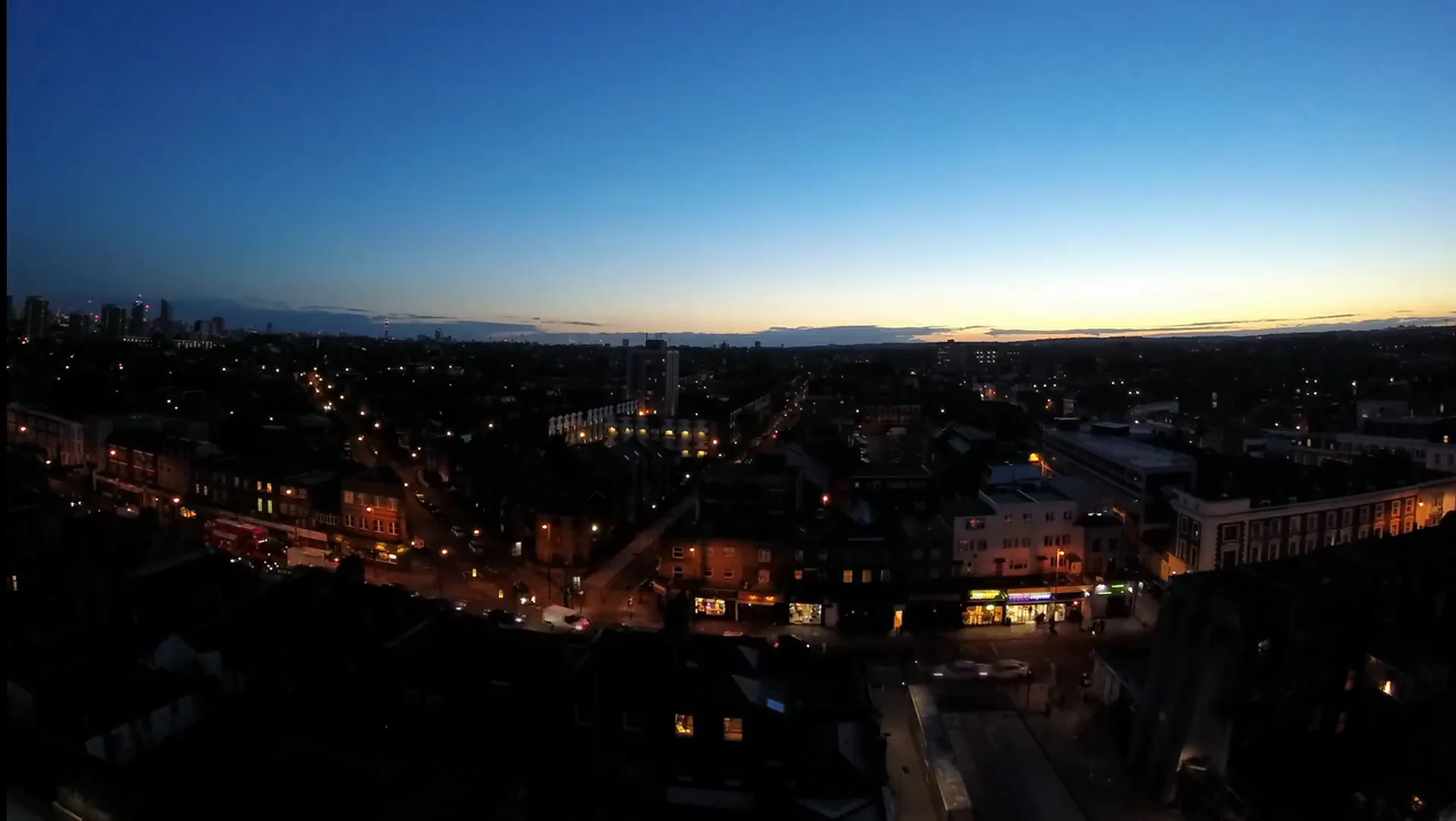
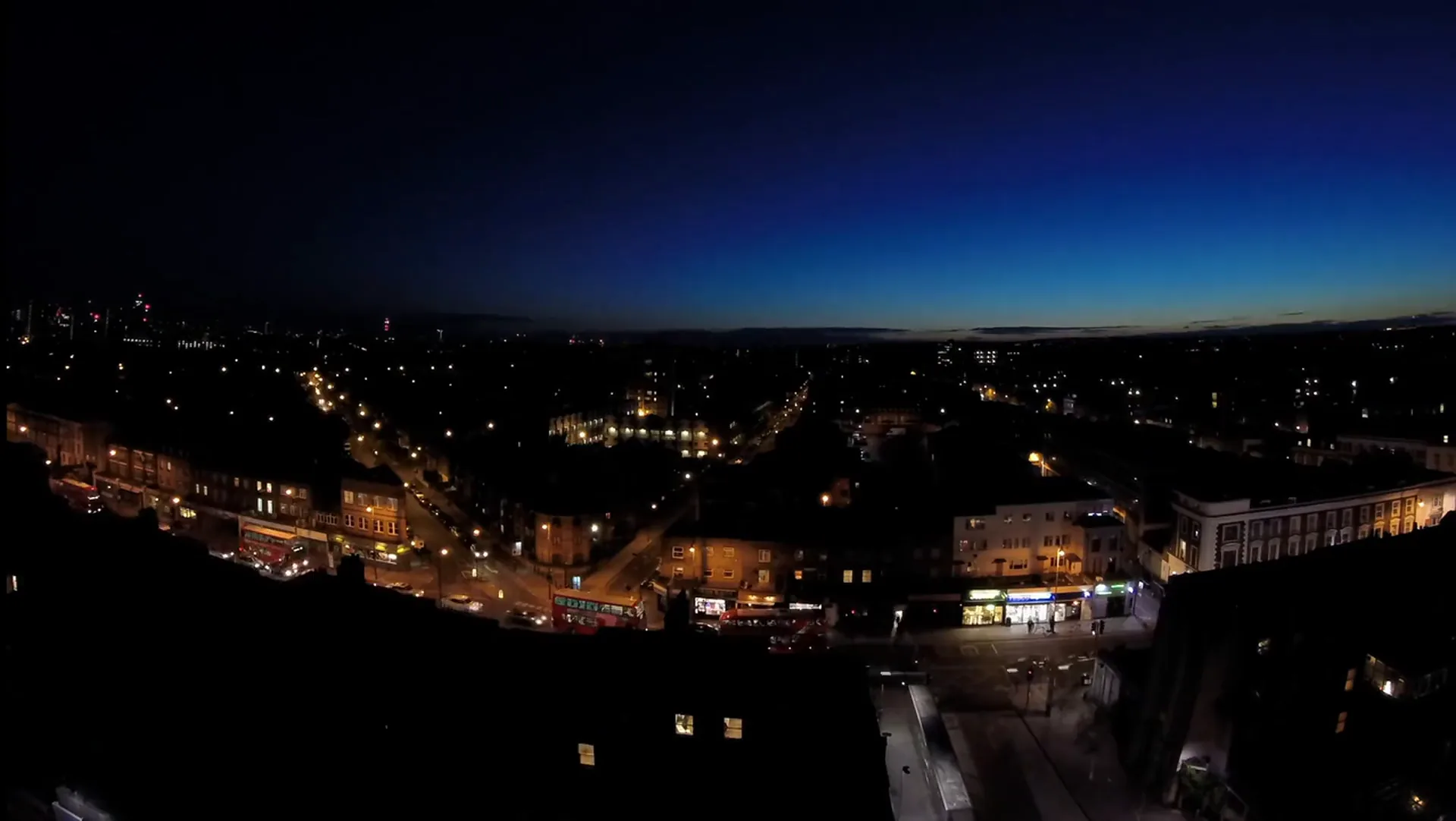
Move a shot from afternoon to night, or from overcast to golden hour.
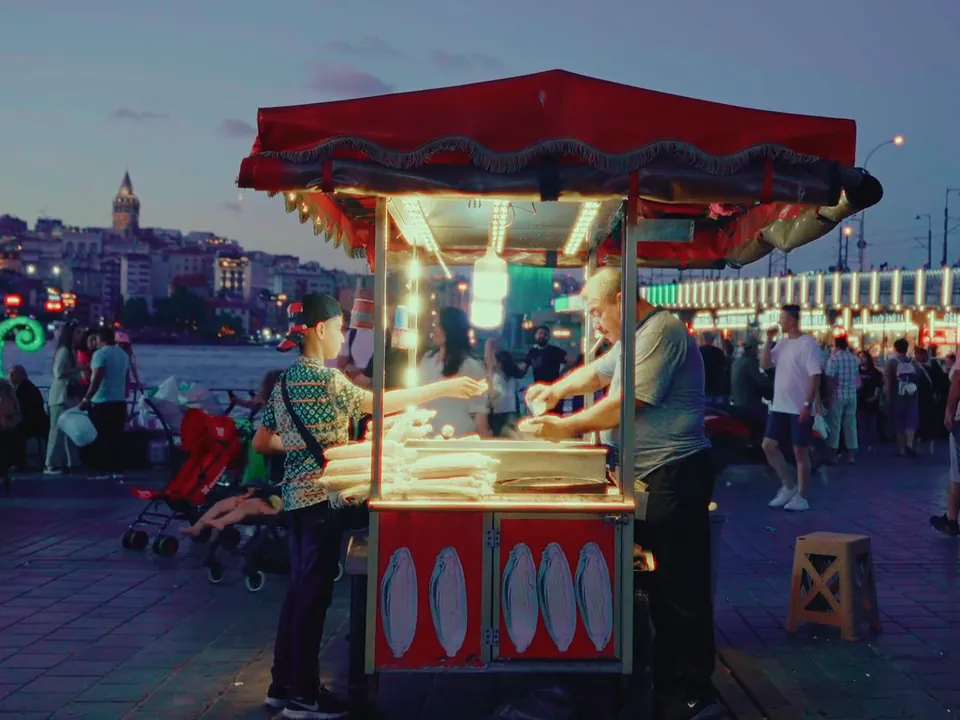
The video upscaler lives here too, for the finished clip that has to hold up on a bigger screen.
No rotoscoping, no tracking, no keyframes. Write what should change in a sentence and the edit follows the subject through the clip.
Say what has to stay, too: the face, the backdrop, the camera.
Edit a video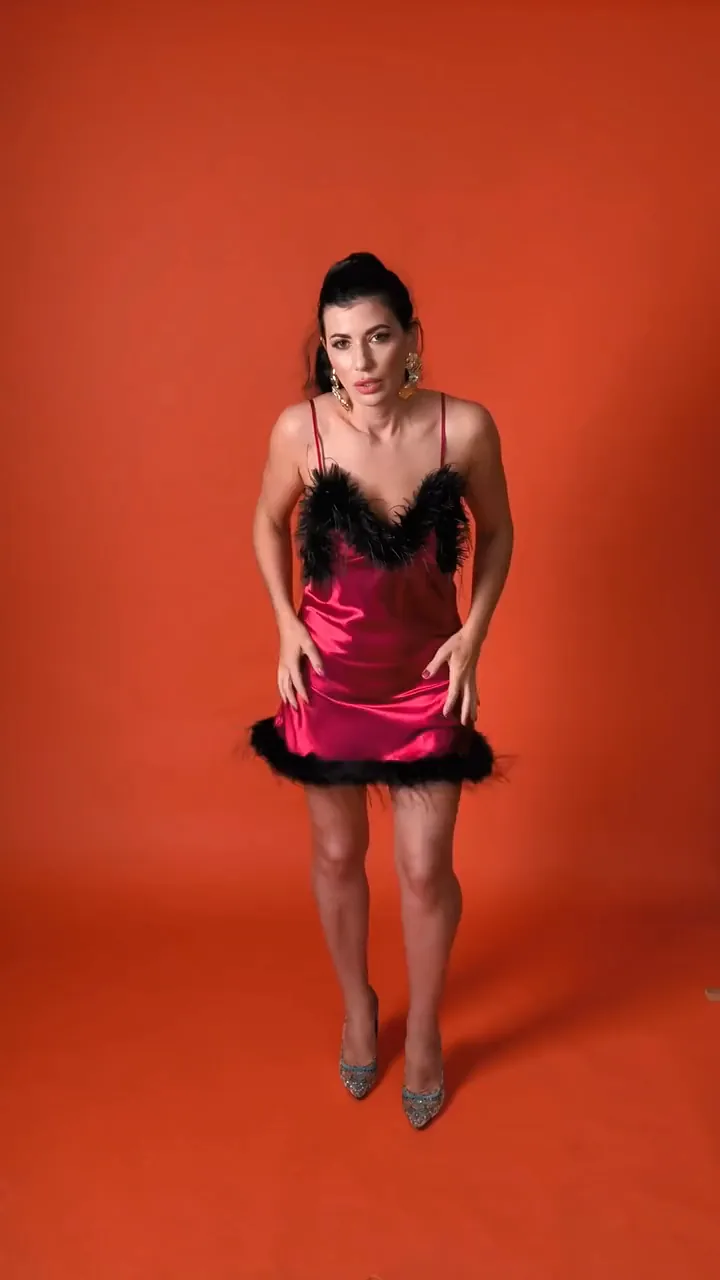
Your clip
Add a still of the garment, the character or the product, and say where it goes in the clip. References in Video Edit are images, never a second clip.
Start from a reference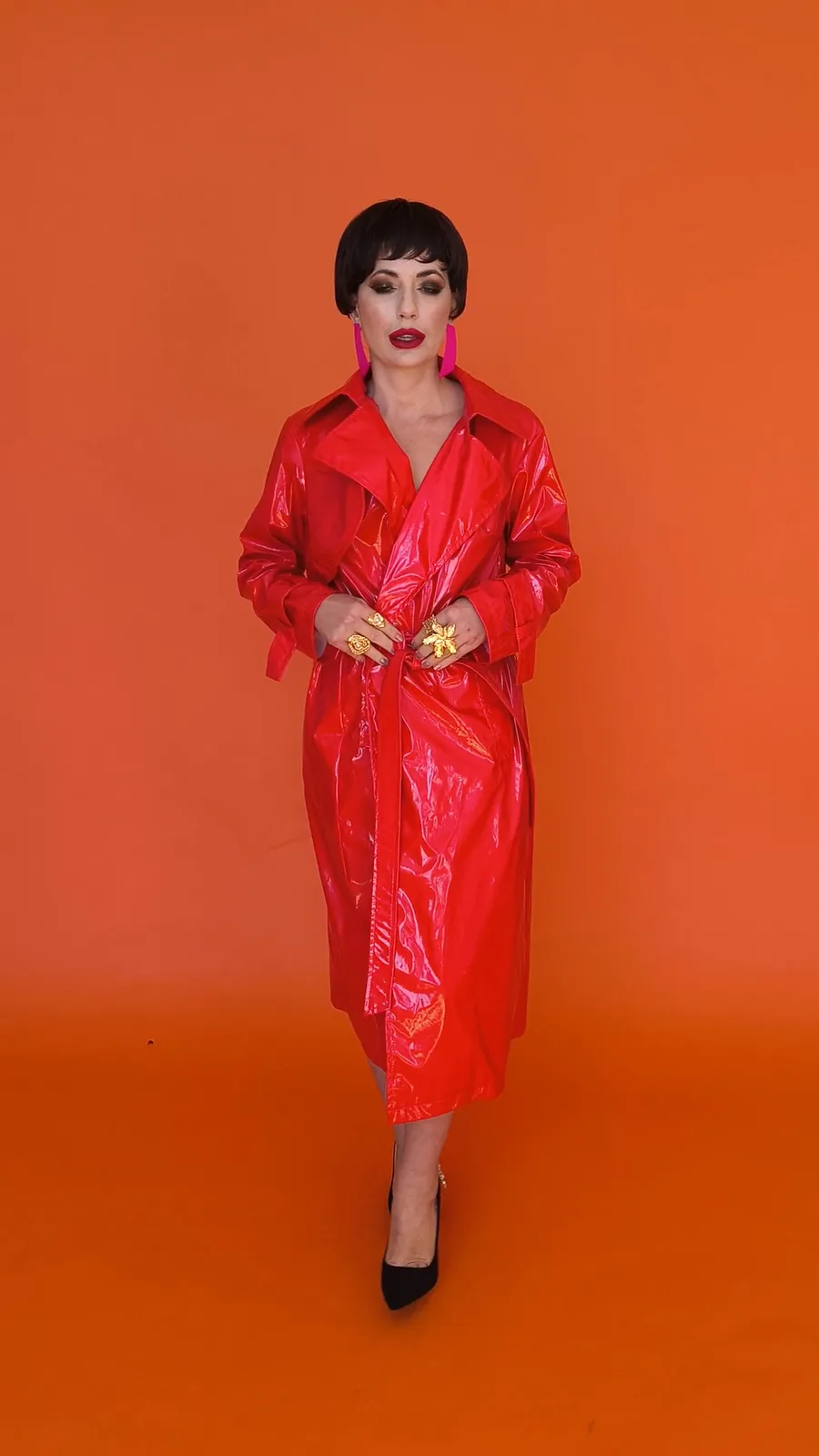
Upscale on any clip opens Video Edit with the upscaler already picked. Choose how far to go, then whether the model invents finer detail or only sharpens what is there.
Upscale a videoThree steps in Video Studio.
The clip you already have, changed by a sentence. Swap the look, the light or the wardrobe, dress it from a reference, and sharpen the result, all from one dock.