ESJATR
29 languages
From Spanish and German to Japanese, Hindi and Turkish.
This is the one thing I use every single morning.
Upload a clip, pick the language, and get the same video spoken in it. The creator, the delivery and the edit stay; only the language changes.
Free to start. No credit card.
A winning creative should not stop at a border. Translate it instead of shooting it again.
From Spanish and German to Japanese, Hindi and Turkish.
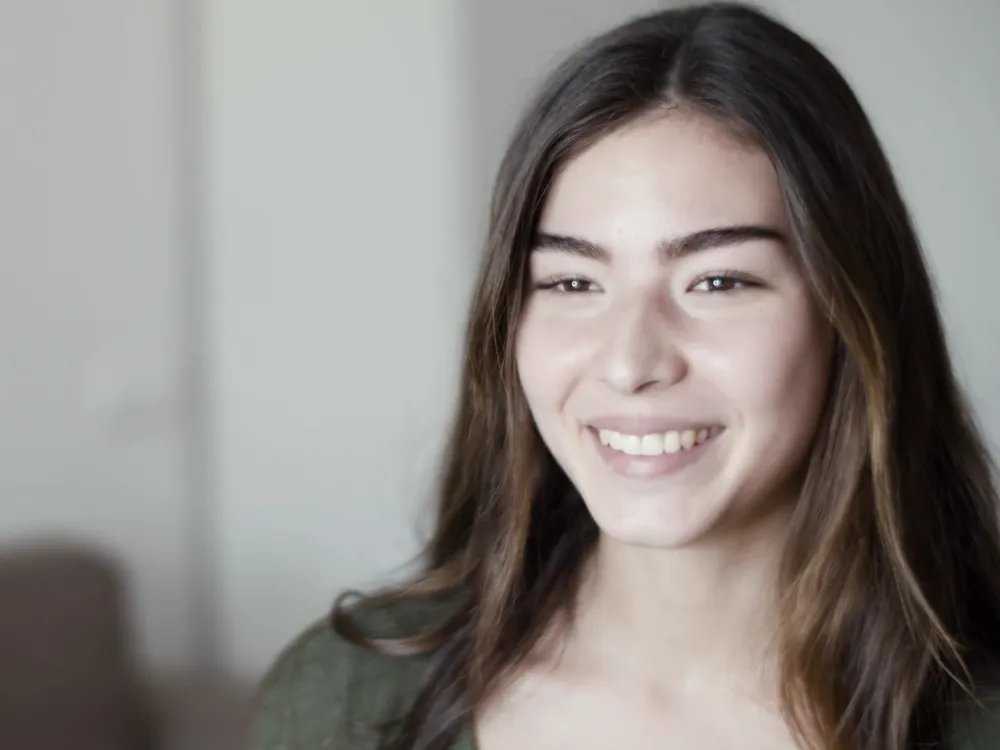
The creator you already cast speaks to the new market, in the same take.

There is no prompt. Upload the clip, pick the language and generate.
When a creator ad works in one country, the next one should not wait for a new shoot. Translate the take and put it in front of a new audience the same day.
Translate a videoHonestly, I did not expect it to work this well.
Testimonials, interviews and founder talks carry their meaning into the new language, so the voice that sold it at home sells it abroad.
Translate a videoPodcasts, walkthroughs and product demos reach viewers who never heard the original language.
Dub a clipSo here is what we changed after the first launch.
Three steps, and no prompt.
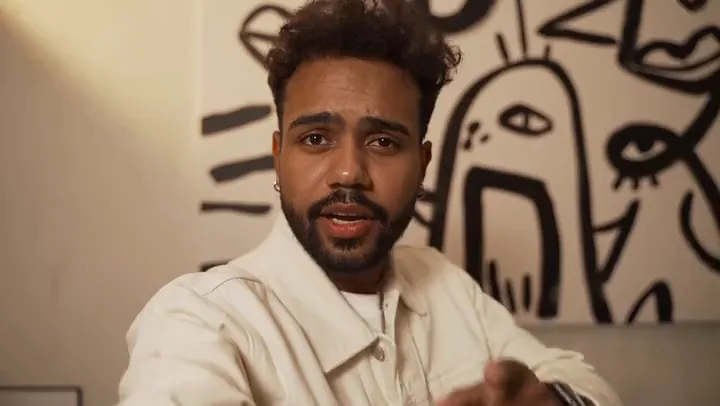
Your best take, in 29 languages. One clip and a target language in, the same video spoken in that language out, with no script and no reshoot.