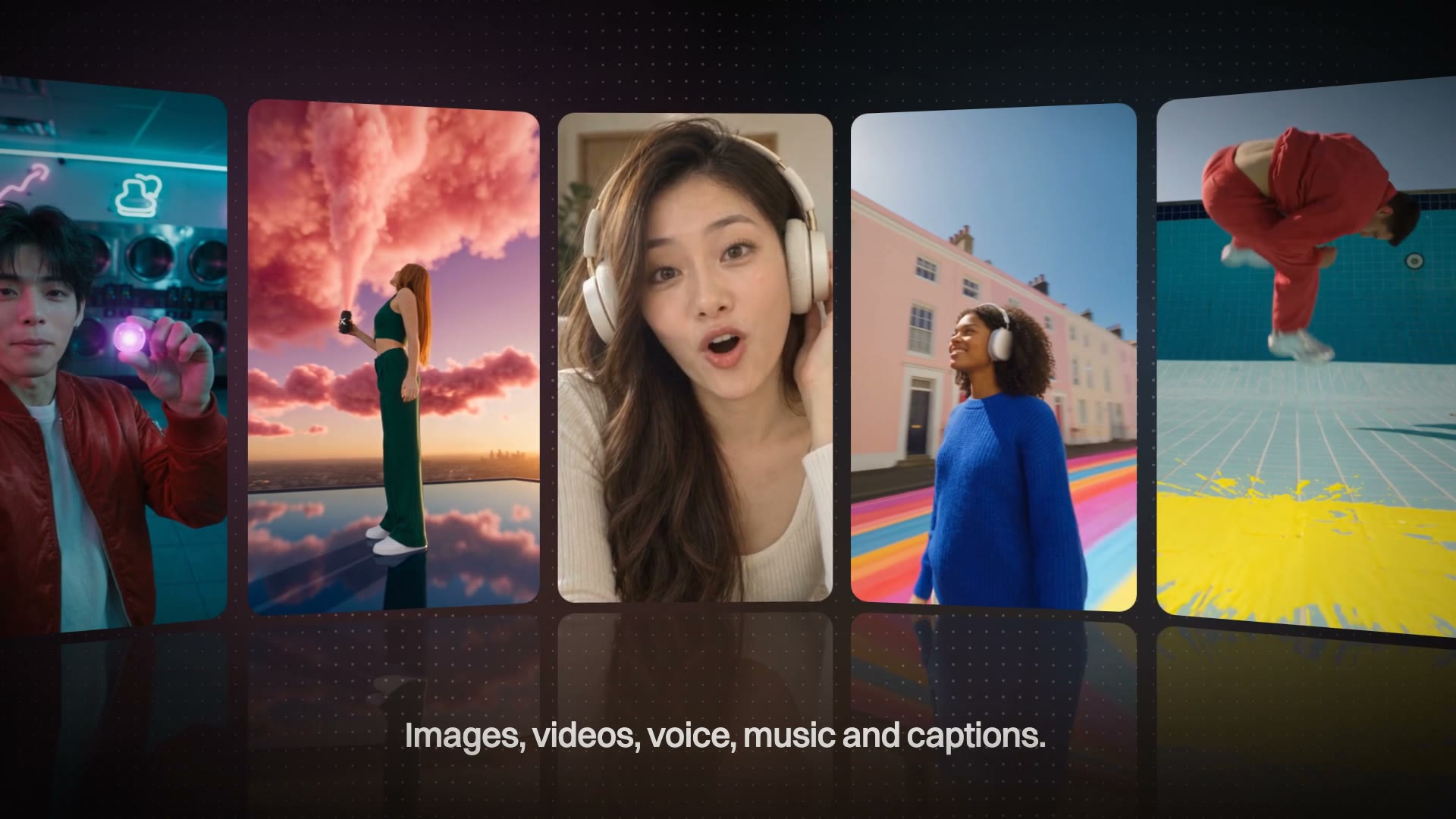
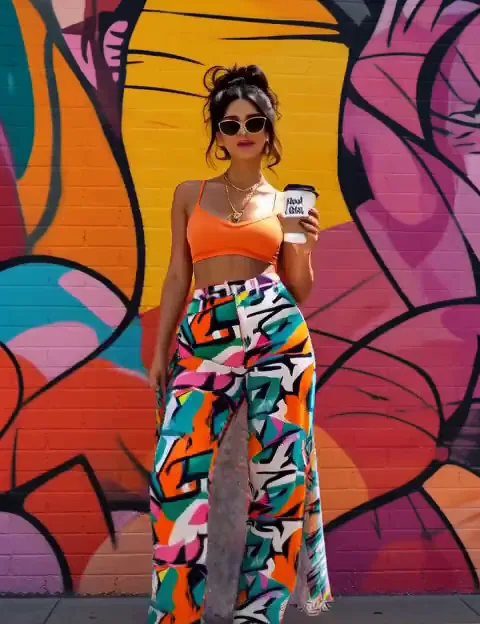
How to make UGC video ads with AI, without booking creators
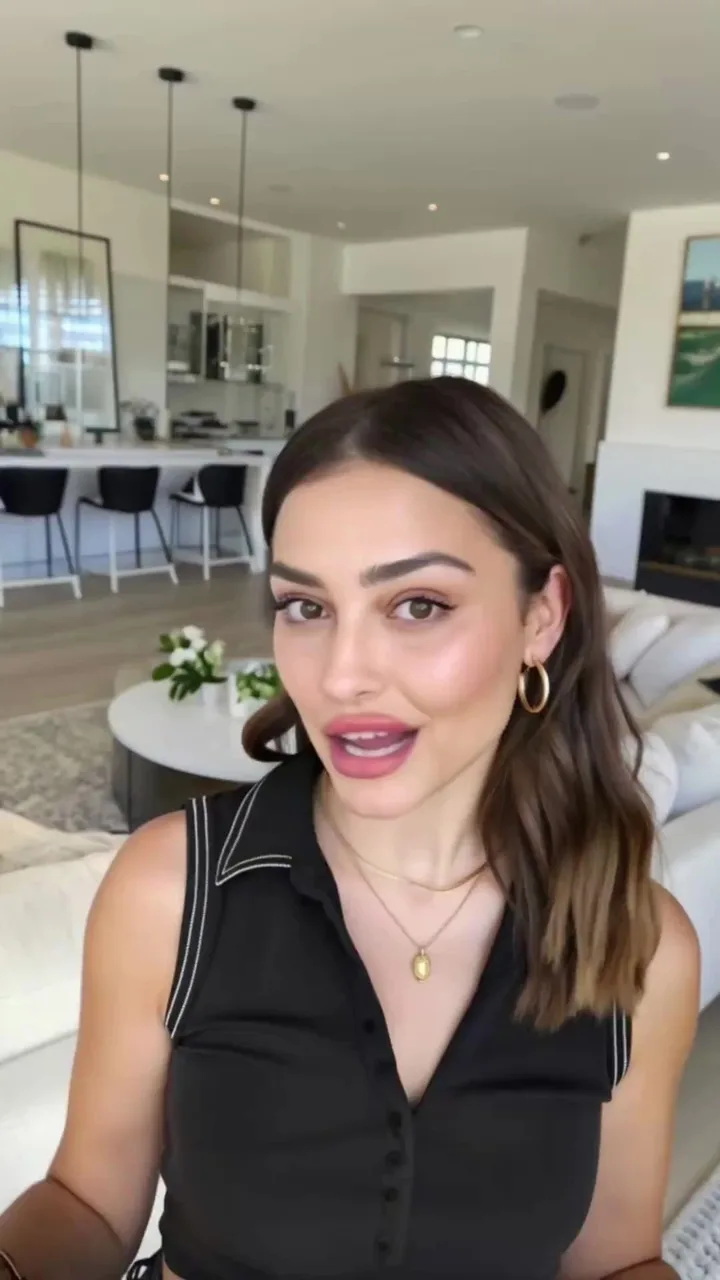
A face, a voice and a script: how to make a creator-style video ad with AI, how to test the hook first, and how to keep the same creator across a test.
Short answer: an AI UGC ad needs three things: a face, a voice and a script. In MarketingX UGC Studio you pick a creator from the character library, choose or clone a voice, write the script or let AI draft it, and render a lip-synced vertical take that is ready for the feed.
What is a UGC ad?
A UGC ad is a paid ad made in the style of user-generated content: one person talking to the camera about a product, framed like a phone video rather than a studio spot. It works in feeds because it looks like the posts around it. The cost has always been the creator: casting, shipping product, waiting for the video, and paying again for every new line.
What do you need before you start?
- One product and one angle for the take. A UGC ad that tries to say everything says nothing.
- Who it is for, in a sentence. The script is written for that person.
- Optionally, a recording: an MP3, WAV or M4A of up to 60 seconds, if you want the creator to say your exact words in your exact read.
How to make a UGC video ad with AI, step by step
- Pick a character. Choose a face from the library, or generate one. A character you upload or create stays in My characters, so the same creator can front every take in a test.
- Give it a voice. Pick a voice from the list, clone your own from 10 to 30 seconds of clear speech (one person, no music), or upload a track and the take lip-syncs to it.
- Write the script. A line or a paragraph. Or write it with AI from your product, audience and angle, in first person, as a testimonial or as a story, then edit it in place.
- Generate. Fast is the default; High takes longer and renders more detail. Every take comes back vertical, ready for the feed.
How do you test the hook before the full script?
The first seconds decide whether anyone watches the rest, so test them on their own. Instant Hook takes one sentence about the product and writes and renders three vertical openers, five seconds each by default. Leave the hook type on Mixed and each opener takes a different tactic; one opener is a guess, three is a shortlist. A reference image is optional and keeps the product looking like your product. Each hook is billed per second of output, and the button prices the whole press before you generate.
Instant Hook runs on MiniMax H3 Max. For how it compares with the other video models, see Kling vs Seedance vs MiniMax vs Gemini for video ads.
Can two people talk in one video?
Yes. Multitalk turns two voice tracks and one shot of a pair into a talking video, for dialogue ads, interviews and podcast-style clips.
What makes an AI UGC ad work?
- Open on the problem. The first line names what the viewer already feels, before the product appears.
- One claim per take. Two claims split the attention; make two takes instead.
- Write for sound off. Feeds often start muted. Caption times every word to the voice and burns it into the clip.
- Change one thing at a time. Keep the creator and the body, swap the hook. Then the result says which hook won, not which video.
- Clone your own voice for founder-led ads. Voice Cloning needs a short, clean recording and reads any script after that.
Questions people ask
Can I use my own recording instead of a script?
Yes. Upload an MP3, WAV or M4A of up to 60 seconds and the take lip-syncs to it. No script is needed.
Can I keep the same creator across many videos?
Yes. Upload or create a character once; it stays in My characters and can be picked for every take.
Do I have to write the script myself?
No. Write it with AI from your product, audience and angle, then edit it in place.
What format do the videos come in?
Vertical, ready for feed placements. Choose Fast for speed or High for more detail.
Start in UGC Studio with a character, a voice and one line.