Make ads inChatGPTwith MarketingX
Connect the MarketingX MCP server once, then ask for images, videos and UGC ads in the chat you already use.
Set up MarketingX in ChatGPT
- 1Open the setup in ChatGPTOpens the ChatGPT app with the setup written in. Send it and ChatGPT adds MarketingX.Open in ChatGPT
- 2Sign in to MarketingXApprove access in your browser. If none opens, use the link ChatGPT gives you. Then start a new chat and ask for an ad.
Server URL
https://mcp.marketingx.ai/mcpAsk in the chat. Get the ad back.
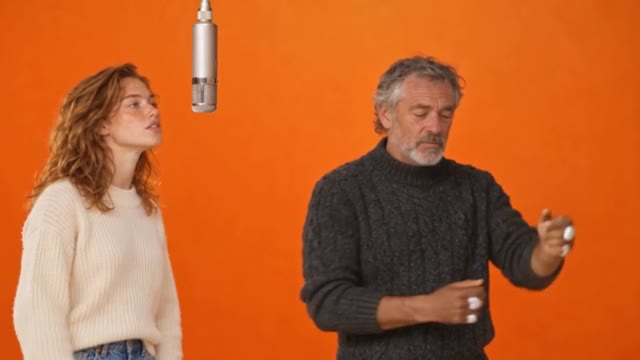
Any clip, your cast.New
Mirage remakes a reference clip with your people and product, keeping its motion, framing and timing.
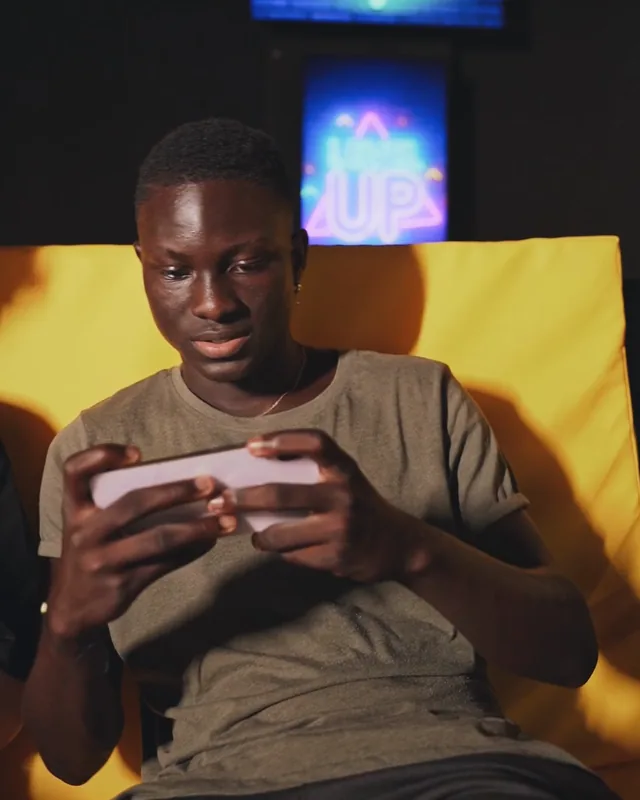
A photo becomes a shot.
Seedance turns one product photo into a lit, moving scene, with the product left exactly as it is.
The set, without the shoot.
Nano Banana Pro places your product in the scene you describe, in the light you ask for.
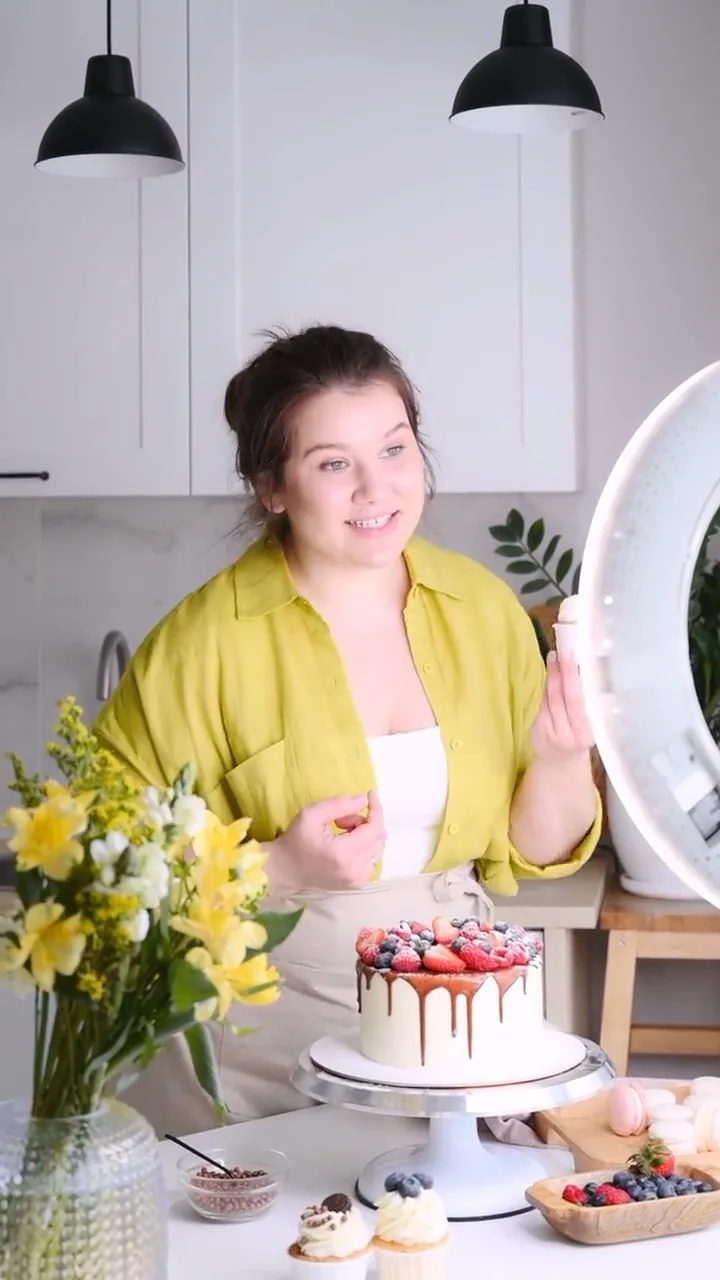
A creator, on demand.
A face from GPT Image, a take with sound from Seedance. One message, one UGC ad.
Same take, new hour.
Kling O3 Edit relights a finished clip, keeping the camera move and every object where it was.
Video
Two steps, then ask.
Add MarketingX, sign in once, and it is there when you need it.


FAQs
MCP, the Model Context Protocol, is the open standard AI assistants use to reach other apps. The MarketingX MCP server gives your assistant the studio’s tools, so you can research, generate and edit ads without leaving the chat.
ChatGPT, Claude, Claude Code, Cursor and VS Code each have a guided setup on this page. Any other client that connects to remote MCP servers with OAuth can use the server URL.
No. You sign in to MarketingX in your browser, pick a workspace and approve the connection. There is no key to copy or store.
Yes, and you can create one while you connect: the sign-in step opens MarketingX. There is a Free plan, and no credit card is required to start.
Connecting is free. Each generation spends credits from the workspace you connected, the same credits you use in the studio.
The image, video, voice and music models your plan opens. Name one in your message, or leave it out and MarketingX picks one for the job.
Everything you make is saved to the workspace you connected, so you can open it in the studio and keep working on it.
Your next ad starts in the chat.
Connect MarketingXConnect once and ask. Start on the Free plan, no credit card needed.