Nano Banana Pro vs GPT Image 2 vs Seedream 5.0 Pro for product ads
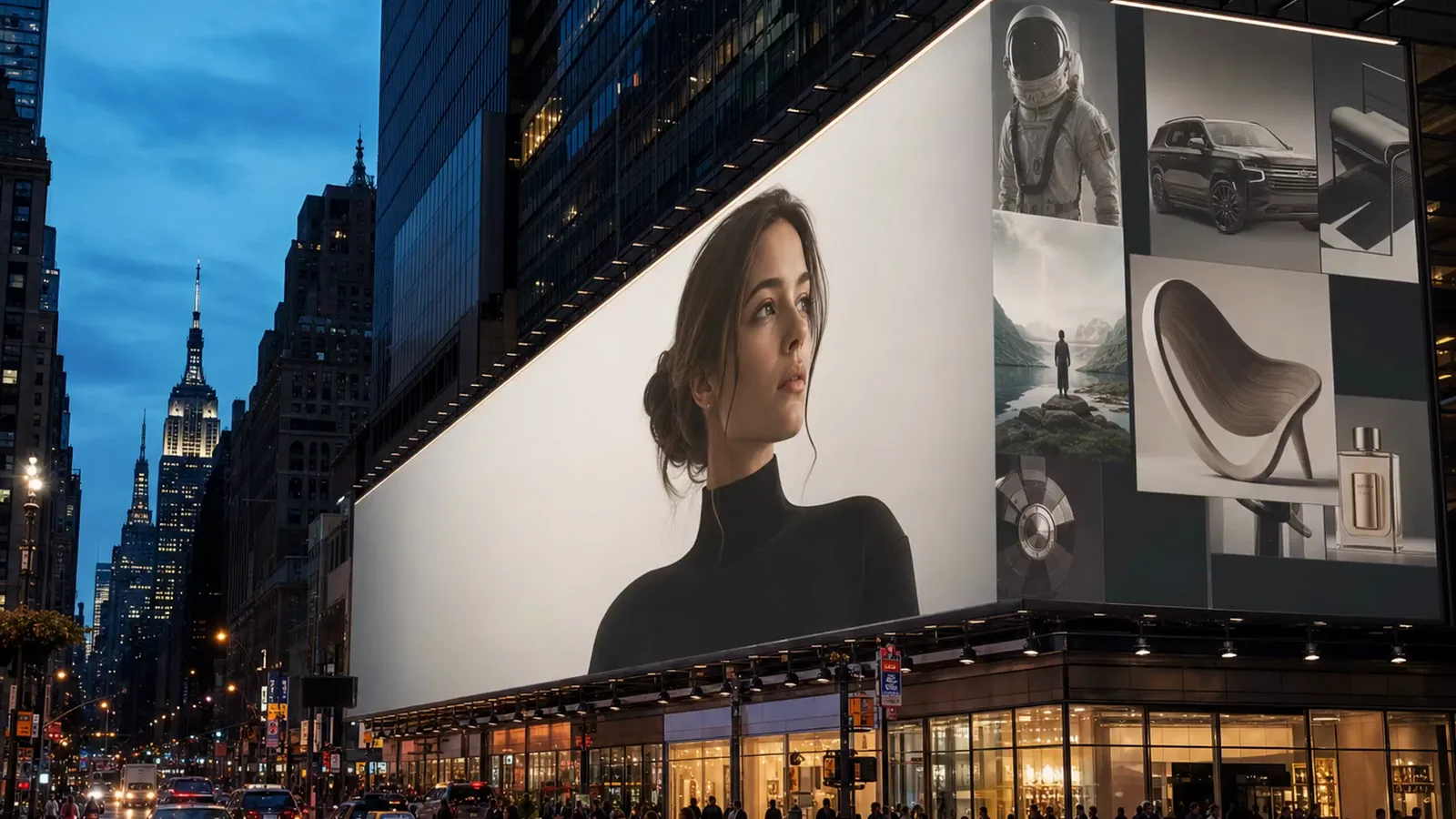
Resolution, ratios, references and takes per press for the three image models in MarketingX, and which one fits a packshot, a poster or a product shot from every side.
Short answer: pick Nano Banana Pro when the still has to go to 4K or carry a name set into the product itself. Pick GPT Image 2 for posters and layouts where the copy has to read. Pick Seedream 5.0 Pro when you have the product from several angles and want the most takes from one press. All three run in MarketingX Image Generate on one plan.
For ad work, the differences between image models come down to a handful of limits: how large the take comes out, which placements it fits, how many images of your product it can take in, how many takes one press returns, and how well it sets words on the picture. The three models below answer those differently.
How do the three models compare?
| Model | Resolution | Aspect ratios | References | Takes per press |
|---|---|---|---|---|
| Nano Banana Pro (Google) | 1K, 2K, 4K | Auto, plus ten from 21:9 to 9:16 | Up to 10 images | Up to 4 |
| GPT Image 2 (OpenAI) | 2K, at Low, Medium or High quality | Nine, from 16:9 to 9:16 | Up to 10 images | Up to 4 |
| Seedream 5.0 Pro (ByteDance) | 1K, 2K | Ten, from 21:9 to 9:16 | Up to 10 images | Up to 6 |
Which model should you use for which ad?
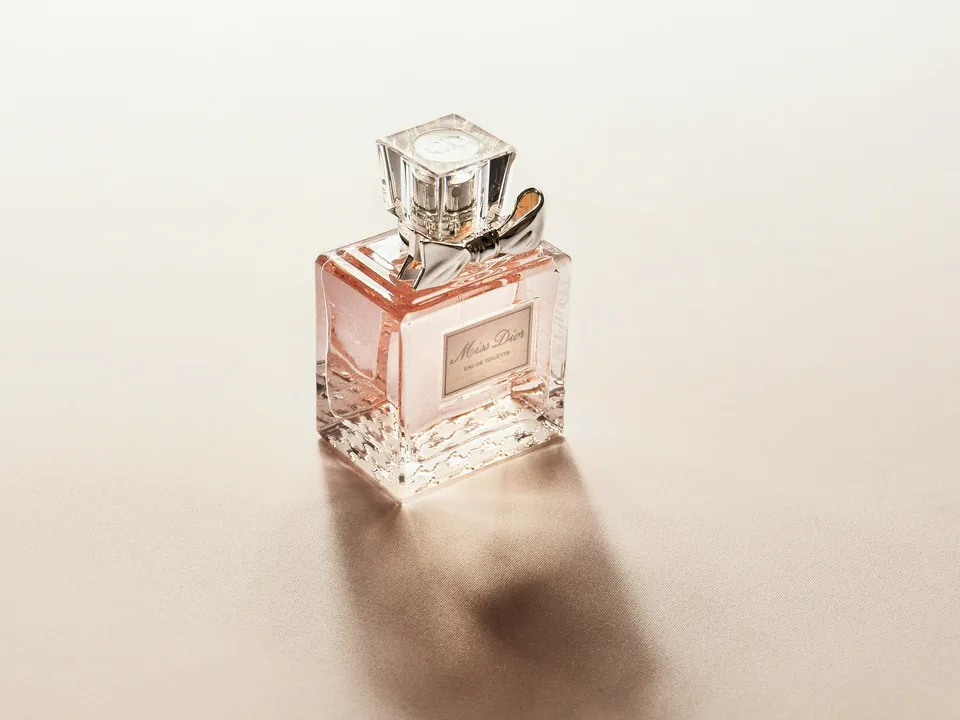
Packshots with the name on the product: Nano Banana Pro
Nano Banana Pro is the only one of the three that goes to 4K: pick it in the Resolution chip and the 2K render is upscaled in the same run. Names, engravings and small print come out as type set into the surface, in glass, ceramic or chrome, rather than as a label floating beside it. Prompts run to 50,000 characters, and it edits as well as it generates: attach an image, say what should change, and the face, the pose and the light stay.
Posters and layouts with the copy set: GPT Image 2
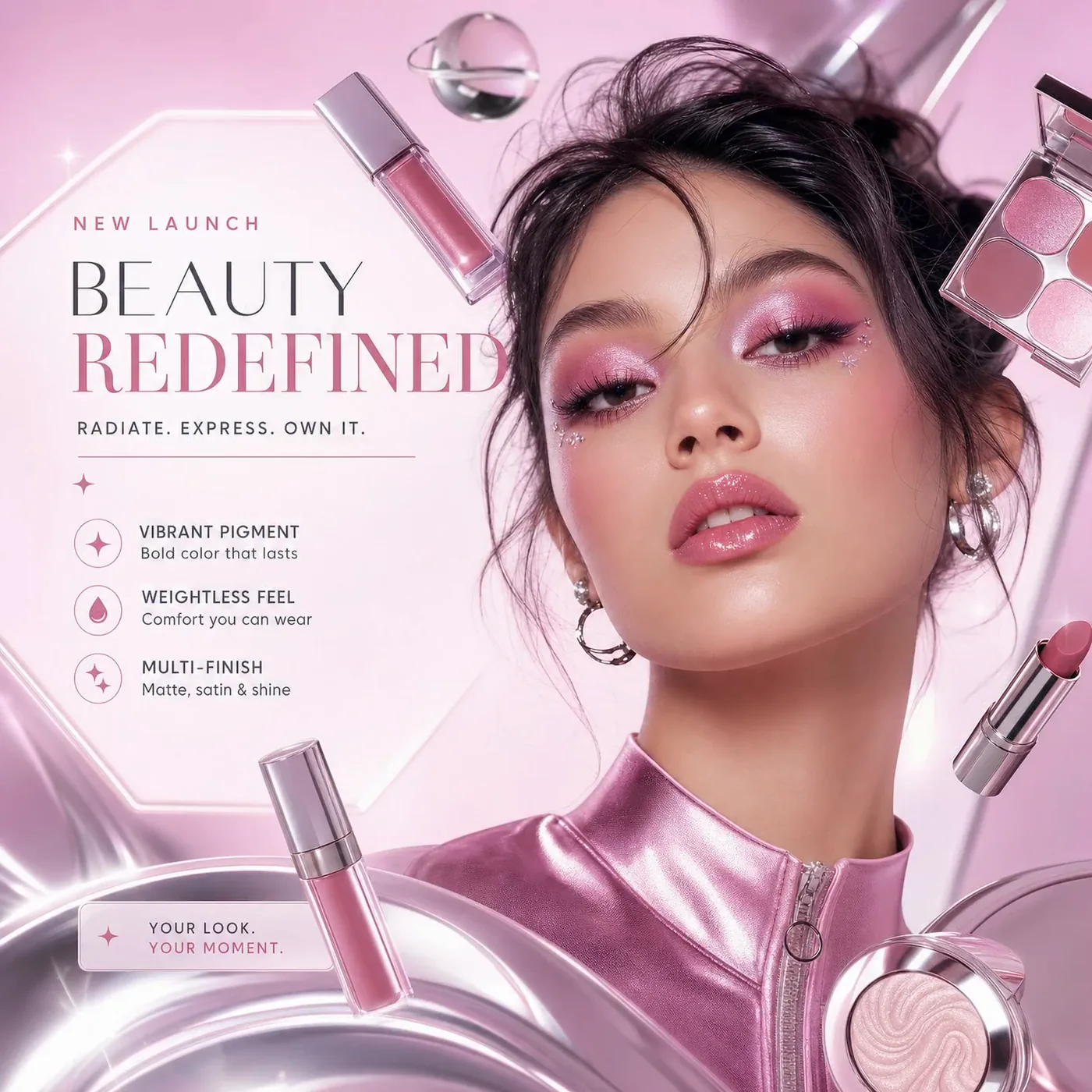
GPT Image 2 is built for briefs with words in them. Headlines, taglines and the small print come back as real type, laid out where a designer would put them, and a request for the social post, the lookbook page and the product card comes back laid out, frames and all. Every take is 2K; the Quality chip runs Low for a fast first pass and Medium or High when the take is going out. Prompts run to 5,000 characters.
The product from every side: Seedream 5.0 Pro
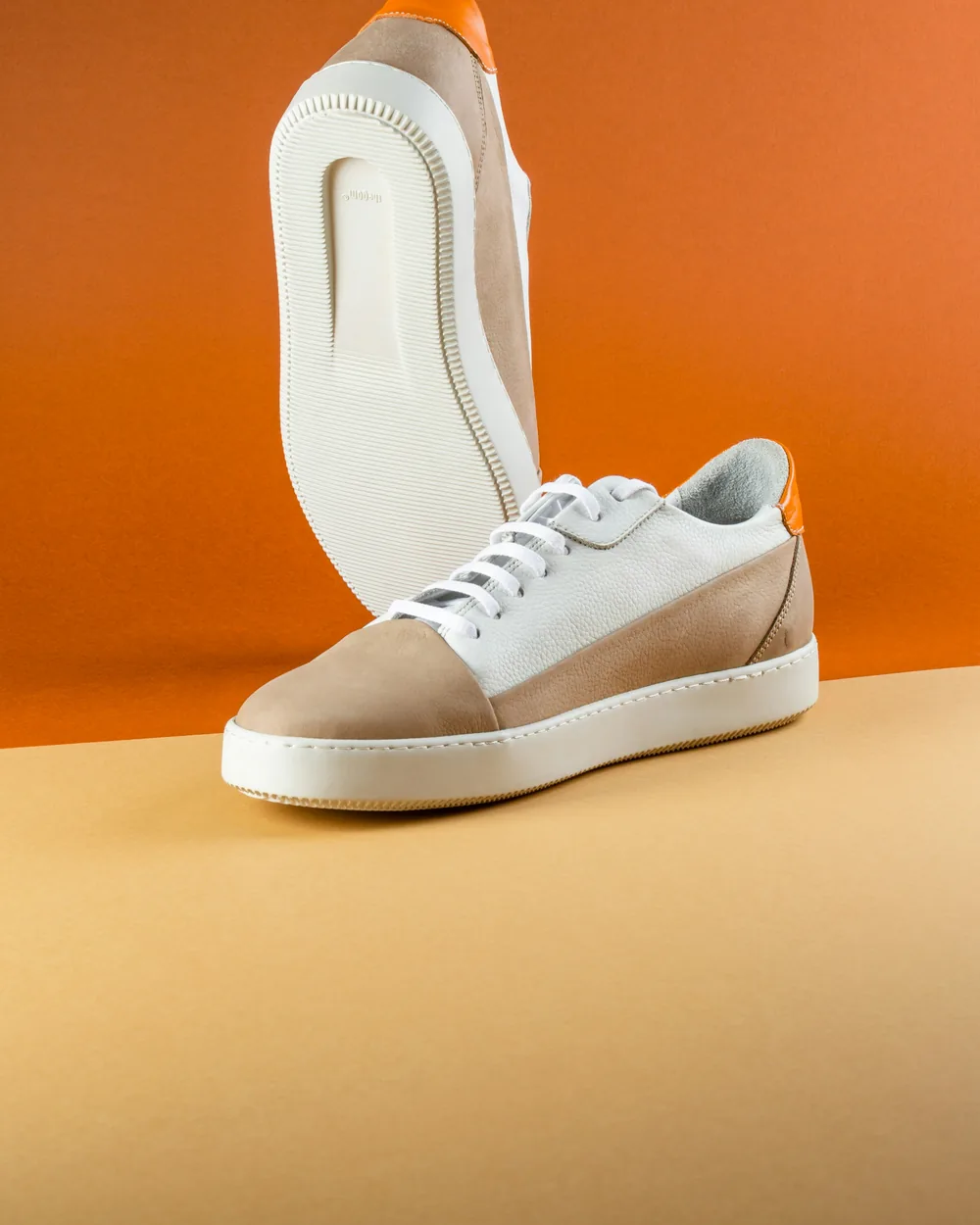
Seedream 5.0 Pro is made for a brief with a lot in it. Give it the product from more than one angle, up to ten references, and describe the scene it belongs in: the shape, the stitching and the colourway carry through. It returns up to six takes a press, the most of the three, at 1K or 2K, and product names and claims come out as type rather than texture.
What does each still need before it ships?
A generated still is rarely the last step. Remove Background cuts the product out for a marketplace listing or a new backdrop, and Upscale sharpens a 1K or 2K take up to 4K. When the placement wants motion, the still can become the first frame of a clip: see how to turn a product photo into a video ad.
How do you run the same brief on all three?
- Open Image Generate and write the prompt once: the product, the set, the light, and any words that go on the picture, spelled out.
- Add references for the product, the face or the set, so every model starts from the same thing.
- Pick the ratio for the placement, the resolution and the number of takes. The cost shows on the Generate button before you press it.
- Generate, switch the model, and generate again with the same prompt. Compare the takes on the board before you pick one.
Questions people ask
Which AI image model supports 4K?
Nano Banana Pro. A 4K take is rendered at 2K and upscaled in the same run. GPT Image 2 renders every take at 2K, and Seedream 5.0 Pro at 1K or 2K.
Which one gives the most takes per press?
Seedream 5.0 Pro, with up to six. Nano Banana Pro and GPT Image 2 return up to four.
Can they edit an image I already have?
Yes. All three run in Image Edit as well: drop in the source and describe the change.
Do GPT Image 2 and Seedream 5.0 Pro take negative prompts or a seed?
No. Write what you want to see, and generate again, or use Recreate, for another take.
Do I need a separate subscription for each model?
No. All three run inside MarketingX on one plan, drawing from the same credit balance.
Try all three in Image Generate, or start with the model that matches your placement.